








Fournisseur officiel
Comme nous somme les distributeurs officiels et autorisés, nous vous fournissons des licences légitimes directement à partir de 200+ éditeurs de logiciels.
Voyez toutes nos marques.
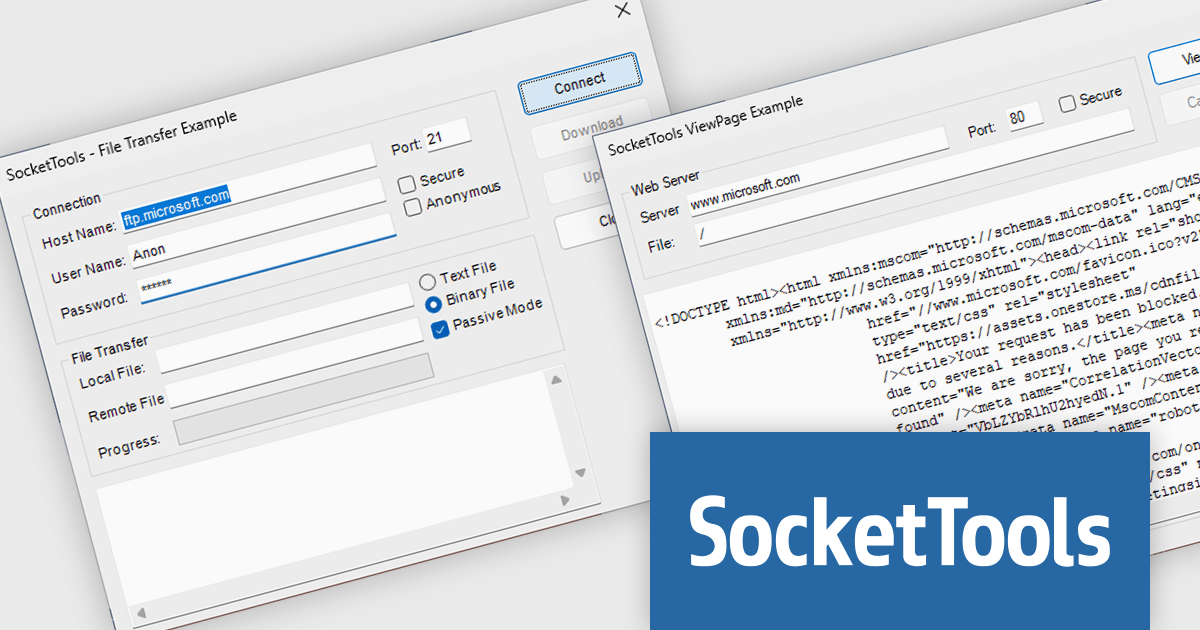
SocketTools .NET Edition by Catalyst Development Corp. is a development library designed to simplify adding internet functionality to your C# or Visual Basic applications. It provides managed .NET classes for tasks like file transfer, email communication, remote server management, and secure connections via TLS and SSH. The library offers private cloud storage and IP location lookup, eliminating the need for additional subscriptions or services.
The SocketTools .NET Version 11.0.2210.1824 update introduces .NET 9.0 compatibility, providing developers with access to the latest advancements in the .NET framework. This update enables seamless integration with Visual Studio 2022, allowing for the creation of modern, efficient, and secure network applications that leverage cutting-edge performance and functionality improvements. By aligning with .NET 9.0, developers can future-proof their applications while ensuring they adhere to the highest standards of software development. This compatibility also ensures greater flexibility for developers working in diverse environments, empowering them to build robust solutions optimized for all technological demands.
To see a full list of what's new in version 11.0.2210.1824, see our release notes.
SocketTools .NET Edition is licensed per developer and is available as a perpetual license with or without 1 year priority support subscription. See our SocketTools .NET Edition licensing page for full details.
SocketTools .NET Edition is available to buy in the following products:
ComponentOne Studio Enterprise is a comprehensive toolkit for .NET developers, offering a vast collection of pre-built UI controls for desktop (WinForms, WPF, WinUI, UWP), web (ASP.NET MVC, ASP.NET Core, MVC, Blazor), and mobile (.NET MAUI, Xamarin) applications. It extends functionality beyond UI with data visualization tools, data grids, reporting components, and JavaScript controls through Wijmo Enterprise. This all-in-one solution streamlines development by providing pre-designed elements and functionalities, allowing developers to focus on core application logic and deliver feature-rich applications faster.
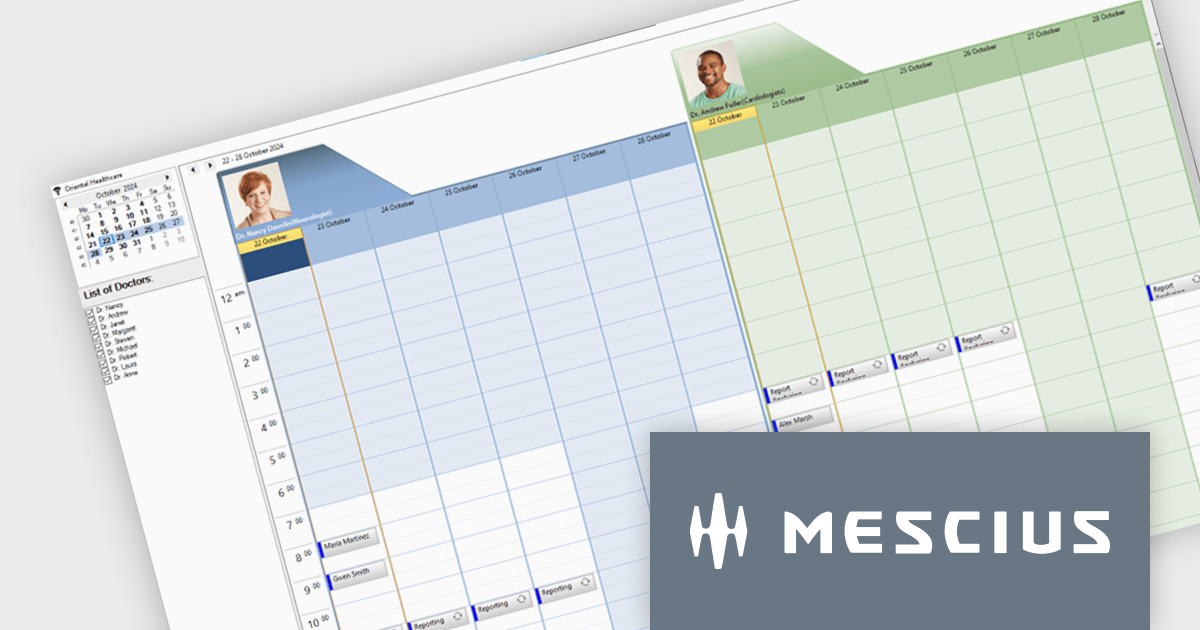
MESCIUS has introduced the ComponentOne C1Scheduler control, designed to enhance appointment management within .NET desktop applications. This powerful tool offers a fully functional, Outlook-style schedule, enabling users to add, edit, group, and manage appointments seamlessly.
In this blog post, MESCIUS Associate Software Engineer Nitin Sharma demonstrates how to create a Doctors Scheduler Windows app using the C1Scheduler control. This sample application is specifically tailored to meet the needs of healthcare providers, but can easily be adapted to cover a wide range of scheduling scenarios. Steps include:
Read the complete blog to get started building Windows applications with powerful scheduling functionality.
ComponentOne Studio Enterprise is licensed per developer on a perpetual basis and includes a 12 month subscription. Priority Support is also available. See our ComponentOne Studio Enterprise licensing page for full details.
Learn more on our ComponentOne Studio Enterprise product page.
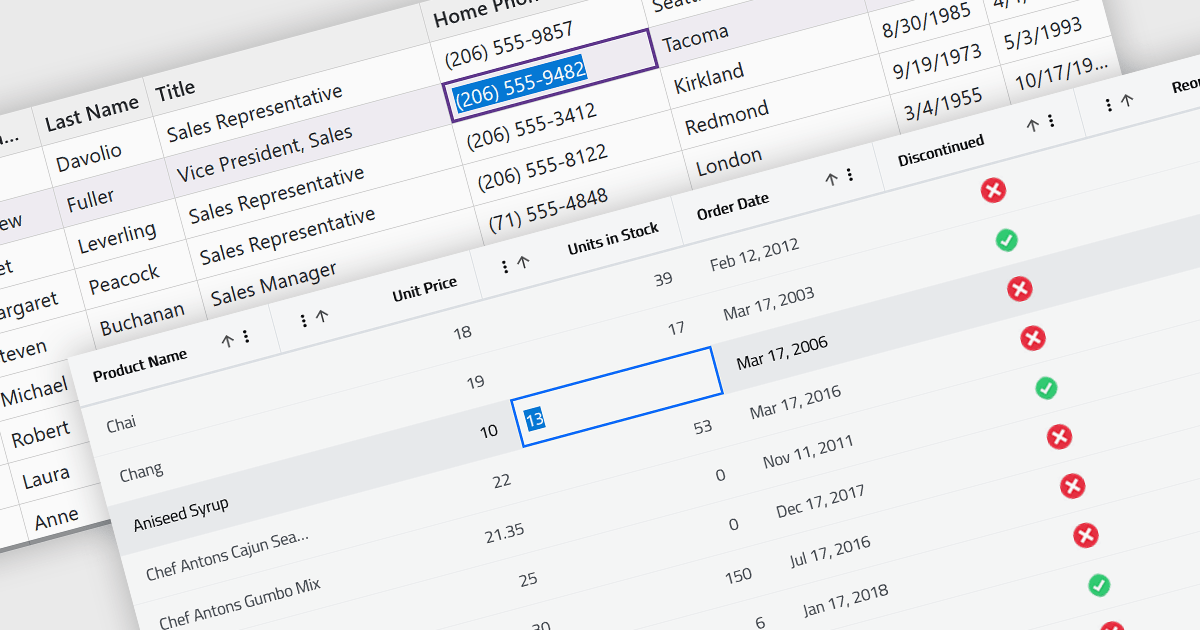
Inline editing in a grid is a user-friendly feature that allows users to edit data directly within the grid interface, without needing to open separate forms or dialogs. This means that data can be modified in place, streamlining workflows by reducing the steps required to make updates. Inline editing is particularly beneficial in scenarios where users need to quickly edit multiple records, such as updating inventory quantities, modifying project statuses, or correcting data errors in real time. By providing immediate visual feedback and maintaining the context of the data set, inline editing enhances productivity and minimizes the risk of disruptions. It is commonly used in applications like content management systems, project management tools, and enterprise resource planning (ERP) systems where efficiency and ease of use are critical.
Several Blazor grid controls offer support for inline editing including:
For an in-depth analysis of features and price, visit our Blazor grid controls comparison.
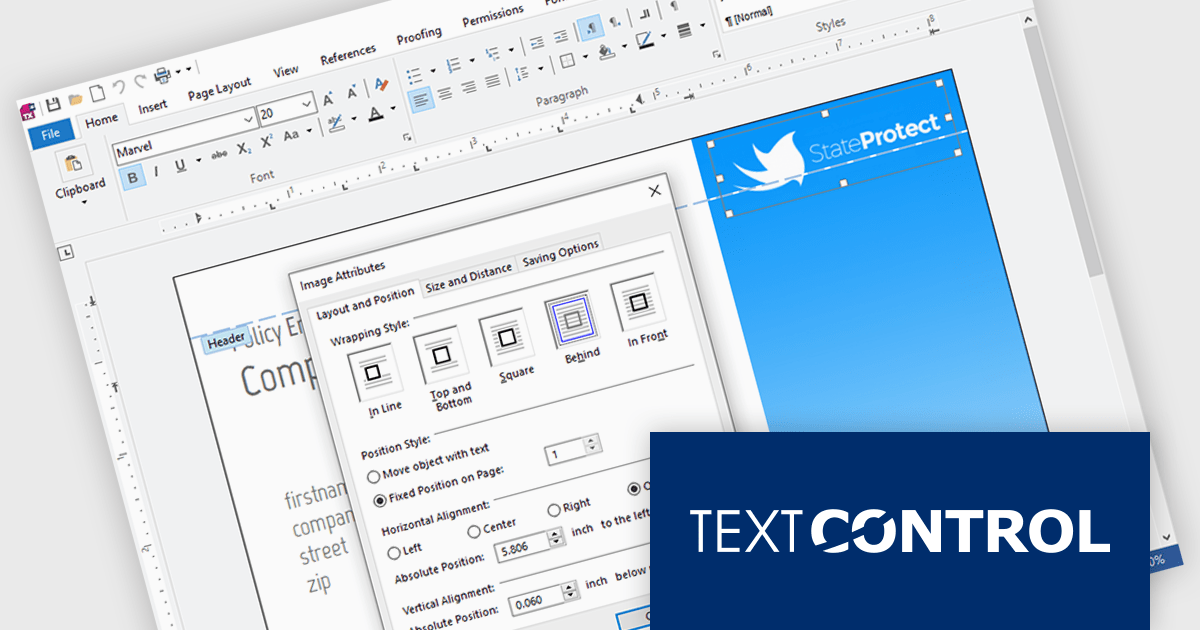
Text Control is a recognized leader in providing robust and versatile document processing and reporting components for developers building applications on Windows, web, cloud, and mobile platforms. Its solutions empower developers to seamlessly integrate professional-grade document editing, viewing, and generation capabilities into their software, enhancing user experiences and streamlining workflows.
Text Control has updated the following products to support .NET 9, ensuring developers can leverage the latest advancements in the .NET framework to build even more powerful and performant document-centric applications:
TX Text Control .NET for Windows Forms and TX Text Control .NET for WPF are licensed per developer and are available as a Perpetual License with a 12 month support and maintenance subscription. See our TX Text Control .NET for Windows Forms licensing page or TX Text Control .NET for WPF licensing page for full details.
TX Text Control .NET Server for ASP.NET is licensed per developer and is available as a Perpetual License with a 12 month support and maintenance subscription. Run time licenses are required for the deployment to production servers. See our TX Text Control .NET Server for ASP.NET licensing page for full details.

Rebex is a trusted provider of high-quality components and libraries designed to streamline the development of secure, efficient, and reliable software applications. Its product line focuses on enabling developers to integrate essential networking, file transfer, and cryptographic functionalities with ease. Key offerings include libraries for secure file transfer protocols like SFTP (SSH File Transfer Protocol) and FTPS (File Transfer Protocol Secure), email handling via SMTP (Simple Mail Transfer Protocol), IMAP (Internet Message Access Protocol), and POP3 (Post Office Protocol), as well as powerful cryptographic tools for securing data. These tools are designed for .NET developers, emphasizing ease of integration, robust security standards, and high performance, making Rebex a valuable resource for building modern software solutions.
The Rebex 7.0.9083 releases introduce a new set of binaries targeting .NET 9 with support for all .NET 9 platforms including Microsoft Windows (x64, x86, ARM64), Linux (x64, ARM32, ARM64), Android (x64, ARM32, ARM64), Apple macOS (ARM64, x64), and Apple iOS/iPadOS/tvOS (ARM64). By adding support for .NET 9, Rebex ensures its products are fully compatible with the latest advancements in Microsoft's flagship development platform, allowing developers to take advantage of enhanced performance, scalability, and new features. Support for .NET 9 is available across the Rebex .NET product range:
Rebex products are licensed per developer. All new licenses include a 1 year support contract which includes priority support and all software updates during the support period. Support contract renewals are also available. See our Rebex licensing page for full details.





Tél : (888) 850 9911
Fax : +1 770 250 6199


