








Fournisseur officiel
Comme nous somme les distributeurs officiels et autorisés, nous vous fournissons des licences légitimes directement à partir de 200+ éditeurs de logiciels.
Voyez toutes nos marques.
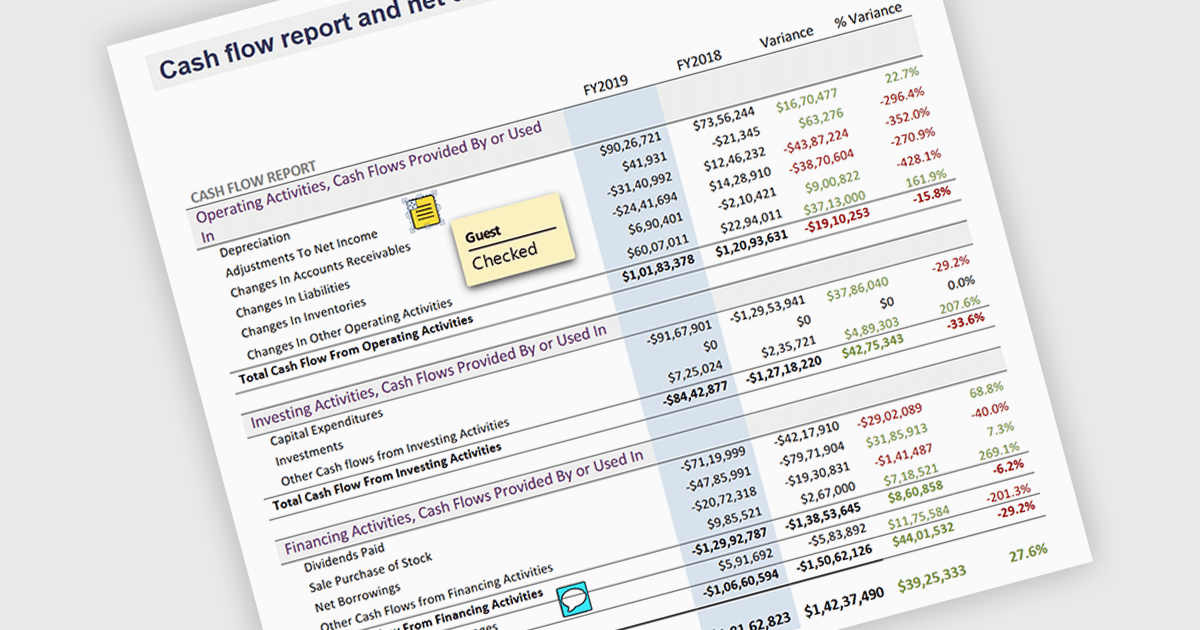
Sticky note annotations are digital notes that can be attached to specific parts of a document or webpage. They allow users to highlight text, add comments, or ask questions directly on the content they are viewing. This feature is particularly useful for collaboration, as it enables multiple people to contribute to the same document and easily see each other's thoughts and insights. Sticky note annotations can also be used for personal reference, helping users to remember important points or track their progress through a document.
Several ASP.NET Core PDF viewer controls offer support for sticky note annotations including:
For an in-depth analysis of features and price, visit our ASP.NET Core PDF viewer controls comparison.
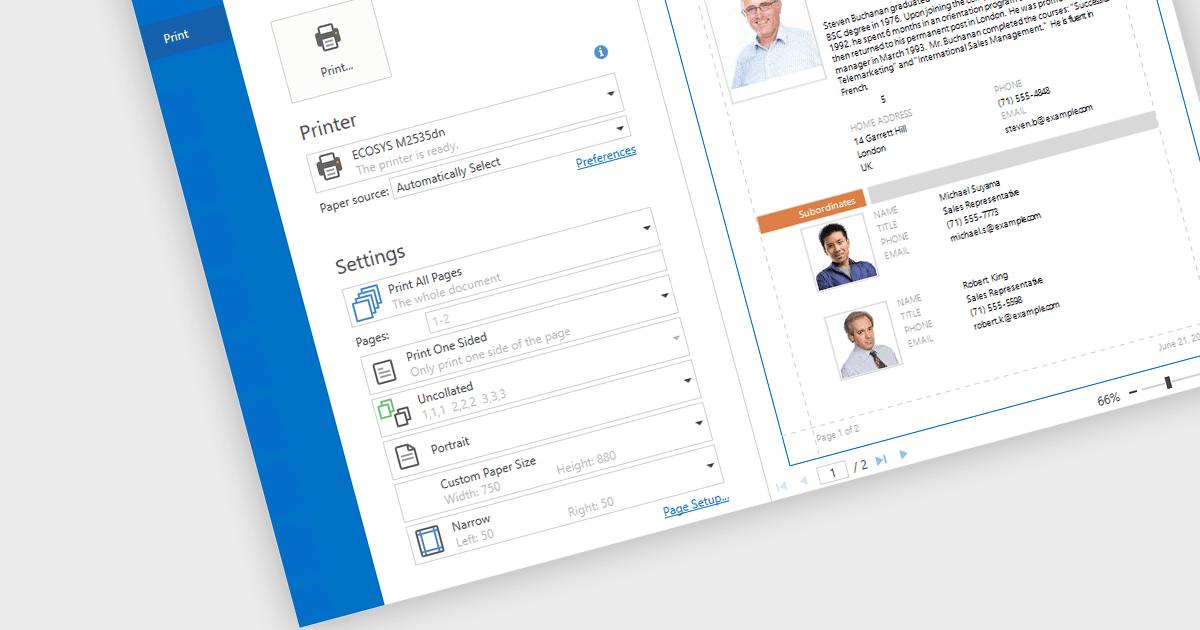
Print & Preview .NET WPF controls provide a comprehensive solution for printing and previewing content within your WPF applications. These controls offer a user-friendly interface for users to review their content before committing to printing, ensuring accuracy and preventing costly errors. Additionally, they support various printing options, including page orientation, margins, and scaling, allowing developers to customize the printing experience to meet specific requirements.
Many .NET WPF UI Suites contain Print & Preview controls including:
For an in-depth analysis of features and price, visit our comparison of .NET WPF UI Suites.
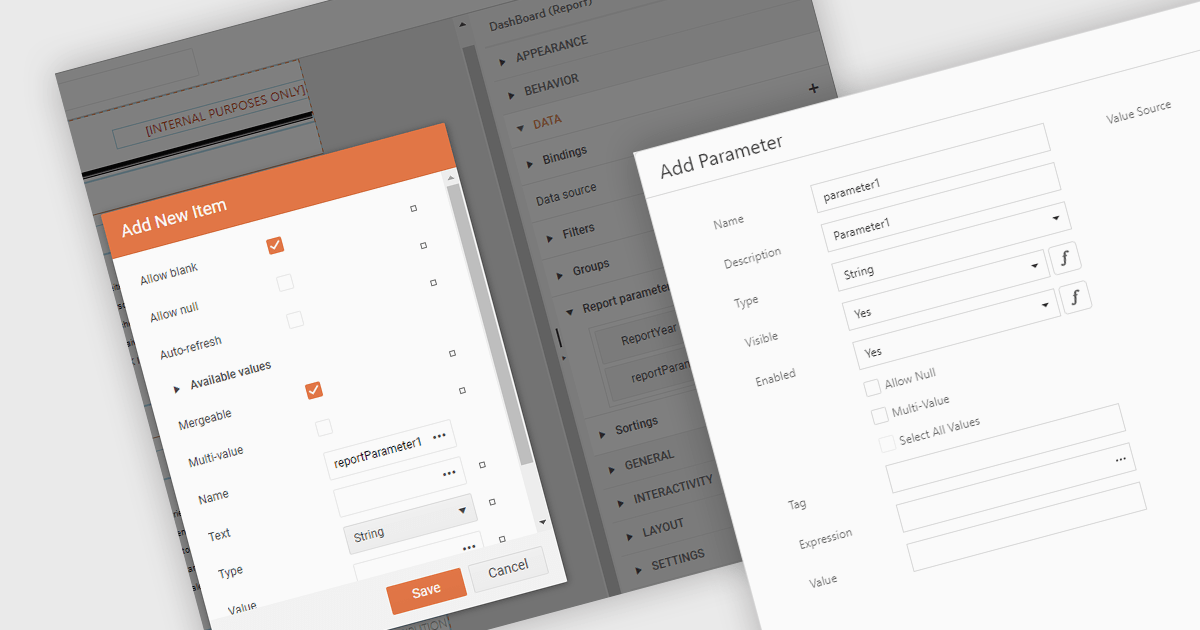
Dialog forms for parameters in .NET reporting components offer a user-friendly interface for defining and modifying report parameters. By providing intuitive input fields, drop-down menus, and browsing options, these forms simplify the report creation process and reduce the likelihood of errors. This is particularly beneficial for non-technical users, who can easily generate customized reports without requiring extensive knowledge of report syntax or data structures. Example use cases include creating sales reports based on specific product categories or time periods, generating financial statements with customizable filters, and producing personalized customer reports based on individual preferences.
Several .NET reporting components allow you to create dialog forms for parameters, including:
For an in-depth analysis of features and price, visit our comparison of .NET reporting components.
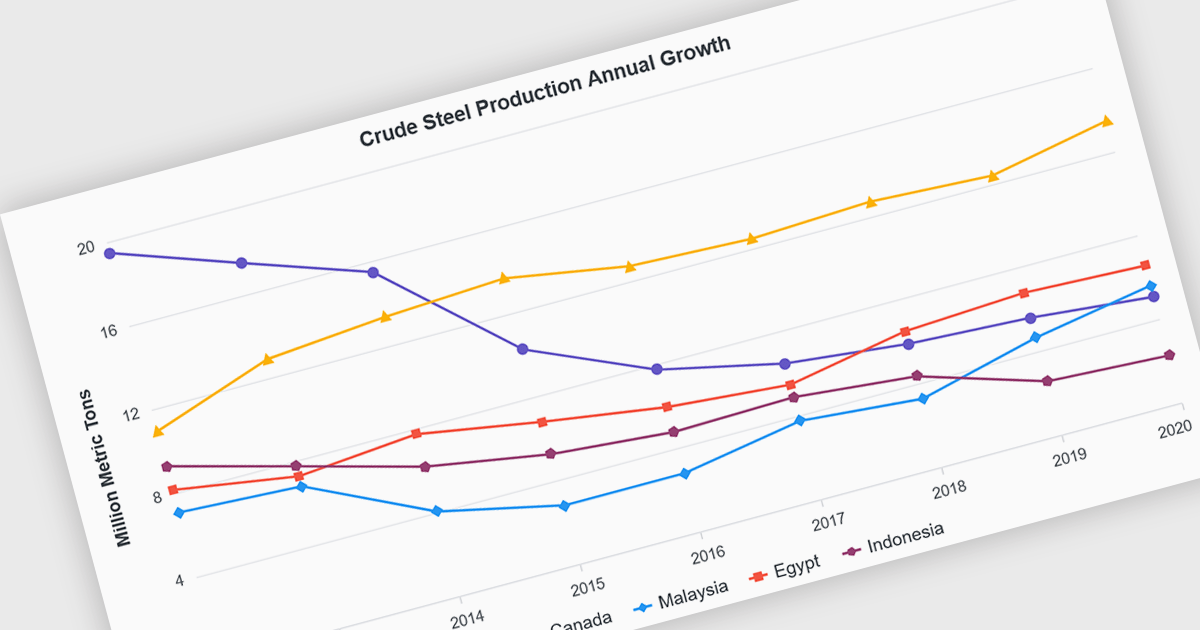
Line charts are visual representations of data points connected by lines, often used to illustrate trends, patterns, or changes over time. They are particularly effective for displaying continuous data sets, such as stock prices, temperature variations, or sales figures. By connecting data points, line charts provide a clear and intuitive understanding of how values evolve over a specific period. This visual representation aids in identifying trends, making comparisons, and predicting future outcomes.
Several Blazor chart controls offer line charts including:
For an in-depth analysis of features and price, visit our Blazor chart controls comparison.
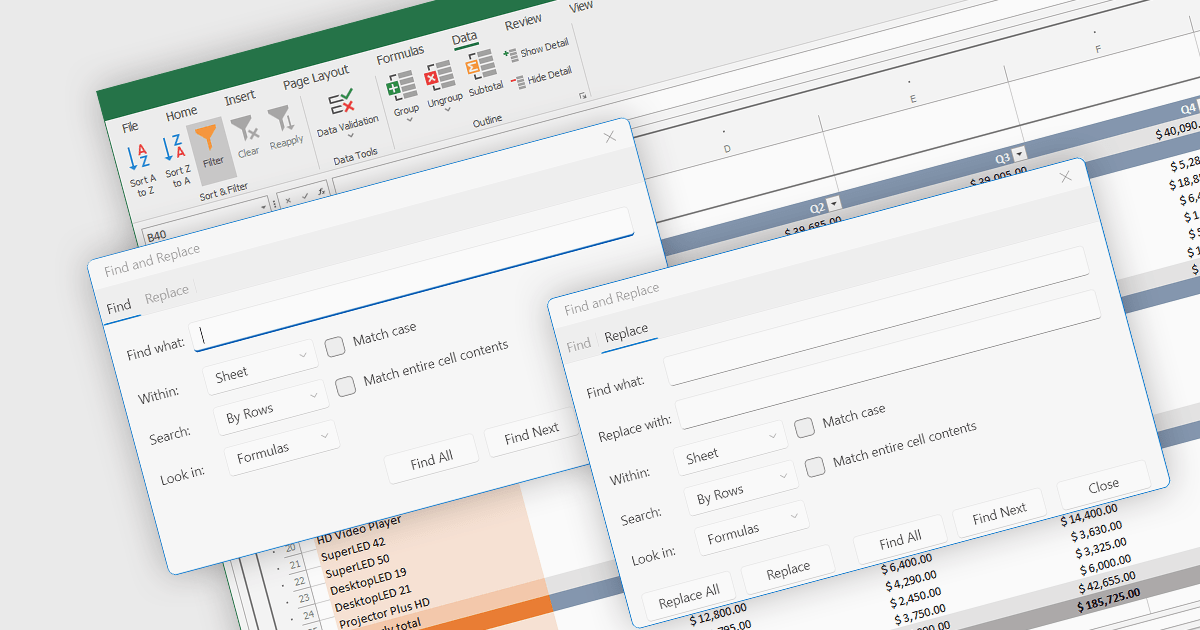
Find and replace is a useful feature found in spreadsheet applications that allows users to quickly locate specific values, i.e. text, numbers, or formulas, identifying all instances of that search term within a spreadsheet and then being able to replace them with a new value. By automating the process of manually searching for and modifying each occurrence individually, find and replace enhances productivity, reduces the likelihood of human error, and ensures consistency throughout the spreadsheet. This functionality is especially beneficial for tasks that involve managing large volumes of data, updating outdated information, correcting mistakes, or standardizing data formats.
Several .NET 8 spreadsheet components allow you to find and replace, including:
For an in-depth analysis of features and price, visit our comparison of .NET 8 spreadsheet components.





Tél : (888) 850 9911
Fax : +1 770 250 6199


