








Fournisseur officiel
Comme nous somme les distributeurs officiels et autorisés, nous vous fournissons des licences légitimes directement à partir de 200+ éditeurs de logiciels.
Voyez toutes nos marques.
Progress Telerik is a leading software publisher that provides a range of tools and solutions to help developers build and deploy modern applications. Its product range include UI libraries, reporting tools and testing frameworks. Telerik products are used by millions of developers around the world to build a wide variety of applications.
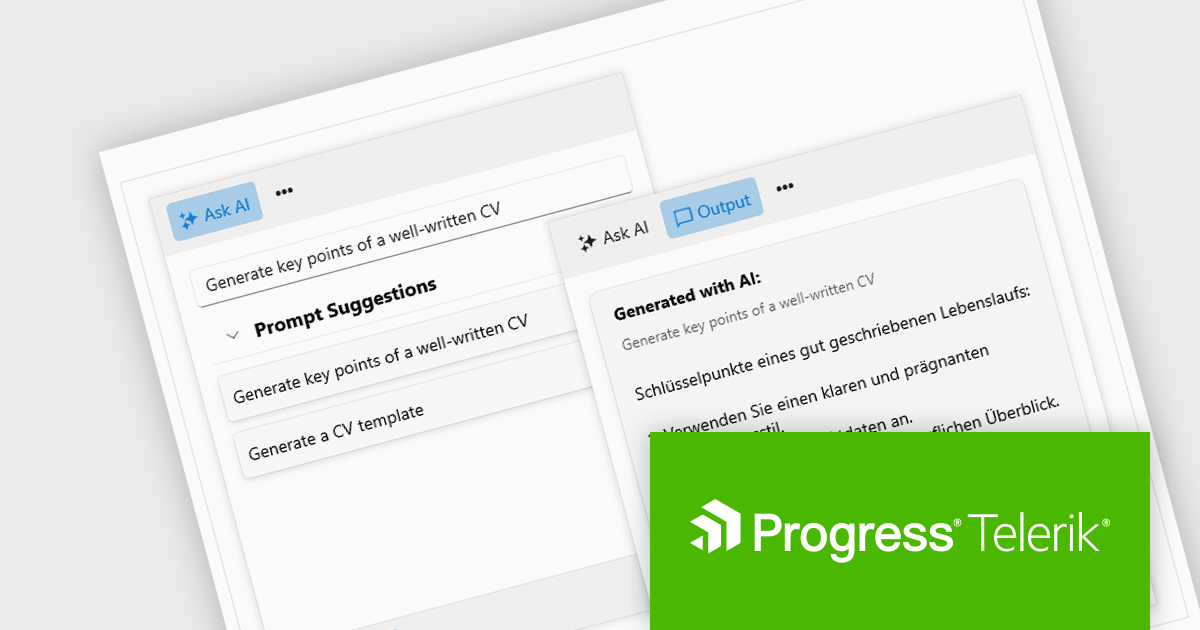
The 2024 Q2 release completes the blending of AI with UI, thereby bridging the gap between an app and next-generation AI language model applications. The new "AIPrompt" component allows you to integrate artificial intelligence prompts into web, mobile and desktop applications, providing users with a modern interface to interact with AI services.
The following Telerik products have been updated with the AI Prompt component:
To see what else is new in 2024 Q2, see our release notes:
Telerik products are licensed per developer and are available as perpetual licenses with a one year support subscription, which is available in three tiers: Lite, Priority or Ultimate. For more information see:
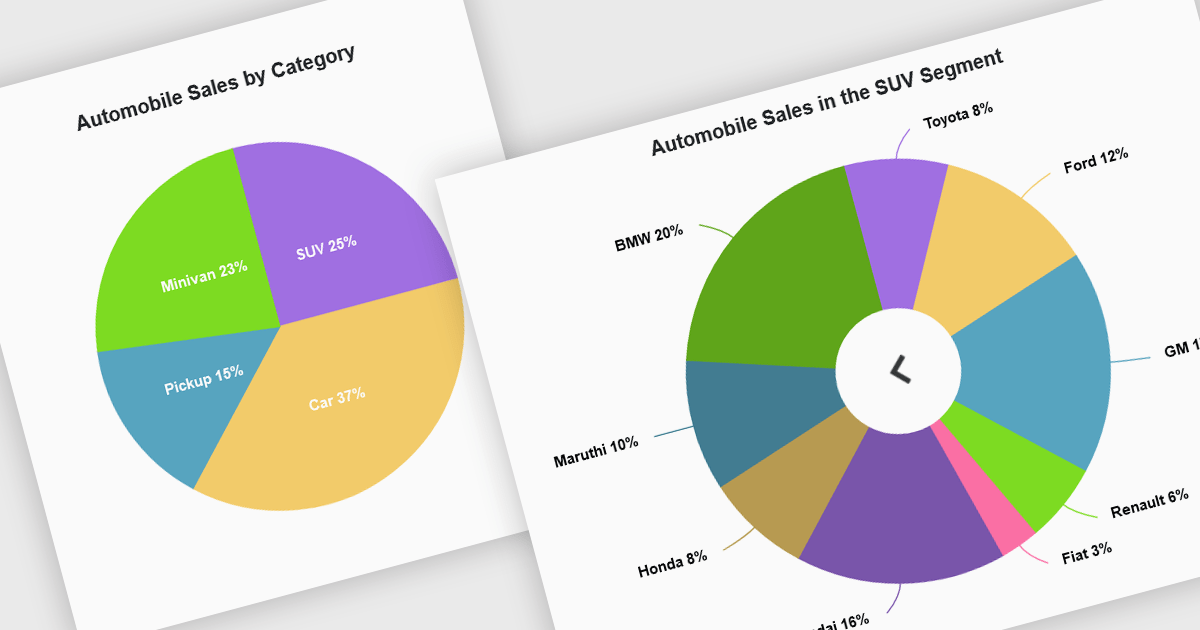
Developers can leverage drill down charts to create interactive data visualizations for exploring hierarchical information. These charts allow users to click on data points, drilling down to progressively more detailed breakdowns. This functionality is often paired with breadcrumb navigation, enabling users to easily track their exploration path and return to higher levels. Drill down charts empower users to gain deeper insights from complex datasets.
Several Blazor Chart controls offer drill down support including:
For an in-depth analysis of features and price, visit our Blazor Chart controls comparison.
Document Solutions for PDF (DsPdf) is a high-speed, feature-rich, server-side PDF API Library for .NET with no dependencies on Adobe Acrobat. DsPdf allows developers to programmatically create, manipulate, import/export, and deploy PDF documents, including AcroForms, across desktop and web applications at scale. With full .NET support, you can generate, load, modify, and convert PDFs directly within your .NET, Mono, Xamarin.iOS, and Xamarin.Android apps. It also includes a fast JavaScript-based client-side viewer/editor that allows users to view/optionally edit PDF documents in desktop/web applications.
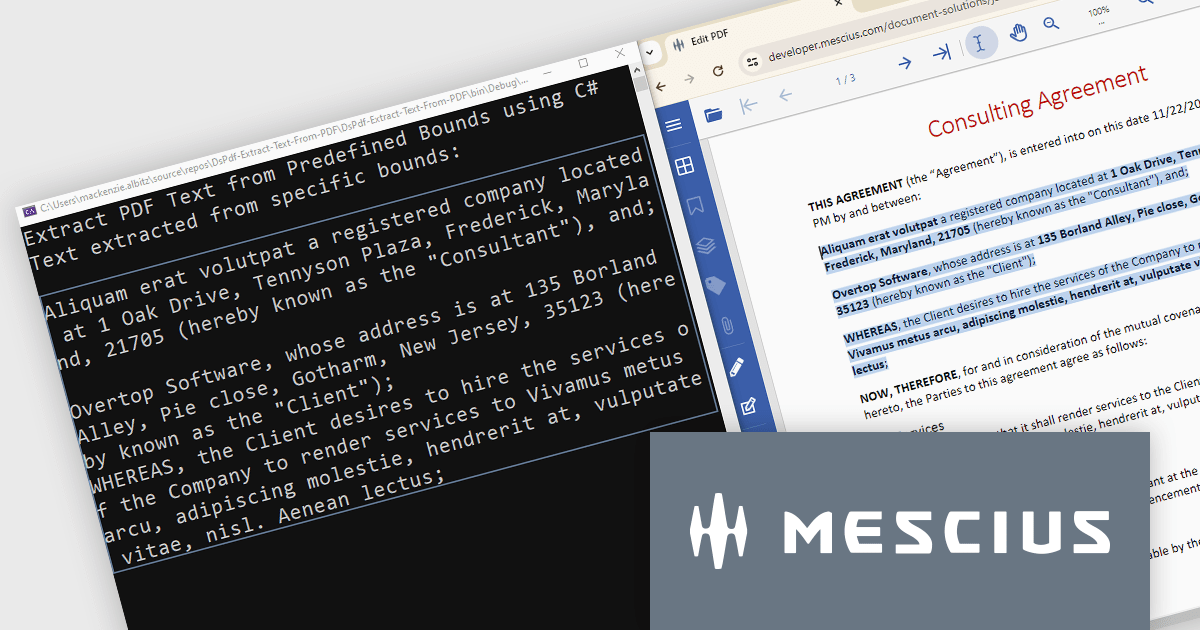
In this blog post, MESCIUS Product Marketing Specialist Mackenzie Albitz demonstrates how to use DsPdf to unlock PDF content seamlessly by parsing and extracting text from PDFs for a variety of scenarios, including:
Sample code is included and there's even a link to a Quick Start Demo and a complete sample application to assist you in getting started.
Read the full blog to learn how to unlock PDF content.
Document Solutions for PDF is licensed per developer and is available in several license options for differing distribution needs. Team licenses are also available for multiple developers within the same organization. See our Document Solutions for PDF licensing page for full details.
Learn more on our Document Solutions for PDF product page.
Actipro Avalonia UI Pro is a suite of professionally designed UI controls, themes, and components specifically built for the Avalonia UI framework. It empowers developers to craft beautiful, modern cross-platform applications while leveraging their existing C# and WPF skills. Actipro offers a range of controls from essential navigation and data visualization components to advanced charting and scheduling features, all adhering to its signature high-quality design and seamless integration with Avalonia.
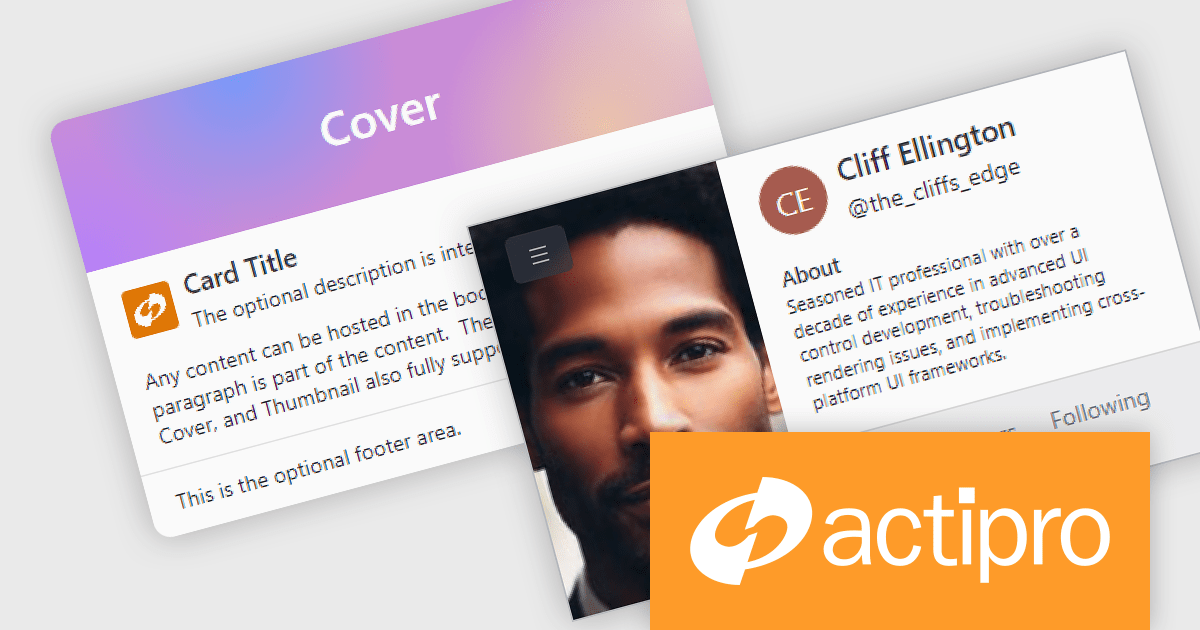
The Actipro Avalonia UI Pro 24.1.0 update introduces the Card control, designed to present information about a single subject in a visually grouped and actionable way. This control offers flexibility through optional cover, thumbnail, header, and footer sections, allowing developers to effectively organize content within the card. Additionally, cards can be made interactive, enabling users to directly engage with the presented information.
To see a full list of what's new in 24.1.0, see our release notes.
Actipro Avalonia UI Pro is licensed per developer and is available as a Perpetual license with 1 year support and maintenance. See our Actipro Avalonia UI Pro licensing page for full details.
Learn more on our Actipro Avalonia UI Pro product page.

Incorporating a PDF component with search functionality into your application offers significant advantages. Users can locate specific information within complex documents with ease, streamlining their experience and enhancing productivity. This translates to a more user-friendly and efficient app, reducing frustration and allowing users to find what they need quickly, without the needing to install additional software.
Several WPF PDF Viewer controls allow you to search for text in PDF files including:
For an in-depth analysis of features and price, visit our WPF PDF Viewer controls comparison.





Tél : (888) 850 9911
Fax : +1 770 250 6199


