








Fournisseur officiel
Comme nous somme les distributeurs officiels et autorisés, nous vous fournissons des licences légitimes directement à partir de 200+ éditeurs de logiciels.
Voyez toutes nos marques.
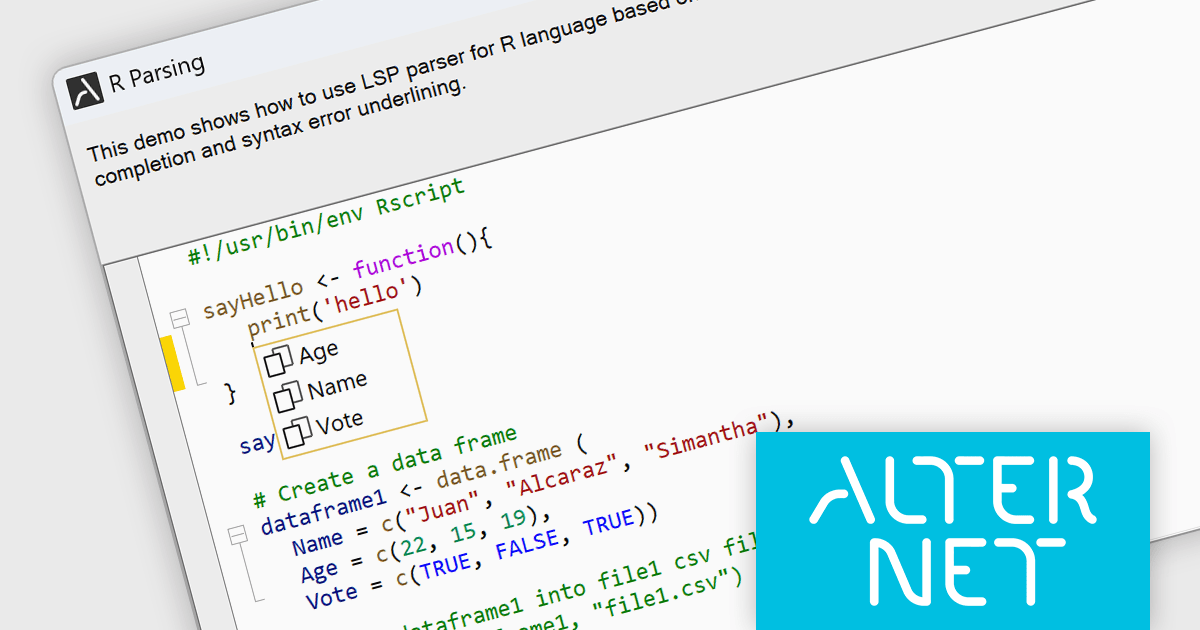
AlterNET Studio is a development toolkit designed specifically for .NET developers building Windows Forms or WPF applications. It provides a suite of components that integrate seamlessly into your applications, offering functionalities like advanced code editing with features akin to Microsoft Visual Studio, scripting capabilities in various languages for extending application logic, and a visual form designer for crafting user interfaces.
The AlterNET Studio v9.5.2 update brings a significant improvement for developers working with C/C++, Java, Lua, PowerShell, and R code with the introduction of smart indentation support for their respective LSP parsers. This new feature ensures that indentation is automatically adjusted based on the code structure, enhancing readability and maintainability. By automating indentation, developers can focus on writing logic and functionality rather than manually managing indentation levels, which can be especially time-consuming and error-prone in complex codebases.
To see a full list of what's new in v9.5.2, see our release notes.
AlterNET Studio is licensed per developer. A license is only required when developing and compiling applications that use AlterNET Studio; end-users or testers of compiled applications do not require a license. The perpetual license includes a one-year subscription which entitles you to free updates to all new versions during the subscription period. See our AlterNET Studio licensing page for full details.
Learn more on our AlterNET Studio product page.
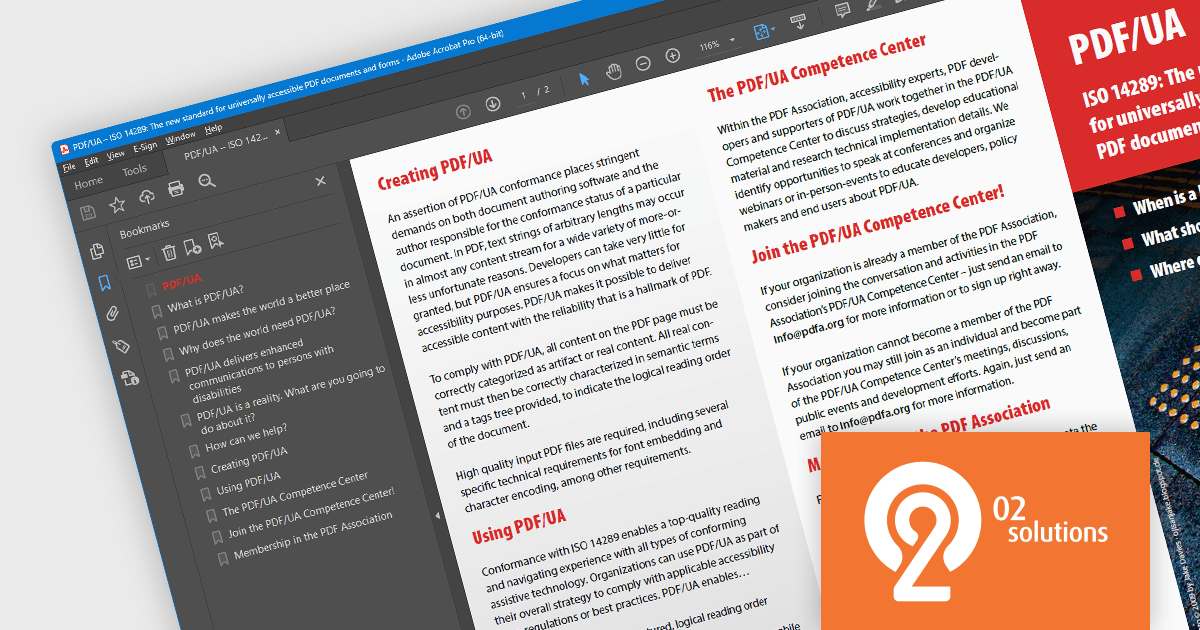
PDF4NET is a .NET library for generating, importing, and manipulating PDF documents on the fly from any .NET application. It does not rely on any Adobe products for creating or importing PDF files. PDF4NET hides the complex structure of PDF files behind a simple object model that allows creation of complex PDF files with a few lines of code.
PDF4NET 14 adds support for PDF structure compression when saving PDF/UA files. Portable Document Format/Universal Accessibility (ISO 14289) is an international standard that addresses accessibility concerns in Portable Document Format (PDF) files. It ensures that PDFs can be readily understood and utilized by individuals with disabilities who rely on assistive technologies like screen readers. Compressing the structure leads to smaller file sizes, boosting upload and download speeds, and reducing required disk space.
To see a full list of what's new in version 14, see our release notes.
PDF4NET is licensed per developer. All licenses include a 12 month subscription which provides all major and minor product updates and technical support. See our PDF4NET licensing page for full details.
PDF4NET is available in the following products:
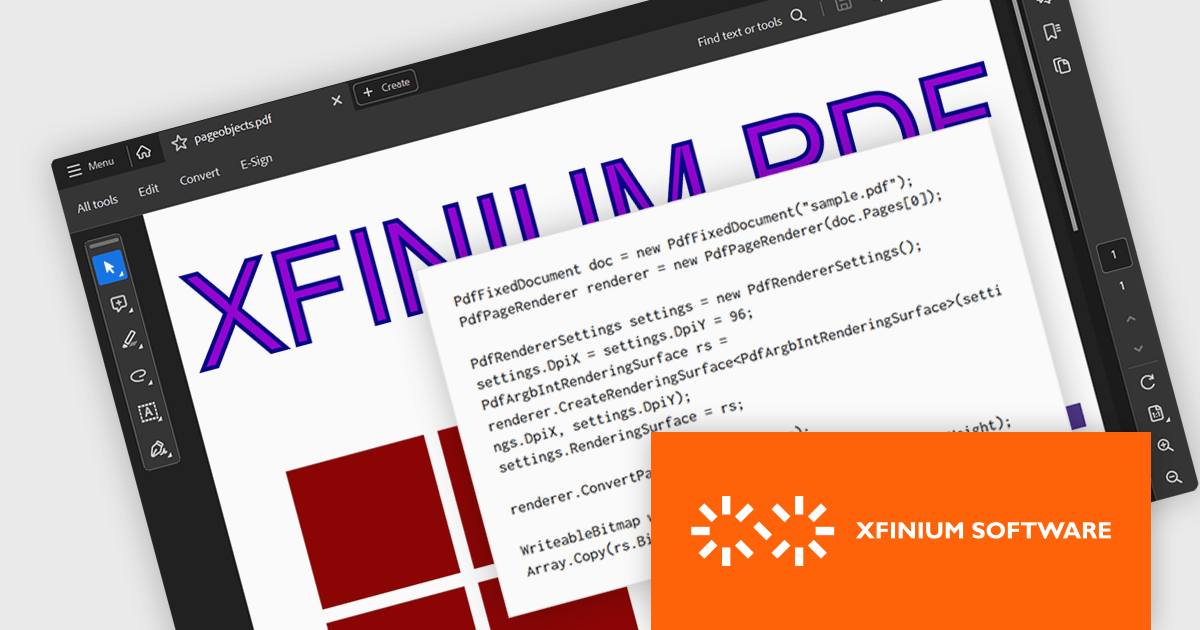
XFINIUM.PDF CROSS-PLATFORM BUNDLE is a software library that allows developers to create applications that can work with PDF files on a variety of platforms, including Windows, Mac, mobile devices (iOS and Android), and web applications. This means developers can write code once and deploy their PDF functionality across different environments without needing to rewrite for each platform.
The XFINIUM.PDF CROSS-PLATFORM BUNDLE V13.0 release adds support for multi-threaded PDF to image conversion. By utilizing multiple threads, the software can convert PDF files to images much faster compared to single-threaded processing. This can be especially advantageous when converting large or complex PDFs.
To see a full list of what's new in version 13.0.0, see our release notes.
XFINIUM.PDF CROSS-PLATFORM BUNDLE is licensed per developer and is run-time royalty free. All licenses include a 12 month subscription which provides all major and minor product updates and technical support. See our XFINIUM.PDF CROSS-PLATFORM BUNDLE licensing page for full details.
For more information, visit our XFINIUM.PDF CROSS-PLATFORM BUNDLE product page.
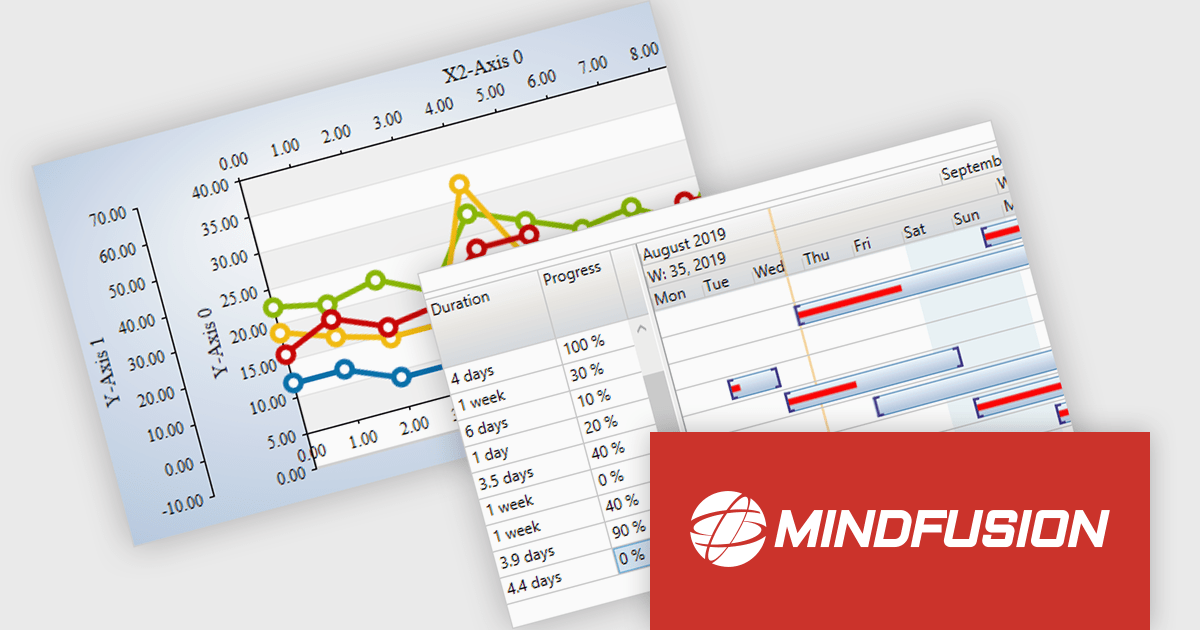
MindFusion.WPF Pack is a collection of UI controls designed to simplify the development of feature-rich WPF applications. It provides components for creating sophisticated diagrams, charts, reports, calendars, and user interfaces, along with tools for scheduling and data visualization. These components are known for their customizability and ease of integration, allowing developers to focus on application logic rather than building these elements from scratch.
The MindFusion.WPF Pack 2024.R1 release empowers developers to build next-generation WPF applications by seamlessly integrating with Microsoft .NET 8.0. This enhanced compatibility unlocks the latest performance optimizations, robust security enhancements, and a wealth of new features within the .NET framework. These advancements empower developers to deliver applications that offer high performance, robust security, and a seamless user experience.
To see a full list of what's new in version 2024.R1, see our release notes.
MindFusion.WPF Pack is licensed per developer and is available as a perpetual license with 1 year subscription and support. See our MindFusion.WPF Pack licensing page for full details.
For more information, visit our MindFusion.WPF Pack product page.
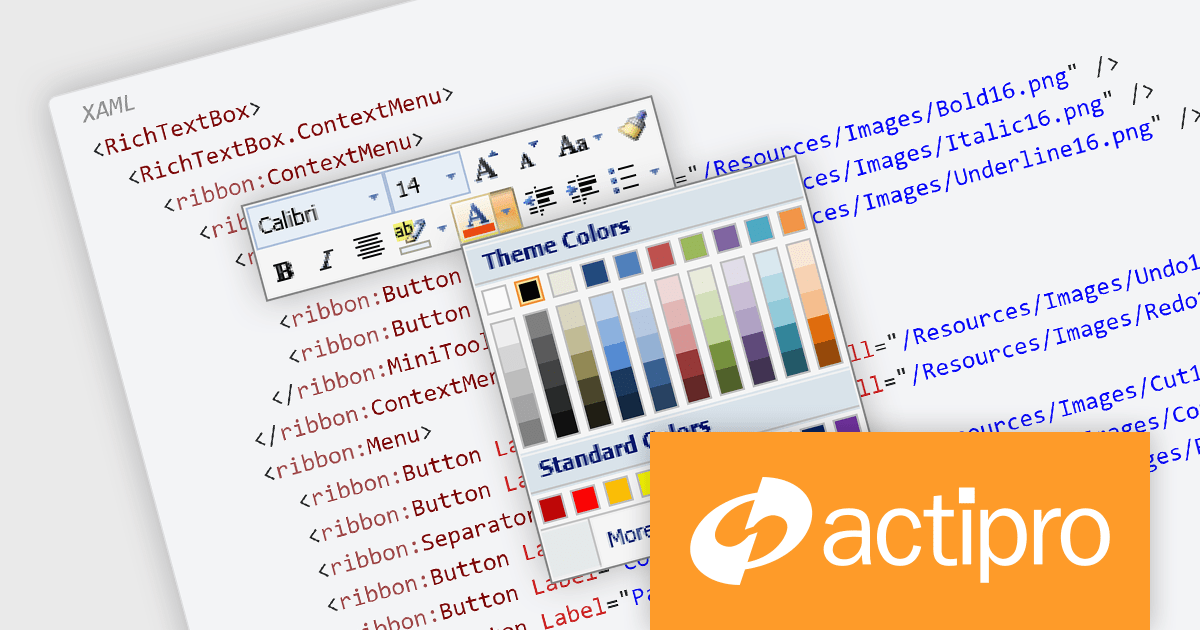
Actipro Bars for WPF is a UI component library that equips developers with the tools to build advanced ribbons, toolbars, and menus within their WPF applications. It offers an "Office-like" ribbon experience with customization options, supports MVVM design patterns, and includes a rich set of controls specifically designed for use within these elements, allowing for a cohesive and user-friendly interface.
The Actipro Bars for WPF V24.1.1 release introduces the MiniToolBar, a new control designed to improve user experience and productivity. This context-sensitive toolbar appears next to highlighted text or alongside context menus, offering quick access to relevant formatting and editing functions. By eliminating the need to navigate through text-based menus or cluttered toolbars, the MiniToolBar streamlines workflows and keeps the workspace clean, allowing users to focus on completing tasks efficiently.
To see a full list of what's new in 24.1.1, see our release notes.
Actipro Bars for WPF is licensed per developer and is available as a Perpetual license with 1 year support and maintenance. See our Actipro Bars for WPF licensing page for full details.
Actipro Bars for WPF is available in the following products:





Tél : (888) 850 9911
Fax : +1 770 250 6199


