








Fournisseur officiel
Comme nous somme les distributeurs officiels et autorisés, nous vous fournissons des licences légitimes directement à partir de 200+ éditeurs de logiciels.
Voyez toutes nos marques.
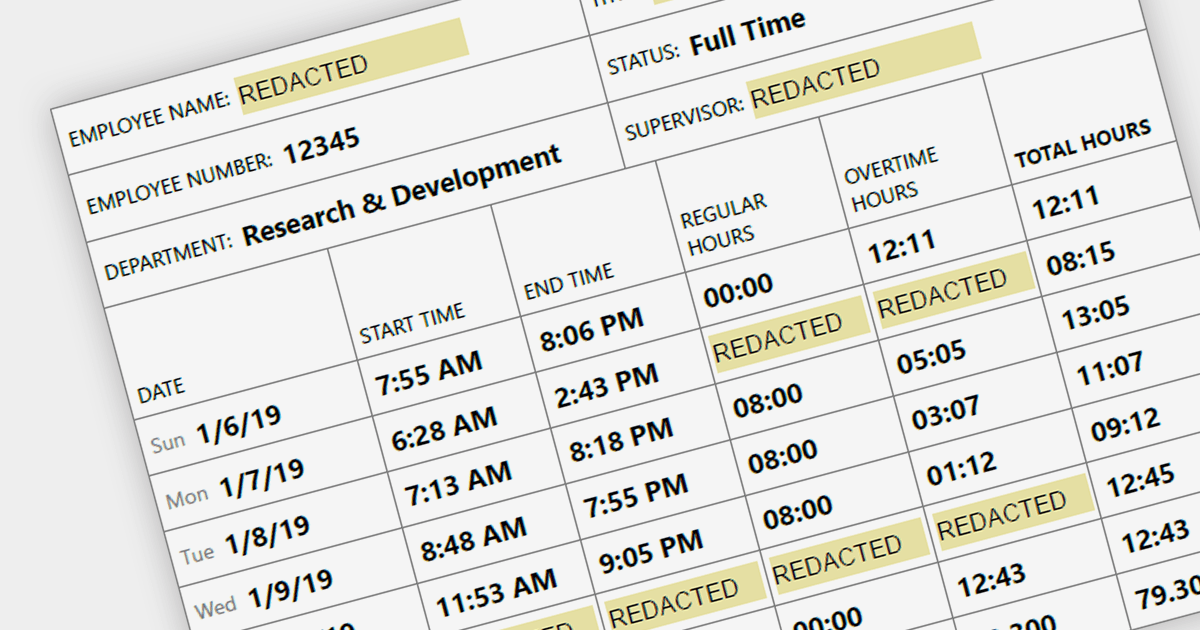
Redaction functionality provides a secure and efficient way to remove sensitive or confidential information from digital documents. This feature is crucial for organizations that handle sensitive data, ensuring compliance with data privacy regulations and safeguarding sensitive information from unauthorized access. By securely redacting sensitive information, organizations can protect against data breaches, maintain data integrity, and meet legal and compliance requirements.
Several .NET PDF components provide redaction support including:
For an in-depth analysis of features and price, visit our .NET PDF component comparison.

ComponentOne Studio WinForms delivers a comprehensive set of high-performance, adaptable controls that simplify the development of intuitive and visually appealing Windows Forms applications. Users can enhance data presentation with efficient datagrids and input controls, and explore data visualization with versatile charts and reporting components.
The 2023 v3 release includes an updated Rich Text Editor which now supports .NET 8. The C1Editor control offers improved image editing with features including image rotation, cropping, and sizing, with the option to preserve aspect ratio.
To see a full list of what's new in version 2023 v3, see our release notes.
For more information, visit our ComponentOne Studio WinForms product page.
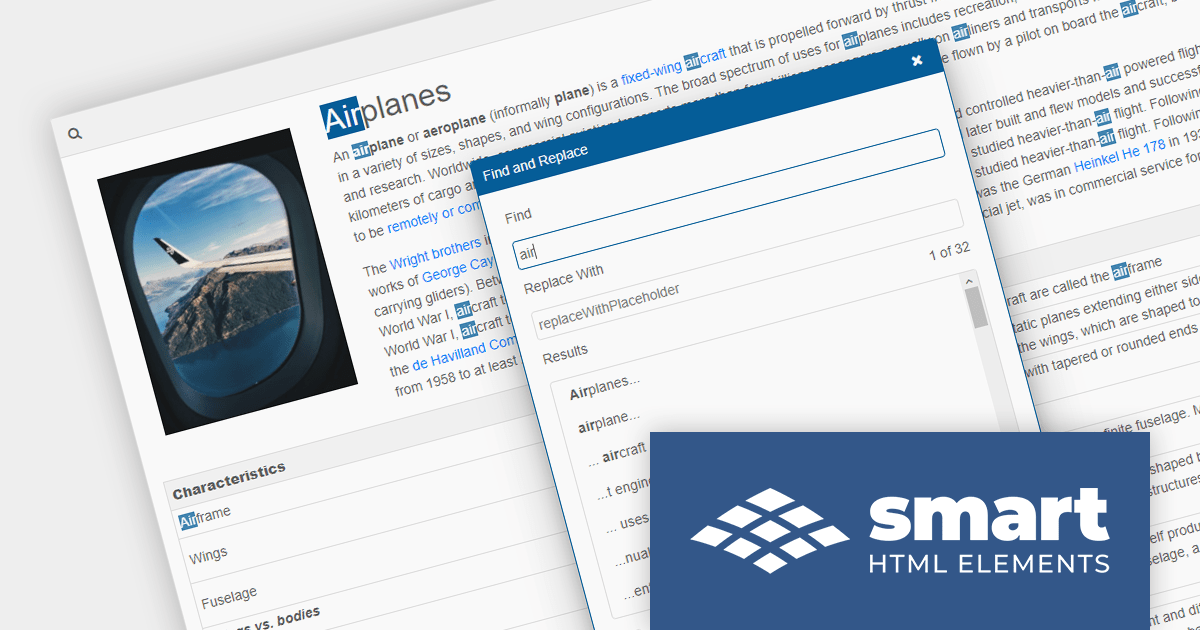
Smart HTML Elements is a JavaScript and Blazor web components UI library that provides over 50 components, including charts, grids, schedulers, Gantt charts, Kanban boards, docking layouts and pivot tables.
Version 17.2.0 adds support for .NET 8, allowing developers to build Blazor applications in the latest release of Microsoft's popular .NET ecosystem.
To see a full list of what's new in version 17.2.0, see our release notes.
For more information, visit our Smart HTML Elements product page.
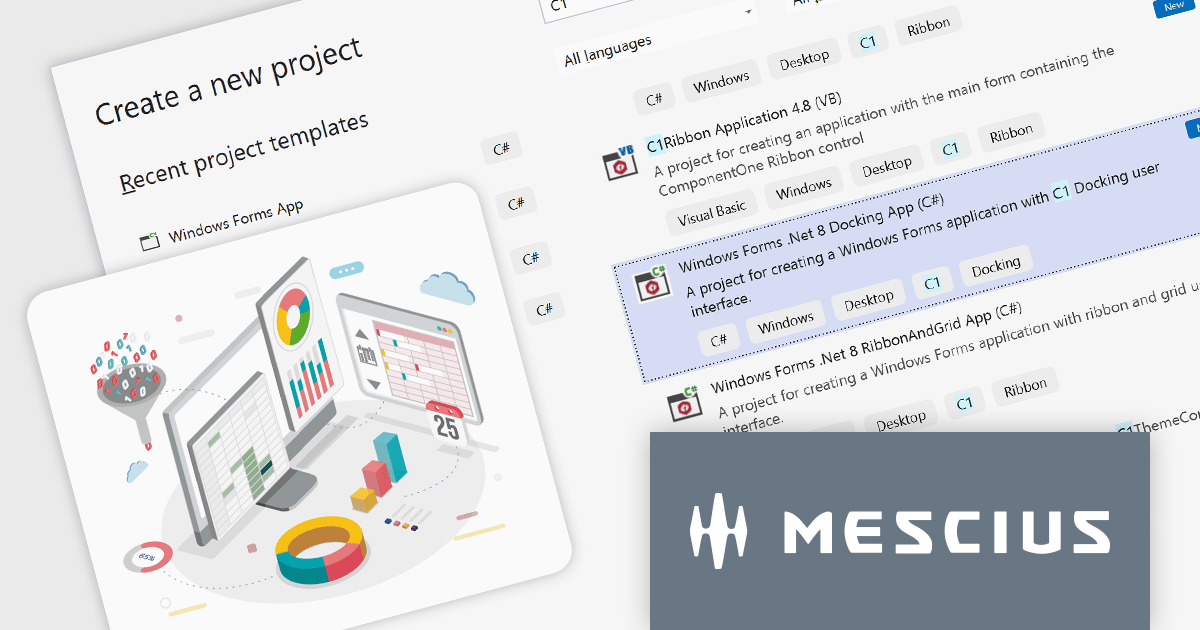
The ComponentOne Studio range by MESCIUS (formerly GrapeCity) is a comprehensive suite of UI controls for building rich, responsive, and cross-platform applications. It provides a wide range of components for desktop, web, and mobile development including high performance datagrids, charts, reporting components, dashboards, and other UI controls.
The release of .NET 8 has brought significant performance enhancements, and MESCIUS has announced that its extensive library of components is now updated with support for the latest .NET release. This ensures that developers can reap the benefits of the framework's performance improvements. For example, layout and scrolling performance in the Blazor FlexGrid are up to five times faster than in .NET 6 thanks to AOT (Ahead-of-Time) compilation in WebAssembly.
Developers can now effortlessly embark on their .NET 8 projects with the introduction of pre-configured templates for WinForms, WPF, ASP.NET MVC, WinUI, and MAUI. These templates, tailored for both C# and VB, provide a seamless path to building high-performance applications in the latest version of .NET.
To see a full list of what's new in version 2023 v3, see our release notes.
For more information, visit our ComponentOne Studio product pages:
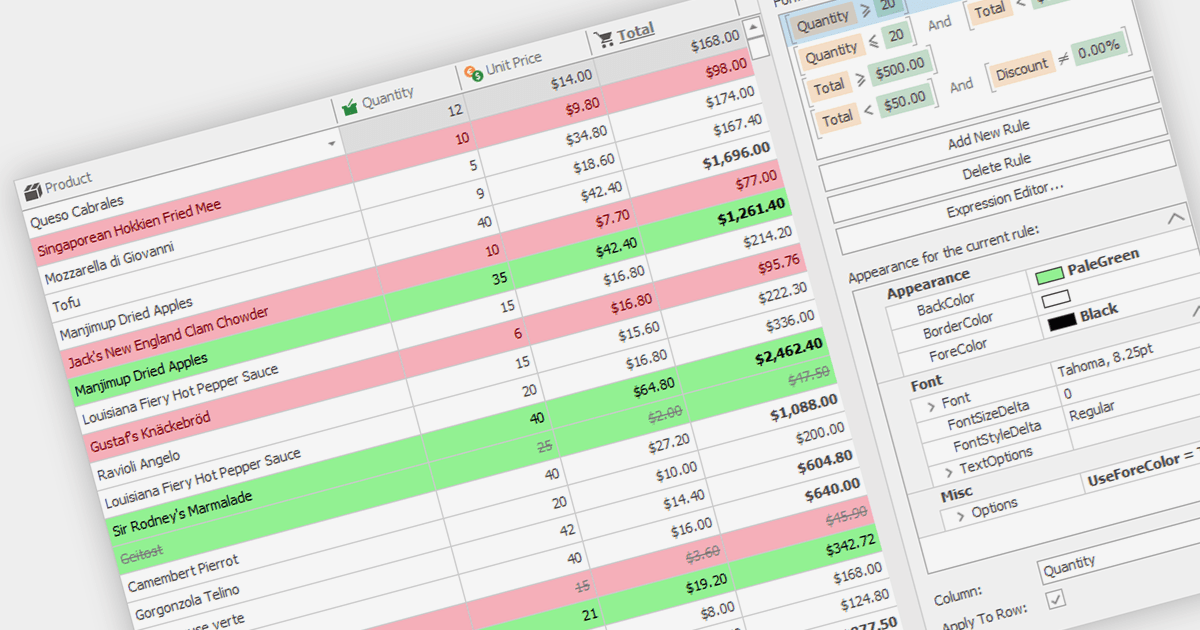
Conditional formatting in grids allows users to apply visual styles to cells or ranges based on the data they contain. It enhances data readability and analysis by highlighting critical values, outliers, or trends in a data-driven manner. For instance, a cell might be colored red if it contains a value below a certain threshold, thereby drawing attention to potential issues.
Several WinForms grid components support conditional formatting including:
For an in-depth analysis of features and price, visit our WinForms Grid comparison.





Tél : (888) 850 9911
Fax : +1 770 250 6199


