








Fournisseur officiel
Comme nous somme les distributeurs officiels et autorisés, nous vous fournissons des licences légitimes directement à partir de 200+ éditeurs de logiciels.
Voyez toutes nos marques.
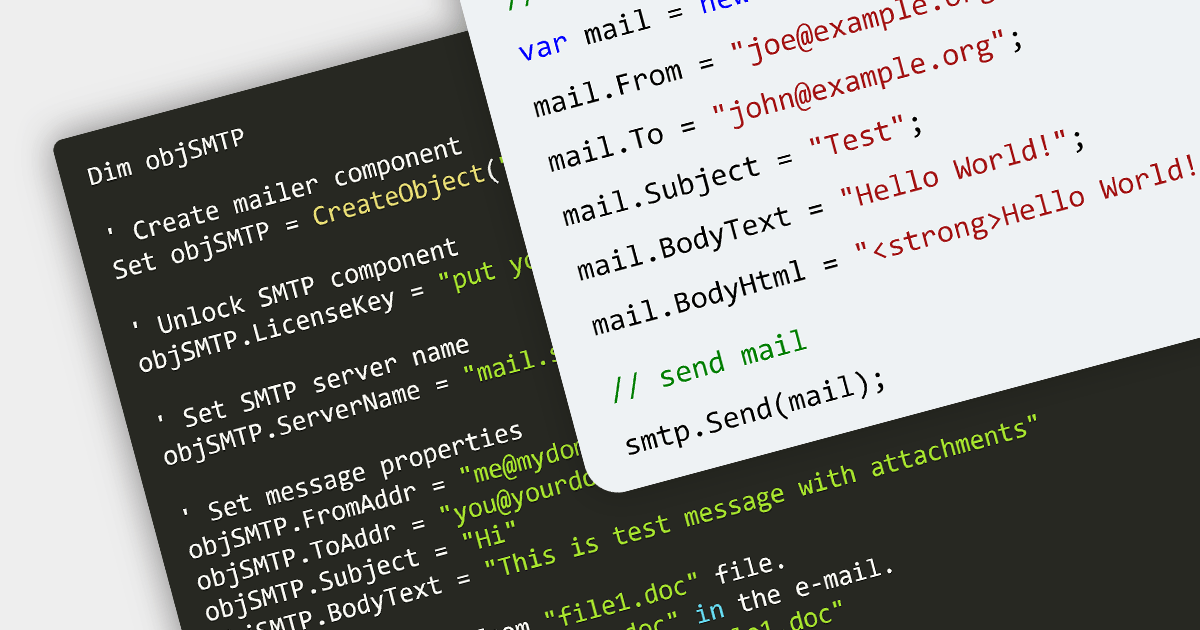
Simple Mail Transfer Protocol (SMTP) is the standard protocol for sending emails across the Internet. Within the context of communications and messaging, SMTP plays a pivotal role in the email delivery process, acting as the postal service for emails. It works closely with protocols like IMAP and POP3, which are used for email retrieval, ensuring a complete system for email communication.
Several .NET 7 communications components provide SMTP functionality including:
For an in-depth analysis of features and price, visit our .NET 7 Communications and Messaging comparison.
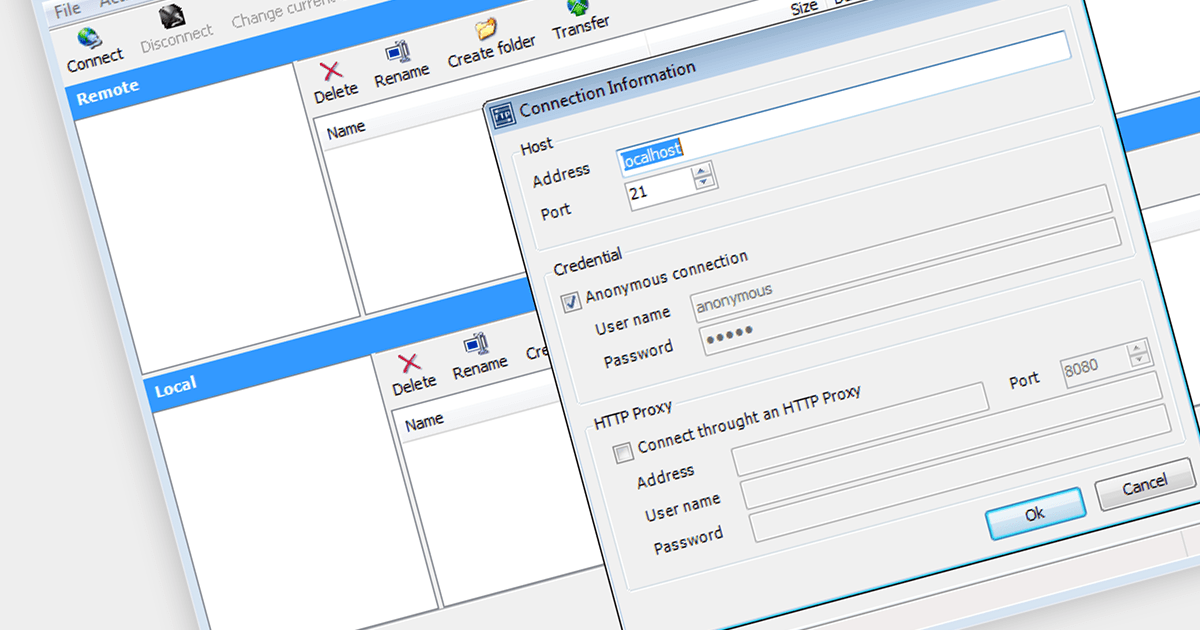
Secure File Transfer Protocol (SFTP) is a communication protocol for transferring files securely. It operates over the Secure Shell (SSH) protocol, providing a protected path for file transfer, access, and management. SFTP is an essential part of communications and messaging in systems where data security is a priority, as it encrypts both commands and data, preventing sensitive information from being exposed to unauthorized entities during the transfer process.
There are a number of .NET Core components that support SFTP including:
For an in-depth analysis of features and price, visit our comparison of .NET Core Comms & Messaging components.
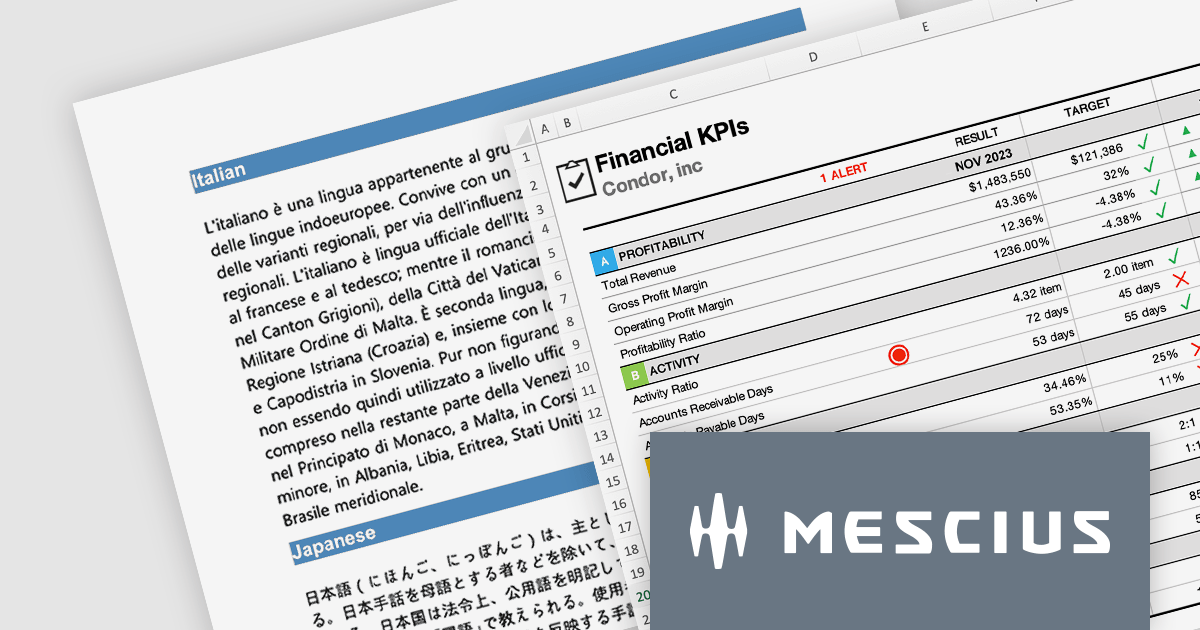
The Document Solutions product line from MESCIUS gives developers the ability to generate, load, edit, and save spreadsheets, PDFs, Images, and DOCX files in any .NET, C#, ASP.NET, and VB.NET applications without any dependency on Microsoft Office or Adobe Acrobat. It even includes Document Solutions for Excel, Java Edition - giving Java developers the same capability with Excel spreadsheets.
In this blog post, MESCIUS Product Manager Shilpa Sharma shows you how document automation can be a powerful tool to accelerate workflows and enhance collaboration within organizations. By leveraging the power of Document APIs, businesses can automate repetitive tasks, reduce errors, and enhance efficiency. Key benefits include:
The Document Solutions product line includes:
Read the complete blog to learn these powerful techniques.
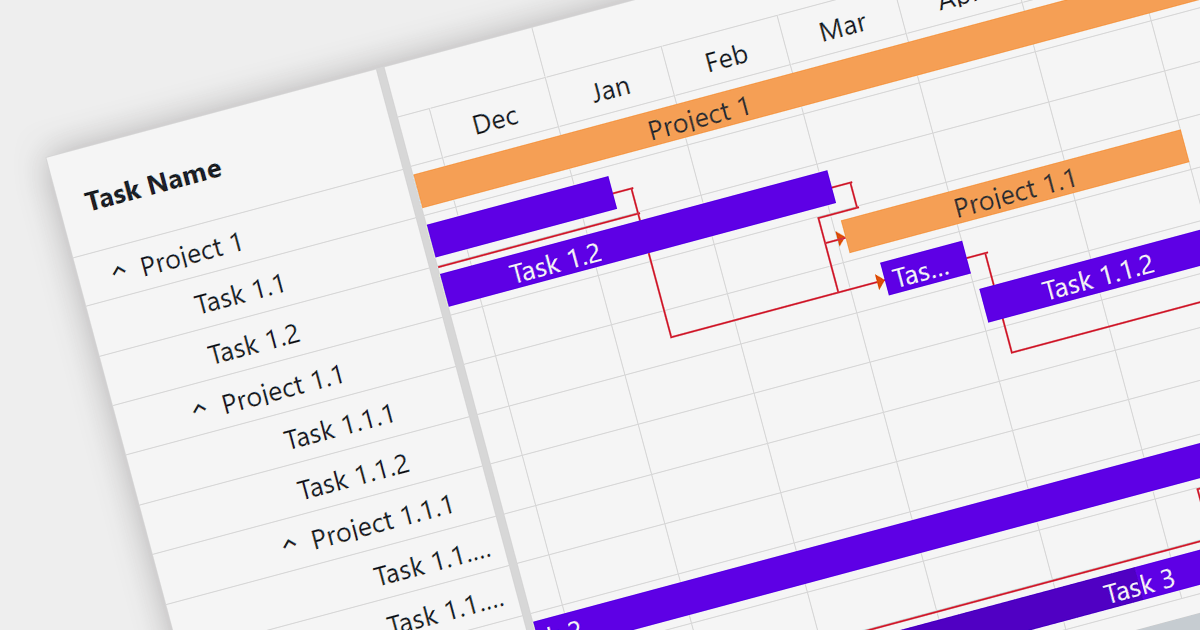
Gantt charts are a type of bar chart designed to illustrate project schedules. They display the start and end dates of different elements of a project and are essential for project management. These charts are useful for tracking project progress and for planning by showing how project tasks overlap and relate to each other.
Several Blazor chart components provide Gantt charts including:
For an in-depth analysis of features and price, visit our Blazor Charts comparison.
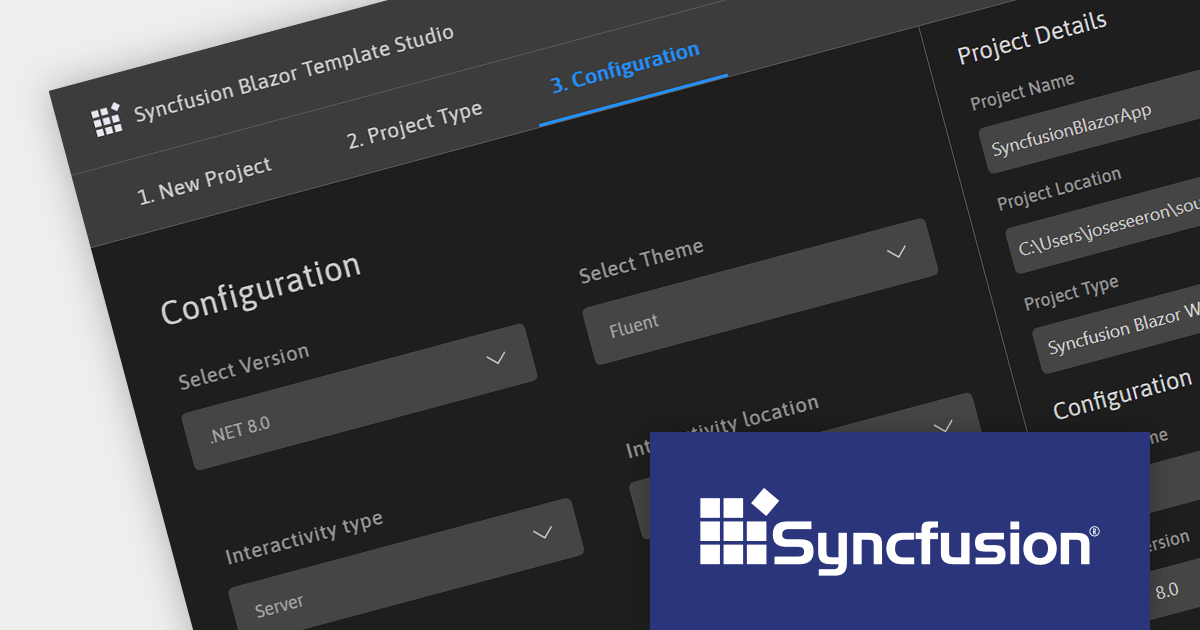
Syncfusion Essential Studio Enterprise provides a comprehensive collection of UI components and frameworks for building modern cross-platform applications. It offers over 1,800 components compatible with .NET WinForms, WPF, ASP.NET Core & MVC, WinUI, MAUI, JavaScript, Xamarin, Blazor, and more, enabling seamless application development across diverse devices and operating systems.
Version 2023 Volume 3 SP1 (23.2.5) adds support for .NET 8, allowing developers to build WinForms, WPF, ASP.NET Core, Blazor and .NET MAUI applications in the new release version of Microsoft's popular .NET ecosystem.
To see a full list of what's new in version 2023 Volume 3 SP1 (23.2.5), see our release notes.
For more information, visit our Syncfusion Essential Studio Enterprise product page.





Tél : (888) 850 9911
Fax : +1 770 250 6199


