








Fournisseur officiel
Comme nous somme les distributeurs officiels et autorisés, nous vous fournissons des licences légitimes directement à partir de 200+ éditeurs de logiciels.
Voyez toutes nos marques.
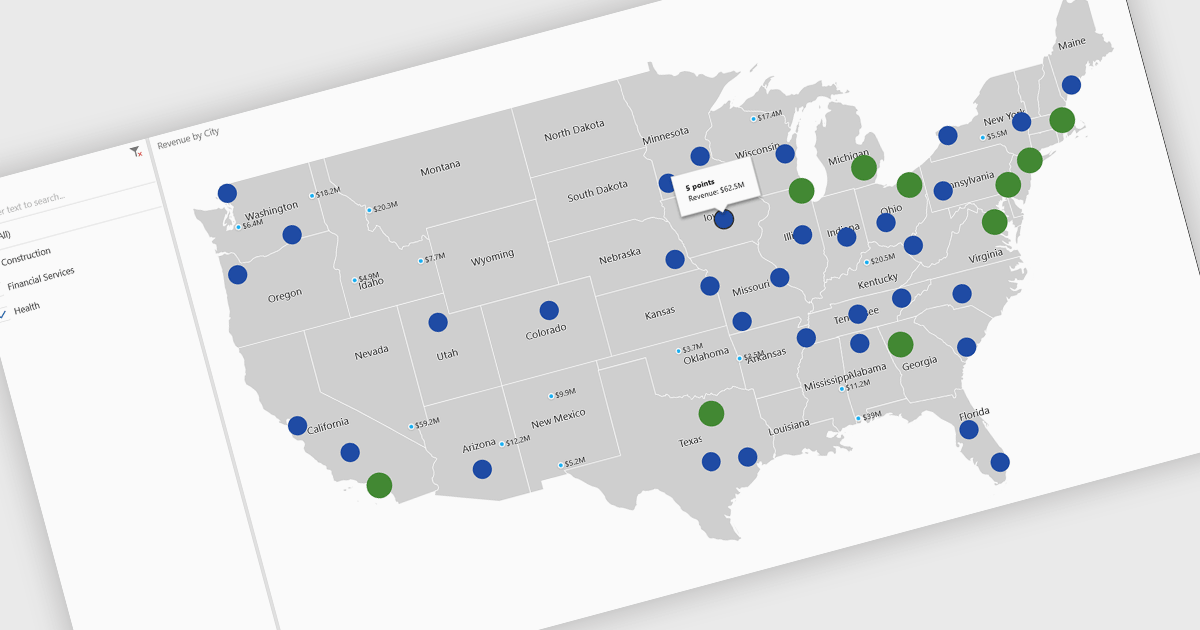
A map chart is a visual representation of data that displays values across geographic regions using colors, shading, or markers, making complex information easier to interpret. By placing data in a spatial context, map charts help users quickly identify regional patterns, trends, and outliers that might be overlooked in traditional tables or graphs. They are particularly useful for comparing values across countries, states, or counties, enabling clearer insights into geographically distributed data. Common use cases include illustrating population density, highlighting election results, analyzing sales performance by region, and presenting economic indicators. The key benefits of map charts include their ability to simplify complex datasets, provide intuitive comparisons, and support data-driven decision-making by visually connecting numbers with real-world locations.
Several .NET Core chart controls offer map charts including:
For an in-depth analysis of features and price, visit our .NET Core chart controls comparison.
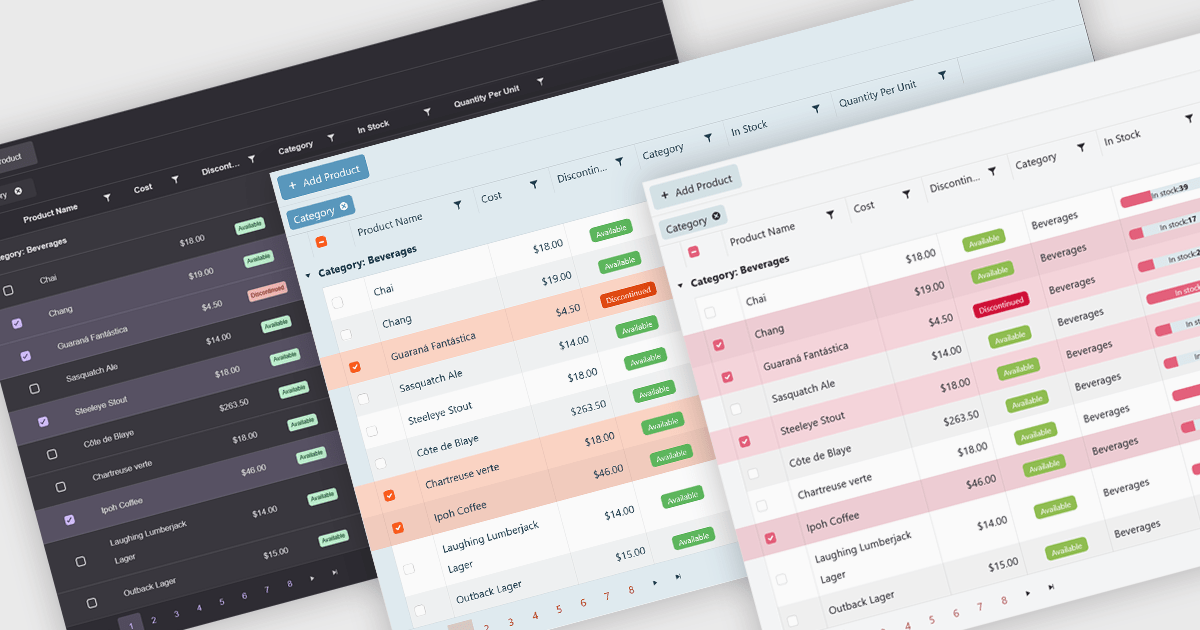
Built-in themes for grids are pre-designed visual styles that can be applied directly to data grid components within applications. These themes define elements such as color schemes, typography, spacing, and borders to create a consistent and polished appearance without requiring manual CSS. The primary benefit is efficiency, as teams can quickly implement a cohesive look that aligns with modern user interface standards. Built-in themes also enhance usability by improving readability, supporting accessibility, and offering a familiar interface that reduces user effort. For example, enterprise dashboards, admin panels, and financial reporting tools can all benefit from built-in themes to present complex data in a clear, user-friendly format while maintaining visual consistency across different parts of the application.
Several .NET Blazor grid components offer built-in theme support including:
For an in-depth analysis of features and price, visit our .NET Blazor grid controls comparison.
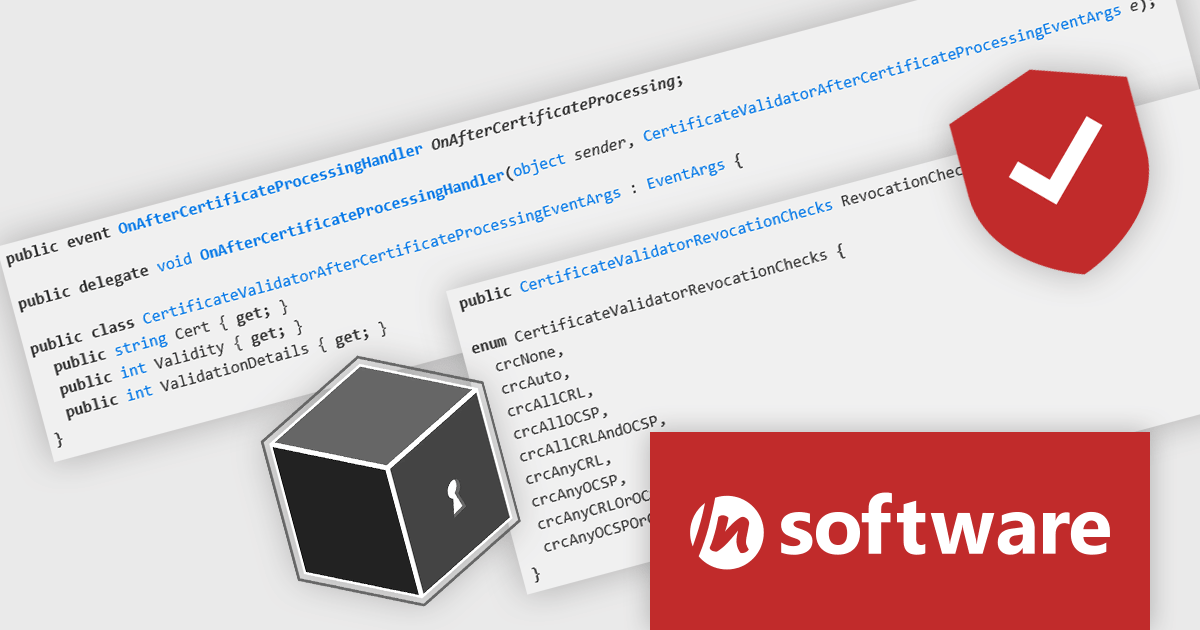
SecureBlackbox by /n software is a collection of software components designed to enhance your applications' data security. It provides functionalities for data protection through encryption and hashing, secure storage with key management, and secure transfer using protocols like SFTP and TLS. SecureBlackbox offers granular control over these features, allowing you to tailor security measures to your specific application requirements.
SecureBlackbox by /n software provides advanced certificate support that enables software developers to efficiently manage the entire lifecycle of digital certificates, from creation and storage to validation and revocation. It offers built-in support for CRL and OCSP to ensure real-time verification of certificate status, helping applications detect and reject compromised credentials instantly. With comprehensive PKI integration, developers can implement secure authentication, encryption, and signing processes that meet industry compliance requirements while maintaining interoperability with a wide range of systems and standards.
SecureBlackbox is available as part of /n software Red Carpet Subscription. Red Carpet Subscription is licensed per developer and is available as a Perpetual License with a 12 month support and maintenance subscription. See our Red Carpet Subscription licensing page for full details.
SecureBlackbox is available to buy in the following product: /n software Red Carpet Subscription
Document Solutions .NET Bundle by MESCIUS is a complete suite of APIs and viewing tools that enhance document processing and improve efficiency. It includes Documents for Excel, Word, PDF, and Imaging, plus standard licenses for the PDF Viewer, Data Viewer, and Image Viewer. Combining powerful .NET APIs with responsive JavaScript-based viewers, it enables creating, editing, converting, and displaying multiple document formats within applications. This unified solution delivers fast, reliable, and secure document handling, making it ideal for enterprise document management, automated reporting, digital archiving, and collaborative review across devices and platforms.
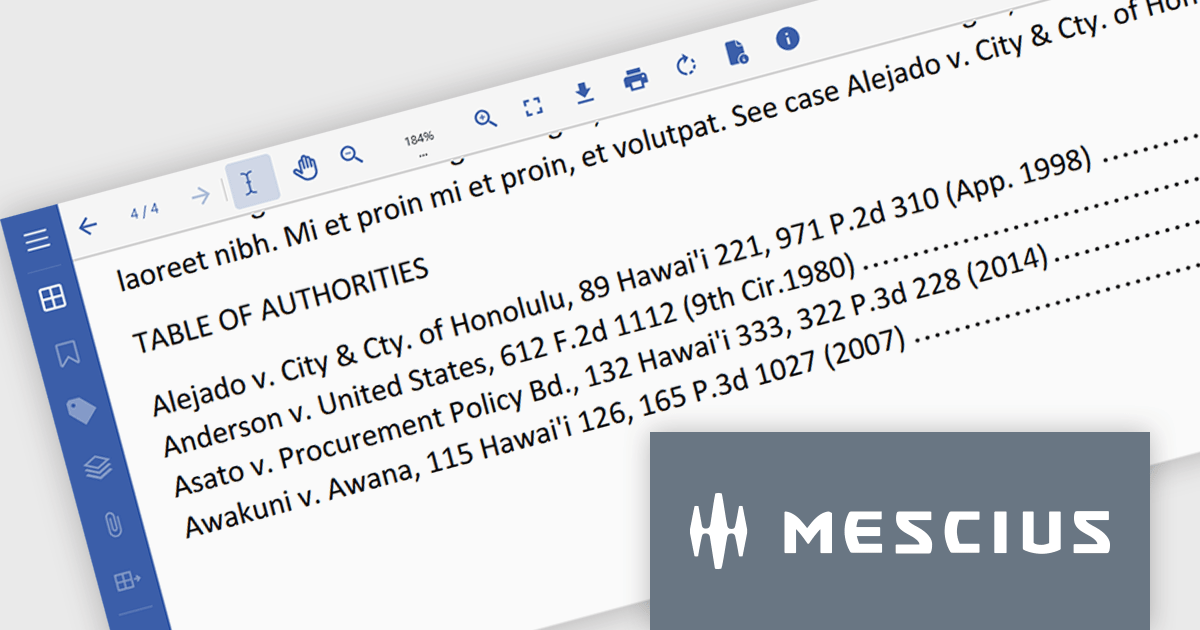
The Document Solutions .NET Bundle version 8.2.0 release introduces API support for working with Table of Authorities (TOA) and Table of Authorities Entry (TA) fields. This update allows developers to generate, modify, and manage these legal reference tools directly within Word documents, offering greater control and flexibility in scenarios that demand structured citations - such as contracts, court filings, or academic papers. This new feature helps maintain accuracy and formatting consistency in complex documents.
To see a full list of what's new in version 8.2.0, see our release notes.
Document Solutions .NET Bundle is licensed per developer and is available in several license options for differing distribution needs. Team licenses are also available for multiple developers within the same organization. See our Document Solutions .NET Bundle licensing page for full details.
Learn more on our Document Solutions .NET Bundle product page.
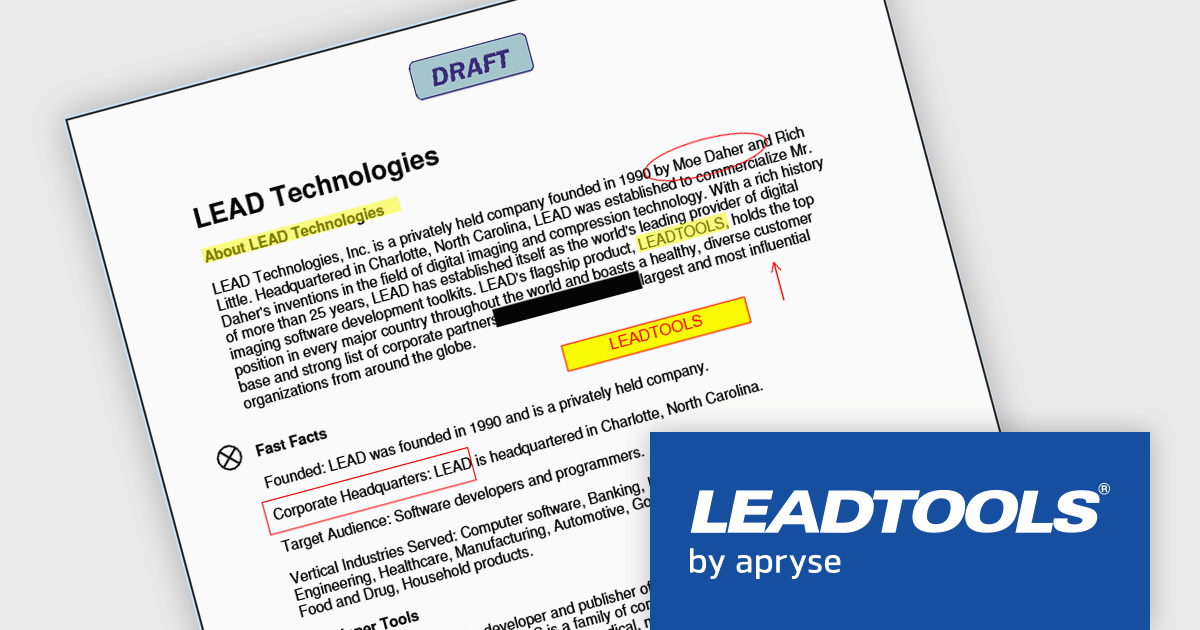
LEADTOOLS Document SDK is ideal for developing document and document imaging applications. Features include PDF viewing, comprehensive annotation and markup, specialized bitonal image displaying, and image processing. Other features include performance and memory optimizations for bitonal images, document image cleanup, including inverted text, border, hole-punch, and line removal, and scanning with LEADTOOLS Fast TWAIN and WIA. The LEADTOOLS Excel SDK - included in the Document SDK - gives developers the power to load, create, edit, and save Excel sheets programmatically.
The LEADTOOLS Document SDK provides software developers with a comprehensive set of tools to integrate advanced document-editing capabilities into their applications. It supports precise manipulation of text and layout, allowing users not only to edit content but also to apply visual markup such as highlighting, underlining, circling, strikethrough, and directional annotations like arrows. These capabilities enable more effective document review, collaboration, and presentation, particularly in use cases like legal review, education, and business communication where clarity and emphasis are critical. With native support for PDF, DOC/DOCX, and RTF formats, developers can improve processes, maintain cross-format compatibility, and deliver a consistent, professional editing experience.
LEADTOOLS Document SDK is licensed as Development Licenses, for developers to use the SDKs, and Deployment Licenses, for the right to distribute end user solutions. See our LEADTOOLS Document SDK licensing page for full details.
Learn more on our LEADTOOLS Document SDK product page.





Tél : (888) 850 9911
Fax : +1 770 250 6199


