








Fournisseur officiel
Comme nous somme les distributeurs officiels et autorisés, nous vous fournissons des licences légitimes directement à partir de 200+ éditeurs de logiciels.
Voyez toutes nos marques.
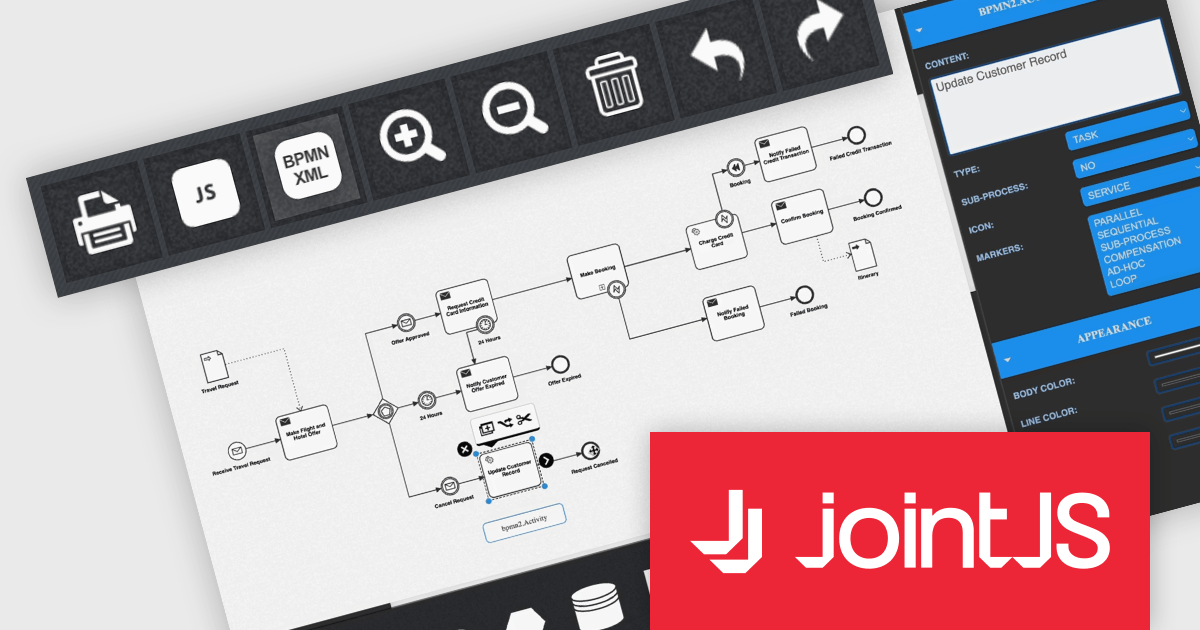
JointJS+ is a diagramming library that offers advanced features like custom shapes, data binding, and advanced layout algorithms, enabling you to create complex, interactive, and visually appealing diagrams. It includes a ready-to-use demo application that showcases its functionality and serves as a starting point for your own diagramming projects.
The JointJS+ 4.0 release introduces a significant advancement in business process management: seamless Business Process Modelling Notation XML import and export. This innovative feature empowers users to effortlessly translate BPMN diagrams into the BPMN XML format and vice versa, fostering interoperability across diverse tools and platforms, including editors and automation engines. JointJS+ 4.0 empowers process analysts, developers, and stakeholders alike to contribute and leverage BPMN diagrams with ease, paving the way for smoother and more efficient process management across the entire organization.
To see a full list of what's new in v4.0, see our release notes.
JointJS+ is licensed per developer and is available as a Perpetual license with 1 year support and maintenance. See our JointJS+ licensing page for full details.
Learn more on our JointJS+ product page.
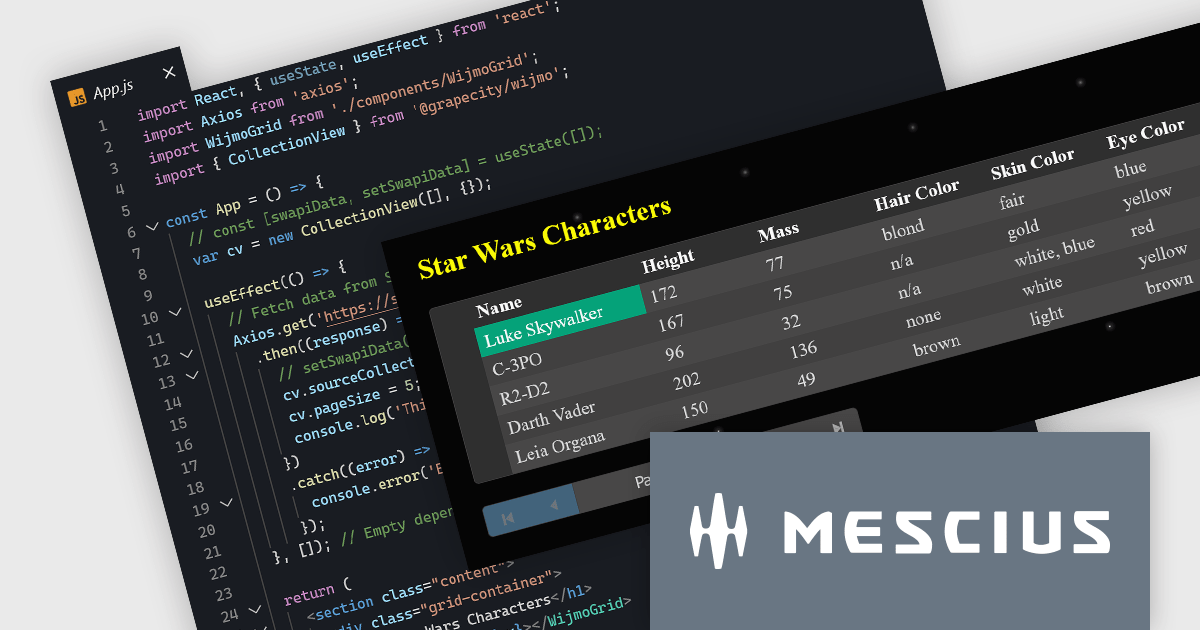
Wijmo by MESCIUS is a comprehensive suite of JavaScript UI components and data grids designed for building modern, performant enterprise applications. It offers a rich library of customizable elements like charts, gauges, calendars, and grids, compatible with popular frameworks like Angular, React, and Vue. Wijmo boasts efficient data handling, accessibility features, and regular updates, making it a popular choice for developers seeking to enhance their web app's interactivity and visual appeal. Wijmo's FlexGrid component provides a JavaScript UI datagrid which includes built-in sorting, formatting, pagination, and flexible data binding.
In this blog post, MESCIUS Technical Engagement Engineer Andrew Peterson takes you through the process for building a React application to fetch and display data using the WijmoGrid Component. Steps include:
Read the full blog post and get started creating immersive and visually appealing React applications.
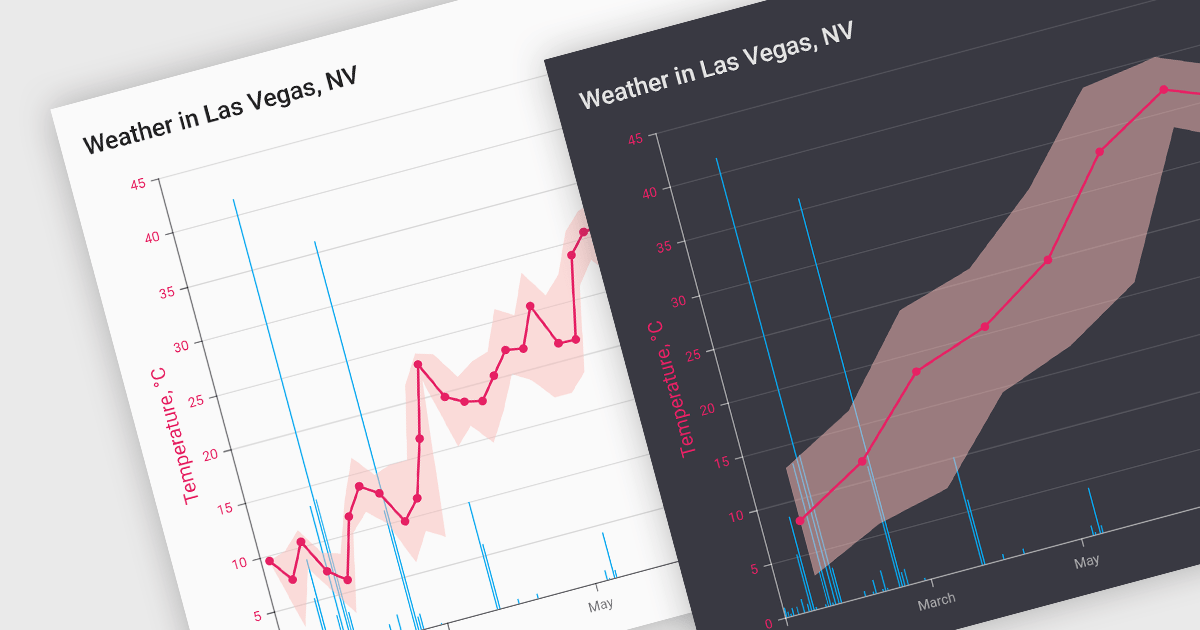
Data aggregation functionality in charts refers to the process of combining and summarizing raw data to provide a more concise and understandable representation. This technique involves collecting and grouping data points based on specific criteria, such as time intervals, categories, or geographic regions, and then calculating summary statistics, such as averages, totals, or percentages. The aggregated data is then used to create charts and graphs that offer a comprehensive overview of trends, patterns, or comparisons within the dataset. This approach helps in simplifying complex datasets and makes them more accessible for analysis, allowing decision-makers to derive meaningful insights and draw informed conclusions from the visual representation of aggregated information.
Several React chart controls support data aggregation including:
For an in-depth analysis of features and price, visit our React Chart Controls comparison.
KendoReact by Telerik is a professional UI kit of more than 120 responsive and customizable native UI and DataViz components for React developers. Designed to save time building powerful high performance React apps, it helps ensure a modern, consistent look-and-feel across your app's UI.
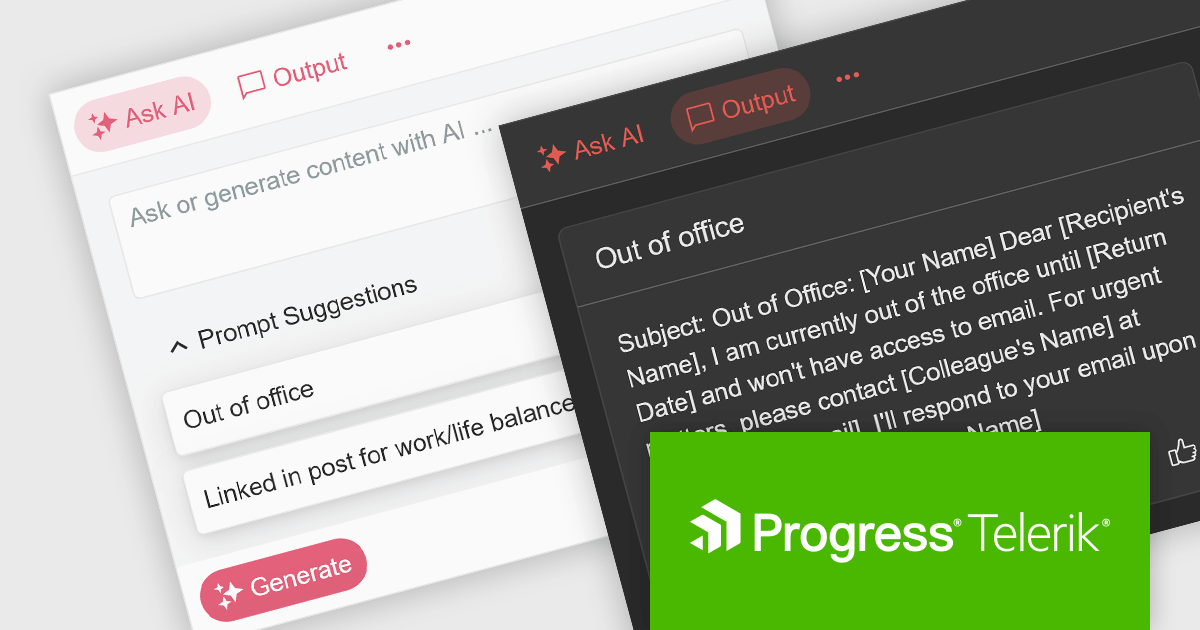
KendoReact v7.1.0, which is part of the 2024 Q1 release, introduces an "AIPrompt" component which allows React developers to integrate generative AI services into their applications. With it you can set up custom suggestions to actively guide users, customize the generate button and prompt input field, and define custom prompt commands so it will do a certain action when a specific command is given. This component also enables you to adapt its behaviour based on user interaction, to ensure it responds smoothly, as it emits several user triggered events. This will help to give your application a modern, customizable and seamless UI.
To see a full list of what’s new in 2024 Q1 (v7.1.0), see our release notes.
KendoReact is licensed per developer and is available as a perpetual license with a 1 year support subscription, which is available in 3 tiers: Lite, Priority or Ultimate. See our KendoReact licensing page for full details.
KendoReact is available to buy in the following products:
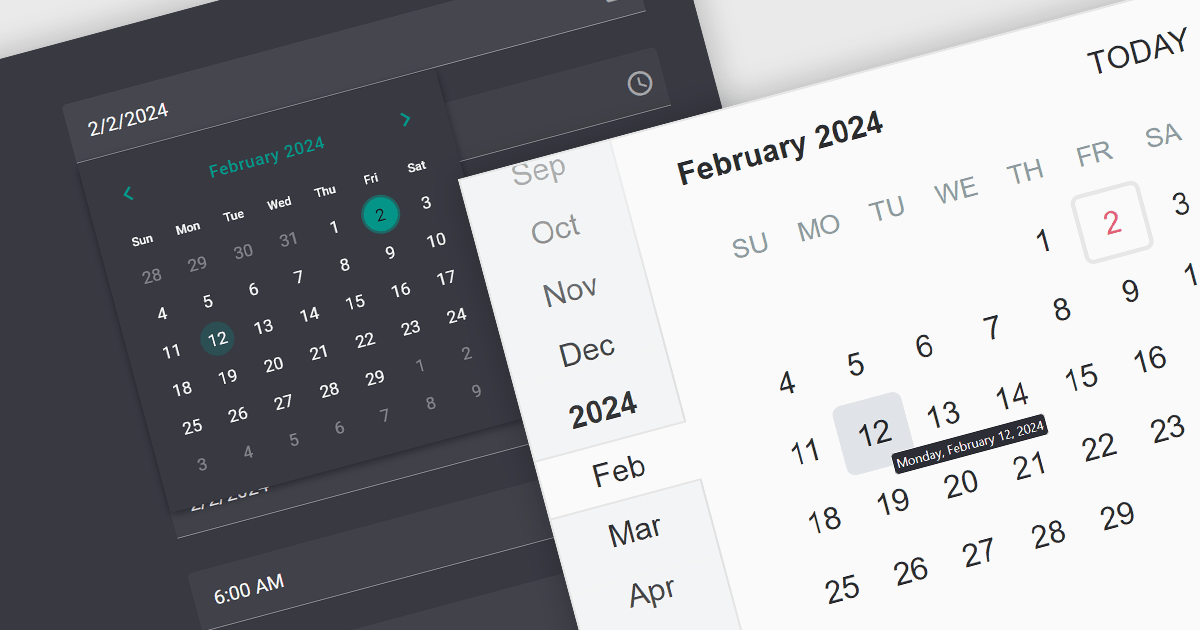
A date editor control is a user interface element designed for selecting and entering dates. It typically combines a text field for manual input with a calendar popup for visual selection. Beyond basic date picking, many controls offer features like time selection, range definition, drop-down lists for pre-defined dates, and even input masks for enforcing specific date formats. Commonly found in applications like forms, booking systems, and calendars, date editor controls streamline date input, improving user experience and data accuracy.
Several React data editor collections provide date editors including:
For an in-depth analysis of features and price, visit our React Data Editors comparison.





Tél : (888) 850 9911
Fax : +1 770 250 6199


