








Fournisseur officiel
Comme nous somme les distributeurs officiels et autorisés, nous vous fournissons des licences légitimes directement à partir de 200+ éditeurs de logiciels.
Voyez toutes nos marques.
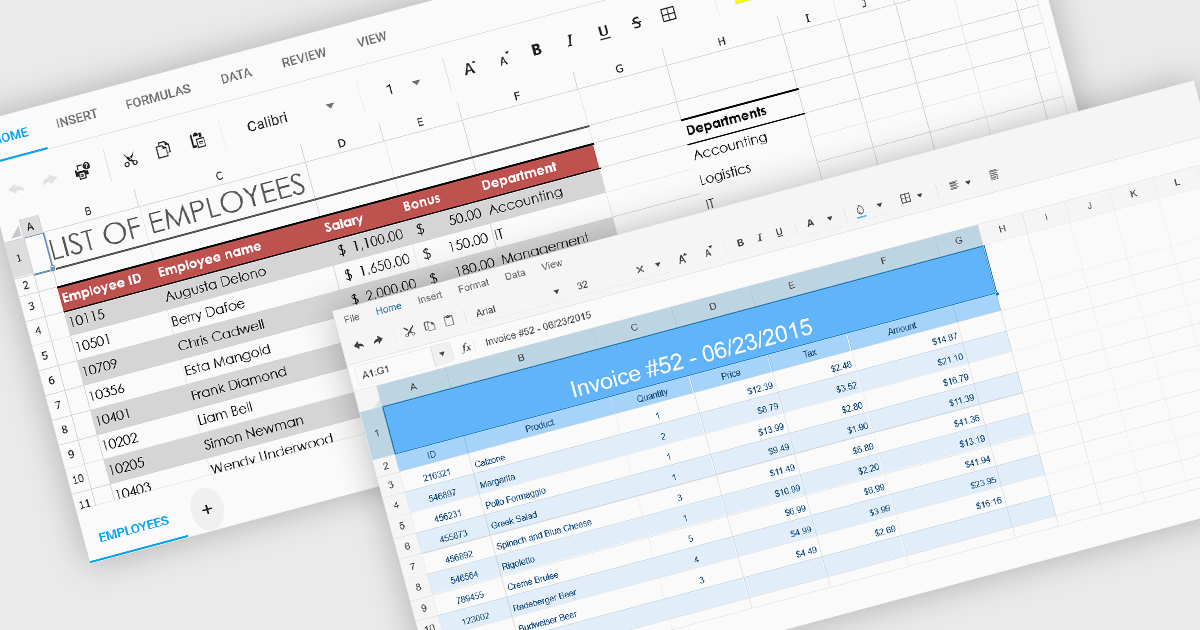
Cell formatting in spreadsheet components allows developers to manipulate the visual presentation of spreadsheet data, enhancing clarity and usability. This includes adjusting font styles, colors, borders, number formats, and alignment, which is especially valuable for building business or financial applications where precise data representation is critical. Such formatting capabilities ensure that end-users can interact with spreadsheets that are both functional and aesthetically tailored to the specific context of the application.
Several ASP.NET Core spreadsheet components support cell formatting, including:
For an in-depth analysis of features and price, visit our ASP.NET Core spreadsheet controls comparison.
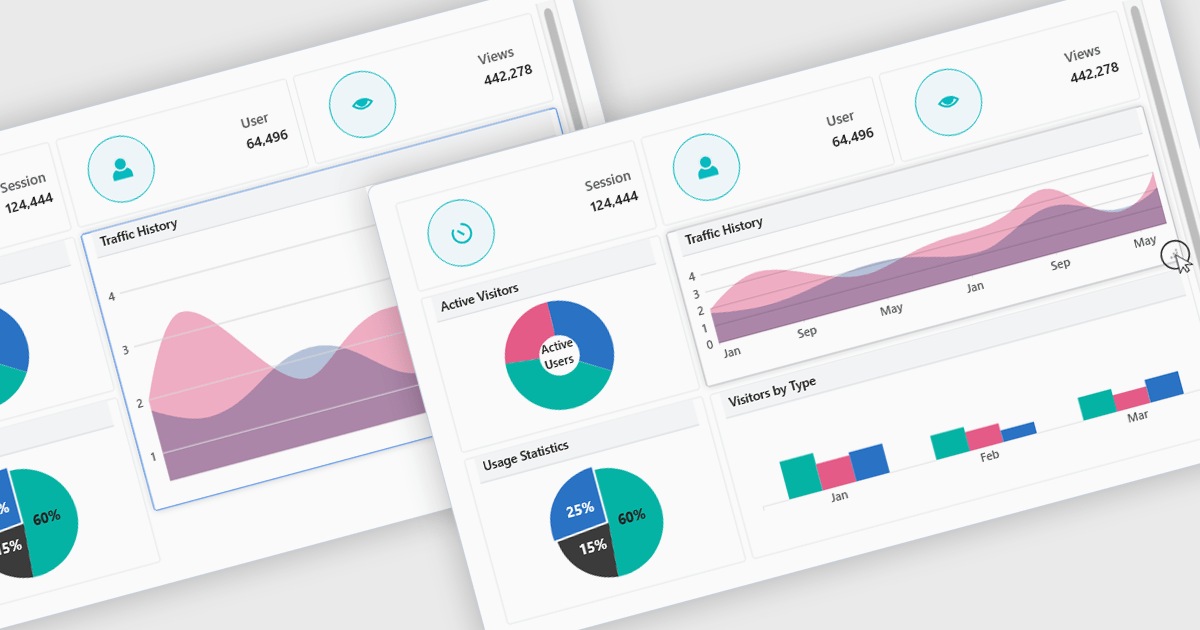
In a UI suite, layout refers to the arrangement and alignment of interface elements, such as widgets, charts, controls, and navigation bars, into a coherent structure that prioritizes usability and visual hierarchy. Effective layouts ensure that users can intuitively find and interact with content, while developers benefit from built-in support for responsive grids, flexible spacing, and adaptive positioning that simplifies the creation of consistent interfaces across devices.
Several .NET Blazor UI suites offer layout components including:
For an in-depth analysis of features and price, visit our .NET Blazor UI suites comparison.
jQWidgets is a comprehensive JavaScript UI framework offering a robust collection of over 60 widgets, themes, and utilities for building professional-grade, cross-platform web applications. Built on jQuery, HTML5, and CSS, it provides extensive functionality including data grids, charts, navigation, input validation, and more. jQWidgets simplifies web development, ensuring your applications work seamlessly across desktop browsers, tablets, and smartphones.
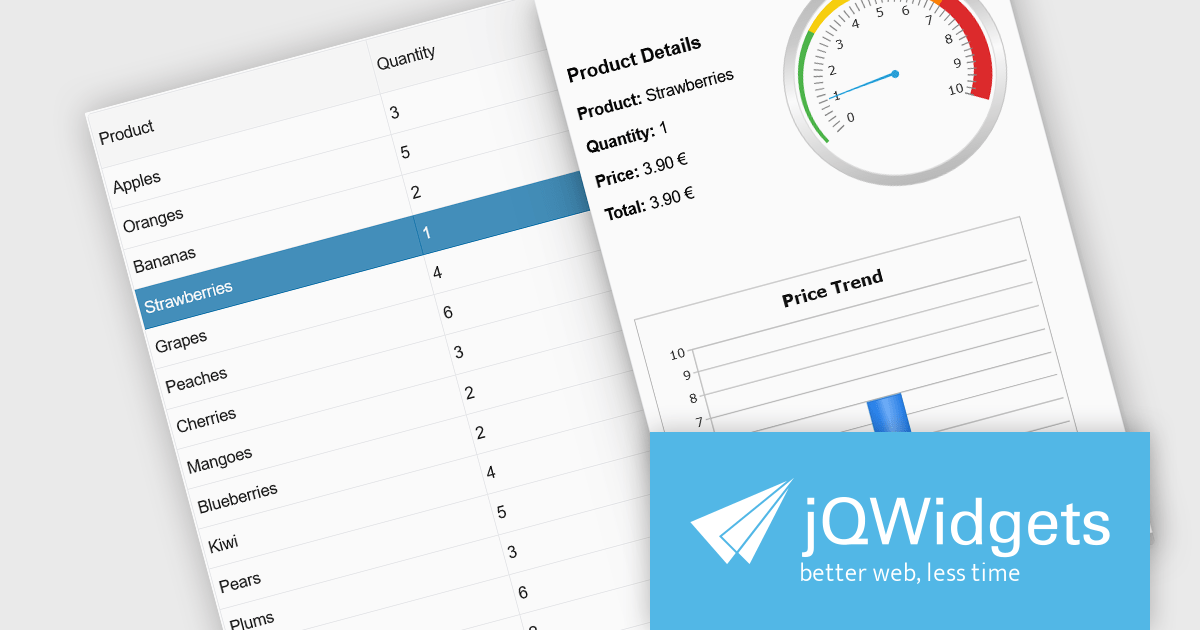
The jQWidgets v23.0.0 release adds a new side panel feature in jqxGrid, allowing developers to add custom HTML elements directly into side panels positioned next to the grid. Whether you want to include filters, charts, summaries, help text, or interactive widgets, the side panel supports any type of content.
To see a full list of what's new in v23.0.0, see our release notes.
jQWidgets is licensed per developer and is available as a Perpetual license 1 year support and maintenance. See our jQWidgets licensing page for full details.
Learn more on our jQWidgets product page.
ComponentOne Studio WinForms by MESCIUS is a comprehensive toolkit offering over 120 advanced UI components to streamline Windows Forms application development. It empowers you to build visually appealing and feature-rich applications with functionalities like data visualization through charts and reports, intuitive data editing with performant grids, and modern UI elements including ribbons and docking for a user-friendly experience.
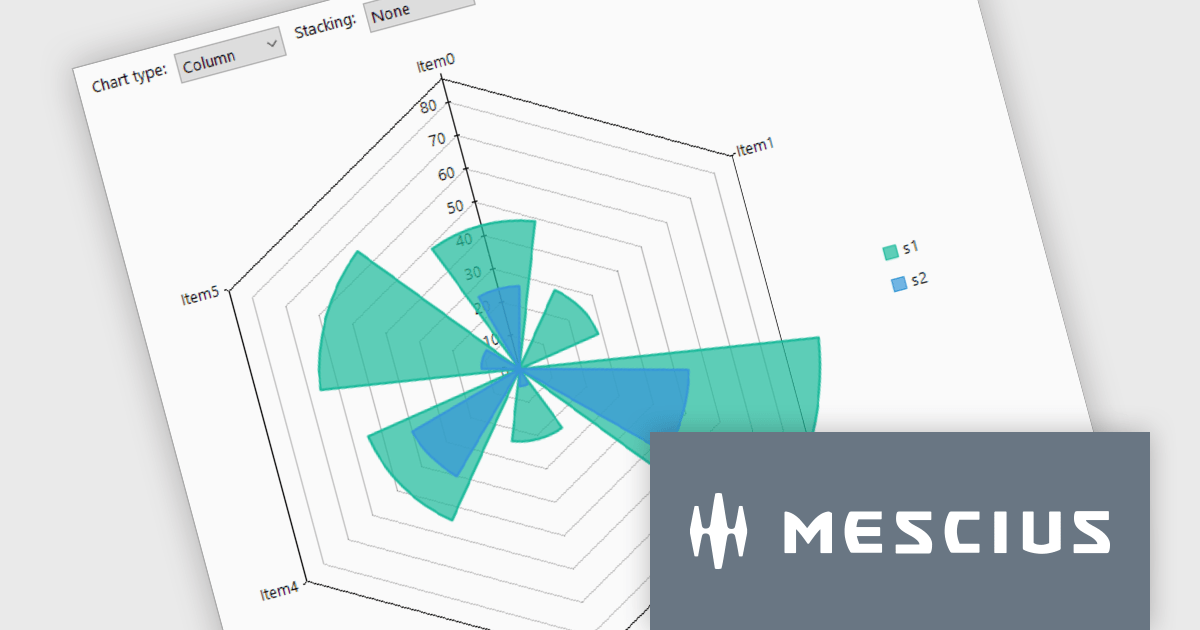
The ComponentOne Studio WinForms v2025 v1 update enhances its FlexChart control by introducing a new Column Radar chart type. FlexRadar now supports Column chart types with stacking options. This addition allows developers to visualize multivariate data in a more structured and intuitive format, particularly for applications requiring radial data representation such as wind rose charts. By aligning columns radially and enabling stacking, the chart makes it easier to compare the magnitude and distribution of values across categories, helping users identify patterns and trends more effectively. This new chart type expands the flexibility of radar-based visualizations, making it a valuable tool for scientific, engineering, and environmental data analysis.
To see a full list of what's new in 2025 v1, see our release notes.
ComponentOne Studio WinForms is licensed per developer on a perpetual basis and includes a 12 month subscription. Priority Support is also available. See our ComponentOne Studio WinForms licensing page for full details.
Learn more on our ComponentOne Studio WinForms product page.
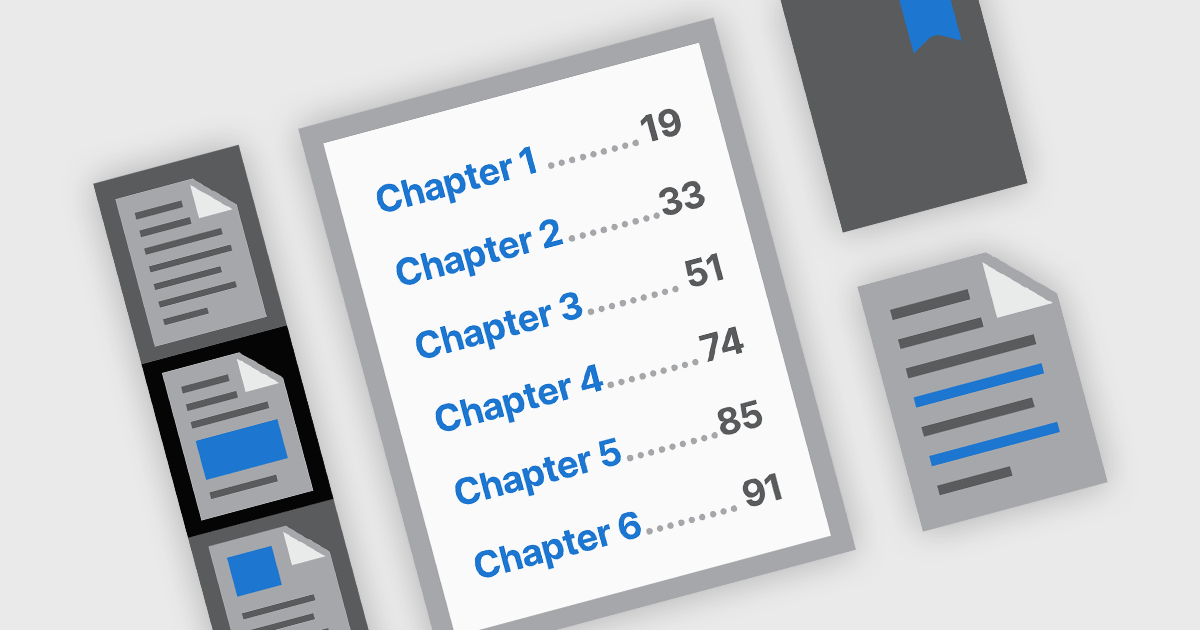
PDF navigation features play a crucial role in enhancing the usability and accessibility of digital documents. In modern PDF components, navigation tools are designed to provide intuitive access to document content, helping users locate specific sections, pages, or topics quickly. These tools are particularly important in lengthy or complex PDFs such as manuals, reports, and eBooks, where efficient navigation can significantly improve the reading experience and reduce time spent searching for information.
Common features include:
For an in-depth analysis of features and price, visit our .NET PDF components comparison.





Tél : (888) 850 9911
Fax : +1 770 250 6199


