








Fournisseur officiel
Comme nous somme les distributeurs officiels et autorisés, nous vous fournissons des licences légitimes directement à partir de 200+ éditeurs de logiciels.
Voyez toutes nos marques.
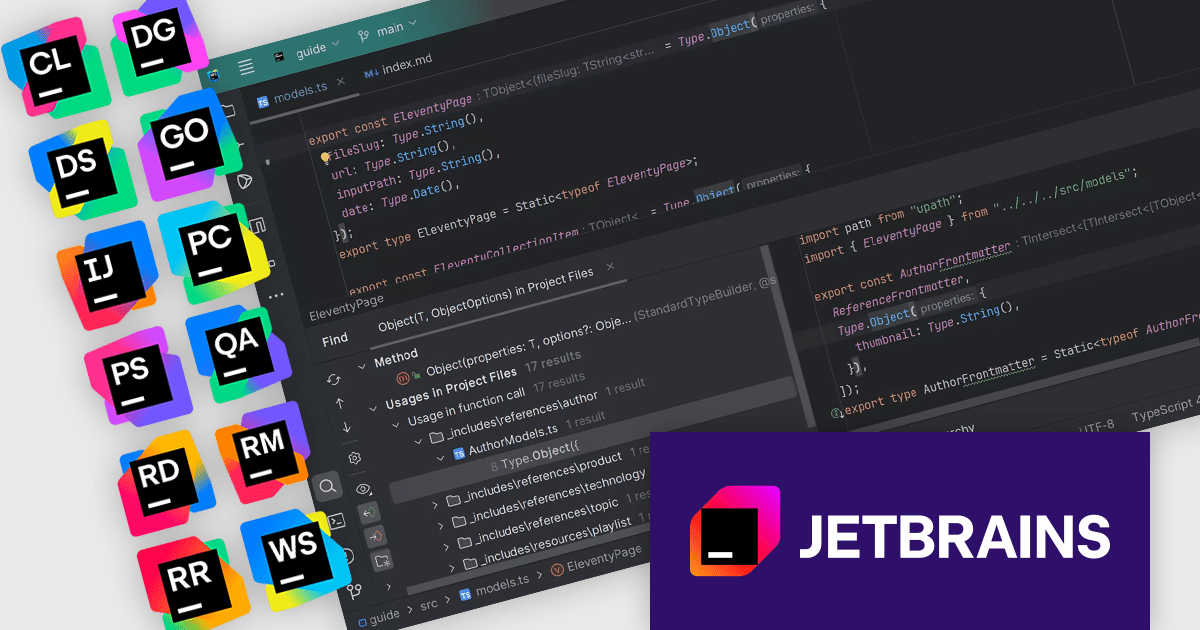
The JetBrains All Products Pack provides access to a comprehensive suite of JetBrains tools, including 12 IDEs, 3 extensions, and 2 profilers, all under one unified license. This flexible solution allows users to switch between tools across multiple machines, adapting to different projects with ease. With a single license, you benefit from simplified license management and significant cost savings - 12 IDEs for the price of two. The All Products Pack is designed to advance your skills by giving you unlimited access to industry-leading professional tools, empowering efficient, high-quality development across a variety of languages and platforms.
The JetBrains All Products Pack includes advanced instant search and navigation tools designed to optimize the way developers interact with their projects. These tools enable quick and precise access to code, files, symbols, and resources, even within the most complex and expansive codebases. By providing context-aware results and intuitive filtering, developers can effortlessly switch between tasks, identify dependencies, and locate specific elements with minimal effort. This functionality significantly reduces the time spent searching for information, eliminates workflow interruptions, and enhances overall productivity. Whether working on a small feature or navigating a large enterprise application, these tools ensure that developers can focus on writing high-quality code without being slowed down by navigation challenges. These integrated search and navigation features are available in all JetBrains IDEs.
JetBrains All Products Pack is licensed per user as a commercial annual subscription. We can supply new subscriptions, subscription renewals, lapsed subscription renewals, and additional developer licenses. See our JetBrains All Products Pack licensing page for full details.
For more information, see our JetBrains All Products Pack product page.
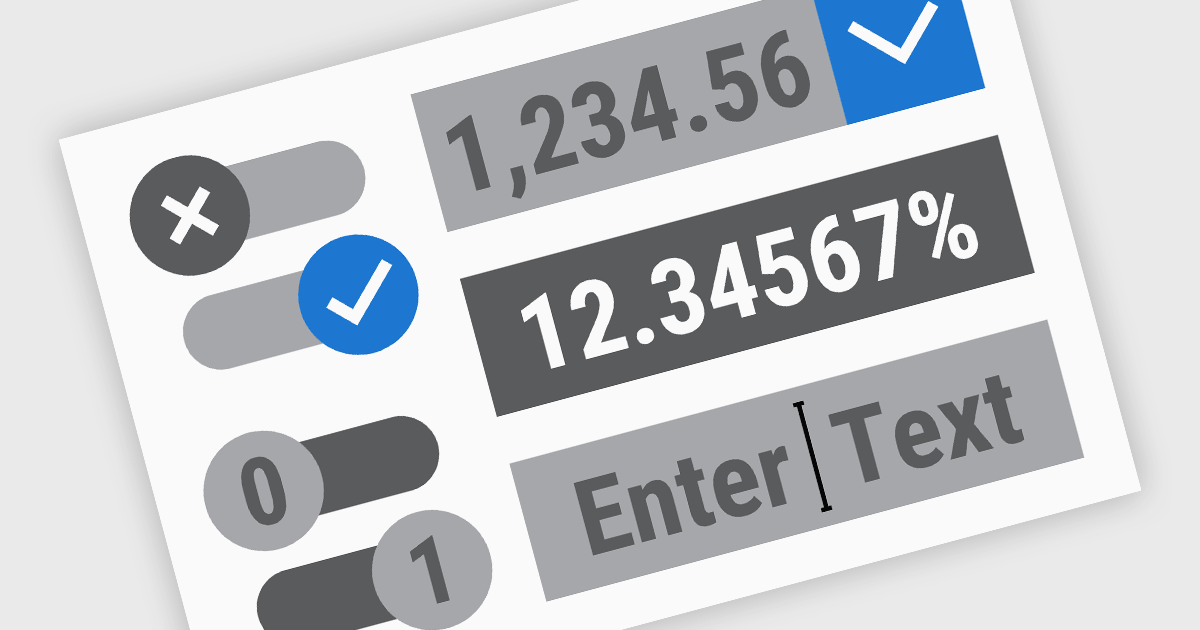
.NET Data Editor components provide a versatile set of tools for handling text, numeric, and Boolean data input within applications. These components enable developers to create user-friendly interfaces that accommodate various data entry needs, from simple text input to structured numeric formats and binary (true/false) selections. By integrating these editors, applications can ensure accuracy, enhance user experience, and streamline data validation. Whether used in forms, reports, or interactive dashboards, these components are essential for building efficient and responsive applications.
Common text, numeric and boolean data editor .NET controls include:
For an in-depth analysis of features and price, visit our .NET Data Editors comparison.
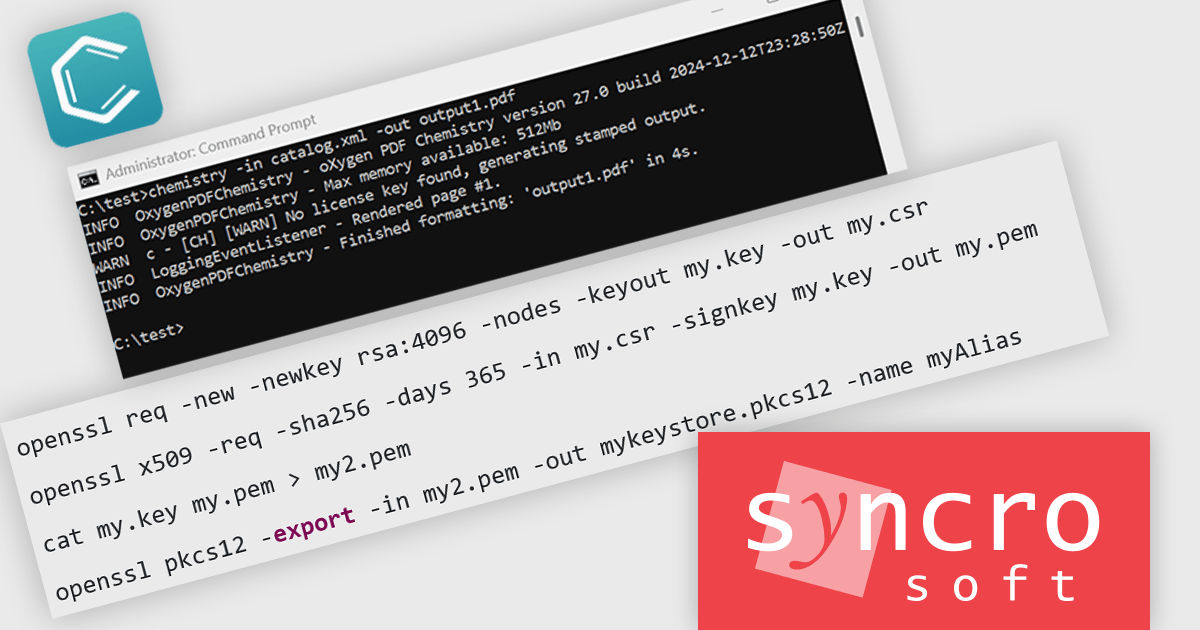
Oxygen PDF Chemistry is a powerful tool designed to facilitate the styling of PDF documents using Cascading Style Sheets (CSS). Integrated within the Oxygen XML suite, it allows users to apply advanced layout and formatting rules to structured content, ensuring precise control over the appearance of generated PDFs. By leveraging CSS Paged Media, it enables complex typographic designs, page-specific styling, and dynamic content handling, making it a flexible alternative to traditional XSL-FO (Extensible Stylesheet Language Formatting Objects) approaches.
The Oxygen PDF Chemistry 27.0 release adds the ability to sign PDF files using a keystore file and some related parameters. Digital signatures ensure that a PDF has not been altered after signing, providing verification of the document's integrity and the identity of the signer. This feature is particularly useful for organizations that need to produce legally binding documents, contracts, or official reports, as it helps meet compliance and security standards.
To see a full list of what's new in 27.0, see our release notes.
Oxygen PDF Chemistry is licensed per Core. The number of CPU-core licenses required depends on how the Software is deployed on your Server. It is available as a Perpetual License with support and maintenance subscription. See our Oxygen PDF Chemistry licensing page for full details.
Learn more on our Oxygen PDF Chemistry product page.
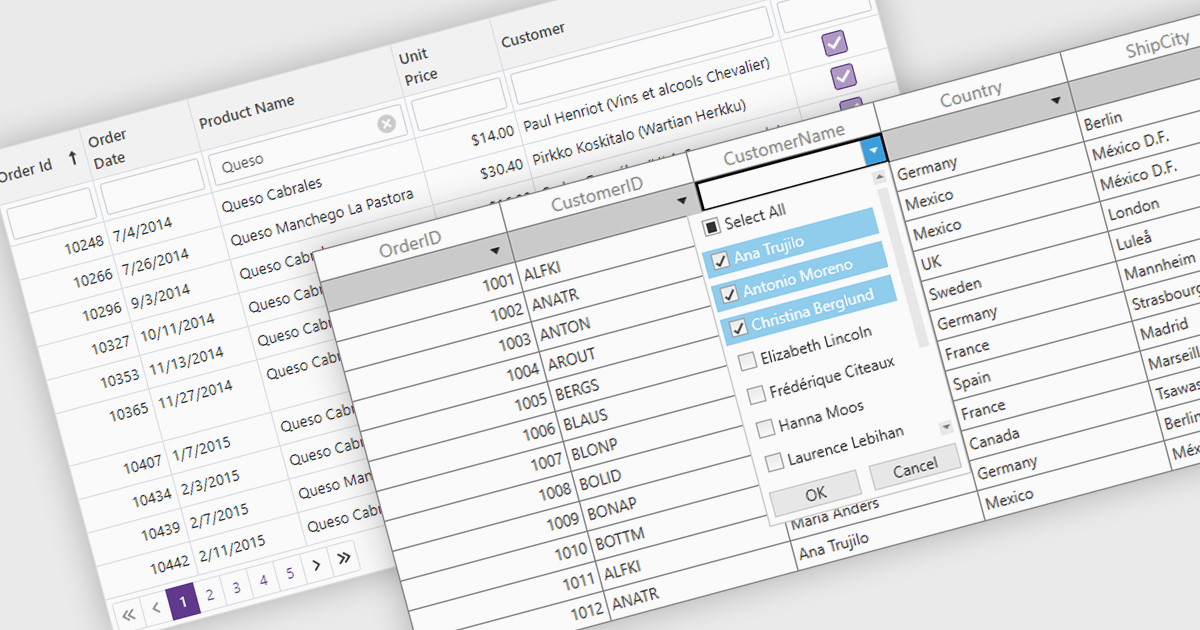
The Filter Rows feature in grids enables users to refine large datasets quickly with real-time filtering directly in the grid interface. It enhances productivity by reducing the need for manual searches, improves accuracy with precise filtering options, and streamlines workflows in .NET applications such as WinForms, WPF, and ASP.NET Core. By allowing users to filter data by text, numbers, dates, and boolean values, it simplifies data exploration and helps surface relevant information faster. This feature is especially useful in financial dashboards for transaction filtering, inventory management for quick product lookups, and CRM systems for refining customer records, making data handling more efficient and intuitive.
Several .NET grid controls offer filter row functionality including:
For an in-depth analysis of features and price, visit our comparison of .NET Grid Controls.

Stimulsoft Reports.PYTHON provides a collection of tools for creating, viewing, exporting, and printing reports within your Python applications. It allows you to connect to various data sources and leverage client-server technology for efficient report generation. Additionally, Stimulsoft offers powerful features for visualizing and analyzing your data.
The Stimulsoft Reports.PYTHON 2025.1.1 update introduces a new Export List Settings feature, allowing users to streamline the export options available in the Viewer. By using the new "Hide Unlisted Exports in The Viewer" parameter, developers can define which export formats are visible in the Save menu for reports and dashboards. This provides greater control over the user interface, enabling a more focused and tailored experience while maintaining flexibility to align with specific project requirements. By default, all export formats remain accessible, ensuring compatibility with existing setups.
To see a full list of what's new in 2025.1.1, see our release notes.
Stimulsoft Reports.PYTHON is licensed per developer and is available as a Perpetual license with 1 year support and maintenance. See our Stimulsoft Reports.PYTHON licensing page for full details.
Stimulsoft Reports.PYTHON is available individually or as part of Stimulsoft Ultimate.





Tél : (888) 850 9911
Fax : +1 770 250 6199


