








Fournisseur officiel
Comme nous somme les distributeurs officiels et autorisés, nous vous fournissons des licences légitimes directement à partir de 200+ éditeurs de logiciels.
Voyez toutes nos marques.
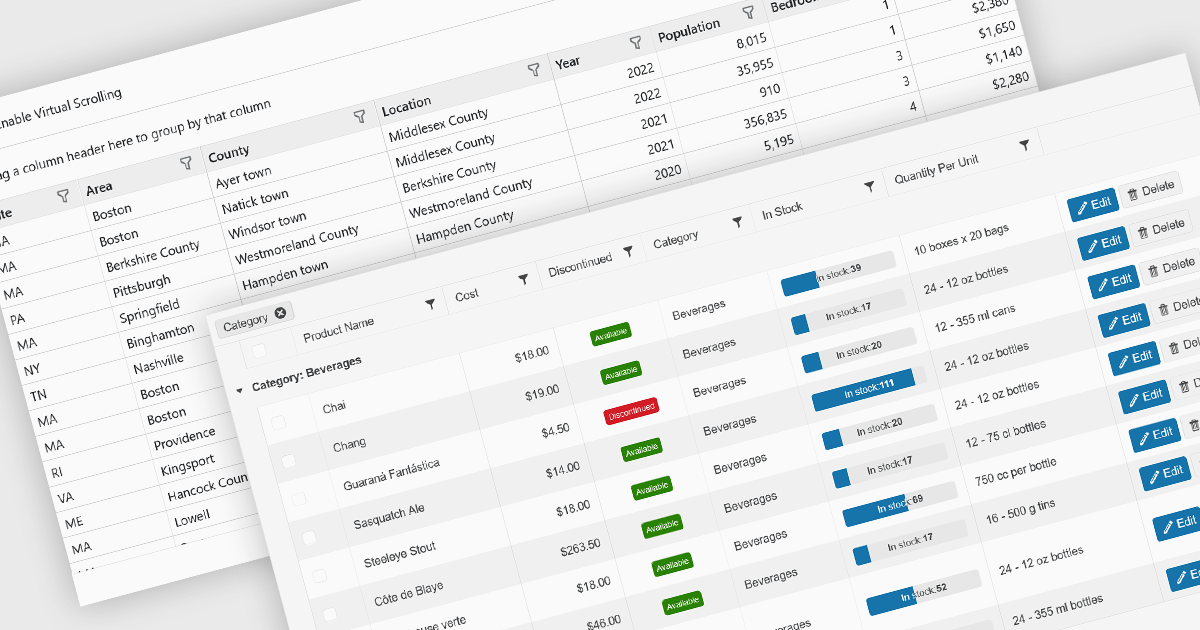
Data grids are essential components in modern user interface (UI) suites, enabling developers to display, manage, and manipulate large sets of data efficiently. They provide features such as sorting, filtering, grouping, and pagination, which enhance the user experience and improve data navigation. Advanced data grids also support customizable templates, responsive layouts, and integration with various data sources, making them highly versatile for enterprise-level applications.
Several Blazor UI suites offer data grid components including:
For an in-depth analysis of features and price, visit our Blazor UI suites comparison.
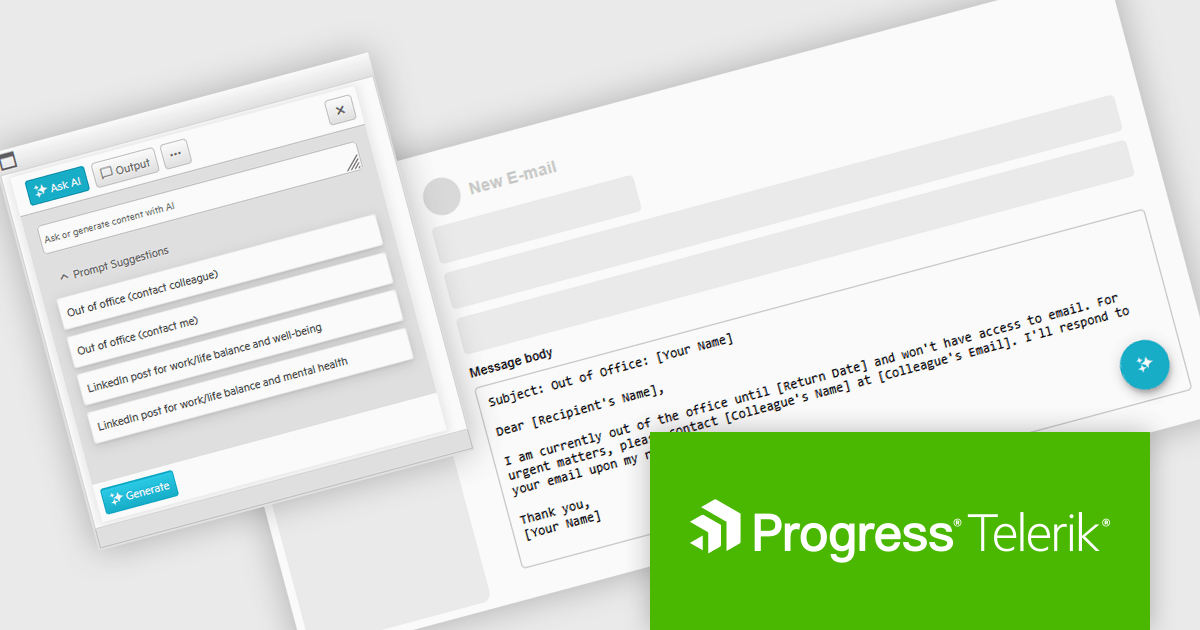
Telerik UI for ASP.NET AJAX is a library of over 120 user interface components designed for developers building Web Forms applications on the ASP.NET AJAX framework. It provides a variety of pre-built and high-performant controls which are fully customizable, ranging from data management to layout, navigation and data visualization. This feature-rich suite allows for the creation of responsive and visually appealing web applications, whilst enabling developers to enhance the user experience and expedite the development process.
The Telerik UI for AJAX 2025 Q1 update introduces Artificial Intelligence integration, enabling developers to seamlessly incorporate generative AI capabilities into WebForms applications. The new AI Prompt control allows applications to send prompts, process AI-generated responses, and map them dynamically to UI elements or business logic. This integration streamlines AI-powered interactions, reducing development complexity while enhancing user engagement. With built-in support for prompt handling and response customization, developers can efficiently implement AI-driven features without relying on external libraries, ensuring a more intuitive and modern user experience within existing WebForms projects.
To see a full list of what's new in 2025 Q1 (2025.1.211), see our release notes.
Telerik UI for ASP.NET AJAX is licensed per developer and has two licensing models: an annual Subscription License and a Perpetual License. The Subscription license provides access to the latest product updates, technical support, and exclusive benefits for a flat annual fee, and must be renewed to continue using the software. The Perpetual license is a one-time purchase granting access to the current released version and includes a one-year subscription for product updates and technical support. After this initial period, users can choose to renew the subscription element to continue receiving updates and support; otherwise, they may continue using the installed version available during their active subscription term but will forgo future updates and support. See our Telerik UI for ASP.NET AJAX licensing page for full details.
Telerik UI for ASP.NET AJAX is available individually or as part of the following products:
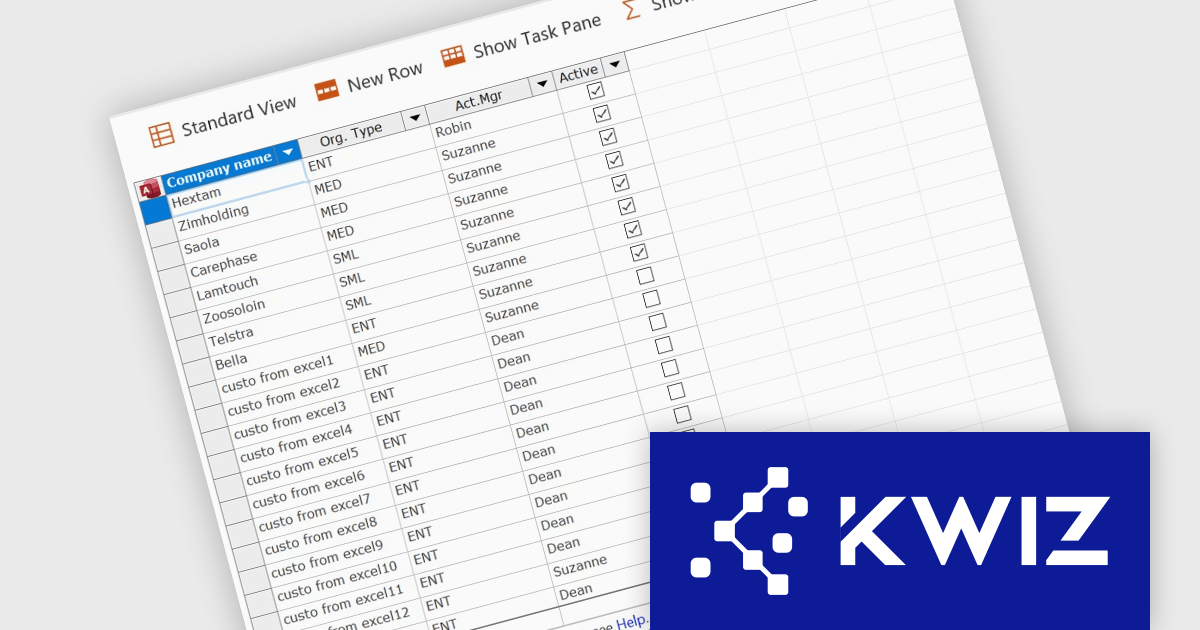
KWIZ has introduced KWIZ Datasheet View, a new product designed to streamline the way users interact with structured data in a collaborative environment. It brings an Excel-like editing experience to SharePoint, enabling fast bulk updates for modern and classic lists. It integrates seamlessly with SharePoint, adding a toolbar button for easy access and supporting Chrome, Edge, and Internet Explorer. With an option to auto-open lists in Datasheet mode, it streamlines data management for teams handling large datasets, inventory, or projects, enhancing efficiency and productivity.
KWIZ Datasheet View enhances SharePoint integration by providing a seamless, Excel-like bulk editing experience directly within SharePoint lists and libraries. This integration ensures compatibility with both modern and classic lists, allowing developers to maintain a consistent user experience across different SharePoint environments without additional configuration. By embedding directly into the SharePoint interface, it eliminates the need for external tools or complex workarounds, improving data management efficiency. The integration also supports multiple browsers, ensuring accessibility across different platforms. Developers can leverage this functionality to optimize workflows, streamline bulk data updates, and enhance usability for end users working with large datasets in SharePoint.
KWIZ Datasheet View is licensed on an annual basis, requiring each user in your organization to be covered by an Annual Subscription license. Different levels are available to cater for different numbers of users. See our KWIZ Datasheet View licensing page for full details.
For more information, visit our KWIZ Datasheet View product page.
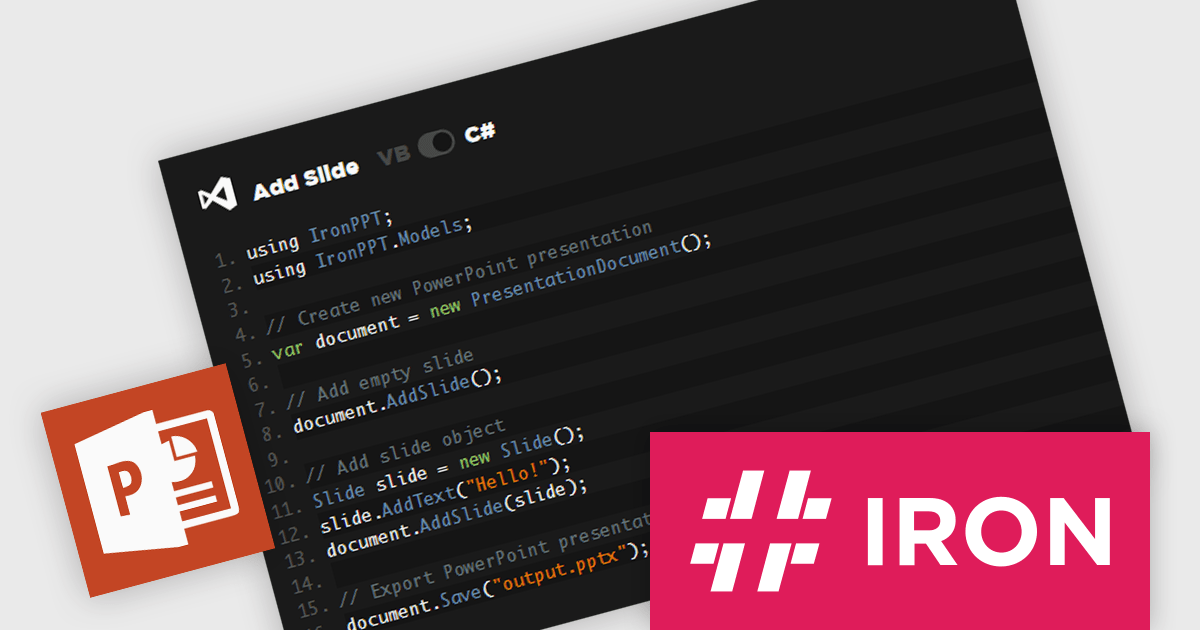
IronPPT for .NET is a newly-launched C# and VB.NET library from Iron Software for creating, editing, and managing PowerPoint presentations without Microsoft Office. It supports text, images, shapes, and slide management, with full compatibility across .NET 9, 8, 7, 6, Framework, Core, and Azure. Designed for cross-platform deployment, it enables automation, dynamic reports, and enterprise integration with minimal effort, streamlining workflows and enhancing productivity.
IronPPT for .NET simplifies PowerPoint presentation manipulation with an intuitive C# and VB.NET API that minimizes complexity and accelerates development. Its straightforward design allows developers to create, edit, and manage PPTX files with minimal code, reducing the learning curve and eliminating the need for Microsoft Office or Interop. By providing clear methods for adding text, images, shapes, and slides, it enables seamless integration into .NET applications, improving efficiency and maintainability. With support for the latest .NET versions and cross-platform deployment, IronPPT ensures a smooth development experience, allowing teams to focus on building robust presentation-driven solutions.
IronPPT for .NET is licensed based on the number of developers, developer locations, and projects. Licenses are perpetual and include 1 year of support and product updates. See our IronPPT for .NET licensing page for full details.
IronPPT for .NET is available individually or as part of Iron Suite for .NET.
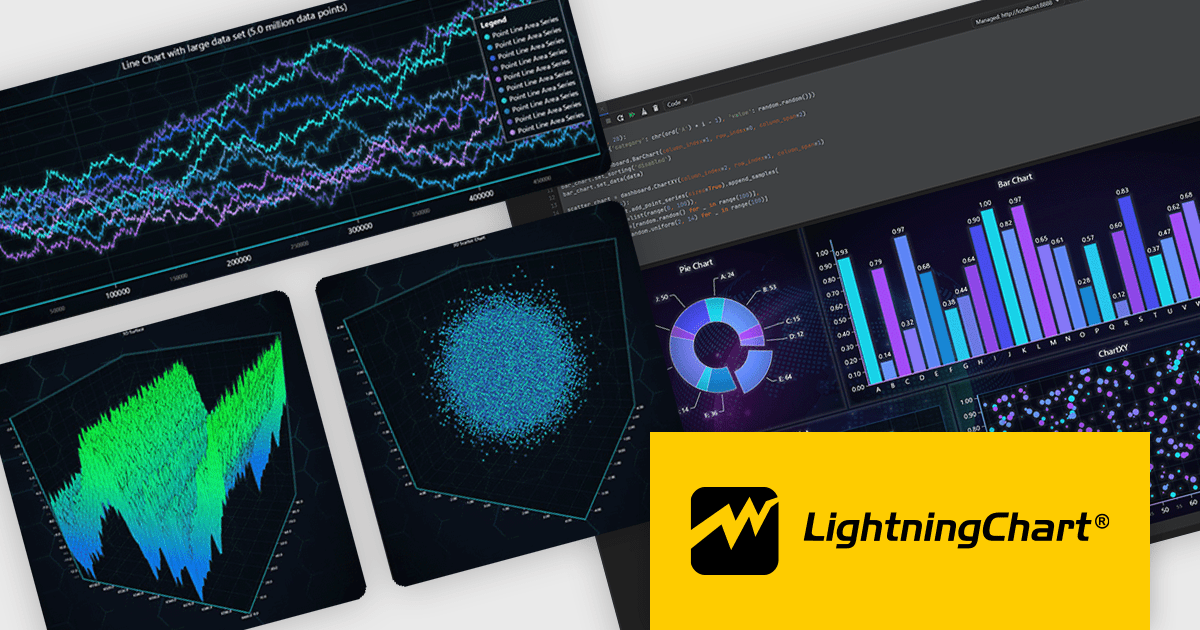
LightningChart Python is a newly released high-performance visualization library designed for real-time analytics and large-scale data rendering. Utilizing GPU acceleration and WebGL, it efficiently processes millions of data points in 2D and 3D with smooth, interactive visuals. It seamlessly integrates with Python’s data ecosystem, including numpy, pandas, and GUI frameworks like PyQt and PySide, making it a powerful tool for interactive dashboards, financial analytics, scientific simulations, and engineering applications.
By offloading rendering to the GPU, LightningChart Python enhances responsiveness, minimizes CPU load, and ensures seamless interaction with complex datasets. Its advanced charting capabilities support real-time monitoring, heatmaps, scatter plots, and dynamic surface charts, delivering the speed, precision, and scalability required for data-intensive applications.
LightningChart Python offers two licensing options: the subscription-based Data Scientist License for internal, non-public facing usage and the perpetual, per-seat Software Developer License for commercial use with professional support and deployment keys. Both licenses allow one active session per user, with developer licenses assigned individually. See our LightningChart Python licensing page for full details.
For more information, see our LightningChart Python product page.





Tél : (888) 850 9911
Fax : +1 770 250 6199


