








Fournisseur officiel
Comme nous somme les distributeurs officiels et autorisés, nous vous fournissons des licences légitimes directement à partir de 200+ éditeurs de logiciels.
Voyez toutes nos marques.
/n software is a leading provider of enterprise-class components and tools for secure internet communications, cloud integration, and data encryption. For over 30 years, it has been trusted by developers across Fortune 500 and Global 2000 companies to build reliable, high-performance applications. Its product portfolio includes the widely used IPWorks suite and the Red Carpet Subscription, offering comprehensive solutions for networking, security, and messaging across various platforms and frameworks.
The following /n software products now support .NET 9, allowing developers to take advantage of the latest performance improvements, security enhancements, and modern development features in Microsoft's newest framework. These updates ensure integration with cutting-edge .NET technologies, helping developers build robust and scalable Internet applications.
/n software Red Carpet Subscription is licensed per developer and is available as a Perpetual License with a 12 month support and maintenance subscription. See our Red Carpet Subscription licensing page for full details.

Cell types in Grid components are specialized configurations that define how data is displayed, edited, and interacted with within a grid or table structure. They allow developers to tailor the presentation and functionality of each cell to better match the type of data it contains. By specifying cell types such as text, numeric, date/time, and more, Grid components can provide intuitive controls and formatting automatically, streamlining data entry and reducing errors.
Common features include:
For an in-depth analysis of features and price, visit our jQuery grid components comparison.
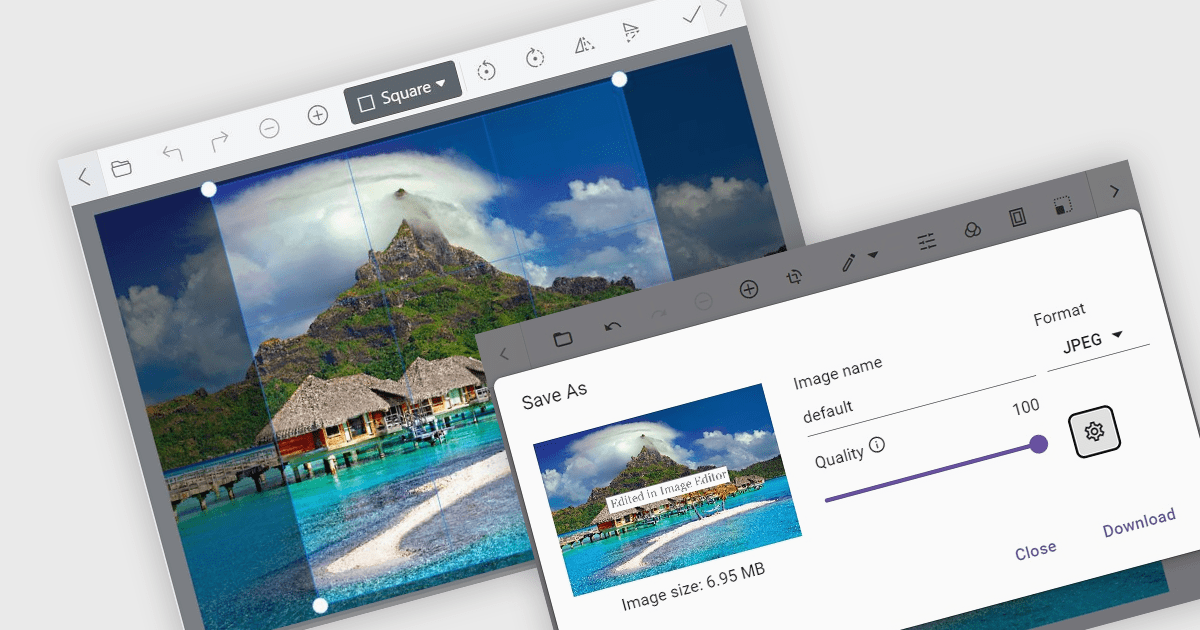
Image editors are user interface (UI) controls that can be embedded in applications, enabling users to load, edit, and save images seamlessly. They typically support a range of operations, including cropping, zooming, resizing, rotating, filtering, and exporting. Ideal for applications that require built-in image manipulation, such as content management systems or design tools, image editors allow users to modify images without relying on external software. By integrating these capabilities, developers can enhance their application's functionality and provide a more versatile user experience.
Several .NET data editor collections provide an image editor, including:
For an in-depth analysis of features and price, visit our .NET data editors comparison.
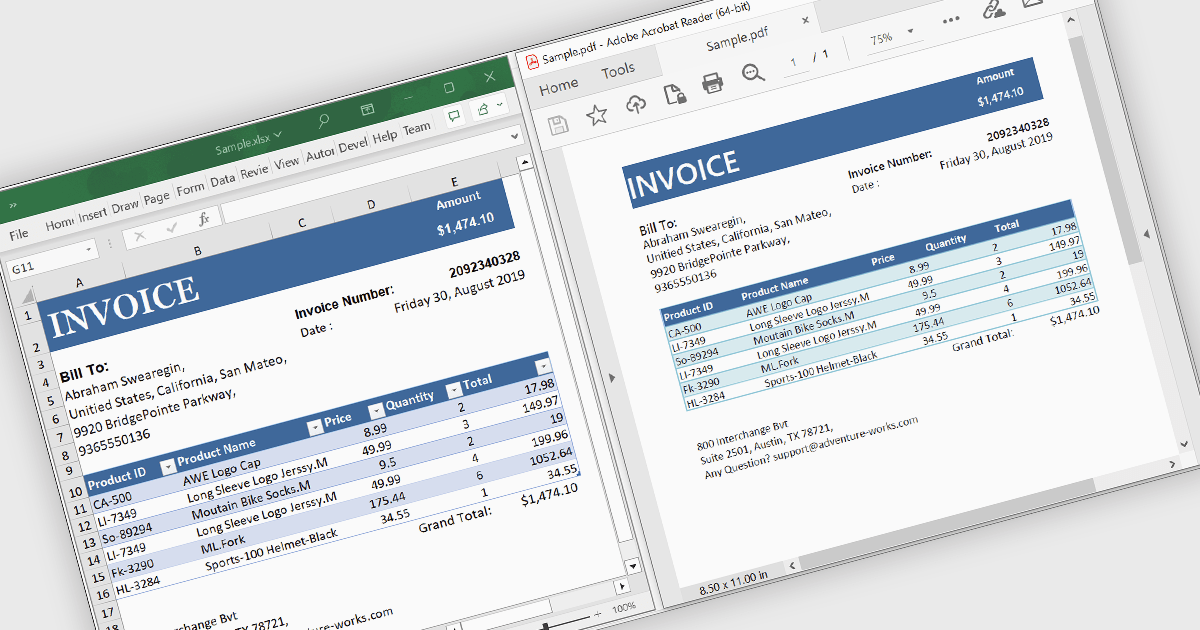
Converting Excel files to PDF ensures that spreadsheets maintain their formatting, structure, and data integrity while becoming universally accessible across devices without requiring specialized software. This process enhances security by preventing unintended edits, supports password protection, and enables controlled access to sensitive data. It also optimizes file size for easier sharing and ensures consistent printing without layout distortions. Ideal for financial reports, invoices, data summaries, and official documents, Excel to PDF conversion provides a professional, fixed-format output suitable for archiving, collaboration, and compliance with industry standards.
Several .NET WinForms PDF controls offer support for Excel to PDF conversion, including:
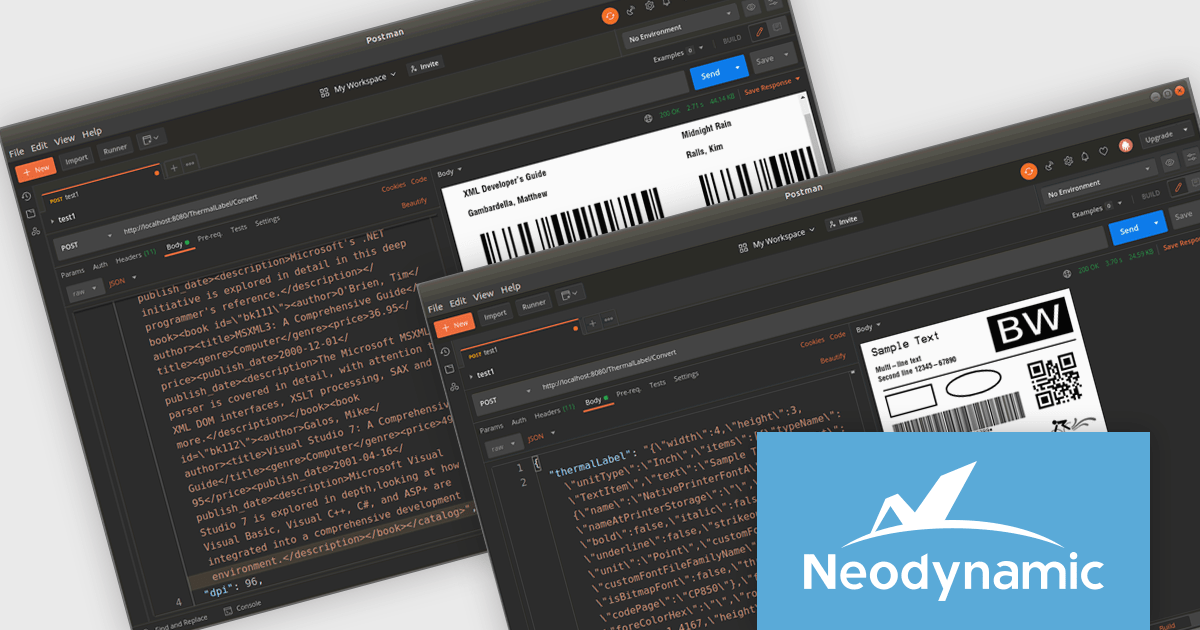
Neodynamic ThermalLabel Web API for Docker is a scalable, cloud-ready solution for generating barcode labels in containerized environments. It offers a RESTful API that allows developers to design and print labels with barcodes, text, images, and RFID elements from any platform or application. By leveraging Docker’s containerization technology, it simplifies deployment and maintenance while ensuring cross-platform compatibility, making it suitable for on-premises and cloud-based infrastructures. Designed for industries such as logistics, retail, and healthcare, it supports high-performance label printing with minimal resource consumption, enabling businesses to efficiently produce shipping labels, asset tags, and product barcodes within distributed systems.
The Neodynamic ThermalLabel Web API for Docker 5.0 release introduces the new "OverflowSplit" sizing option for TextItem objects. This feature enables developers to automatically divide extensive text content across multiple labels, ensuring that lengthy information is seamlessly managed without requiring manual adjustments. This is particularly beneficial for applications requiring the printing of variable data that may exceed the space of a single label, such as detailed product descriptions or serialized data.
To see a full list of what's new in 5.0, see our release notes.
Neodynamic ThermalLabel Web API for Docker is licensed per developer and per server/client side deployment. Licenses are perpetual and include free updates and priority support for 1 year. See our Neodynamic ThermalLabel Web API for Docker licensing page for full details.
Learn more on our Neodynamic ThermalLabel Web API for Docker product page.





Tél : (888) 850 9911
Fax : +1 770 250 6199


