








Fournisseur officiel
Comme nous somme les distributeurs officiels et autorisés, nous vous fournissons des licences légitimes directement à partir de 200+ éditeurs de logiciels.
Voyez toutes nos marques.
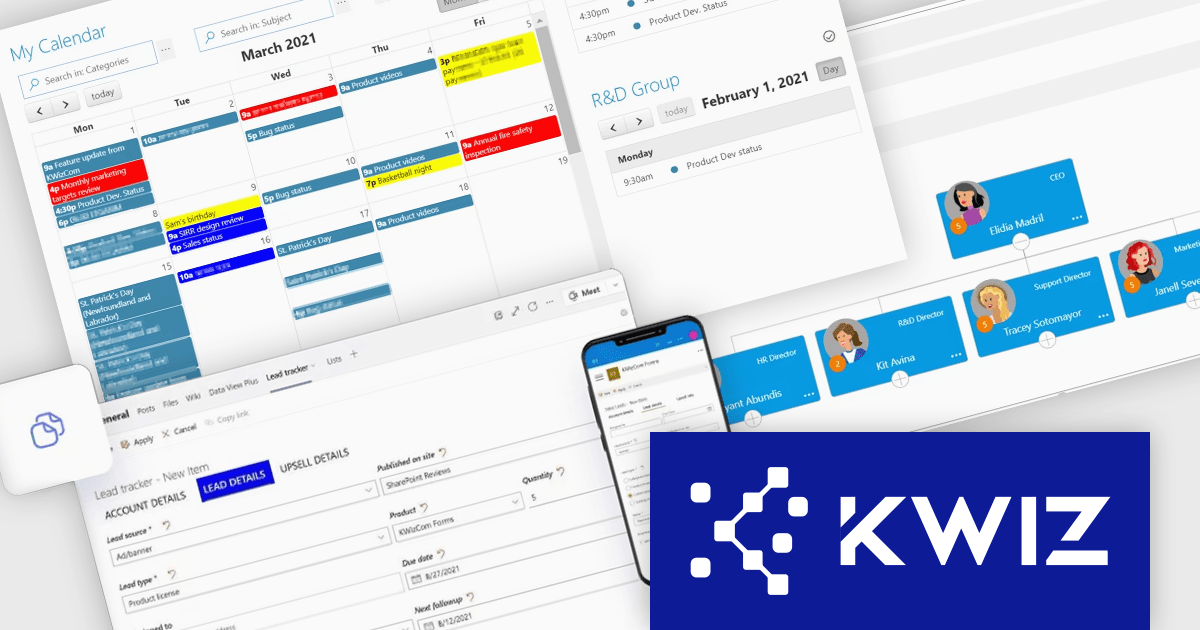
ComponentSource, a leading provider of software development tools, has announced a new partnership with KWIZ, a digital transformation solutions provider. This collaboration aims to enable developers to enhance their Microsoft SharePoint experience with advanced tools and integrations, providing seamless, secure solutions for workflows and data visualization.
KWIZ (formerly KWizCom) specializes in easy-to-use, no-code SharePoint forms, workflows, and data visualization tools. It provides customizable software for Microsoft SharePoint, as well as adjacent professional services focused on product customization, digital transformation, and security support. KWIZ products streamline SharePoint workflows, optimize data management, and are essential tools for professionals in industries relying on robust, secure collaboration and data visualization, such as finance, healthcare, and manufacturing.
By partnering with KWIZ, ComponentSource expands its portfolio to include advanced SharePoint optimization tools, offering its customers powerful solutions for improving productivity, security, and data visualization in industries relying on Microsoft technologies. This partnership also strengthens ComponentSource's position as a leading provider of software development solutions, addressing the growing demand for secure, user-friendly tools and digital transformation services in industries such as finance, healthcare, and government.
KWIZ offers a broad range of SharePoint tools including:
For more information, visit our KWIZ publisher page.
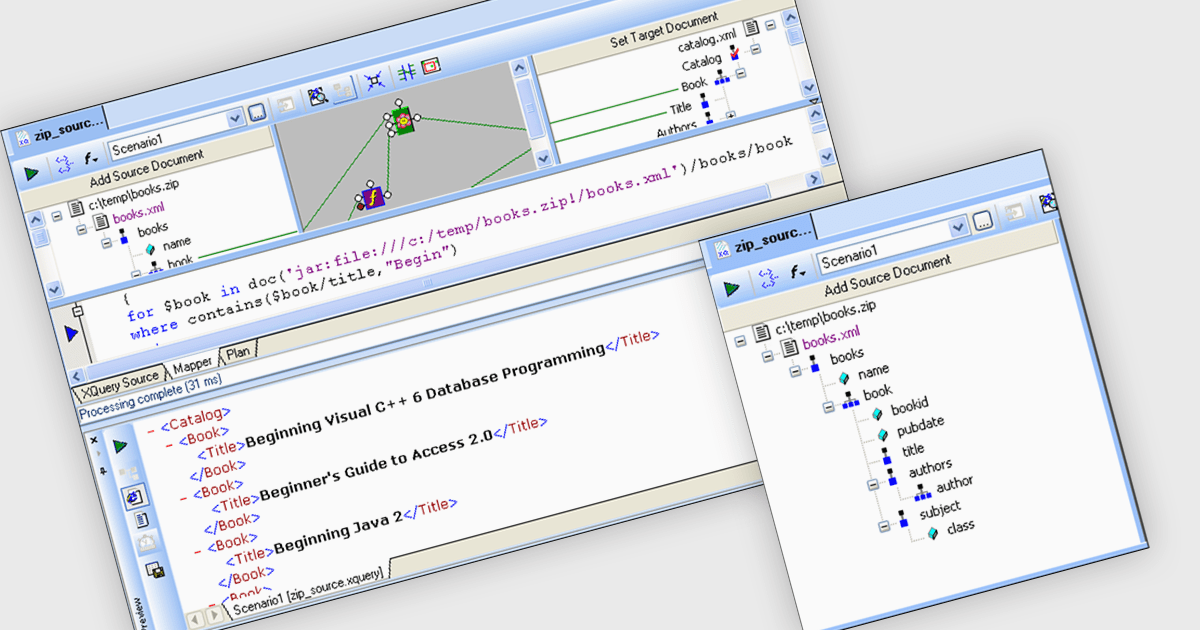
Archive support allows XML tools to the process and manage XML data within compressed archive files, such as ZIP or JAR. This enables developers to efficiently handle large XML datasets or collections of XML documents without the need for prior extraction. By integrating archive support directly into the XML processing pipeline, developers can streamline their workflows, reduce disk space usage, and improve overall performance by minimizing the number of file system operations required. This is particularly beneficial when dealing with distributed systems or when working with large, frequently updated XML repositories.
Several Structured Document Tools can work with files directly from various archives including:
For an in-depth analysis of features and price, visit our structured document tools comparison.
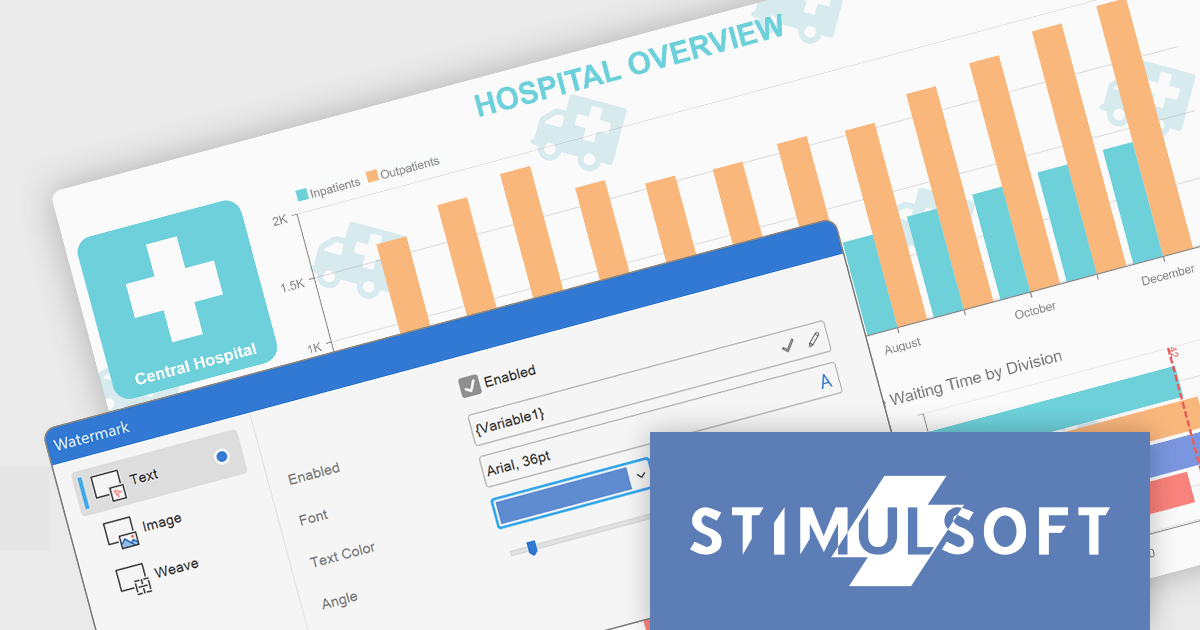
Stimulsoft Dashboards.JS is a JavaScript-based tool for creating interactive dashboards within web applications. Designed for developers and businesses, it provides customizable charts, graphs, and tables to visualize complex data from various sources. It supports popular JavaScript frameworks such as React, Vue.js, and Node.js, enabling seamless integration into modern web projects. With an intuitive interface and responsive design, it suits use cases like business intelligence, performance monitoring, and data-driven decision-making. Stimulsoft Dashboards.JS enhances user engagement and simplifies data analysis for industries such as finance, marketing, and logistics.
The Stimulsoft Dashboards.JS 2025.1.1 update introduces the ability to use expressions in dashboard watermarks, providing developers with enhanced flexibility to create dynamic and context-aware visual elements. This feature allows watermarks to adapt based on data or user-defined expressions, enabling the seamless integration of real-time information, branding, or contextual details directly into dashboards. By supporting Text, Image, Weave, and combined elements, the update streamlines customization and ensures that watermarks can align with specific design or functional requirements, helping developers deliver more polished and responsive dashboards.
To see a full list of what's new in 2025.1.1, see our release notes.
Stimulsoft Dashboards.JS is licensed per developer and is available as a Perpetual license with 1 year support and maintenance. See our Stimulsoft Dashboards.JS licensing page for full details.
Stimulsoft Dashboards.JS is available individually or as part of Stimulsoft Ultimate.
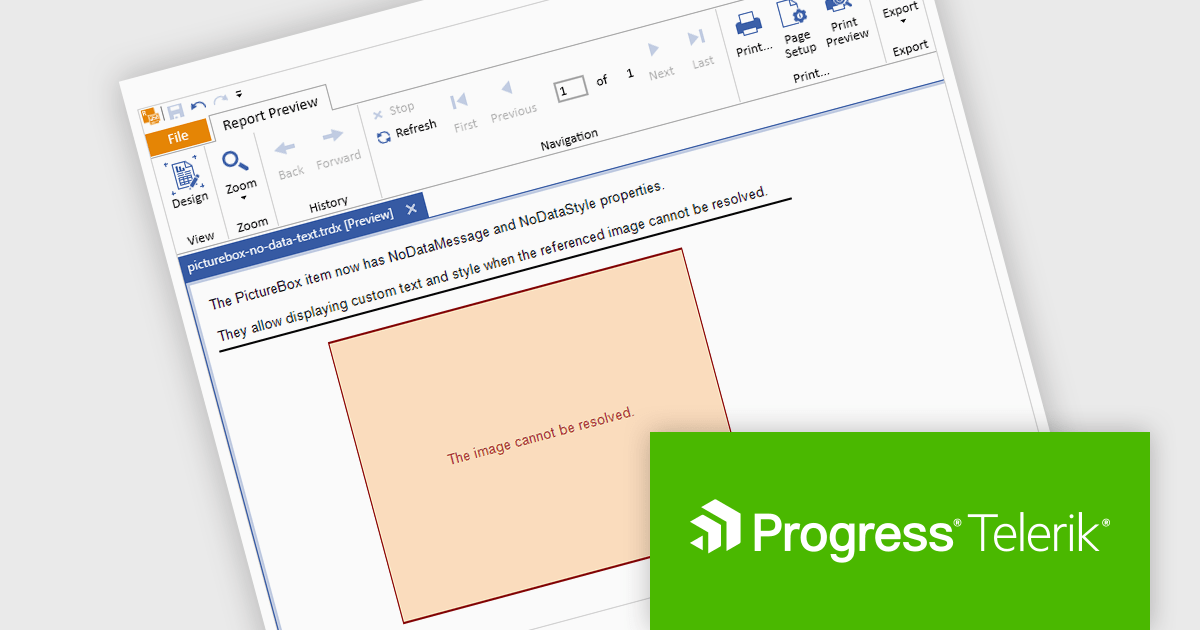
Telerik Report Server is a comprehensive and flexible end-to-end solution for managing reports. Built with the Telerik Reporting library, it is a server-based Windows web application that provides centralized storage, organization, and previewing of reports, along with features for scheduling, delivery, and user management. Report Server can act as a standalone solution or be integrated within an application, allowing developers to create, manage, and distribute reports across multiple platforms including Blazor, Angular and Windows Forms.
The Telerik Report Server 2024 Q4 update introduces enhanced handling for missing images in reports, providing greater control over how absent data is displayed. This is achieved through extended NoDataMessage properties, which allow developers to define custom messages or visuals that appear when data or images are unavailable. These enhancements improve the clarity and professionalism of report outputs, ensuring that users receive meaningful feedback even when expected content is missing. By addressing common disruptions caused by absent resources, the update helps developers maintain a seamless and polished reporting experience.
To see a full list of what's new in 2024 Q4 (10.3.24.1112), see our release notes.
Telerik Report Server is available as a perpetual license and is licensed per domain. Each domain license contains 15 Client Access Licenses and 1 year support and maintenance. See our Telerik Report Server licensing page for full details.
Telerik Report Server is available individually or as part of Telerik DevCraft Ultimate.
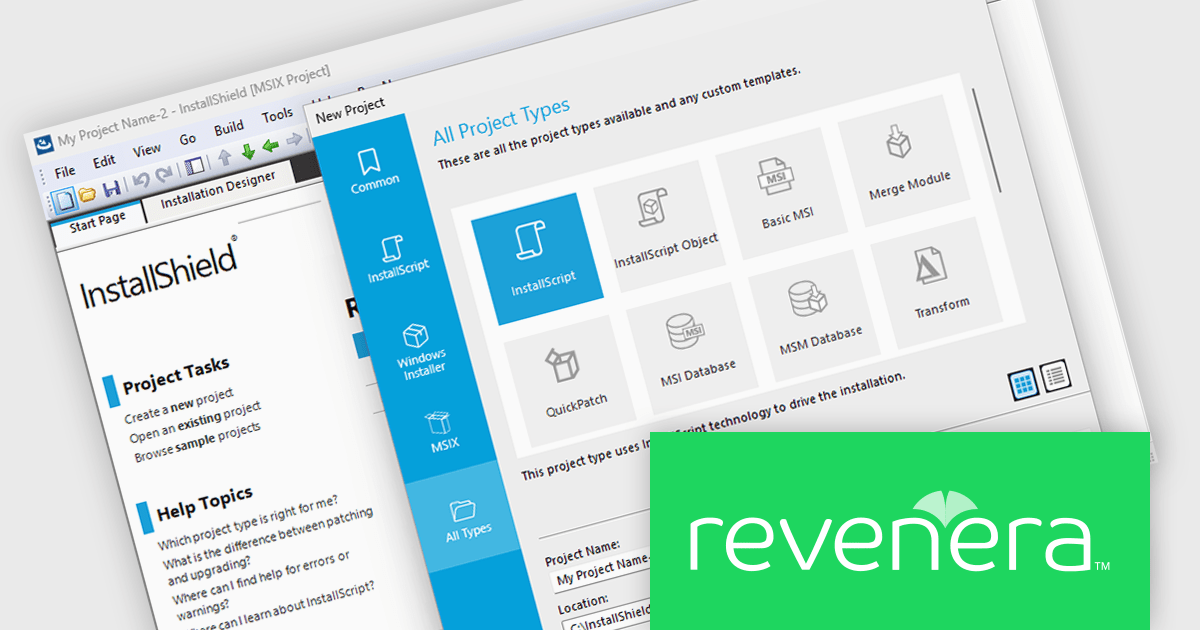
InstallShield by Revenera is a leading Windows installation development solution that specializes in building installers and managing software packages. InstallShield offers a streamlined interface and comprehensive features, enabling developers to efficiently create professional installers, configure prerequisites, manage updates, and customize the installation experience for diverse user needs.
The InstallShield 2024 R2 release introduces support for Windows Server 2025. This crucial enhancement empowers developers to proactively define installation conditions specifically tailored for this new operating system. By leveraging this functionality, developers can ensure seamless and reliable deployments on Windows Server 2025. This translates to greater control over the installation process, allowing for customized behaviors based on the target environment. This proactive minimizes potential compatibility issues and enhances the overall user experience for those deploying applications on the latest Windows Server platform.
To see a full list of what's new in version 2024 R2, see our release notes.
InstallShield is licensed per user and is available as a 3 Year Timed Subscription. See our InstallShield Professional licensing page or InstallShield Premier licensing page for full details.
For more information, visit our InstallShield Professional or InstallShield Premier product pages.





Tél : (888) 850 9911
Fax : +1 770 250 6199


