








Fournisseur officiel
Comme nous somme les distributeurs officiels et autorisés, nous vous fournissons des licences légitimes directement à partir de 200+ éditeurs de logiciels.
Voyez toutes nos marques.
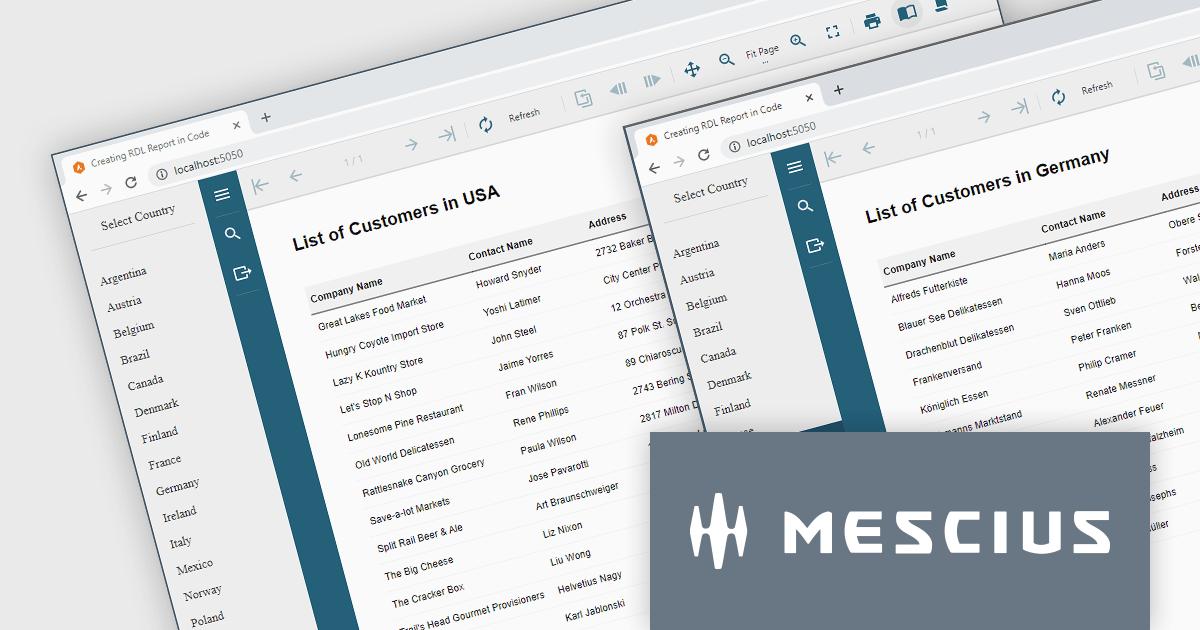
ActiveReports.NET helps you deliver beautiful reports with intuitive Visual Studio integrated report designers and rich controls. It provides code-based cross-platform reporting, easy-to-use designers, and a flexible API. Available for desktop (WinForms, WPF, .NET) and web (JavaScript, Blazor, ASP.NET MVC). Design and deliver powerful reports with intuitive, reliable, and user-friendly report designers and controls. It supports multiple report types, including RDL Reports.
Report Definition Language (RDL) defines a common schema that enables the interchange of report definitions. There are instances where it becomes necessary to programmatically generate an RDL report in your code, manage data binding conditionally at runtime, or modify the layout of a report based on user input. In this blog post, MESCIUS Product Manager Alec Gall guides you through the procedures required for using ActiveReports.NET to create an RDL report exclusively using C# code. Steps include:
Read the complete blog and learn how to leverage this powerful and flexible method for generating dynamic reports using ActiveReports.
ActiveReports.NET is licensed per developer and is available with or without a 12 month support and maintenance subscription. See our ActiveReports.NET licensing page for full details.
Learn more on our ActiveReports.NET product page.
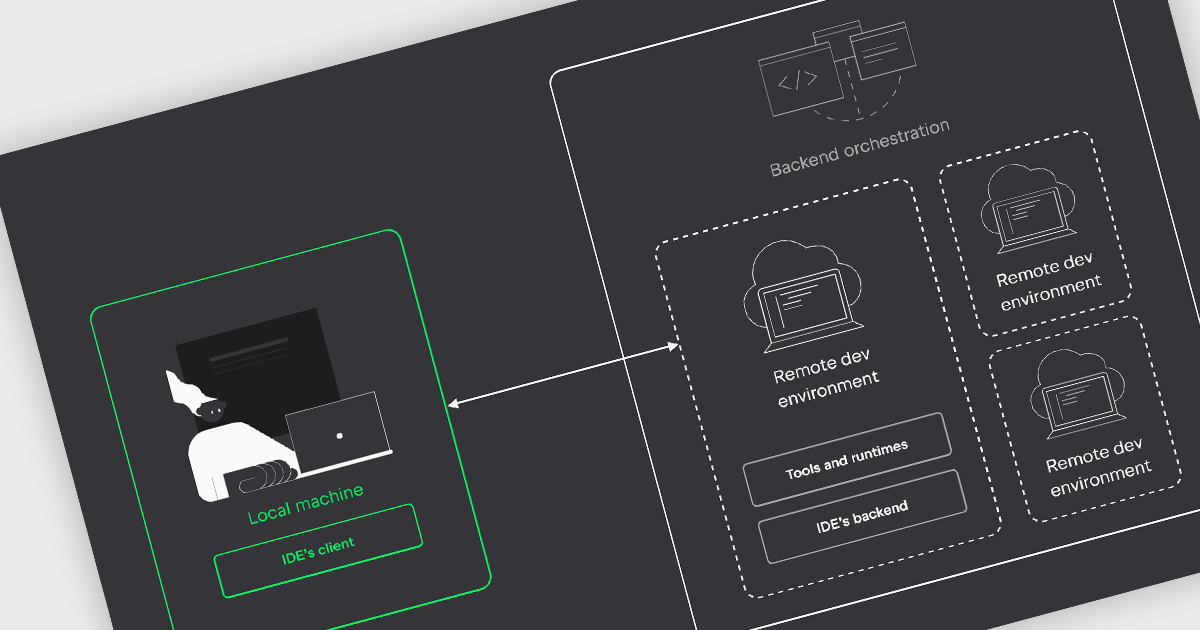
IDEs with remote development capabilities enable developers to utilize a powerful remote machine for coding while enjoying the familiarity and features of their preferred IDE on a local device. This unlocks benefits like building and debugging on robust servers, collaborating on projects in geographically dispersed teams, and working from less powerful machines, all while maintaining a smooth development experience.
Several IDEs offer support for remote development including:
For an in-depth analysis of features and price, visit our IDEs comparison.
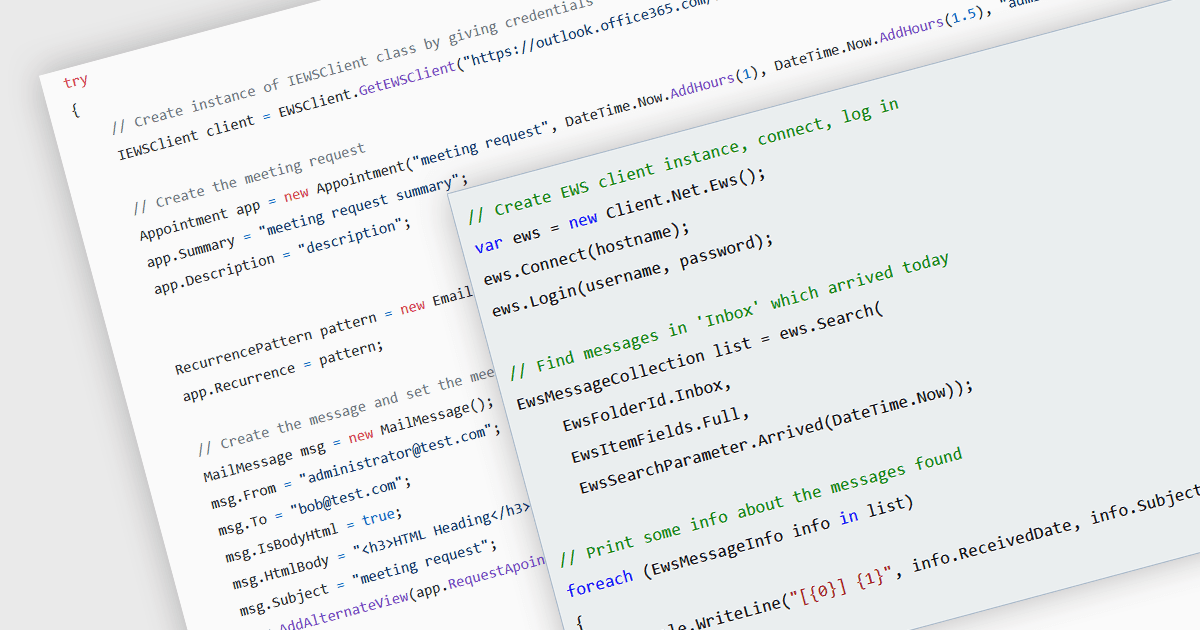
Communications components that support Exchange Web Services (EWS) bridge the gap between your .NET applications and Microsoft Exchange servers. These components provide a user-friendly interface for interacting with Exchange data, allowing you to send and receive emails, manage calendars and contacts, and access folders and attachments. This simplifies development and empowers your applications to leverage the robust features of Exchange, making them ideal for building email clients, workflow automation tools, or internal communication platforms within organizations that rely heavily on Exchange for collaboration.
Several .NET communications and messaging components offer EWS support:
For an in-depth analysis of features and price, visit our comparison of .NET communications and messaging components.
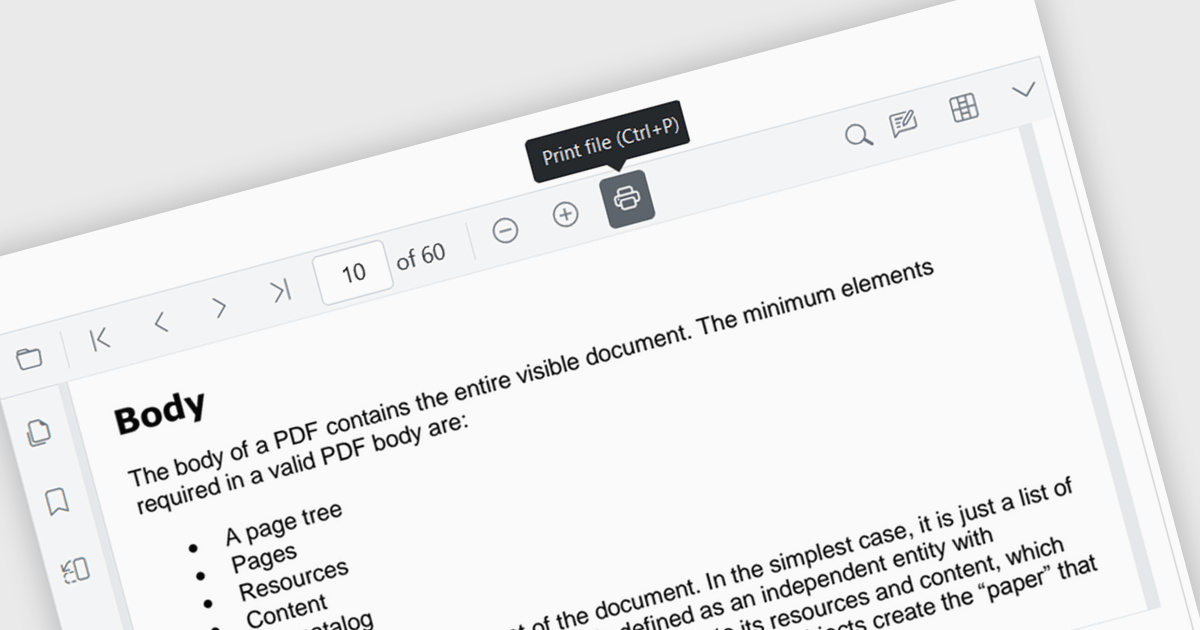
Enhance your Angular application's functionality with PDF viewer components that offer built-in printing support. This popular feature allows users to seamlessly print documents directly from your web app, eliminating the need for external downloads or software. Printing support provides benefits including increased efficiency, improved user experience, and better document control, making it ideal for scenarios where users need to generate physical copies of reports, contracts, or other vital documents.
Several Angular PDF viewer components include support for printing, including:
For an in-depth analysis of features and price, visit our comparison of Angular PDF viewer components.
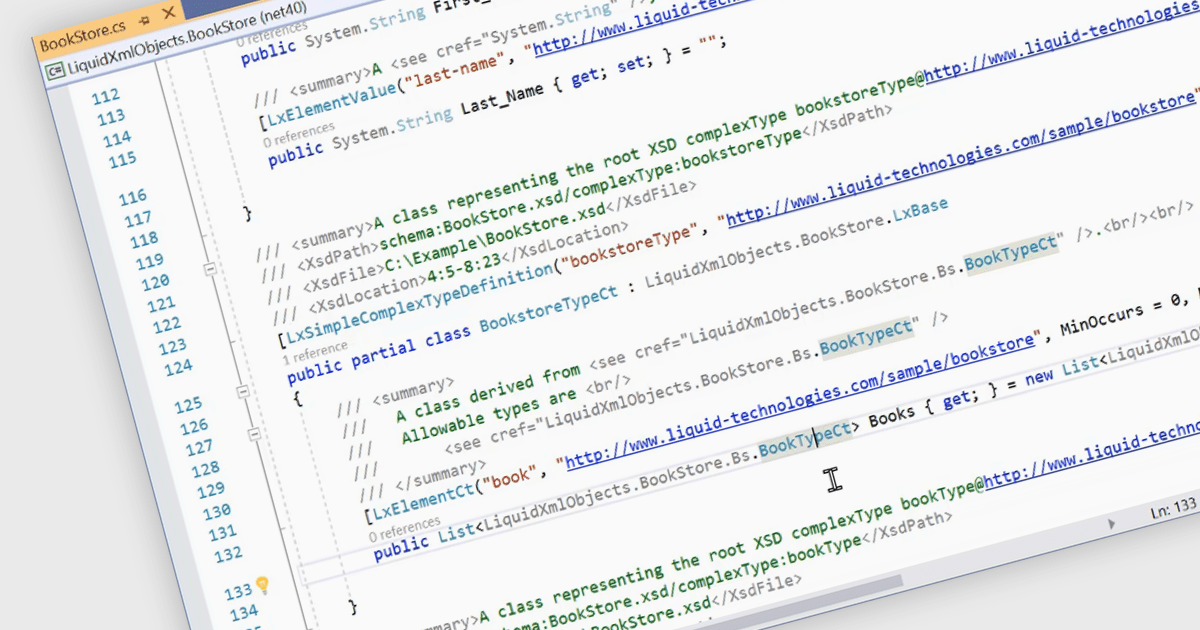
Structured document tools enable automated C# code generation based on predefined templates and embedded metadata. This process involves using tools that interpret the document's structure and content, such as XML or JSON schemas, to produce well-organized and consistent C# code. The benefits of this approach include increased development efficiency, reduced risk of human error, and enhanced maintainability. By automating repetitive and boilerplate coding tasks, developers can focus on more complex and value-added aspects of the application, ensuring higher code quality and faster time to market. This technique also promotes standardization and consistency across the codebase, facilitating easier updates and modifications.
Several structured document tools offer C# code generation including:
For an in-depth analysis of features and price, visit our structured document tools comparison.





Tél : (888) 850 9911
Fax : +1 770 250 6199


