








Fournisseur officiel
Comme nous somme les distributeurs officiels et autorisés, nous vous fournissons des licences légitimes directement à partir de 200+ éditeurs de logiciels.
Voyez toutes nos marques.
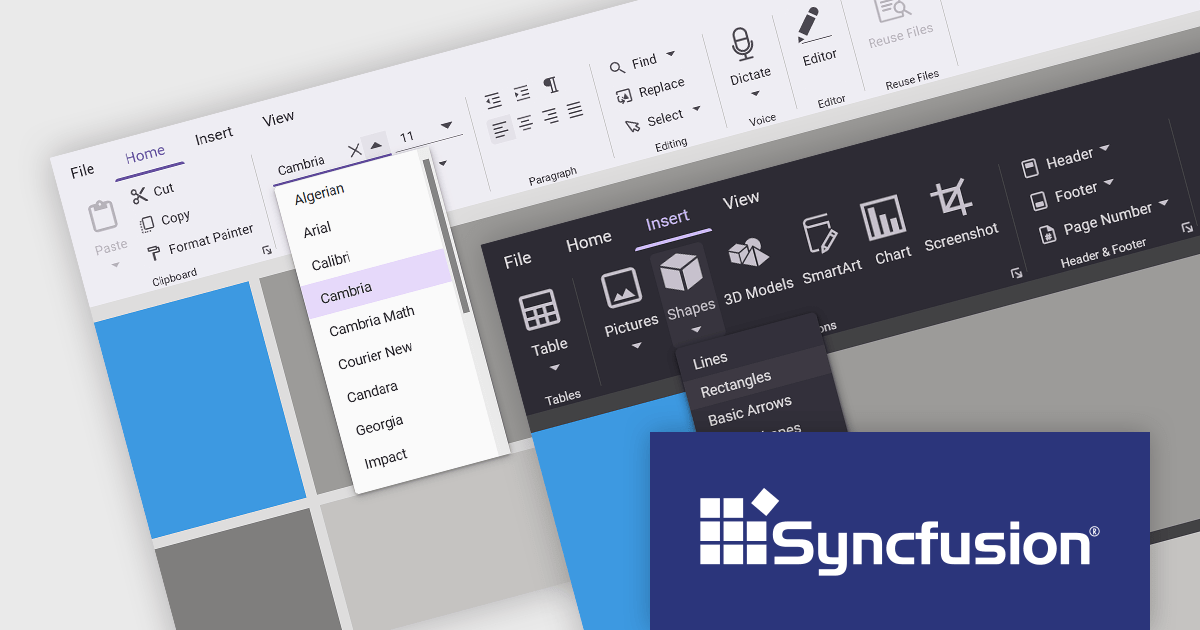
Syncfusion Essential Studio ASP.NET Core, available as part of Syncfusion Essential Studio Enterprise, empowers developers with a comprehensive suite of over 80 enterprise-grade UI components specifically designed for building modern and highly functional web applications. Leveraging the latest advancements in ASP.NET Core, it offers exceptional performance and scalability, streamlining development by eliminating the need for extensive custom coding. From data visualization tools like interactive charts and grids to sophisticated navigation elements and responsive layouts, Essential Studio equips developers with the building blocks to create rich user experiences, improve application efficiency, and accelerate time-to-market.
The Syncfusion Essential Studio ASP.NET Core 2024 Volume 1 (25.1.35) release introduces the production-ready Ribbon component which offers a user-friendly interface for web applications. It mimics the Microsoft Office ribbon with a tab-based structure, allowing users to access features and functions efficiently. The control boasts numerous features including the option to display keyboard shortcuts, a customizable backstage view, and built-in themes.
To see a full list of what's new in version 2024 Volume 1 (25.1.35), see our release notes.
Syncfusion Essential Studio ASP.NET Core is available as part of Syncfusion Essential Studio Enterprise which is licensed per developer starting with a Team License of up to five developers. It is available as a 12 Month Timed Subscription License which includes support and maintenance. See our Syncfusion Essential Studio Enterprise licensing page for full details.
For more information, visit our Syncfusion Essential Studio ASP.NET Core product page.
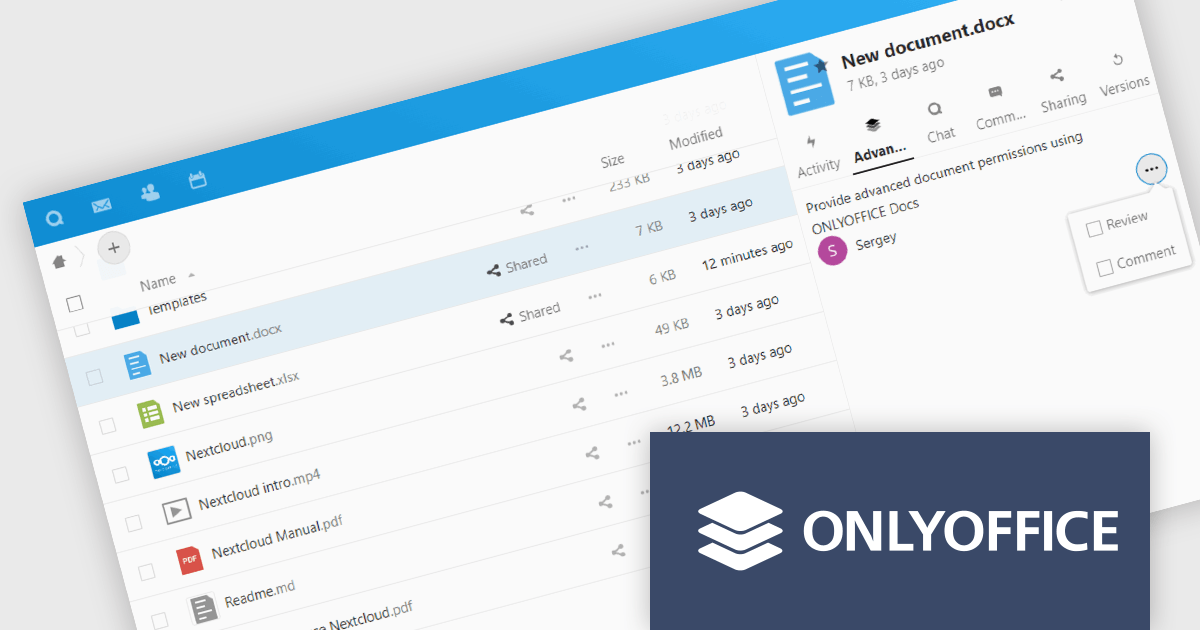
ONLYOFFICE Docs Enterprise Edition with Nextcloud Connector combines an online document editor with a seamless integration for Nextcloud, which is a open-source, on-premises content collaboration platform. This allows teams to create, view, edit, and collaborate on spreadsheets, presentations, and text files online, directly within Nextcloud, boosting efficiency and eliminating the need for file switching.
The ONLYOFFICE Nextcloud Connector v9.1 release (available as part of ONLYOFFICE Docs Enterprise Edition with Nextcloud Connector v8.0.1) brings enhanced security and granular control for developers working with public document sharing and Nextcloud Talk. Advanced access permissions for reviewing, commenting and custom filtering are now available for files with public access and for files created within the Nextcloud Talk app. These permissions ensure that external collaborators can contribute without compromising document integrity or security. It also promotes a more structured and controlled environment for real-time collaboration, ensuring that contributions are tracked and managed effectively according to the roles defined by the document owner.
To see a full list of what's new in ONLYOFFICE Docs Enterprise Edition v8.0.1 with Nextcloud Connector v9.1, see our release notes.
ONLYOFFICE Docs Enterprise Edition with Nextcloud Connector is licensed per server and is available as an annual license with 1 year of support and updates, or as a perpetual license with 3 years of support and updates. See our ONLYOFFICE Nextcloud connector licensing page for full details.
For more information, see our ONLYOFFICE Nextcloud connector product page.
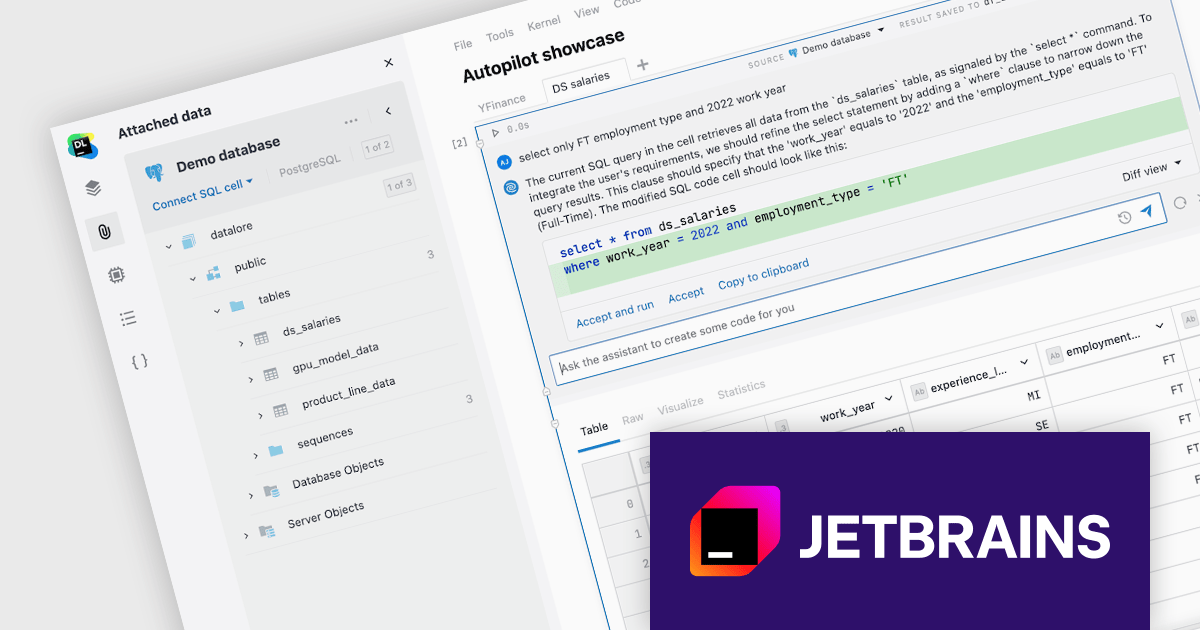
JetBrains Datalore is a collaborative data science platform that streamlines data exploration, analysis, and visualization through Jupyter-compatible notebooks. It empowers teams with features like automatic visualizations, pre-configured environments, interactive controls, and seamless collaboration functionalities. Datalore offers both cloud-based and self-hosted deployment options, catering to both individual and team-based data science workflows.
The Datalore 2024.2 release takes its AI Assistant to the next level with Datalore Autopilot. This new tool goes beyond simply answering questions; it can analyze your notebook data in Python, Kotlin, R, or Scala, and proactively suggest the next steps in your analysis. The existing Ask AI feature has also been improved to generate SQL or Markdown. These advancements empower researchers to streamline their workflows and focus on higher-level tasks. Datalore AI is now available for on-premise deployments, allowing Enterprise customers to leverage its powerful functionalities within their own infrastructure while maintaining full administrative control.
To see a full list of what's new in version 2024.2, see our release notes.
Datalore is licensed per user, and is available as a commercial annual subscription license. See our Datalore licensing page for full details.
For more information, visit our Datalore product page.
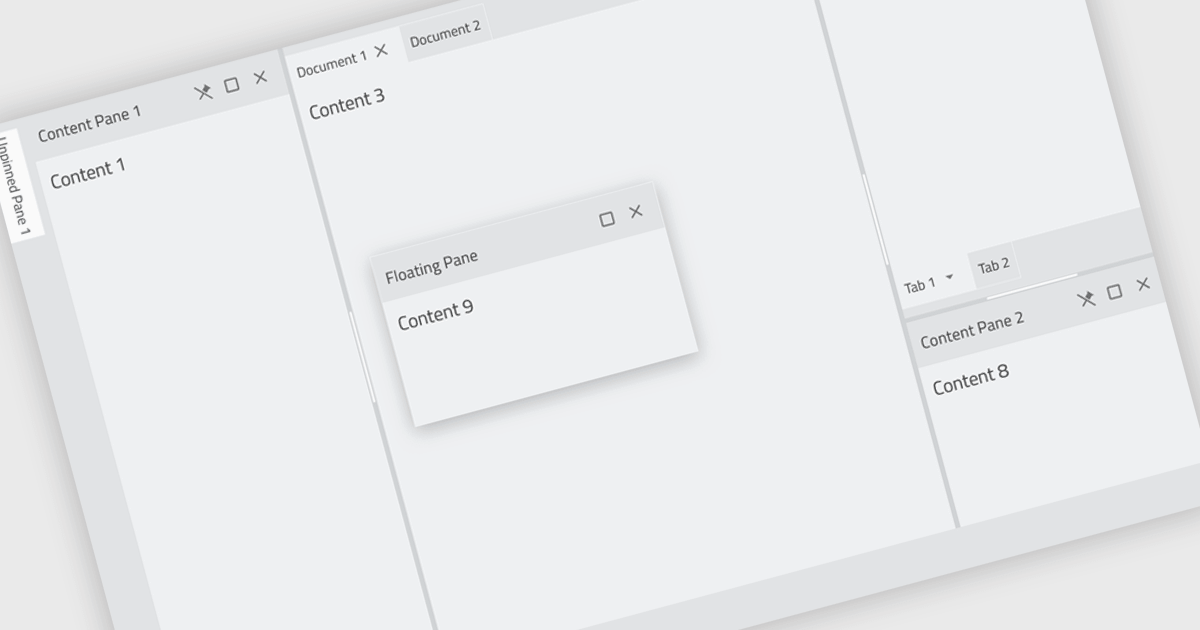
Docking controls are a user interface element that allows users to organize and customize the layout of an application's windows. These controls typically function by enabling users to drag-and-drop windows or panes to different positions on the screen, or to attach them to the edges of the main application window. This functionality provides several benefits, including increased efficiency by allowing users to arrange windows in a way that suits their workflow, improved organization by keeping relevant windows grouped together, and better screen real estate utilization by enabling users to resize and position windows for optimal viewing.
Several React UI suites feature a docking component including:
For an in-depth analysis of features and price, visit our React UI Suites comparison.
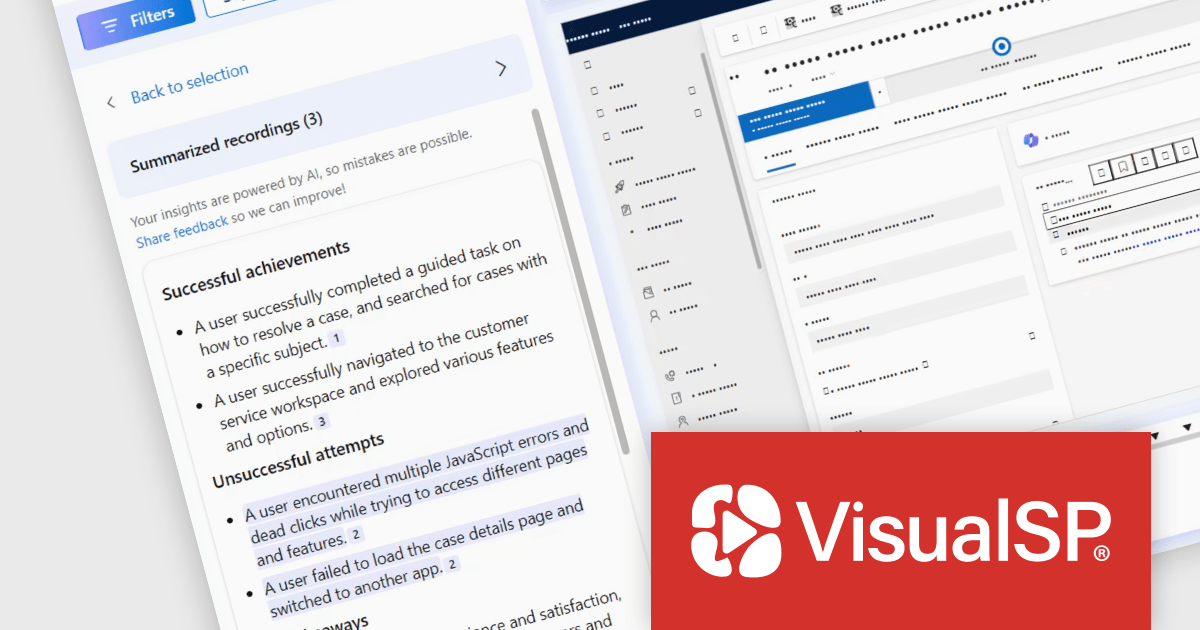
VisualSP Enterprise is a digital adoption platform that helps businesses improve employee training and reduce support tickets by providing in-context training directly within web applications. It provides contextual, real-time, in-app guidance, allowing end-users to access step-by-step instructions and customized training materials without leaving their workflow, fostering self-sufficiency and reducing reliance on external support resources. VisualSP integrates with a variety of web applications, including Dynamics 365, Salesforce, Workday, ServiceNow, SAP, and more.
The latest update of VisualSP Enterprise empowers subscription admins to create customized guidance specifically for Microsoft Copilot, such as how-to instructions and governance on what the end-user is allowed to do with it. By integrating custom training directly within the Copilot interface via VisualSP's overlay, admins can provide clear and contextual guidance, promoting efficient and compliant use of Copilot within the development team. This targeted guidance facilitates a more controlled and efficient deployment of AI tools, reducing the risk of errors and inconsistencies in development workflows.
To see a full list of what's new in VisualSP Enterprise, see our release notes.
VisualSP Enterprise is licensed per user and is available as an annual license with 1 year support. See our VisualSP Enterprise licensing page for full details.
For more information, see our VisualSP Enterprise product page.





Tél : (888) 850 9911
Fax : +1 770 250 6199


