








Fournisseur officiel
Comme nous somme les distributeurs officiels et autorisés, nous vous fournissons des licences légitimes directement à partir de 200+ éditeurs de logiciels.
Voyez toutes nos marques.

Syncfusion Essential Studio JavaScript, available as part of Syncfusion Essential Studio Enterprise, is a comprehensive UI library offering over 80 high-performance, lightweight, and responsive components to transform your web apps. Built from scratch with TypeScript, it boasts modularity and touch-friendliness, letting you pick and choose specific features while ensuring smooth mobile interaction. With rich themes, global accessibility features, and extensive documentation, it powers everything from basic buttons to interactive charts and data grids, simplifying front-end development across JavaScript, Angular, React, and Vue.
Syncfusion Essential Studio JavaScript 2024 Volume 1 (25.1.35) introduces real-time collaborative editing for the Word Processor component. This enables multiple users to co-author documents simultaneously, with changes visible to all participants as they happen. Collaborative editing streamlines the document workflow and fosters improved teamwork.
To see a full list of what's new in version 2024 Volume 1 (25.1.35), see our release notes.
Syncfusion Essential Studio JavaScript is available as part of Syncfusion Essential Studio Enterprise which is licensed per developer starting with a Team License of up to five developers. It is available as a 12 Month Timed Subscription License which includes support and maintenance. See our Syncfusion Essential Studio Enterprise licensing page for full details.
For more information, visit our Syncfusion Essential Studio JavaScript product page.
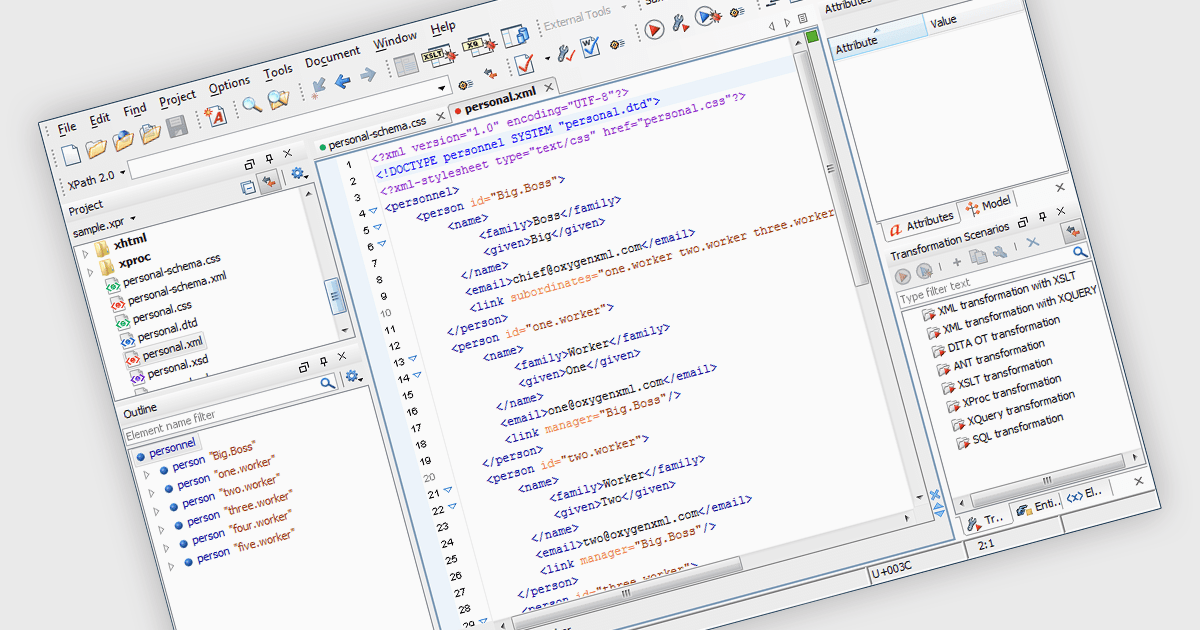
An XML editor is a specialized tool designed to streamline the creation and editing of XML documents. It offers functionalities beyond basic text editors, including syntax highlighting for readability, automatic tag completion to reduce errors, and real-time validation against defined schemas to ensure data accuracy and adherence to XML standards. These features significantly enhance productivity for developers and data professionals working with XML.
Several structured document tools include XML editors including:
For an in-depth analysis of features and price, visit our Structured Document Tools comparison.
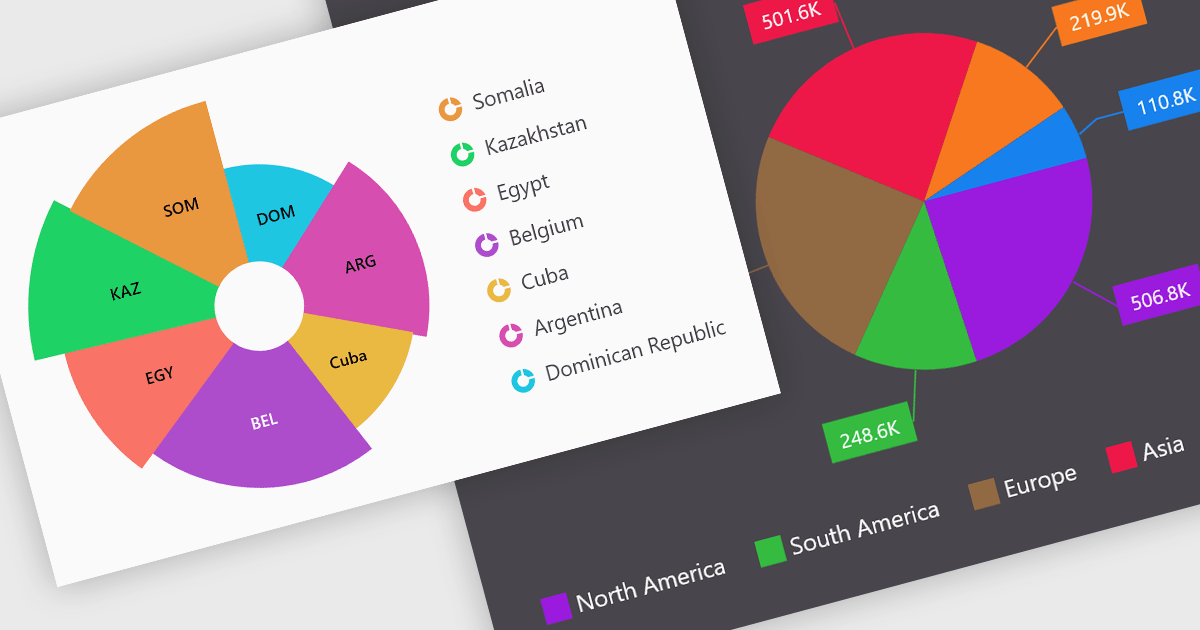
Pie charts are a useful and easily understood tool for visualizing data breakdowns at a glance, particularly when representing percentages of a whole. Their strength lies in highlighting the relative proportions between a small number of categories within a dataset. While less effective for complex comparisons or trends over time, pie charts can be an effective choice to communicate compositions and dominance within a dataset.
Several Blazor Chart controls offer Pie charts including:
For an in-depth analysis of features and price, visit our Blazor Chart controls comparison.
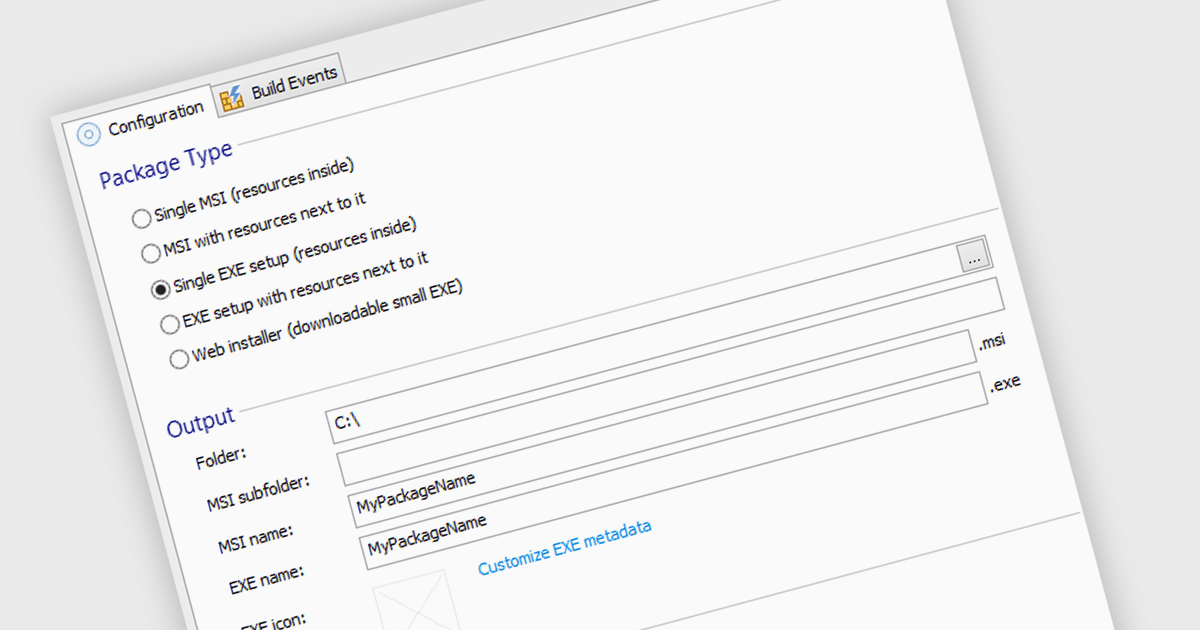
Executable file authoring capabilities within installation tools streamline the deployment process for developers. By integrating the installation logic directly into the executable (.exe) file, users simply need to run this single file. This eliminates the need for separate installers and automates tasks like file copying, registry modifications, and shortcut creation, ensuring compatibility with the target Windows environment.
Several installation tools offer EXE authoring including:
For an in-depth analysis of features and price, visit our Installation Tools comparison.
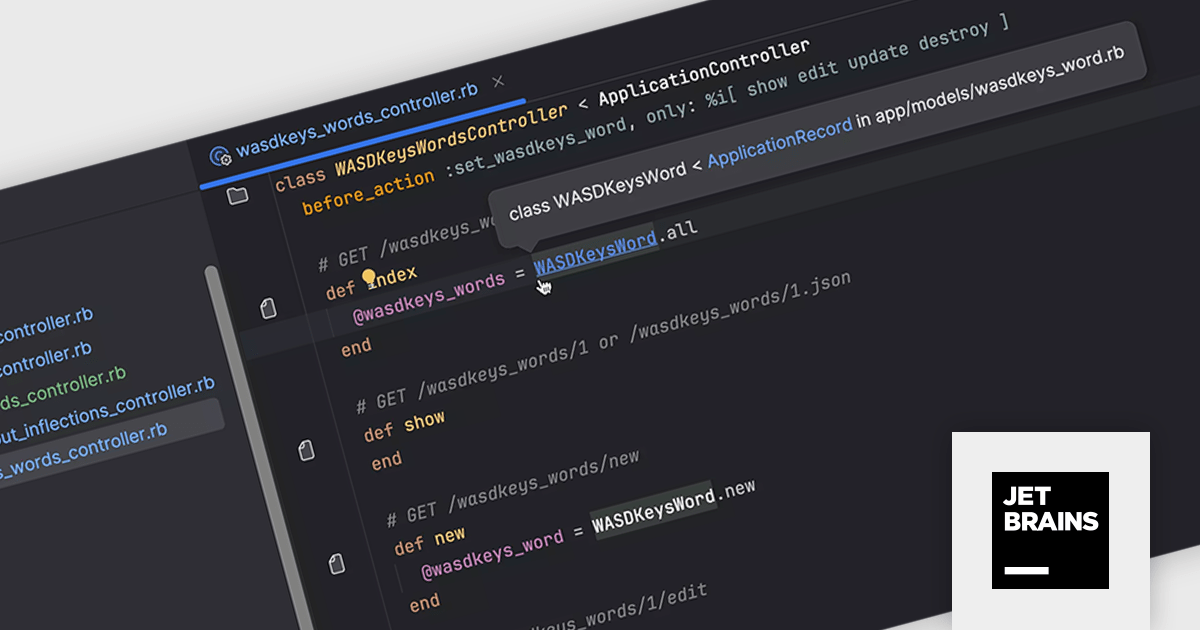
RubyMine by JetBrains is a powerful Integrated Development Environment (IDE) specifically designed for Ruby and Ruby on Rails development. It offers a comprehensive suite of features to boost your coding efficiency, including smart code completion, syntax highlighting, code refactoring tools, built-in debugging and testing frameworks, and seamless integration with popular libraries and databases. Whether you're a seasoned Rails developer or just starting out, RubyMine's intuitive interface and robust features can help you write cleaner, more maintainable code and accelerate your development workflow.
RubyMine 2024.1 enhances workflow efficiency for developers who utilize custom inflections in their Ruby projects. This update ensures seamless recognition of class and file names with these custom conventions, eliminating inconsistencies. Project view, tabs, and the Search Everywhere dialog now display the correct icons for these custom-inflected elements. Navigation and code insight functionality remain fully functional, even extending to acronyms used in controllers and models.
To see a full list of what's new in version 2024.1, see our release notes.
RubyMine is licensed per user, and is available as a commercial annual subscription license. We can supply new subscriptions, subscription renewals (including continuity discounts), lapsed renewals, and additional user licenses. See our RubyMine licensing page for full details.
For more information, visit our RubyMine product page.





Tél : (888) 850 9911
Fax : +1 770 250 6199


