








Fournisseur officiel
Comme nous somme les distributeurs officiels et autorisés, nous vous fournissons des licences légitimes directement à partir de 200+ éditeurs de logiciels.
Voyez toutes nos marques.
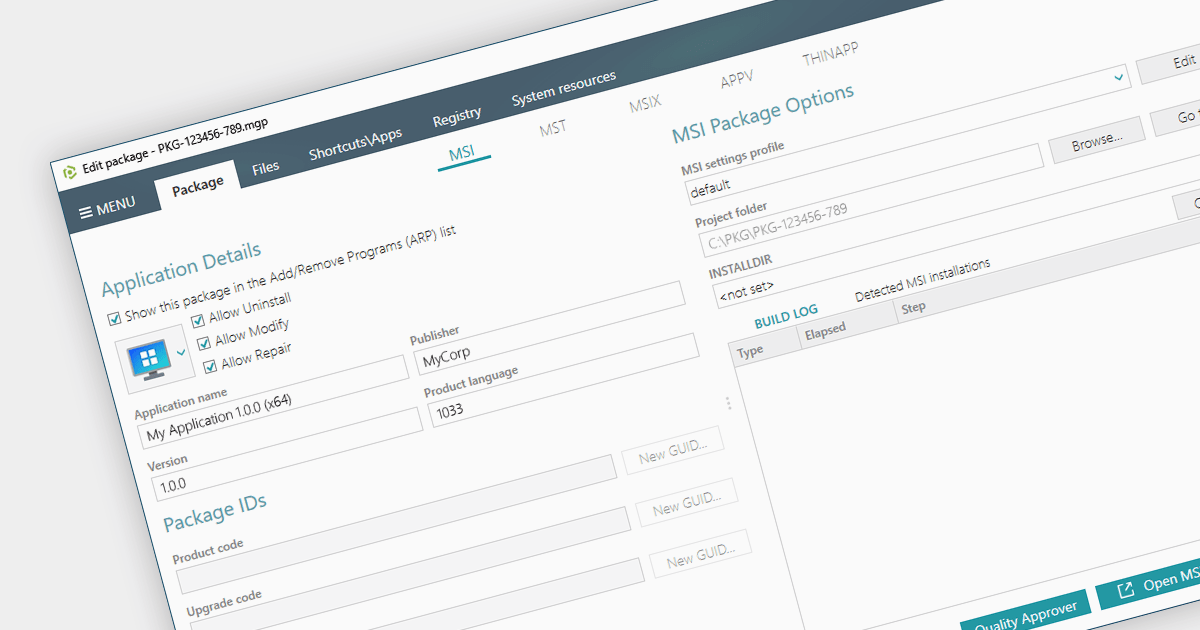
Converting an EXE to an MSI provides a wealth of benefits for system administrators. Forget manual installations across countless devices - MSIs integrate seamlessly with management tools, automating deployment and silent installs. MSIs also track every change, allowing you to easily roll back or uninstall with a single click. Security gets a boost too, with granular permissions and dependency checks ensuring only authorized components are allowed onto your systems. Centralized management means you can store and manage all your MSIs in one place, making software updates and license distribution easier than ever.
Several installation tools provide EXE to MSI conversion including:
For an in-depth analysis of features and price, visit our Windows Installation Tools comparison.
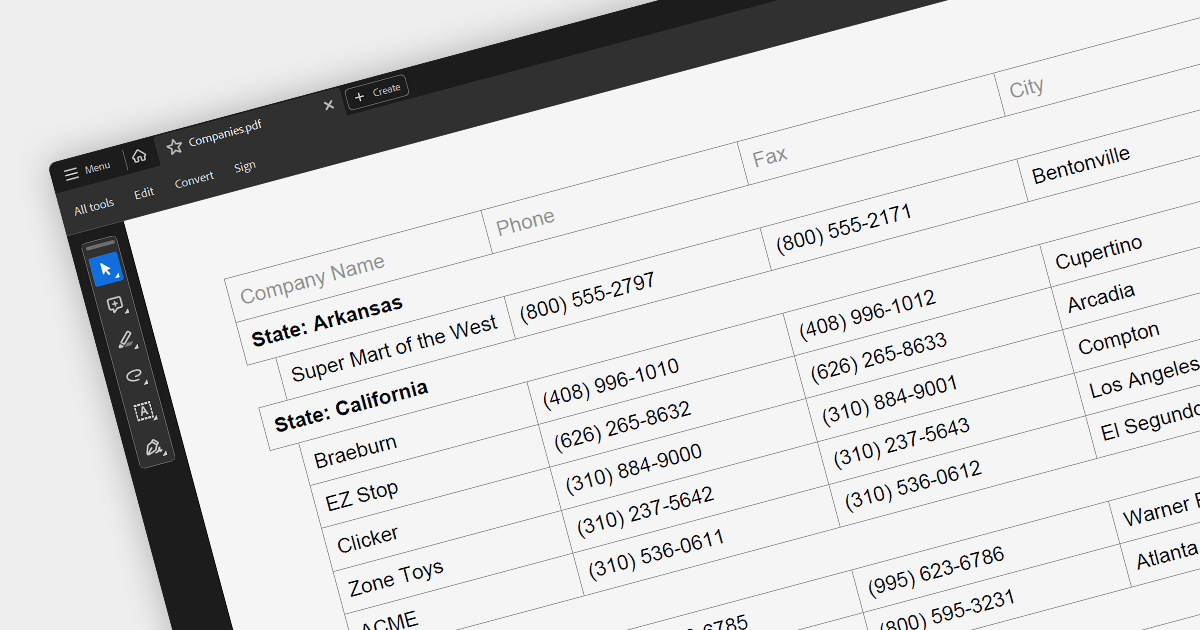
PDF export is a powerful feature in grid controls, allowing users to capture and share data presented in a readily accessible format. This functionality typically involves dedicated methods or settings within the grid, enabling seamless transformation of the displayed data into a structured PDF document. Users often have control over what sections and columns to export, along with formatting options like headers, fonts, and page layout. This flexibility makes PDF export ideal for generating printable reports, archiving snapshots of grid data, and distributing information beyond the confines of the application.
Several ASP.NET Core grids support exporting to PDF including:
For an in-depth analysis of features and price, visit our ASP.NET Core grids comparison.
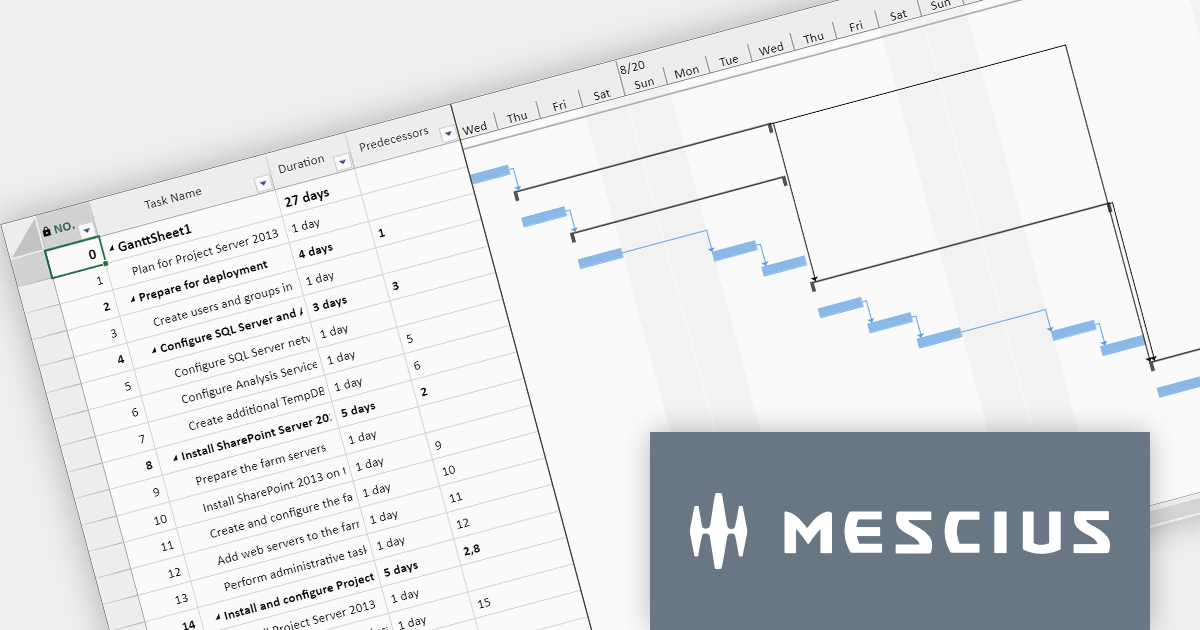
SpreadJS by MESCIUS is a powerful JavaScript library that lets you build Excel-like spreadsheets within your web applications. It offers tables, charts, formulas, pivot tables, and more, all running within the browser. It works with major frameworks like Angular, React, and Vue, and offers Excel file import and export. SpreadJS empowers developers to create interactive dashboards, analyze data, and streamline workflows, all within the familiar spreadsheet interface.
The SpreadJS 17 release introduces the optional GanttSheet Add-On, a full Gantt implementation that works inside of SpreadJS. It seamlessly integrates with your existing spreadsheets, transforming them into clear and concise Gantt charts. This allows you to visualize tasks, dependencies, and progress at a glance, identifying potential bottlenecks and adjust schedules proactively. GanttSheet offers a flexible and intuitive may to manage tasks, sort data, customize calendar settings, and even import/export plans for smooth collaboration.
To see a full list of what's new in version 17, see our release notes.
SpreadJS is licensed per developer and includes 1 Year Maintenance (major and minor version releases and unlimited support phone calls). SpreadJS requires an Annual or Perpetual Deployment License. The GanttSheet Add-On is available at an additional cost, and requires a SpreadJS license. See our SpreadJS licensing page for full details.
For more information, visit our SpreadJS product page.
Aspose.Font for .NET is a professional-grade .NET library designed to empower developers with comprehensive font manipulation capabilities. It offers robust functionalities for loading, saving, and converting various font formats, including TrueType, OpenType, and CFF. Its rich API enables detailed analysis of font data structures, including glyph information and encoding schemes. Additionally, Aspose.Font for .NET provides a powerful rendering subsystem for drawing text with accurate font representations.
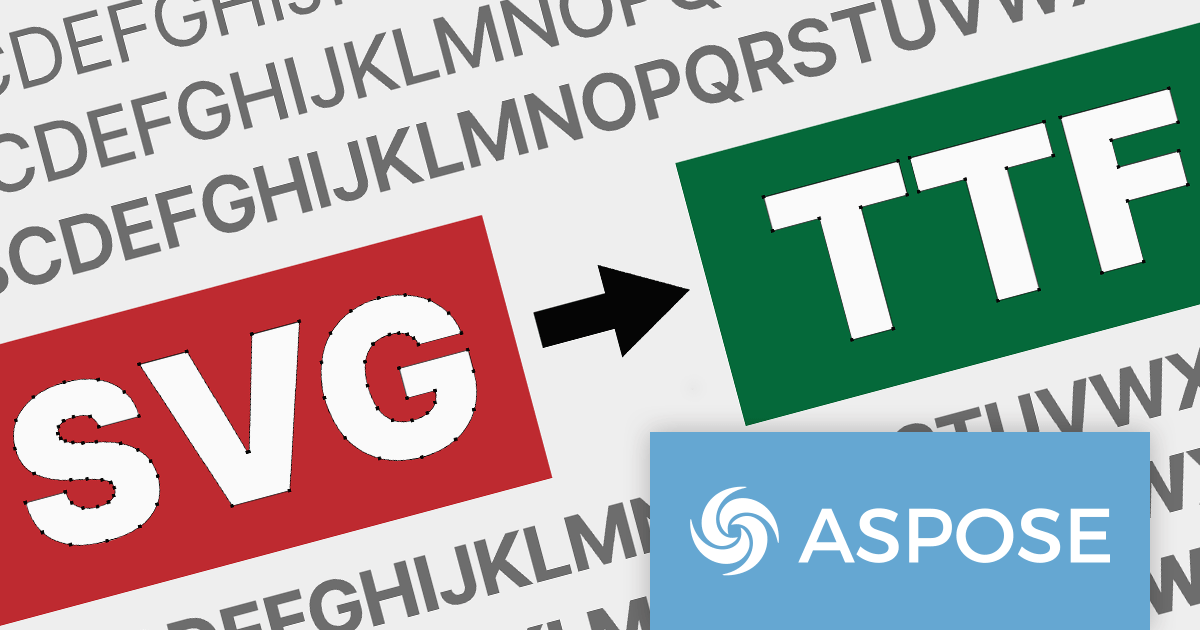
The 23.12 release of Aspose.Font for .NET and Aspose.Font for C++ adds support for converting SVG fonts to TrueType (TTF) format. This allows developers to readily convert modern, scalable SVG fonts into the widely used TTF format, ensuring compatibility with diverse platforms and applications that don't natively support SVG fonts. The conversion process helps to streamline font integration workflows, removing the need for manual workarounds or reliance on specialized third-party tools.
Aspose.Font for .NET and Aspose.Font for C++ are offered as Developer Small Business, Developer OEM, Site Small Business, and Site OEM licenses, catering to a range of business needs. Licenses are perpetual, and include 1 year of support and maintenance. Subscription renewals are also available. For full details see our Aspose.Font for .NET licensing page.
Aspose.Font for .NET and Aspose.Font for C++ are available to buy in the following products:
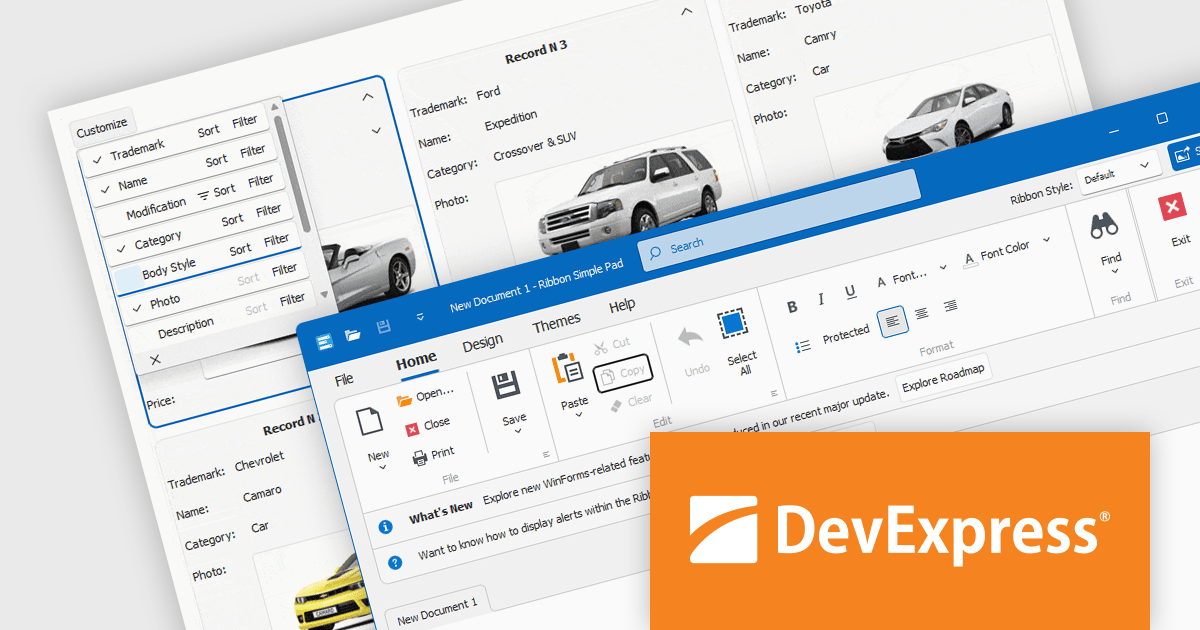
DevExpress WinForms is a comprehensive suite of 190+ UI controls and development tools designed for building high-performance desktop applications. It offers a broad array of customizable controls, from data grids and ribbon interfaces to advanced charts, maps, and diagramming components. This empowers developers to rapidly create functionally rich applications, while adhering to accessibility guidelines and touch-enabled technology for modern Windows environments.
The DevExpress WinForms 23.2 release adds accessible keyboard navigation support to several controls, including the Ribbon, Backstage View, Recent Control, Data Grid, TreeList, CardView, Breadcrumb Editor, and Expression Editor. Users can navigate using arrow keys, keyboard shortcuts, and the Enter and Escape keys.
To see a full list of what's new in version 23.2, see our release notes.
DevExpress WinForms is licensed per developer and is available as a Perpetual License with a 12 month support and maintenance subscription. See our DevExpress WinForms licensing page for full details.
DevExpress WinForms is available to buy in the following products:





Tél : (888) 850 9911
Fax : +1 770 250 6199


