








Fournisseur officiel
Comme nous somme les distributeurs officiels et autorisés, nous vous fournissons des licences légitimes directement à partir de 200+ éditeurs de logiciels.
Voyez toutes nos marques.
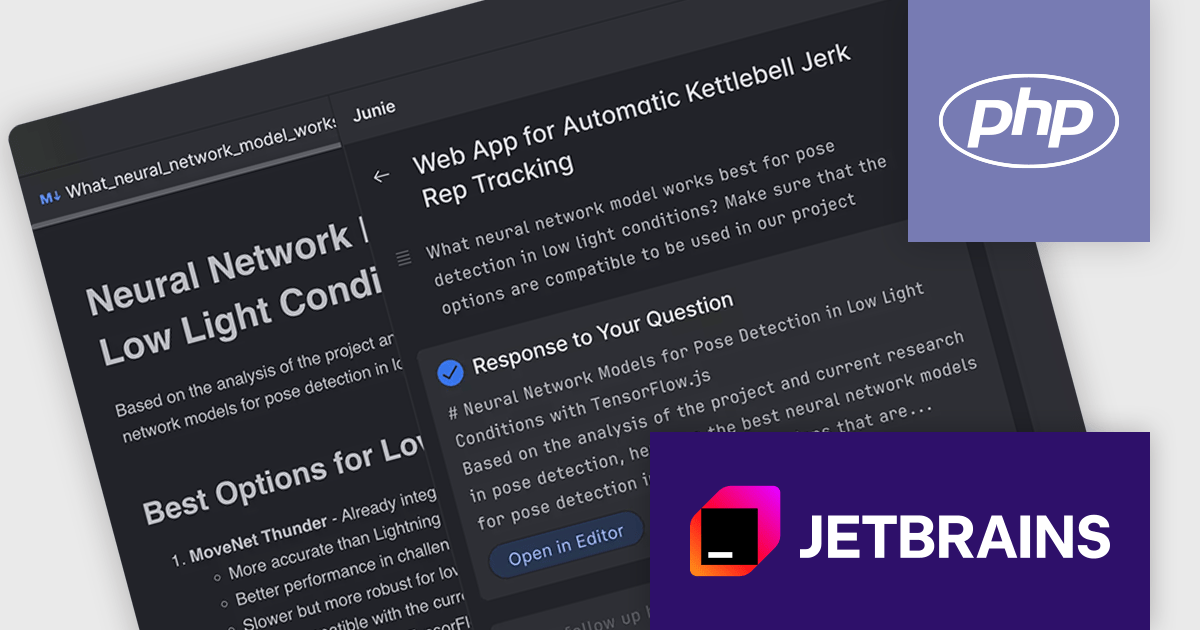
Junie by JetBrains (included in AI Assistant - AI Pro) is a modern AI-powered debugging assistant designed to work seamlessly with JetBrains IDEs. It helps developers diagnose issues by providing intelligent explanations of errors, suggesting possible fixes, and even offering contextual insights into the codebase. With Junie, JetBrains extends its tradition of developer-centric innovation, making it easier to understand complex problems and reduce the time spent debugging.
The integration of Junie into PhpStorm marks a significant advancement for developers working within this popular PHP integrated development environment (IDE). By embedding directly into PhpStorm, Junie provides context-aware code completions, intelligent suggestions for PHP and JavaScript, and even assists with Laravel Blade templates and Tailwind CSS layout generation - key components in many modern PHP projects. This tight integration means PhpStorm users can now benefit from AI-powered enhancements without sacrificing the speed, accuracy, and ecosystem support that make PhpStorm a leading choice for PHP development.
JetBrains AI Assistant - AI Pro (which includes Junie) requires that you already own a JetBrains IDE product with an active commercial subscription license and is licensed per user as a commercial annual subscription. We can supply new subscriptions, subscription renewals, lapsed subscription renewals, and additional developer licenses. See our JetBrains AI Assistant licensing page for full details.
JetBrains AI Assistant - AI Pro (which includes Junie) is available to buy in the following products:
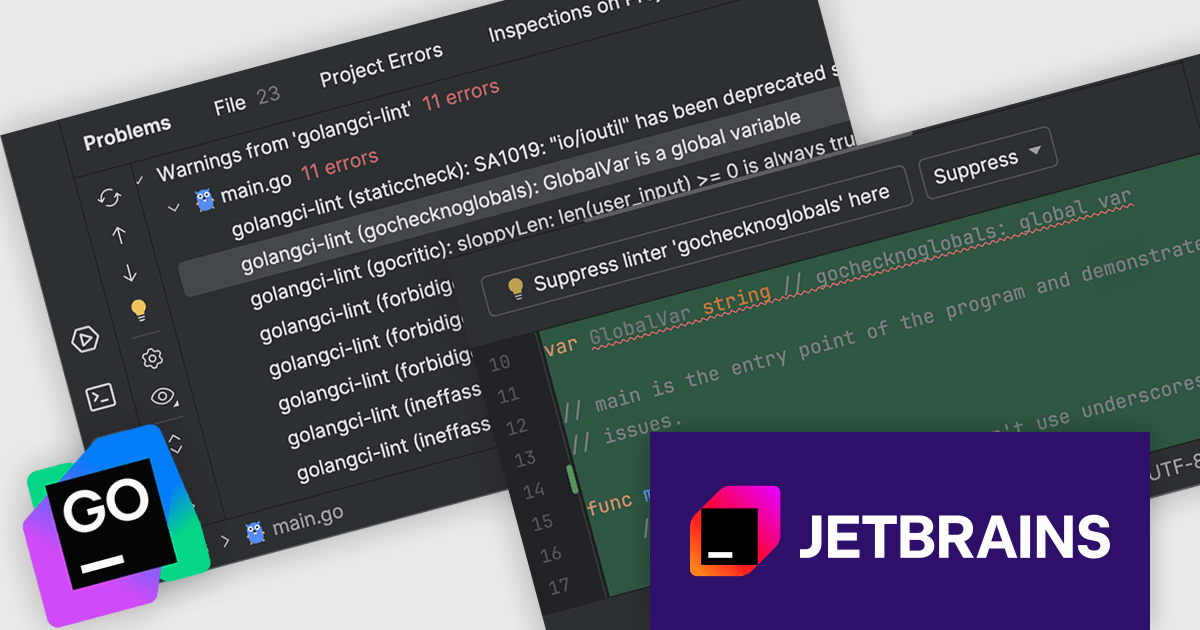
JetBrains GoLand is a dedicated integrated development environment (IDE) designed for Go programmers. It offers comprehensive features like intelligent code completion, advanced debugging tools, built-in testing frameworks, and code navigation aids for both individual and collaborative development. GoLand's focus on efficiency and productivity, along with its seamless integration with other JetBrains tools, makes it a powerful choice for professional Golang development.
The GoLand 2025.1 release now includes the Go Linter plugin, delivering built-in support for golangci-lint. This enhancement lets developers fine-tune their linters within the IDE, enabling more precise code analysis. By allowing you to select only the checks that matter to your project, this feature enhances the development process and improves code quality. In GoLand, linters operate as real-time inspections, helping you catch potential issues on the fly - before executing a single line of code. This proactive approach enhances both productivity and code reliability.
To see a full list of what's new in version 2025.1, see our release notes.
GoLand is licensed per user, and is available as a commercial annual subscription license. We can supply new subscriptions, subscription renewals (including continuity discounts), lapsed renewals, and additional user licenses. See our GoLand licensing page for full details.
GoLand is available to buy in the following products:
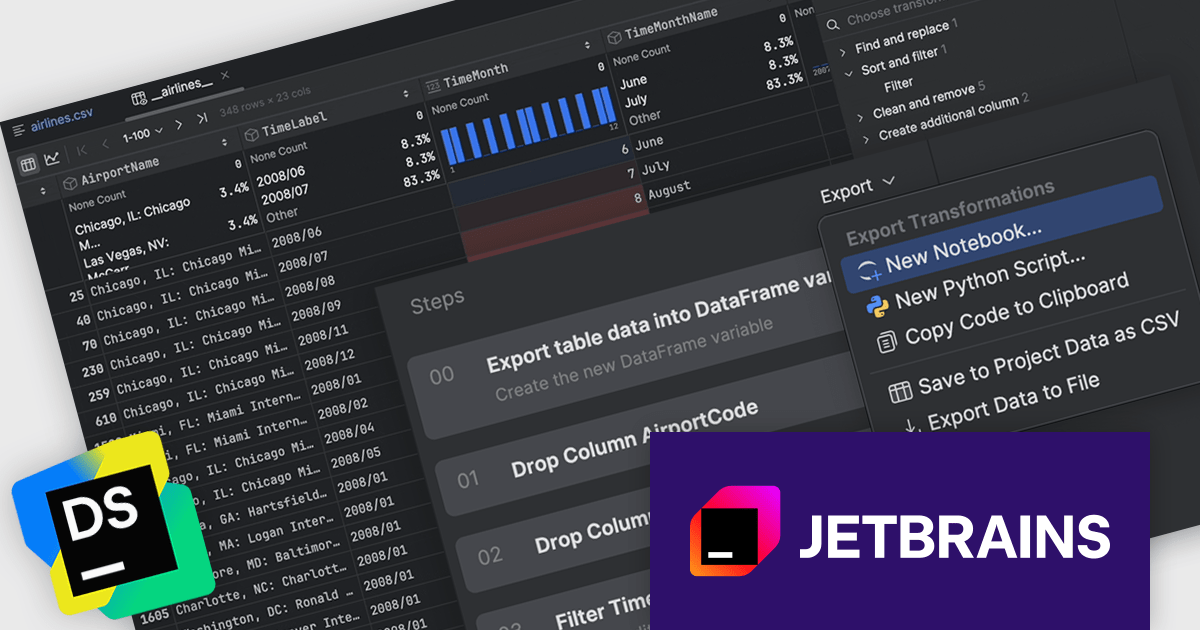
DataSpell by JetBrains is an Integrated Development Environment (IDE) specifically designed for data analysts and engineers. It allows you to write Python scripts, run SQL queries, analyze data in Jupyter notebooks, manage dbt workflows, and connect to databases, all within one seamless interface. DataSpell empowers you to stay focused on exploring insights and delivering high-quality results by combining rich data analysis tools with features like real-time error checking, code quality analysis, and built-in support for best practices like testing and documentation.
The DataSpell 2025.1 update adds new export transformation options, allowing users to efficiently handle post-processed data. Whether you need to archive your results or share them across platforms, you can now export transformed data in common formats such as CSV and XLS. In addition, for those looking to reproduce or share their data process, the tool offers the ability to export the transformation code itself. This improves the handoff between data exploration and production, ensuring data scientists and analysts can work more fluidly with both their outputs and the logic behind them.
To see a full list of what's new in version 2025.1, see our release notes.
DataSpell is licensed per user as a commercial annual subscription. See our DataSpell licensing page for full details.
DataSpell is available individually or as part of JetBrains All Products Pack.
Debugging in an IDE (Integrated Development Environment) is the process of identifying, analyzing, and resolving errors or unintended behavior within code using the specialized tools provided by the environment. It allows developers to set breakpoints, inspect variable values, monitor memory usage, and control the execution flow of a program in real time, which facilitates a deeper understanding of how the code behaves under various conditions. This capability significantly accelerates problem resolution, improves code reliability, and enhances overall development efficiency by providing immediate feedback and precise control over the debugging process.
Common Debugging features include:
For an in-depth analysis of features and price, visit our Integrated Development Environments (IDEs) comparison.
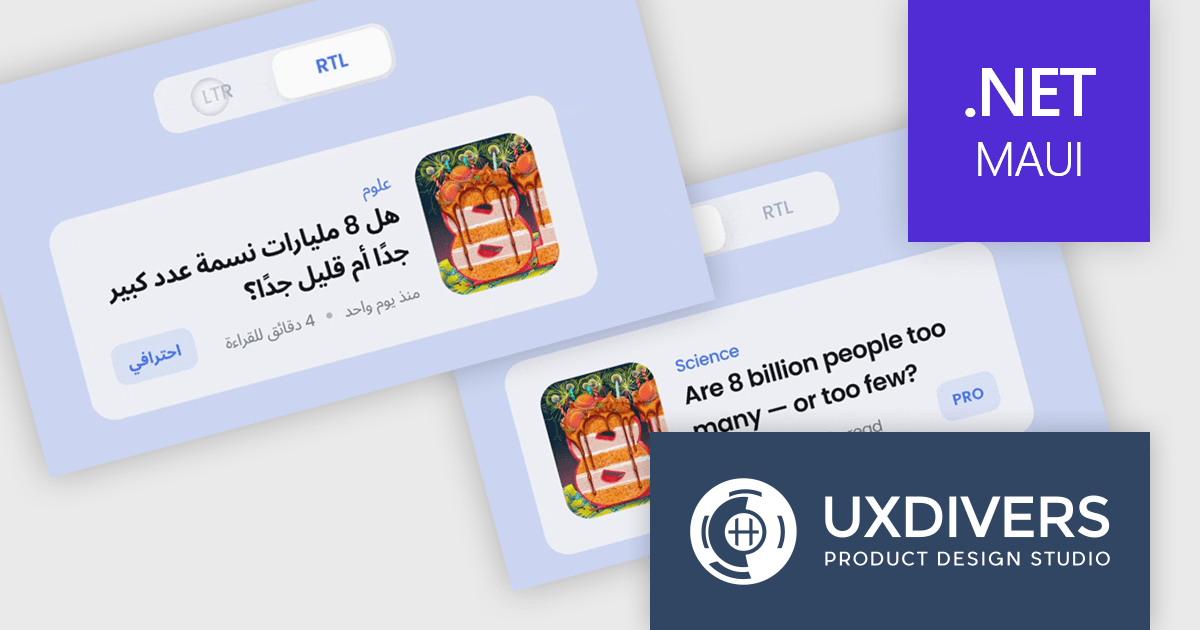
Grial UI Kit by UXDivers is a collection of pre-designed user interface components and templates specifically built for .NET MAUI app development. It offers a wide range of customizable XAML code snippets, custom controls, and helpers, allowing developers to rapidly build modern and visually appealing mobile applications for Android and iOS platforms while focusing on the core functionalities of the app.
The Grial UI Kit 2025.1 release introduces full support for right-to-left (RTL) languages, marking a significant enhancement for developers building multilingual and globally accessible mobile applications. This additional support enables developers to deliver an improved user experience to users of RTL languages, aligning with modern internationalization best practices. With this update, Grial continues to solidify its position as a robust, design-friendly toolkit for MAUI app development.
To see a full list of what's new in 2025.1 (4.3.120.0), see our release notes.
Grial UI Kit is licensed per application and is available as an perpetual license. See our Grial UI Kit licensing page for full details.
For more information, see our Grial UI Kit product page.





Tél : (888) 850 9911
Fax : +1 770 250 6199


