








Fournisseur officiel
Comme nous somme les distributeurs officiels et autorisés, nous vous fournissons des licences légitimes directement à partir de 200+ éditeurs de logiciels.
Voyez toutes nos marques.
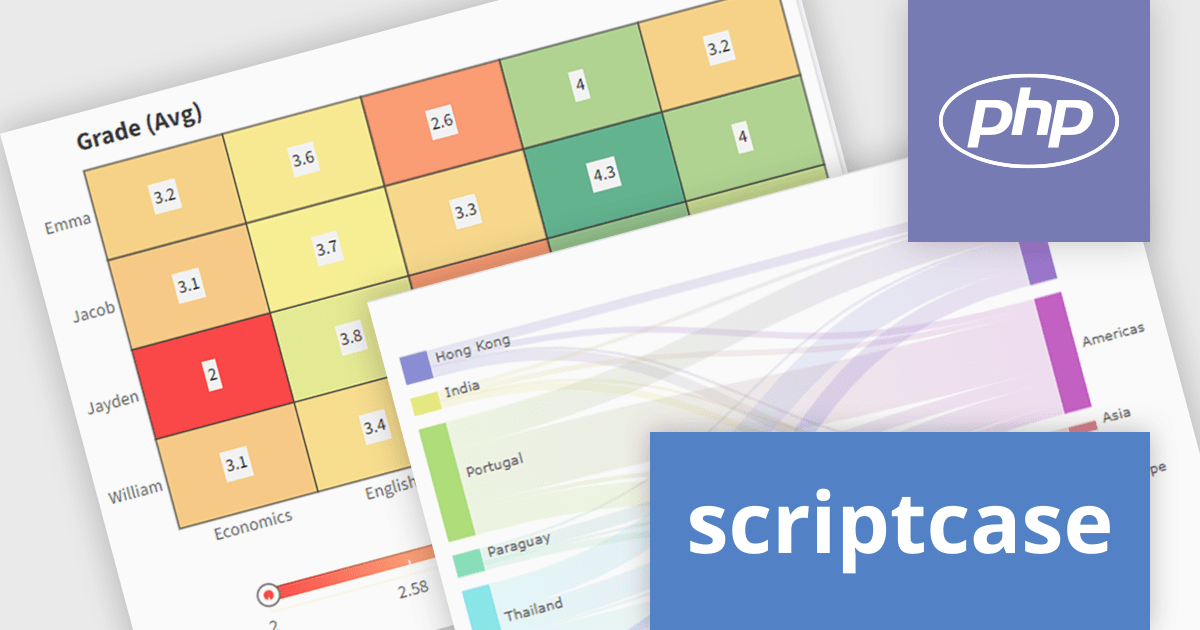
Scriptcase is a RAD platform that simplifies PHP web application development. Its drag-and-drop interface, code generation capabilities, and database integration make it a user-friendly tool for both experienced programmers and non-technical users. By streamlining the development process, Scriptcase accelerates the time to market, reduces coding effort, enhances productivity, lowers costs, and improves user experience.
The Scriptcase 9.12 release expands charting capabilities with a suite of visualization tools designed to enhance business intelligence and analytics. The introduction of the Heat Map allows users to swiftly pinpoint data patterns and anomalies through color-coded representations, ideal for correlation analysis. The Tree Map provides a clear view of hierarchical data, enabling direct comparison of values and relationships within datasets using nested rectangles. For visualizing complex flows and resource distributions, the Sankey diagram offers an intuitive approach, clearly illustrating movements and proportions. These new chart types empower users to derive deeper insights and make more informed decisions from their data.
To see a full list of what's new in version 9.12, see our release notes.
Scriptcase is licensed per developer and is available as an Annual or Perpertual license with 1 year support and maintenance. See our Scriptcase licensing page for full details.
For more information, visit our Scriptcase product page.
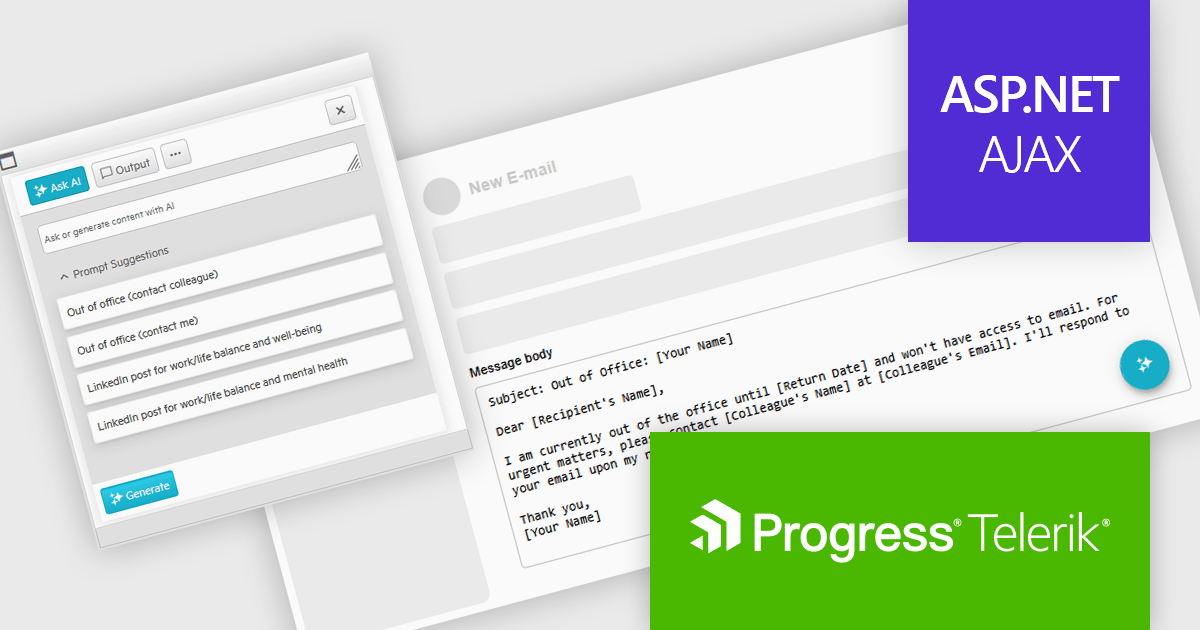
Telerik UI for ASP.NET AJAX is a library of over 120 user interface components designed for developers building Web Forms applications on the ASP.NET AJAX framework. It provides a variety of pre-built and high-performant controls which are fully customizable, ranging from data management to layout, navigation and data visualization. This feature-rich suite allows for the creation of responsive and visually appealing web applications, whilst enabling developers to enhance the user experience and expedite the development process.
The Telerik UI for AJAX 2025 Q1 update introduces Artificial Intelligence integration, enabling developers to seamlessly incorporate generative AI capabilities into WebForms applications. The new AI Prompt control allows applications to send prompts, process AI-generated responses, and map them dynamically to UI elements or business logic. This integration streamlines AI-powered interactions, reducing development complexity while enhancing user engagement. With built-in support for prompt handling and response customization, developers can efficiently implement AI-driven features without relying on external libraries, ensuring a more intuitive and modern user experience within existing WebForms projects.
To see a full list of what's new in 2025 Q1 (2025.1.211), see our release notes.
Telerik UI for ASP.NET AJAX is licensed per developer and has two licensing models: an annual Subscription License and a Perpetual License. The Subscription license provides access to the latest product updates, technical support, and exclusive benefits for a flat annual fee, and must be renewed to continue using the software. The Perpetual license is a one-time purchase granting access to the current released version and includes a one-year subscription for product updates and technical support. After this initial period, users can choose to renew the subscription element to continue receiving updates and support; otherwise, they may continue using the installed version available during their active subscription term but will forgo future updates and support. See our Telerik UI for ASP.NET AJAX licensing page for full details.
Telerik UI for ASP.NET AJAX is available individually or as part of the following products:
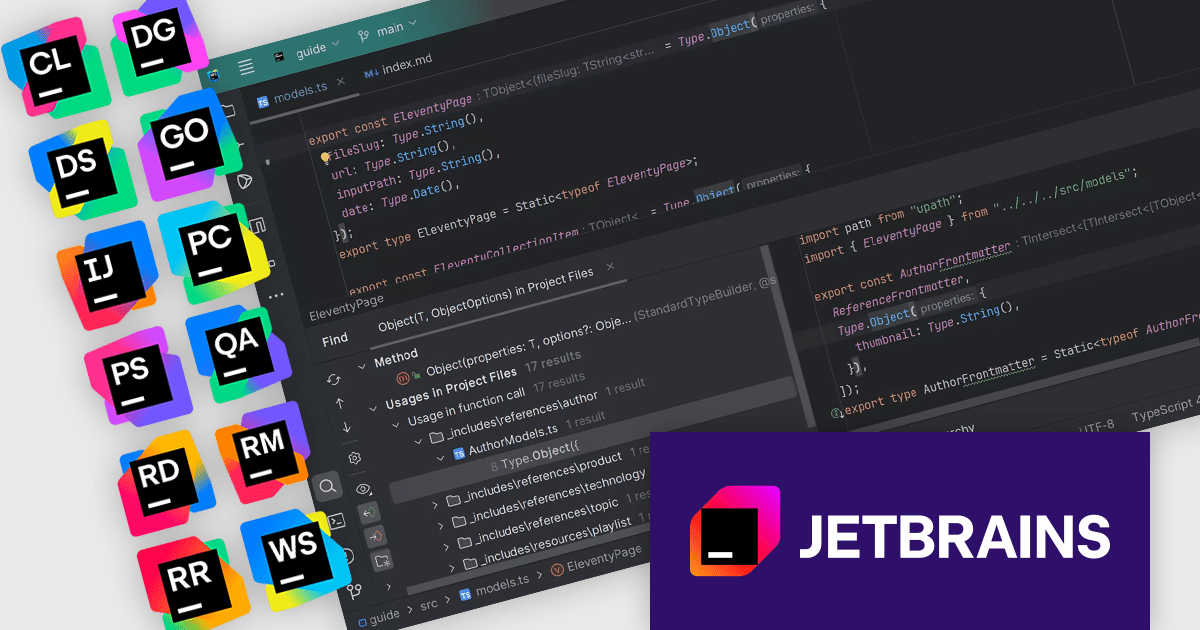
The JetBrains All Products Pack provides access to a comprehensive suite of JetBrains tools, including 12 IDEs, 3 extensions, and 2 profilers, all under one unified license. This flexible solution allows users to switch between tools across multiple machines, adapting to different projects with ease. With a single license, you benefit from simplified license management and significant cost savings - 12 IDEs for the price of two. The All Products Pack is designed to advance your skills by giving you unlimited access to industry-leading professional tools, empowering efficient, high-quality development across a variety of languages and platforms.
The JetBrains All Products Pack includes advanced instant search and navigation tools designed to optimize the way developers interact with their projects. These tools enable quick and precise access to code, files, symbols, and resources, even within the most complex and expansive codebases. By providing context-aware results and intuitive filtering, developers can effortlessly switch between tasks, identify dependencies, and locate specific elements with minimal effort. This functionality significantly reduces the time spent searching for information, eliminates workflow interruptions, and enhances overall productivity. Whether working on a small feature or navigating a large enterprise application, these tools ensure that developers can focus on writing high-quality code without being slowed down by navigation challenges. These integrated search and navigation features are available in all JetBrains IDEs.
JetBrains All Products Pack is licensed per user as a commercial annual subscription. We can supply new subscriptions, subscription renewals, lapsed subscription renewals, and additional developer licenses. See our JetBrains All Products Pack licensing page for full details.
For more information, see our JetBrains All Products Pack product page.
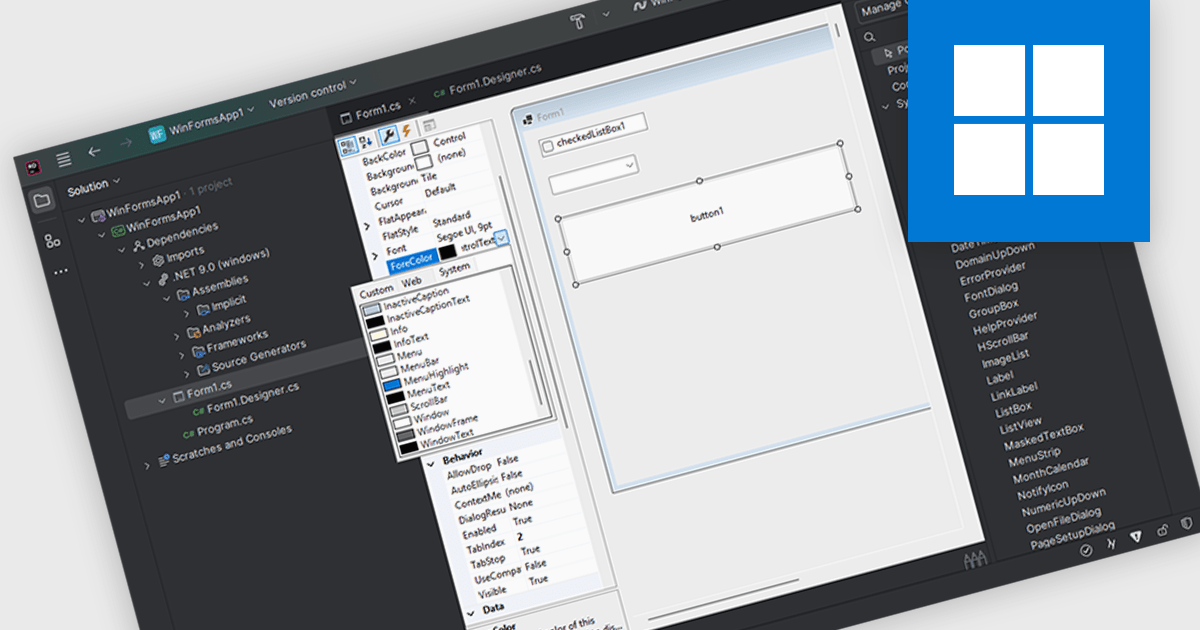
Customizing user interface component in an Integrated Development Environment (IDE) lets you easily modify the visual appearance and interactive functionality of user interface elements. Developers can adjust characteristics like dimensions, background and text colors, font styles, and event handling to tailor components to specific application needs. This customization enables the creation of visually appealing and user-friendly interfaces, ensures consistency across the application, and improves the overall user experience by optimizing component behavior for intended interactions.
Several IDEs support customizable UI components including:
For an in-depth analysis of features and price, visit our comparison of IDEs.
JetBrains AI Assistant - AI Pro is a plugin for JetBrains IDEs that uses large language models to enhance your coding experience. It can answer your questions about code, suggest completions and refactorings, and even help you write documentation and commit messages. It analyzes the context of your project to provide the most relevant suggestions, and you can chat with it directly within the IDE. JetBrains AI Assistant is a powerful tool for programmers looking to boost their productivity.
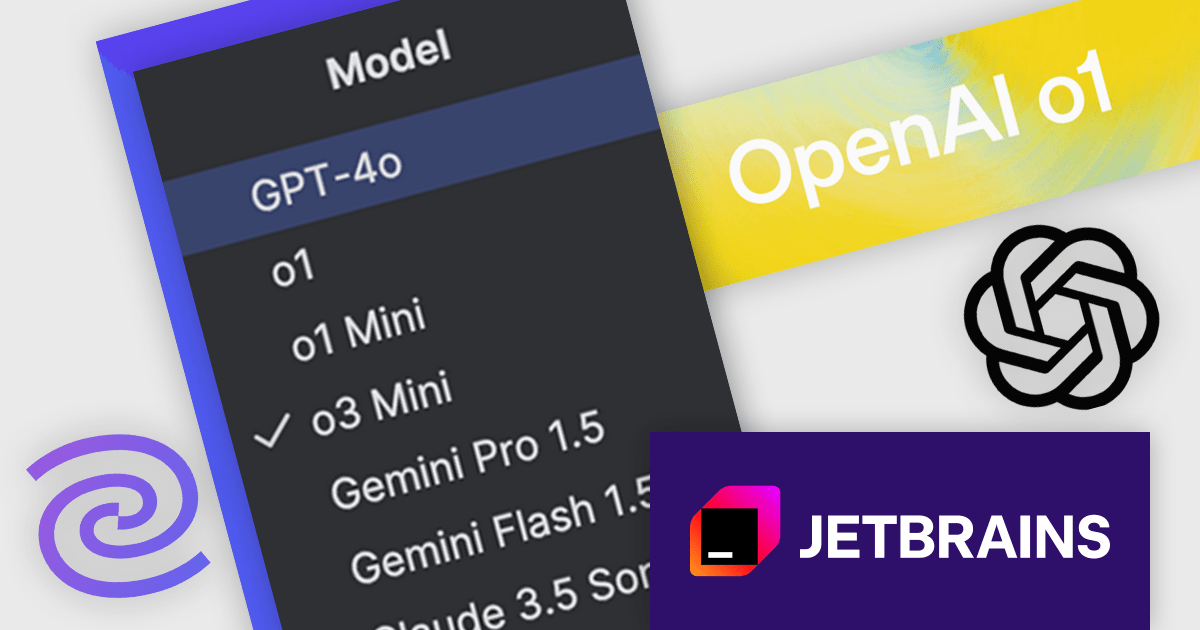
JetBrains AI Assistant now integrates OpenAI’s o1, o1 Mini, and o3 Mini models, delivering enhanced reasoning capabilities that improve code quality, accelerate debugging, and streamline problem-solving. These new models provide deeper contextual understanding, allowing for more precise code completions, smarter refactoring suggestions, and more effective explanations of complex logic. With improved performance in scientific computations, mathematical problem-solving, and structured reasoning, developers can rely on AI-driven insights to optimize workflows and reduce cognitive load. This update ensures a more efficient and intelligent coding experience, seamlessly embedded within JetBrains IDEs.
JetBrains AI Assistant requires that you already own a JetBrains IDE product with an active commercial subscription license and is licensed per user as a commercial annual subscription. We can supply new subscriptions, subscription renewals, lapsed subscription renewals, and additional developer licenses. See our JetBrains AI Assistant licensing page for full details.
For more information, visit our JetBrains AI Assistant product page.





Tél : (888) 850 9911
Fax : +1 770 250 6199


