








Fournisseur officiel
Comme nous somme les distributeurs officiels et autorisés, nous vous fournissons des licences légitimes directement à partir de 200+ éditeurs de logiciels.
Voyez toutes nos marques.
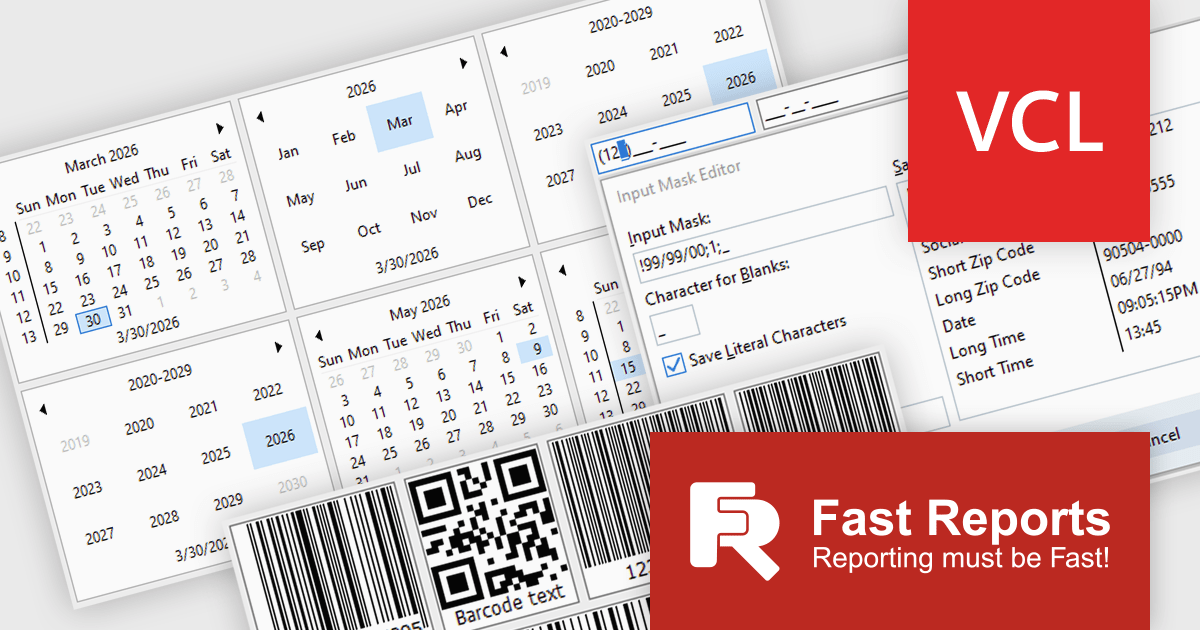
FastReport VCL Reporting Lazarus is a powerful reporting solution for the Lazarus IDE built on Free Pascal, enabling developers to design and generate rich, band oriented reports for Windows and Linux applications. It provides a visual report designer with support for text, images, tables, and scripting in multiple languages, allowing the creation of diverse report types such as invoices, catalogs, and business forms. With integrated data handling, export to widely used formats, and full source code access, it offers extensive customization and flexibility. Its cross platform compatibility, multi language support, and seamless alignment with FastReport VCL make it an efficient choice for developers building scalable, data driven applications.
The latest FastReport VCL Reporting Lazarus release introduces new UI editor components that enhance application development by providing more advanced input controls and extended customization beyond standard components. This enables developers to implement richer user interfaces with built in support for features such as barcode generation, masked input, and currency handling, reducing the need for custom development and third party libraries.
FastReport VCL Reporting Lazarus is licensed per named user and is available as a Perpetual license with 1 year of technical support and product updates. See our FastReport VCL Reporting Lazarus licensing page for full details.
Learn more on our FastReport VCL Reporting Lazarus product page.
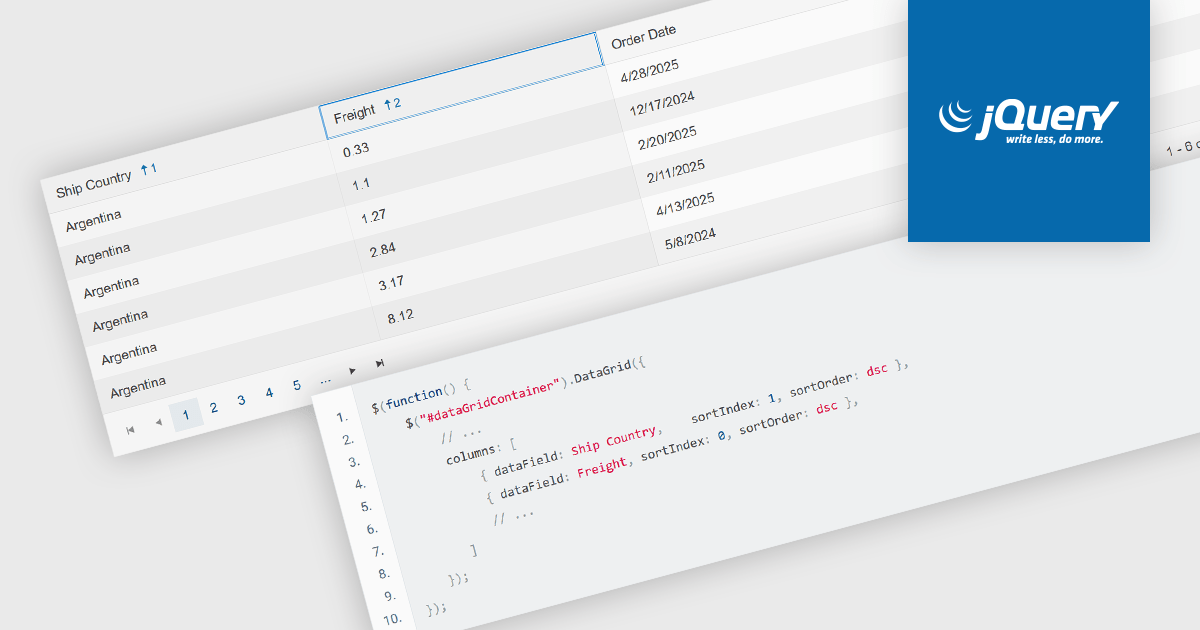
Multi-column sorting in a grid allows users to order data based on more than one column at the same time, applying a hierarchy of sort conditions. This means that when values in a primary column are identical, secondary or tertiary columns are used to further refine the order. The approach improves data exploration by enabling more precise organization, reducing the need for manual filtering, and supporting clearer comparisons across related fields. It is particularly useful in datasets where single-column sorting does not provide enough context to surface meaningful patterns.
Several jQuery grid components allow you to sort multiple columns, including:
For an in-depth analysis of features and price, visit our comparison of jQuery grid components.
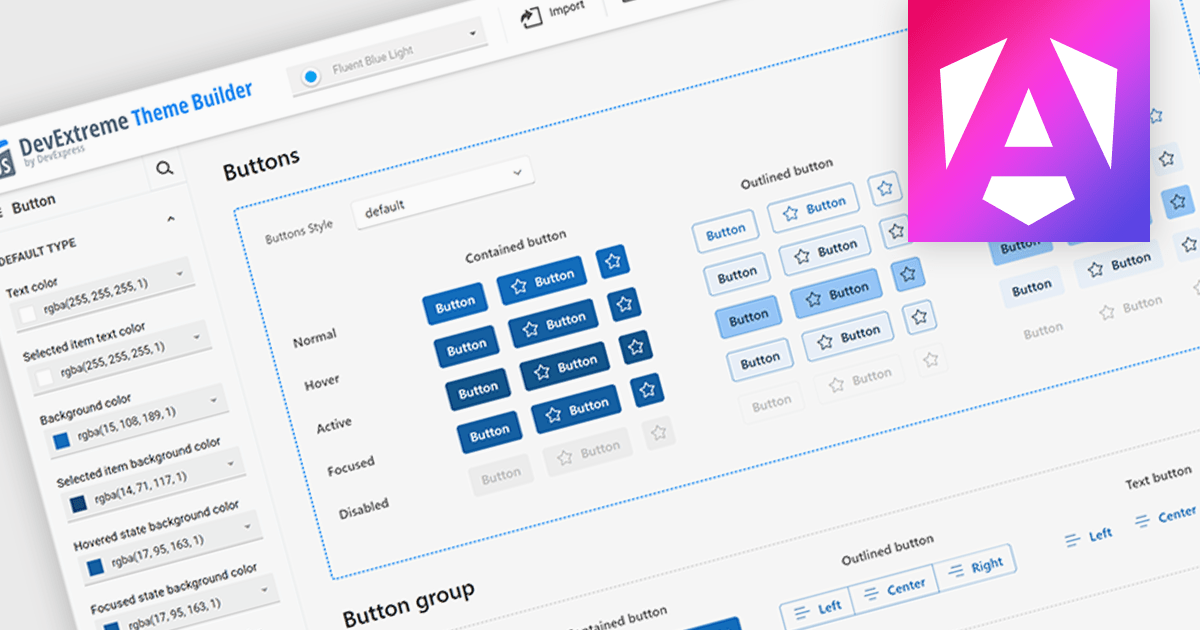
Theming support in UI component suites refers to the capability to define and apply consistent visual styles, such as colors, typography, spacing, and component appearances across an entire application. It typically allows developers to customize or switch themes dynamically, enabling alignment with branding requirements or user preferences without modifying core component logic. This separation of styling from functionality improves maintainability, reduces duplication, and accelerates development by promoting reuse, while also supporting scalability as design systems evolve and new themes are introduced.
Several Angular UI suites offer theming including:
For an in-depth analysis of features and price, visit our Angular UI suites comparison.
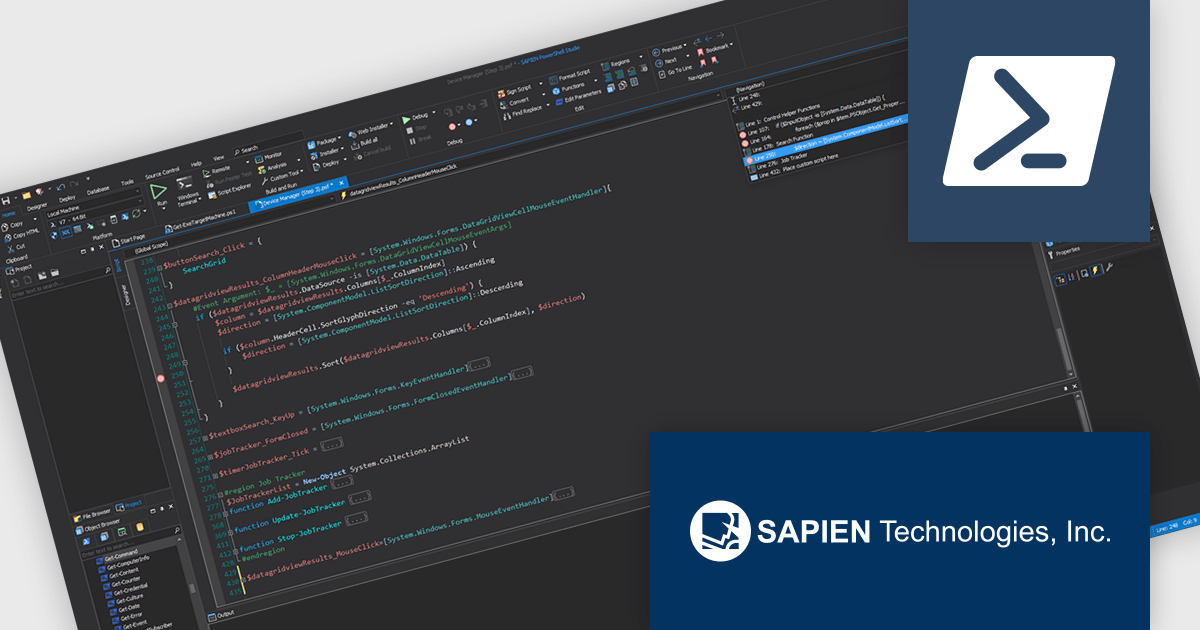
PowerShell Studio by SAPIEN Technologies is an Integrated Scripting Environment (ISE) designed specifically for PowerShell development. It offers a comprehensive editing experience with features like syntax coloring, code completion, and debugging. Beyond editing, PowerShell Studio allows you to visually design GUIs for your scripts, convert them into executables, and create modules and Windows services. This comprehensive toolset caters to developers who want to streamline PowerShell scripting and extend its functionality.
The PowerShell Studio 2026 (5.10.269) update introduces support for PowerShell 7.4.15, 7.5.6, and 7.6.1, enabling developers to utilize the latest language features, performance improvements, and security updates while maintaining compatibility with modern development environments. This support allows more efficient script development and testing across different platforms, improves reliability through ongoing fixes, and provides greater flexibility when targeting multiple PowerShell runtimes in professional workflows.
To see a full list of what's new in 2026 (5.10.269), see our release notes.
PowerShell Studio is licensed per user and includes 1 year of product maintenance which may be renewed each year thereafter to continue to receive the latest updates. See our PowerShell Studio licensing page for full details.
Learn more on our PowerShell Studio product page.
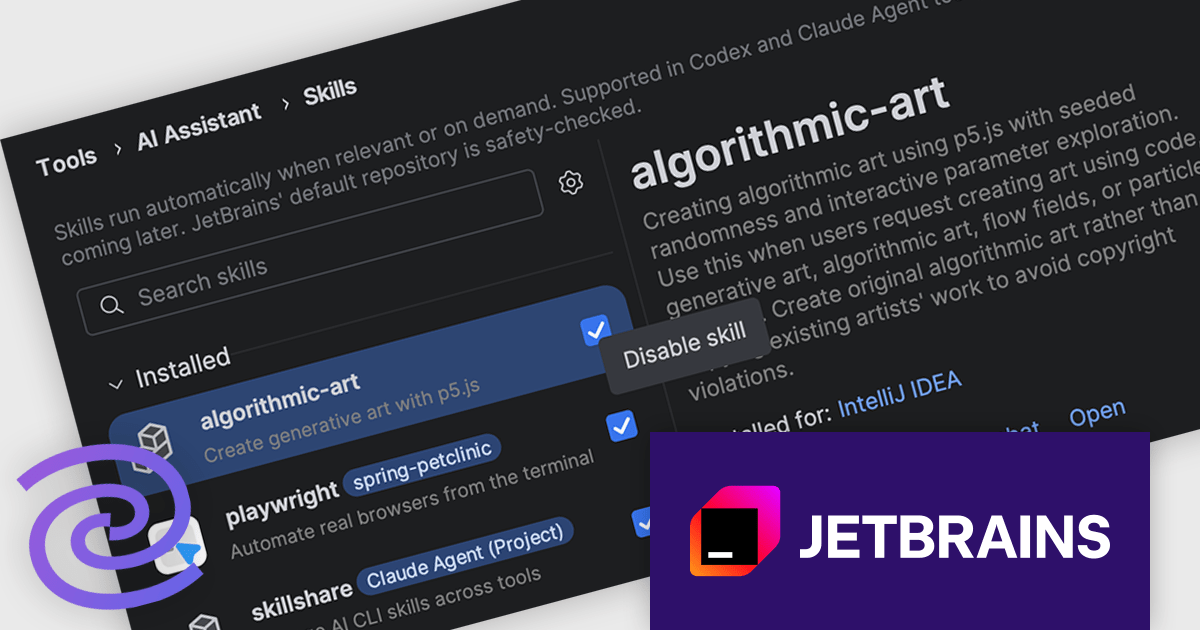
JetBrains AI Assistant - AI Pro is a plugin for JetBrains IDEs that uses large language models to enhance your coding experience. It can answer your questions about code, suggest completions and refactorings, and even help you write documentation and commit messages. It analyzes the context of your project to provide the most relevant suggestions, and you can chat with it directly within the IDE. JetBrains AI Assistant is a powerful tool for programmers looking to boost their productivity.
The introduction of the Skill Manager and Skill Repository in JetBrains AI Assistant changes how reusable capabilities are handled across development workflows. Skills, which define focused capabilities for specific tasks, are no longer confined to a single agent or project setup. Instead, developers can install trusted skills once and make them available wherever needed, across supported agents and multiple projects. By centralizing discovery and management directly in the IDE, it becomes easier to maintain consistency, reduce duplication, and ensure that commonly used capabilities are readily accessible without repeated configuration.
JetBrains AI Assistant is licensed per user as a commercial annual subscription. To use it, you must have a compatible JetBrains IDE. We can supply new subscriptions, subscription renewals, lapsed subscription renewals, and additional developer licenses. See our JetBrains AI Assistant licensing page for full details.
For more information, visit our JetBrains AI Assistant product page.





Tél : (888) 850 9911
Fax : +1 770 250 6199


