








Fournisseur officiel
Comme nous somme les distributeurs officiels et autorisés, nous vous fournissons des licences légitimes directement à partir de 200+ éditeurs de logiciels.
Voyez toutes nos marques.
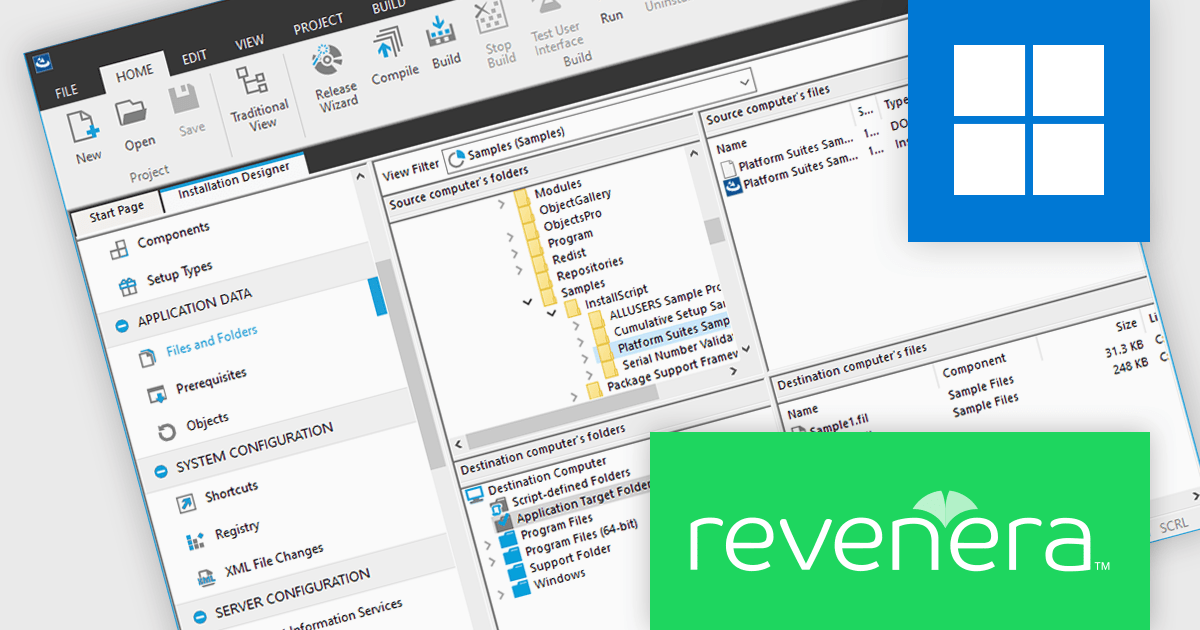
InstallShield is a leading Windows installation development solution. It is designed to enable development teams to be more agile, collaborative and flexible when building reliable InstallScript and Windows Installer (MSI) installations for PCs, servers, Web and virtual applications.
On Thursday, May 14th at 11:00 AM EDT (4:00 PM GMT), Revenera will be presenting a Live Webinar that explores the real world challenges teams face when creating and rolling out updates, from installer complexity and testing gaps to rollout impact and recovery when things go wrong. Key topics include:
Register for this LIVE Webinar today, and mark your calendar for May 14th.
InstallShield is licensed per user and is available as a 3 Year Timed Subscription. See our InstallShield Professional licensing page or InstallShield Premier licensing page for full details.
For more information, visit our InstallShield Professional or InstallShield Premier product pages.
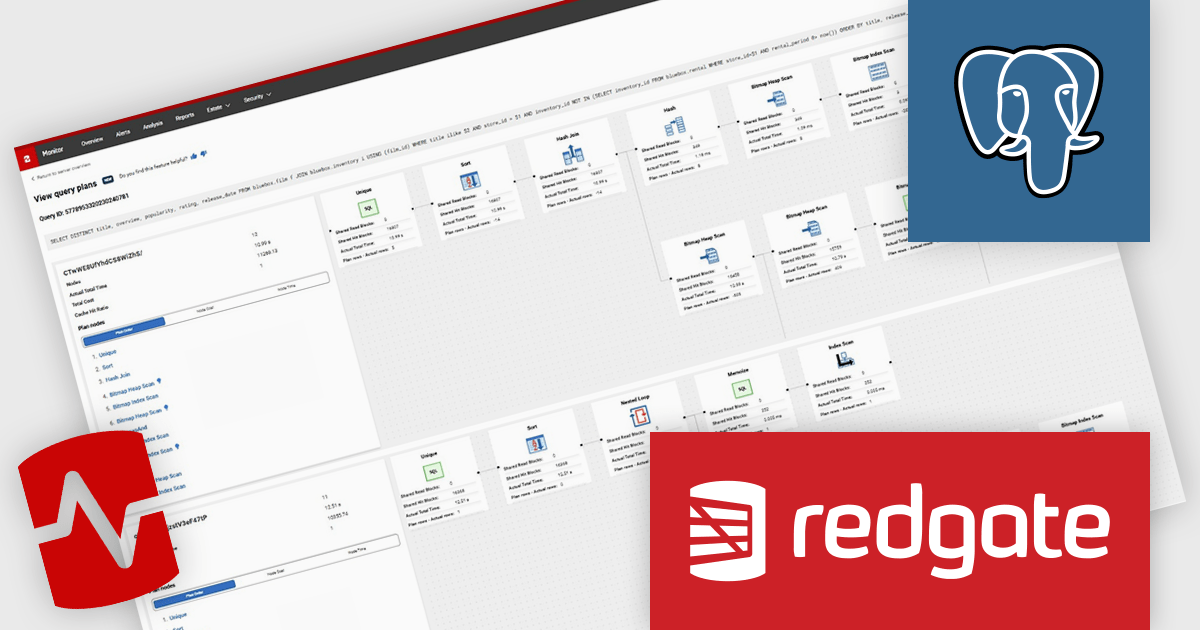
Redgate Monitor (formerly known as SQL Monitor) is a database monitoring tool that helps users quickly identify and fix performance problems on a variety of platforms, including SQL Server and PostgreSQL. It provides real-time monitoring, alerting, root cause analysis, and performance tuning recommendations. Redgate Monitor can be used by DBAs, developers, and operations teams to improve the performance of their databases.
The Redgate Monitor v14.14.0 update introduces Query Plan Comparison for PostgreSQL, enabling developers to analyze execution plans side-by-side and identify changes that impact query performance. By providing clear visibility into differences in cost, execution time, and plan structure, the feature helps isolate the root cause of regressions more efficiently. It also allows teams to correlate plan changes with performance trends over time, improving understanding of how database behavior evolves.
To see a full list of what's new in v14.14.0 see our release notes.
Redgate Monitor is licensed per server on an annual subscription basis. Each Server License will enable you to monitor either 1 Server (Multiple instances), 5 Azure SQL Databases, 1 Cloud (PaaS) instance, or 1 Cluster node. See our Redgate Monitor licensing page for full details.
For more information, visit our Redgate Monitor product page.
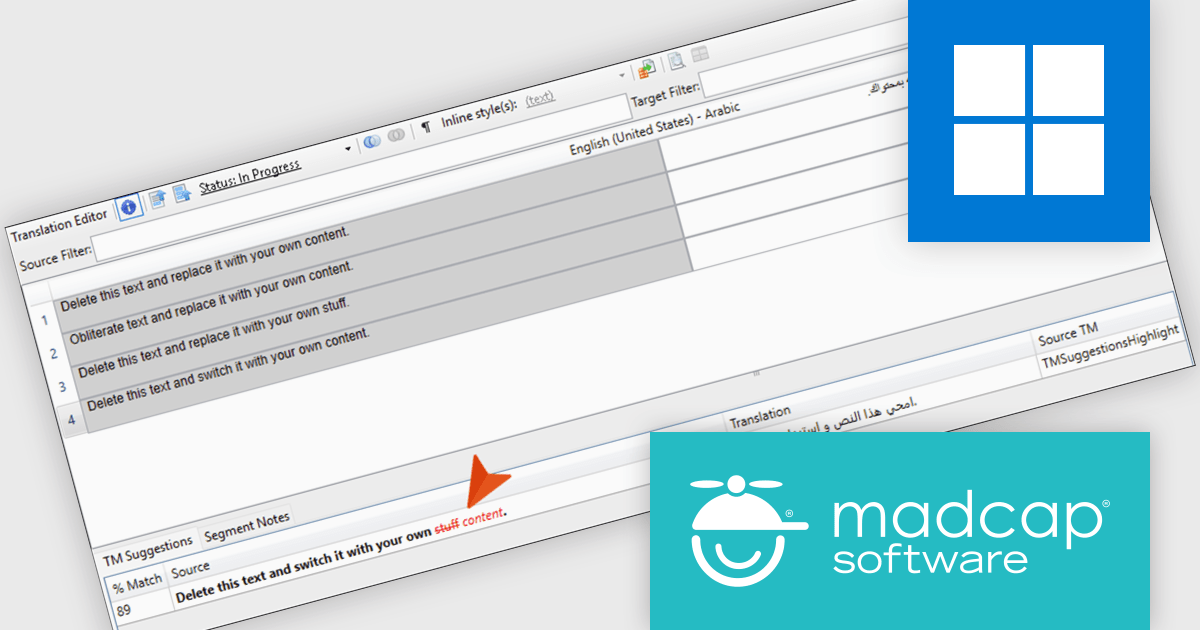
MadCap Lingo is a translation management solution that helps technical writers, documentation specialists and professional translators streamline the translation and localization process. It improves efficiency through built in Translation Memory technology with TMX support, enabling reuse of existing translations and ensuring consistency across projects. With features such as content alignment, termbase management and detailed reporting, it supports accurate translations while reducing manual effort. MadCap Lingo is ideal for managing multilingual documentation, software localization and ongoing content updates.
The MadCap Lingo v12 update introduces Translation Memory suggestion highlights, which improves translation efficiency and accuracy by clearly identifying differences between translation memory matches. By visually distinguishing unchanged text from removed and newly added content, developers and localization teams can quickly assess updates without manually comparing segments. This reduces review time, minimizes the risk of errors, and supports more consistent translations across projects, making it particularly valuable for workflows that involve frequent content updates or iterative localization cycles.
To see a full list of what's new in version 12, see our release notes.
MadCap Lingo is licensed per user and is available as an annual license with support and maintenance. See our MadCap Lingo licensing page for full details.
For more information, see our MadCap Lingo product page.
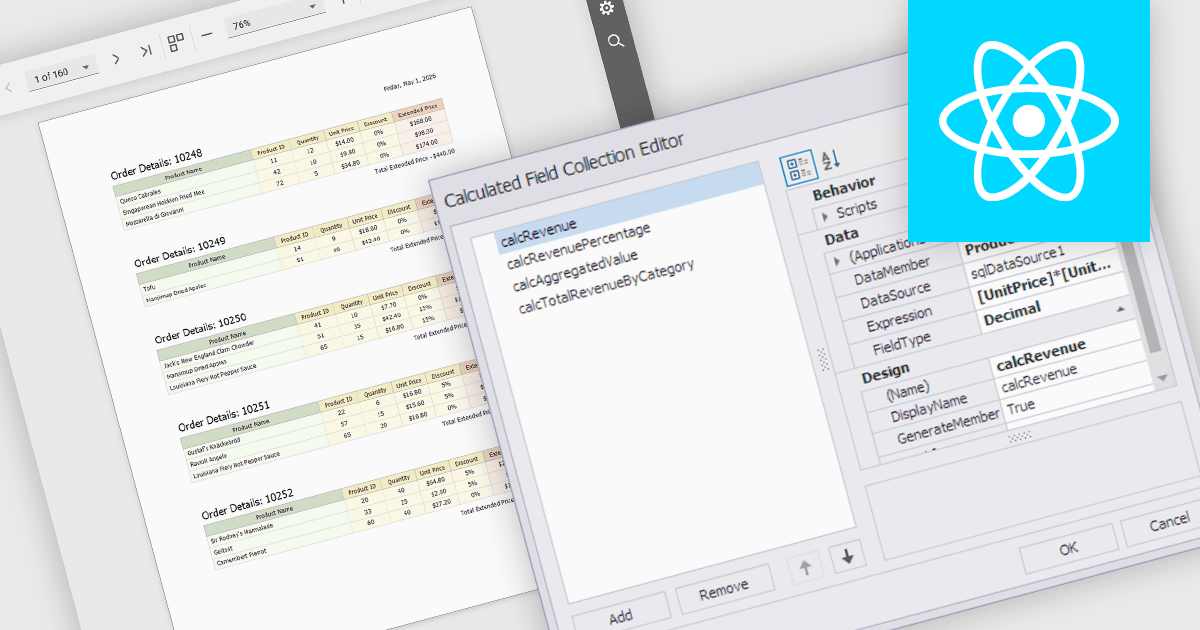
Calculated fields are dynamic values derived from existing data within reporting components. They enable complex data manipulations, calculations, and transformations, providing enhanced data analysis capabilities. By creating new fields based on existing data, calculated fields offer flexibility and efficiency, allowing users to perform calculations, aggregations, and logical comparisons directly within the report. This empowers users to generate insights, visualize trends, and make data-driven decisions without requiring modifications to the underlying data source, ultimately improving report accuracy and usability.
Several React reporting controls offer support for calculated fields:
For an in-depth analysis of features and price, visit our React reporting controls comparison.
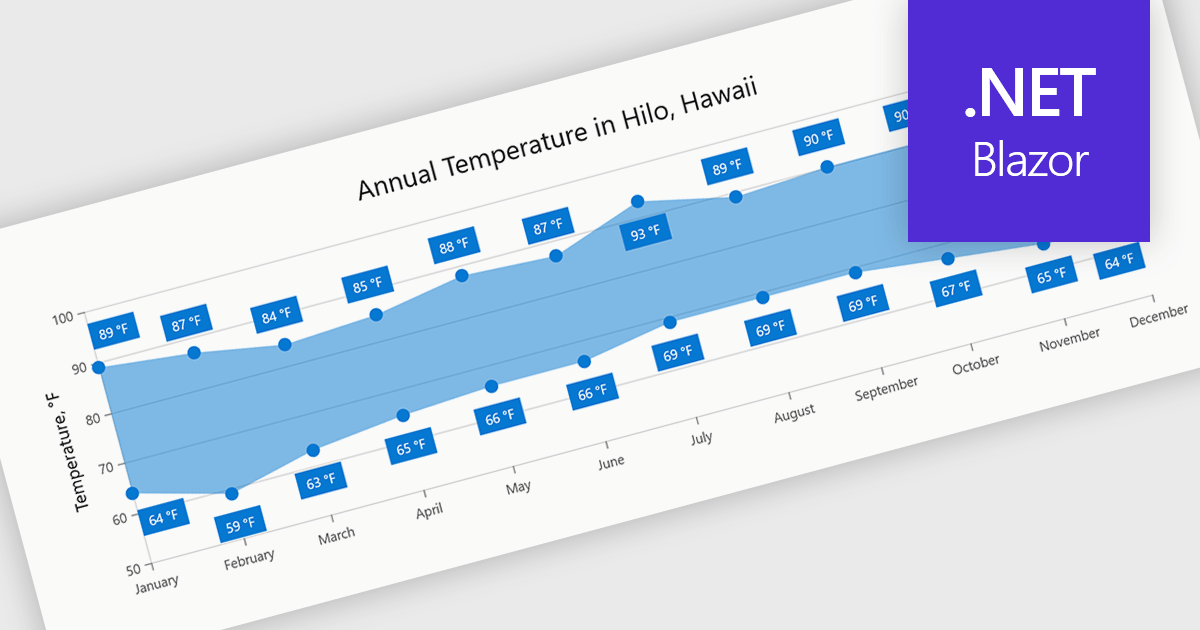
Range charts visualize the difference between minimum and maximum values for each data point using a filled area to represent variation. This makes it easier to understand fluctuations, compare ranges and identify patterns without the clutter of multiple lines. By focusing on value distribution rather than individual points, they improve readability and highlight trends and inconsistencies at a glance. They are useful for scenarios such as tracking temperature ranges, monitoring performance thresholds or comparing variations across datasets.
Several .NET Blazor charting components provide you with range charts, including:
For an in-depth analysis of features and price, visit our .NET Blazor chart controls comparison.





Tél : (888) 850 9911
Fax : +1 770 250 6199


