








Fournisseur officiel
Comme nous somme les distributeurs officiels et autorisés, nous vous fournissons des licences légitimes directement à partir de 200+ éditeurs de logiciels.
Voyez toutes nos marques.
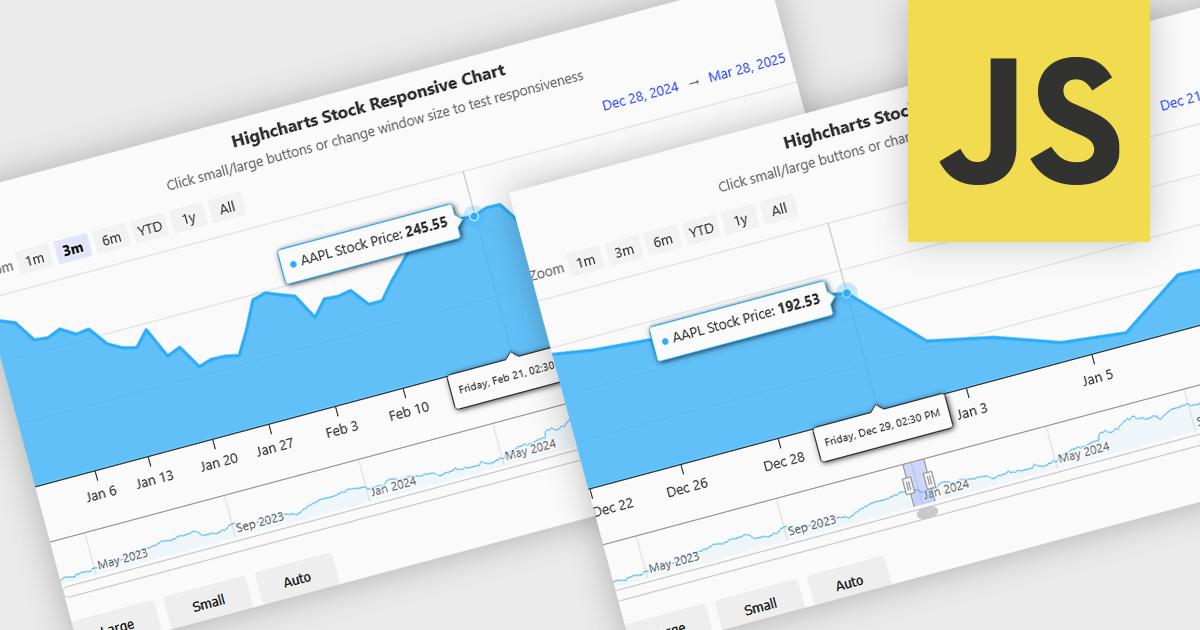
Responsive behavior in chart controls refers to the automatic adjustment of a chart’s layout, dimensions, and visual elements to fit the screen size or container in which it is rendered. This functionality ensures that charts remain readable and usable across a wide range of devices, from desktops to tablets and smartphones, without requiring manual configuration for each format. The benefits include reduced development overhead, improved user experience, and consistent presentation of data regardless of platform. Common use cases include dashboards in web applications, analytics platforms, and mobile-first reporting tools, where users expect seamless interaction and clear data visualization across multiple device types.
Several JavaScript chart controls support responsive behavior, including:
For an in-depth analysis of features and price, visit our JavaScript chart controls comparison.
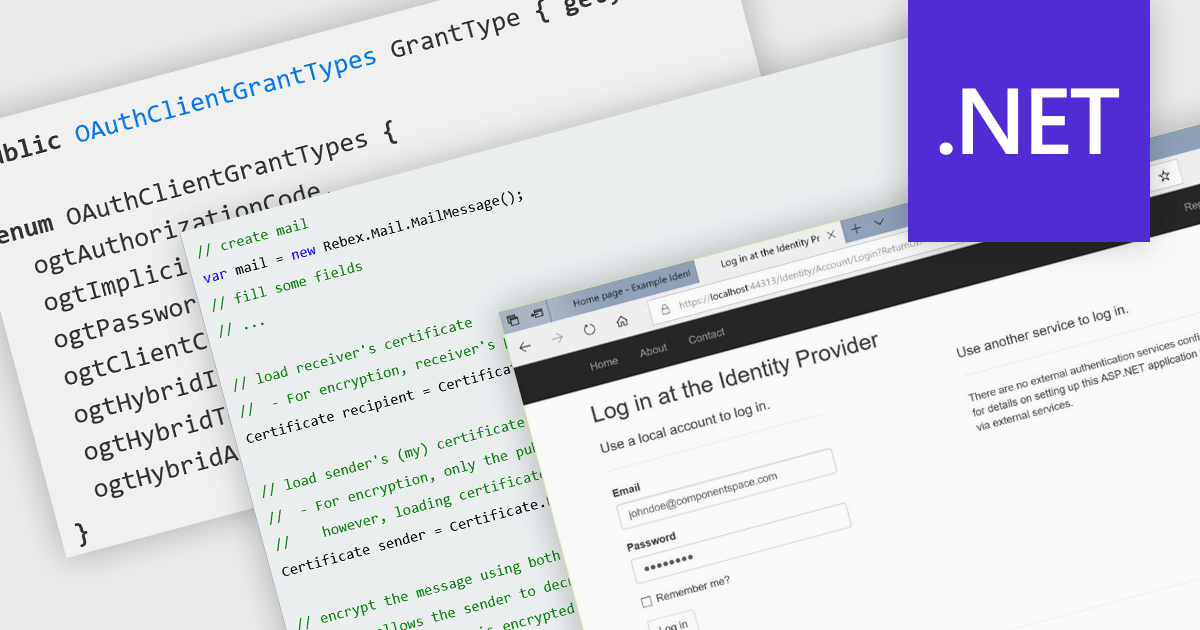
Authentication and security protocols play a critical role in safeguarding communication and messaging systems by verifying identities, protecting data integrity, and ensuring confidentiality. These protocols define the mechanisms by which users and services authenticate, establish trust, and secure data during transmission. As digital communication expands across networks, devices, and platforms, the need for robust, standards-based security frameworks becomes essential to protect against unauthorized access, tampering, and data breaches.
Common features include:
For an in-depth analysis of features and price, visit our .NET Comms & Messaging components comparison..

ComponentSource, a leading provider of software development tools, proudly partners with VersionSQL, an innovative solution that integrates database version control directly into SQL Server Management Studio (SSMS). This collaboration enhances change management for DBAs and developers by simplifying the tracking of modifications, reversing changes, and reviewing historical data without leaving SSMS.
VersionSQL simplifies complex database workflows with its lightweight and intuitive source control interface within SQL Server. Its robust features eliminate error-prone, time-consuming tasks and empower teams to work more efficiently and collaboratively.
This partnership further enriches ComponentSource’s offerings, giving professionals in finance, healthcare, and IT access to VersionSQL’s powerful database version control tools. With advanced capabilities for seamless change management, comprehensive audit trails, and efficient rollback functionality, customers can now maintain data integrity and optimize their operations with ease.
VersionSQL is licensed per user, allowing installation on a primary computer and one personal device. Perpetual licenses include one year of support and upgrades, while annual subscriptions require renewal to maintain access. See our VersionSQL licensing page for full details.
For more information, visit our VersionSQL product page.
Telerik Reporting is a comprehensive and lightweight embedded reporting tool for .NET web and desktop applications. It enables developers and reporting users to create, design, and export visually appealing, interactive, and reusable reports to effectively present analytical and business data. It supports various technologies, including ASP.NET Core, Blazor, ASP.NET MVC, ASP.NET AJAX, HTML5/JS, Angular, WPF, WinForms, and WinUI.
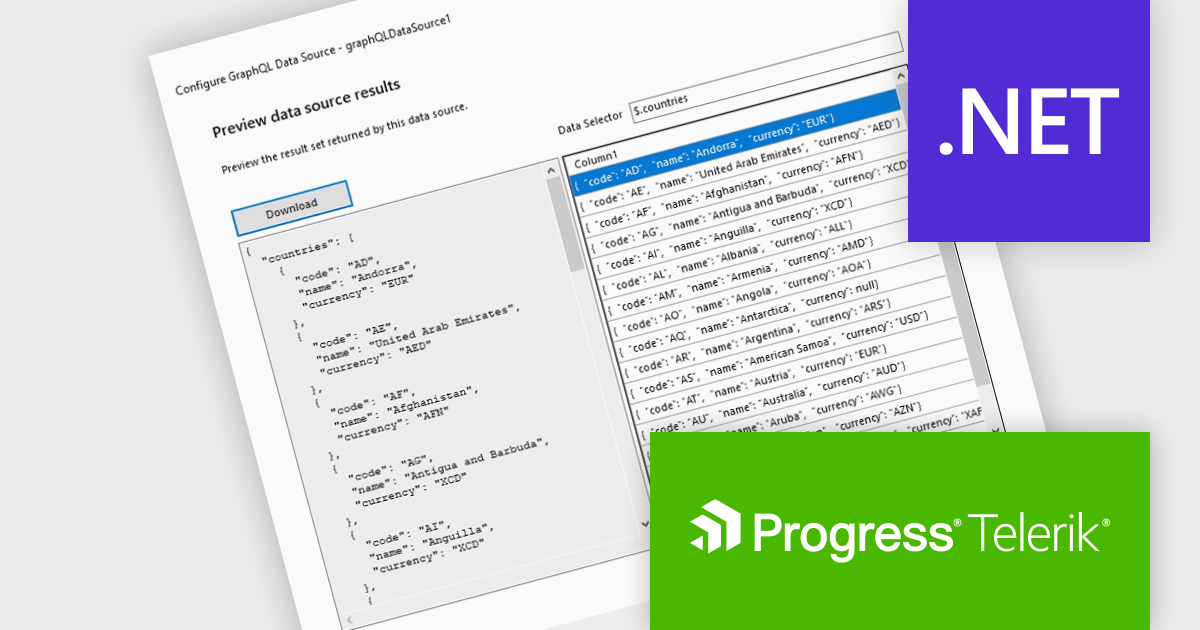
The Telerik Reporting 2025 Q1 update introduces GraphQL native support with a dedicated GraphQLDataSource component, allowing developers to seamlessly connect reports to GraphQL APIs. This enhancement streamlines data retrieval by enabling precise queries that fetch only the necessary information, optimizing performance and reducing overhead. The Standalone Report Designer now includes an intuitive wizard that simplifies the setup process, guiding users through creating and configuring GraphQL data sources with minimal effort. By integrating GraphQL natively, Telerik Reporting enhances flexibility and efficiency, empowering developers to build dynamic, data-driven reports with greater ease and precision.
To see a full list of what's new in 2025 Q1 (19.0.25.211), see our release notes.
Telerik Reporting is licensed per developer and is available as a perpetual license with a one year support subscription, which is offered in three tiers: Lite, Priority or Ultimate. See our Telerik Reporting licensing page for full details.
Telerik Reporting is available to buy in the following products:
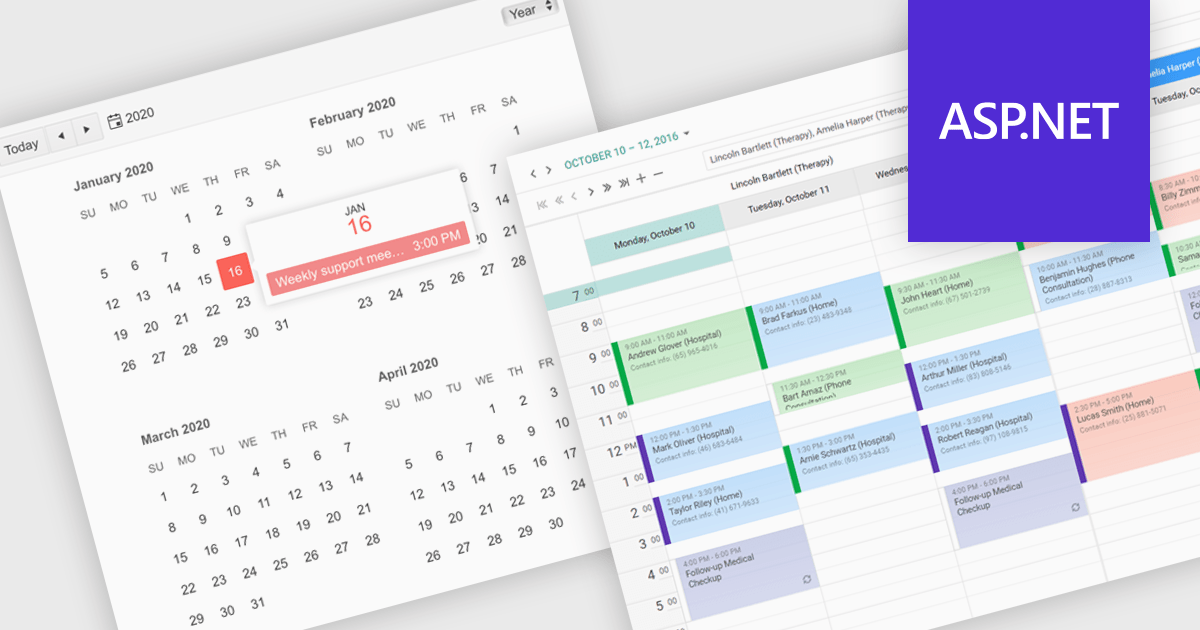
ASP.NET UI suites with calendar components allow users to select dates or date ranges within an application. By providing a visual and intuitive method for date input, calendars reduce user errors, improve data accuracy, and enhance the overall user experience. They are particularly useful in applications involving scheduling, booking, form submissions, or data filtering, such as hotel reservation systems, event management platforms, employee leave trackers, and reporting dashboards. Its inclusion in a UI suite enables developers to implement reliable and accessible date selection features efficiently across projects.
Several ASP.NET UI suites offer a calendar component including:
For an in-depth analysis of features and price, visit our ASP.NET UI suites comparison.





Tél : (888) 850 9911
Fax : +1 770 250 6199


