








Fournisseur officiel
Comme nous somme les distributeurs officiels et autorisés, nous vous fournissons des licences légitimes directement à partir de 200+ éditeurs de logiciels.
Voyez toutes nos marques.
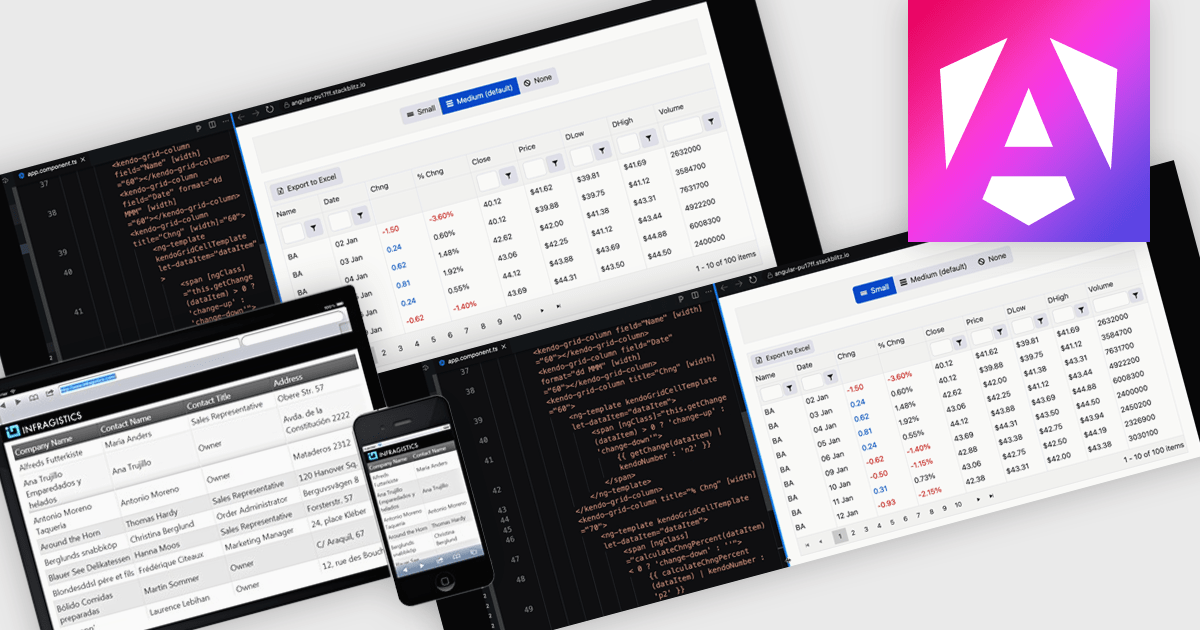
A responsive layout is a design approach that enables web and application interfaces to automatically adjust and optimize their structure, content, and elements for different screen sizes and devices. By using flexible grids, scalable images, and adaptable components, responsive layouts ensure a consistent and user-friendly experience across desktops, tablets, and mobile devices. For software developers, this approach simplifies the creation of cross-platform applications, improves accessibility, and enhances user satisfaction by delivering interfaces that perform seamlessly in diverse environments.
Several Angular grid components support responsive layouts including:
For an in-depth analysis of features and price, visit our comparison of Angular grid controls.
TeamCity by JetBrains is a robust continuous integration and deployment (CI/CD) server that simplifies building, testing, and deploying software. It supports diverse workflows with features like real-time build monitoring, customizable pipelines, and integrations with tools like Git and Mercurial. TeamCity’s intelligent build management, including parallel builds and automated testing, optimizes resources and accelerates delivery. With its user-friendly interface and extensive language and framework support, TeamCity is ideal for teams aiming to streamline development and maintain high-quality code efficiently.
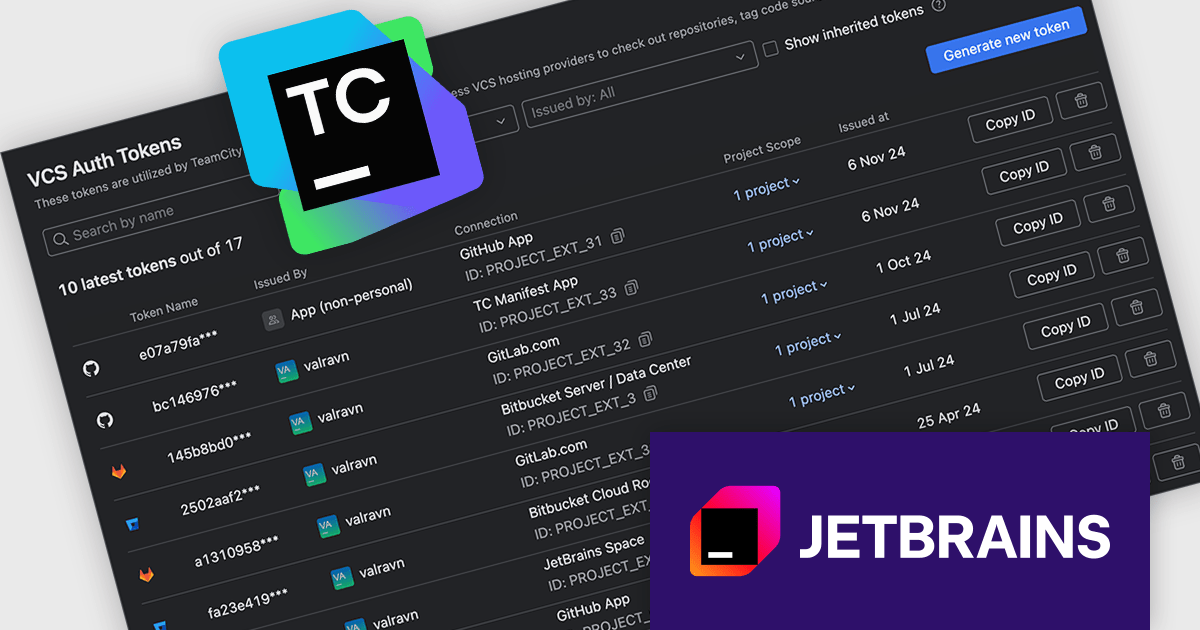
The TeamCity 2024.12 release now offers a centralized approach to managing refreshable access tokens for various OAuth connections, including VCS hosting providers, issue trackers, and build features like Commit Status Publisher. These short-lived tokens enhance security by replacing static tokens or traditional username/password credentials. To streamline token management, TeamCity introduces the VCS Auth Tokens page within project settings. This user-friendly interface empowers you to easily view, create, and revoke refreshable tokens for your projects, ensuring optimal security and control over your authentication processes.
To see a full list of what's new in version 2024.12, see our release notes.
TeamCity On-Premises is licensed per server and per build agent, and is available as a commercial perpetual license. See our TeamCity On-Premises licensing page for full details.
For more information, visit our TeamCity On-Premises product page.
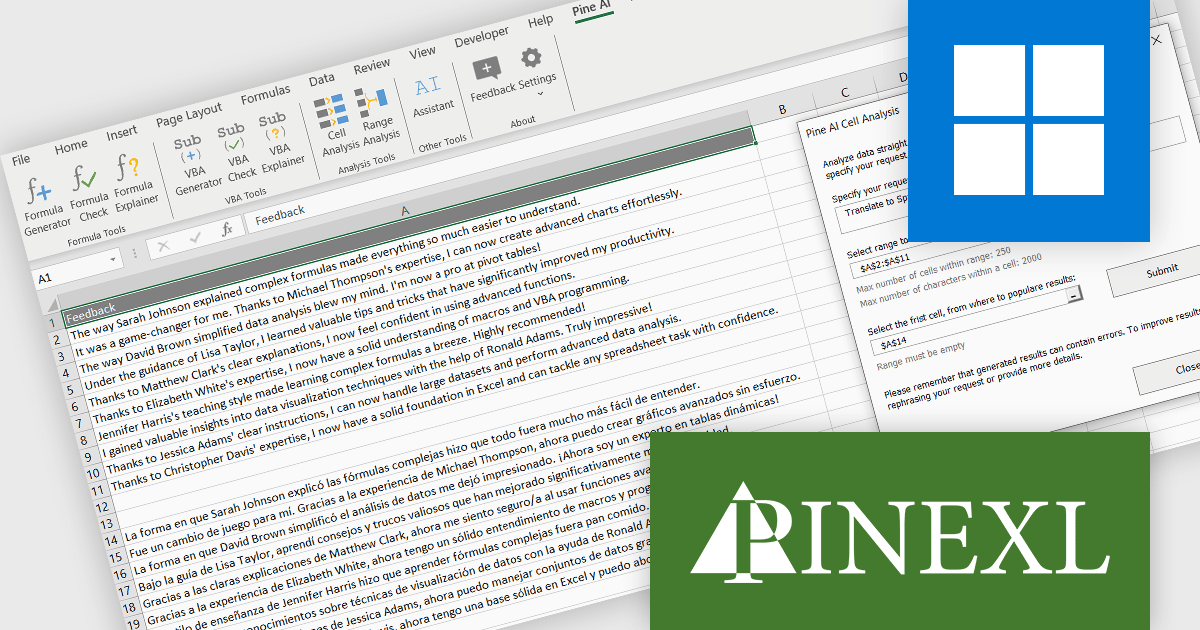
Pine AI Excel Add-In, developed by Pinexl, integrates OpenAI's ChatGPT into Microsoft Excel, enabling users to generate, debug, and interpret complex formulas and Visual Basic for Applications (VBA) code by simply describing their requirements. This tool enhances productivity by automating tasks such as data analysis, summarization, transformation, and translation directly within Excel spreadsheets. For instance, users can extract specific information from unstructured data, fill in missing details like country names based on city data, and translate text without leaving the Excel environment. By streamlining these processes, Pine AI reduces the time spent on manual data manipulation and extensive online research, making it a valuable asset for professionals seeking to optimize their workflow within Excel.
Using the Pine AI Excel Add-In, translating spreadsheet cell content is simple and seamless. Users can select the data they wish to translate directly within Excel, specify the target language, and let Pine AI handle the rest. The translated content is generated and placed back into the desired cells, maintaining the original format. This eliminates the need to use external tools, streamlining multilingual workflows and enhancing productivity for data analysis or global collaboration.
Pine AI Excel Add-In is licensed per user on an annual subscription basis. To continue using the software you will need an active subscription. See our Pine AI Excel Add-In licensing page for full details.
Learn more on our Pine AI Excel Add-In product page.
KendoReact by Telerik is a comprehensive library of UI components specifically designed for building modern, feature-rich React applications, enabling developers to create intuitive, responsive, and visually appealing interfaces with ease. It includes robust components like data grids, charts, form elements, and navigation tools, optimized for high performance with features such as virtualization for large datasets and adherence to accessibility standards. Ideal for dashboards, enterprise apps, and data-driven applications, KendoReact empowers teams to accelerate development, ensure design consistency, and deliver inclusive user experiences.
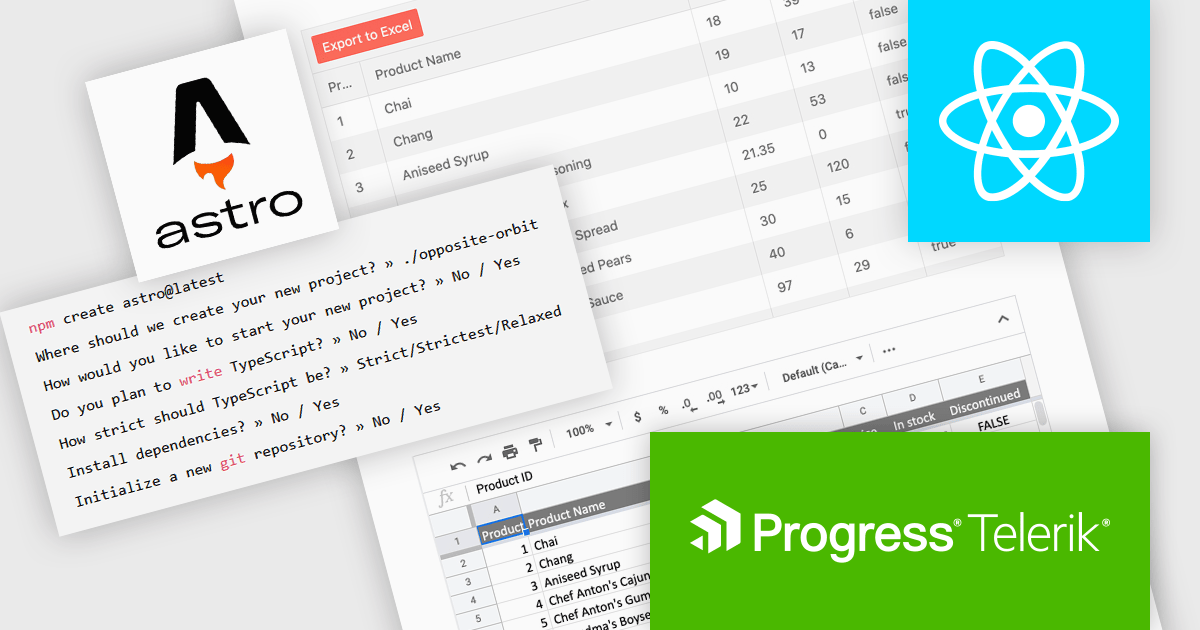
The KendoReact v9.0.0 update introduces integration with Astro, a modern static site builder that supports multiple front-end frameworks, including React. This enhancement enables developers to seamlessly incorporate KendoReact components into Astro projects, leveraging Astro's performance benefits such as minimal JavaScript delivery and support for server-side rendering (SSR) and static site generation (SSG). By following the provided getting started guide, developers can efficiently set up Astro projects with KendoReact, thereby enhancing development workflows and application performance.
To see a full list of what’s new in 2024 Q4 (v9.0.0), see our release notes.
KendoReact is licensed per developer and is available as a perpetual license with a 1 year support subscription, which is available in 3 tiers: Lite, Priority or Ultimate. See our KendoReact licensing page for full details.
KendoReact is available individually or as part of the following products:
Advanced Installer by Caphyon is a versatile software packaging tool used by developers, IT administrators, and software vendors to create reliable, professional-grade installation packages. It simplifies the deployment process for applications across various platforms, offering features like built-in compliance checks, configuration of server roles, and seamless integration with development frameworks. By automating complex tasks, it helps teams save time and reduce errors, making it an indispensable tool for deploying enterprise applications, client-server solutions, and cloud-connected software.
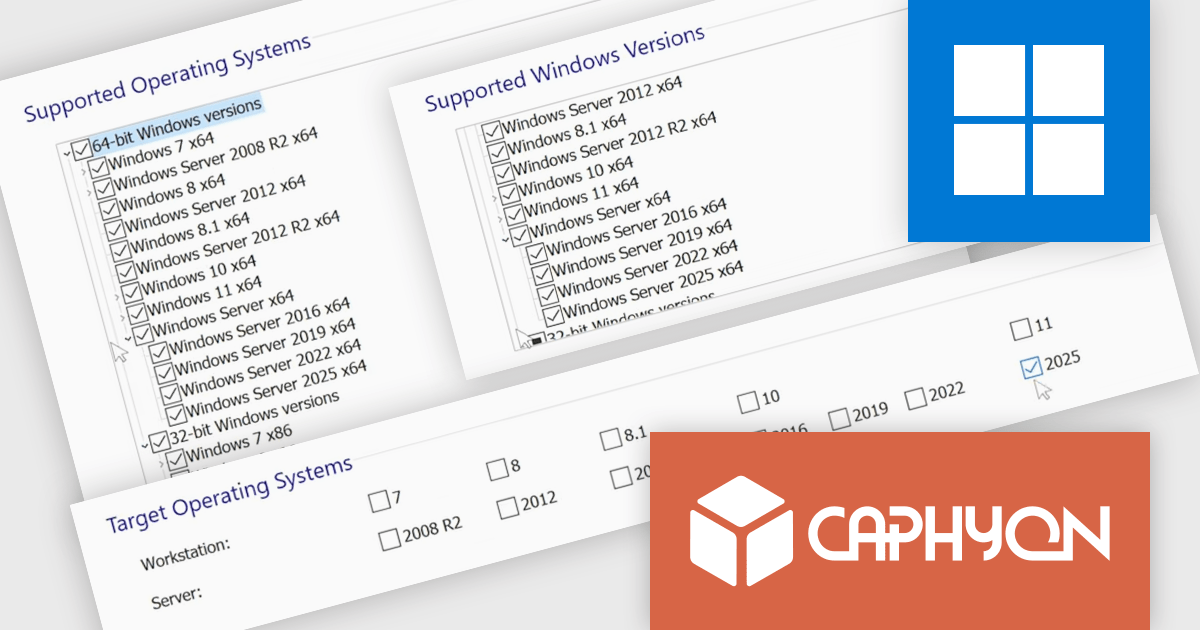
The Advanced Installer 22.3 update introduces built-in support for Windows Server 2025, enabling software developers to streamline deployment processes by integrating the configuration of Windows Features and Server Roles directly within installation packages. This enhancement eliminates the need for custom scripts or manual post-installation setups, ensuring a faster, more reliable, and consistent deployment workflow across different environments. By aligning installation processes with the latest Windows Server platform, this update not only simplifies application delivery but also supports future-proof compatibility with emerging server technologies.
To see a full list of what's new in version V22.3, see our release notes.
Advanced Installer is licensed per user and is available as an annual or perpetual license with 1 year support and maintenance. See our Advanced Installer licensing page for full details.
For more information, visit our Advanced Installer product pages:





Tél : (888) 850 9911
Fax : +1 770 250 6199


