








Fournisseur officiel
Comme nous somme les distributeurs officiels et autorisés, nous vous fournissons des licences légitimes directement à partir de 200+ éditeurs de logiciels.
Voyez toutes nos marques.
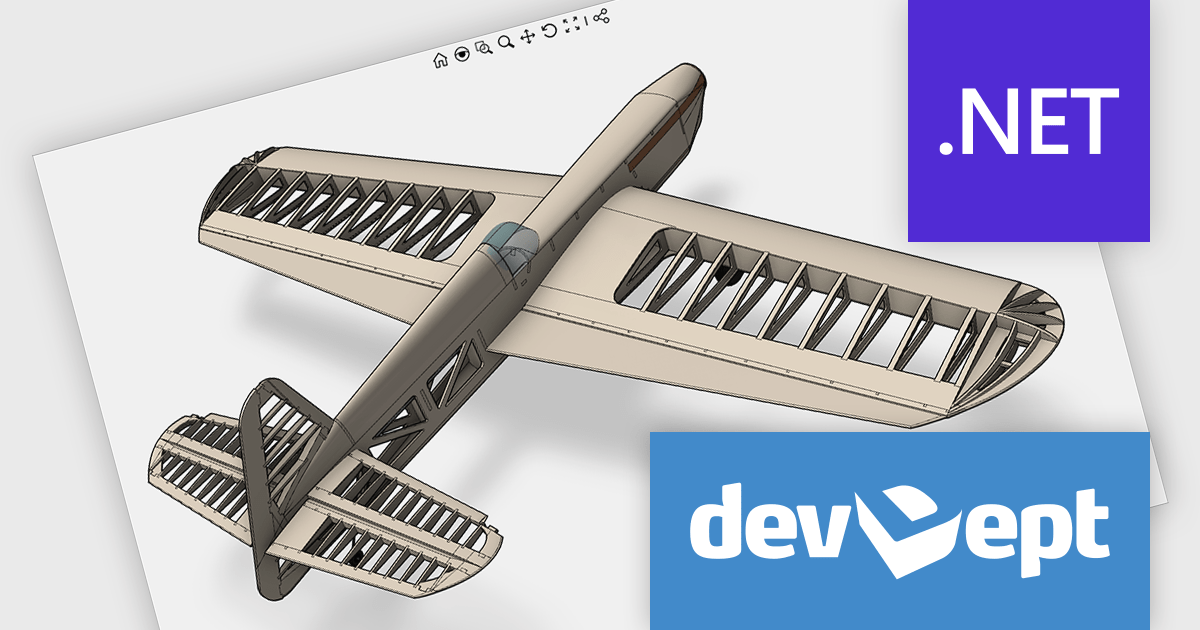
Eyeshot by devDept Software empowers you to integrate robust CAD functionalities into your .NET applications. Supporting both Windows Forms and WPF natively, it offers a comprehensive suite of tools accessible through the Visual Studio toolbox. These include design for 2D/3D geometry creation and editing, drawing for automatic 2D view generation, simulation for geometry validation, and manufacture for CNC toolpath generation and simulation.
The Eyeshot 2024.3 release introduces a powerful new feature that enhances the realism of 3D modeling with support for material texture rotation. This update allows users to rotate textures applied to 3D surfaces, giving them greater control over the appearance and alignment of materials. Whether you're creating architectural designs, engineering models, or product visualizations, this feature makes it easier to achieve the desired aesthetic by adjusting how textures wrap around complex geometries.
To see a full list of what's new in version 2024.3, see our release notes.
Eyeshot is licensed per developer and is available as an annual license, with either Lite or Priority support. See our licensing pages for Eyeshot Pro, Eyeshot Ultimate, and Eyeshot Fem for full details.
Eyeshot is available to buy in the following products:
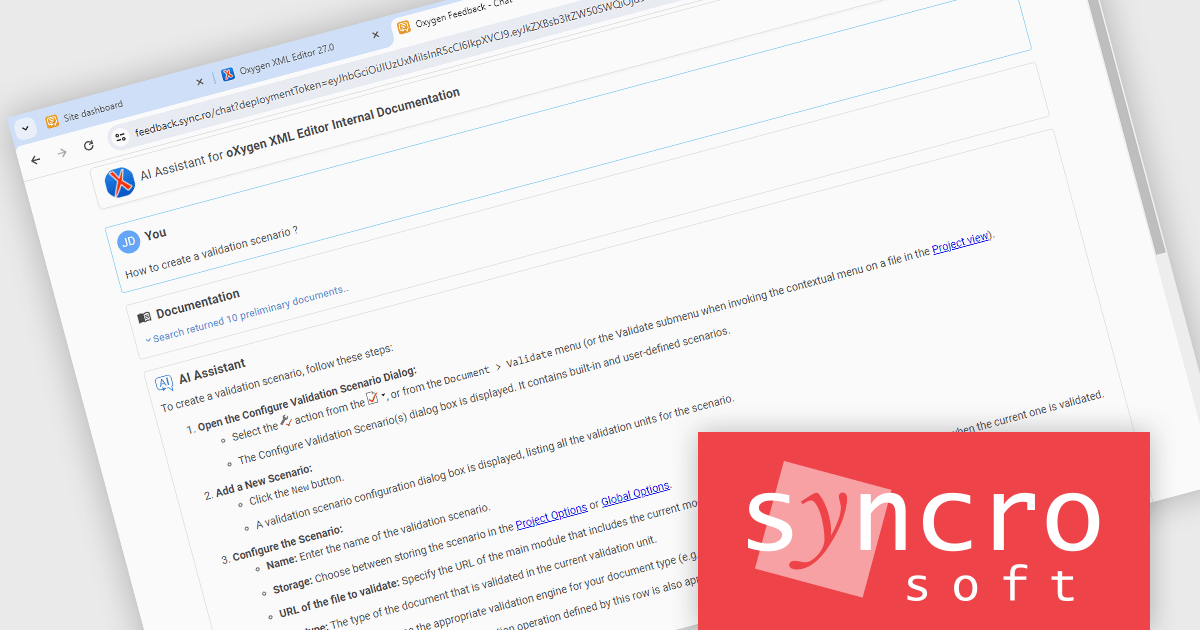
Oxygen Feedback is a comment management platform that helps you to collect and manage feedback from your users. It can be embedded in any HTML-based website or WebHelp Responsive output. It is a self-hosted solution that gives you complete control over your data. It also integrates with Oxygen XML Editor to allow you to see all of the comments in a side-view and react to user feedback by making corrections and updating the source content without leaving the application.
The Oxygen Feedback V5.0 release adds a new AI chatbot feature. By connecting Oxygen Feedback to your OpenAI account, you can enhance your website's help section with a powerful AI chatbot. This chatbot can provide users with instant, accurate answers to their questions, improving their overall experience.
To see a full list of what's new in V5.0 Build ID: 2024090417, see our release notes.
Oxygen Feedback is licensed per site configuration and is available as a Timed Subscription license. Support & Maintenance Pack (SMP) is included for the duration of your subscription. See our Oxygen Feedback licensing page for full details.
Learn more on our Oxygen Feedback product page.
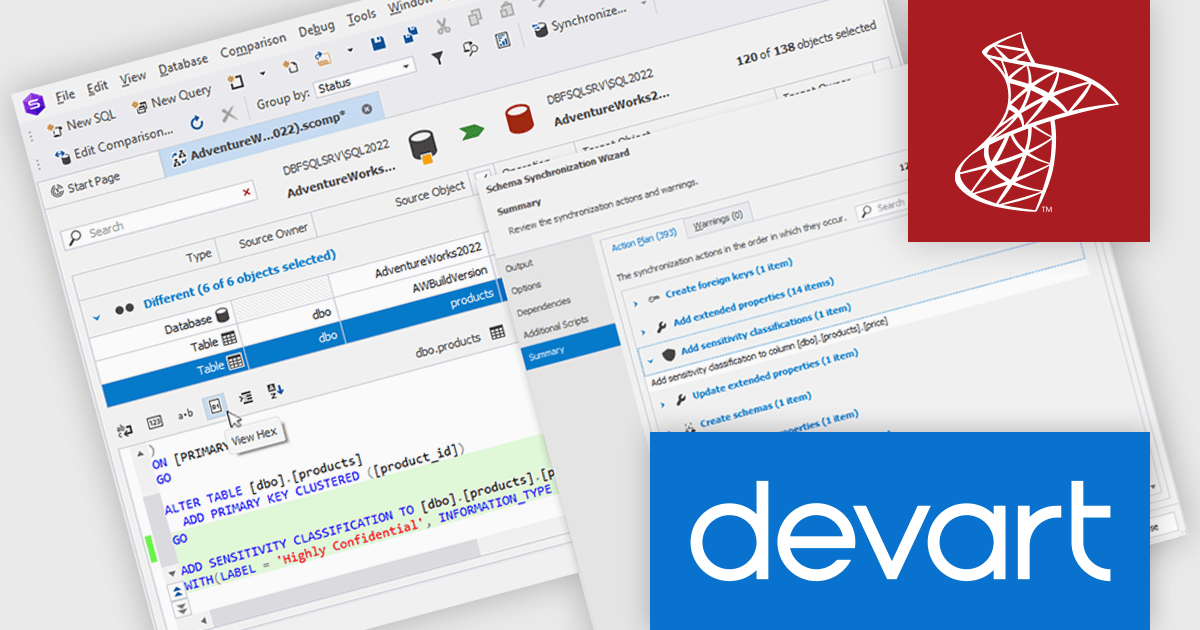
dbForge Schema Compare for SQL Server is a specialized tool designed to simplify the process of comparing and synchronizing SQL Server database schemas. It allows users to efficiently identify differences between two database structures, generate SQL scripts to automate schema updates, and integrate with SQL Server Management Studio for seamless workflow.
The dbForge Schema Compare for SQL Server V7.0.158 release introduces support for the 'ADD SENSITIVITY CLASSIFICATION' command, which allows you to efficiently tag columns based on data sensitivity levels and information types. For example, you could use this command to tag credit card numbers, personally identifiable information (PII), or other sensitive data as 'Highly Confidential', ensuring that they are handled with the appropriate security measures.
To see a full list of what's new in V7.0.158, see our release notes.
dbForge Schema Compare for SQL Server is licensed per developer and is available as an annual or perpetual license with a 12 month support and maintenance subscription. See our dbForge Schema Compare for SQL Server licensing page for full details.
dbForge Schema Compare for SQL Server is available in the following products:
Smart UI (formerly known as Smart HTML Elements) is an enterprise-grade UI library offering pre-built web components for developers in Angular, React, Vue, Blazor, and JavaScript. It boasts over 60 ready-to-use components like grids, charts, schedulers, and editors, all featuring two-way data binding, responsiveness, accessibility, and theming capabilities. This library helps developers rapidly build dynamic and modern web applications with consistent look-and-feel and rich functionalities, accelerating development time and ensuring professional quality.
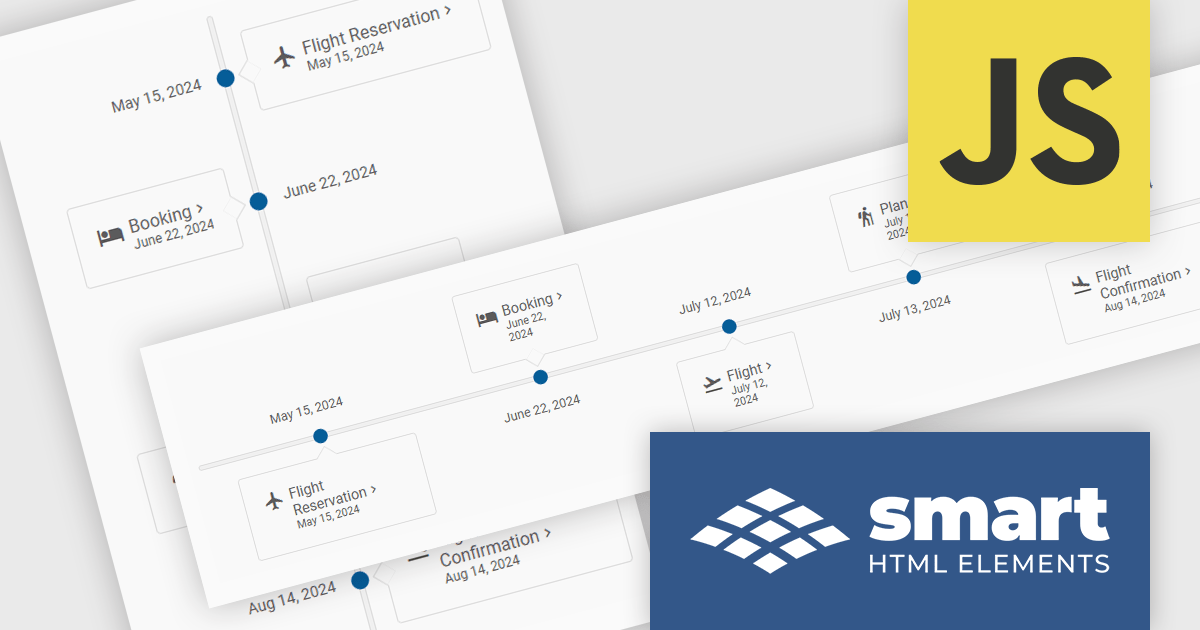
The Smart UI v20.0.0 release includes a new Timeline component which allows you to show a chronological collection of events. You can render the timeline in vertical or horizontal layouts and it can be customized with CSS, enabling you to style it to match your application's branding.
To see a full list of what's new in v20.0.0, see our release notes.
Smart UI (Smart HTML Elements) is licensed per developer and is available as a perpetual license with 1 year support and maintenance. It includes distribution to unlimited Web applications, SaaS projects, Intranets and Websites. Team, OEM and Enterprise licensing options are also available. See our Smart UI licensing page for full details.
Learn more on our Smart UI product page.
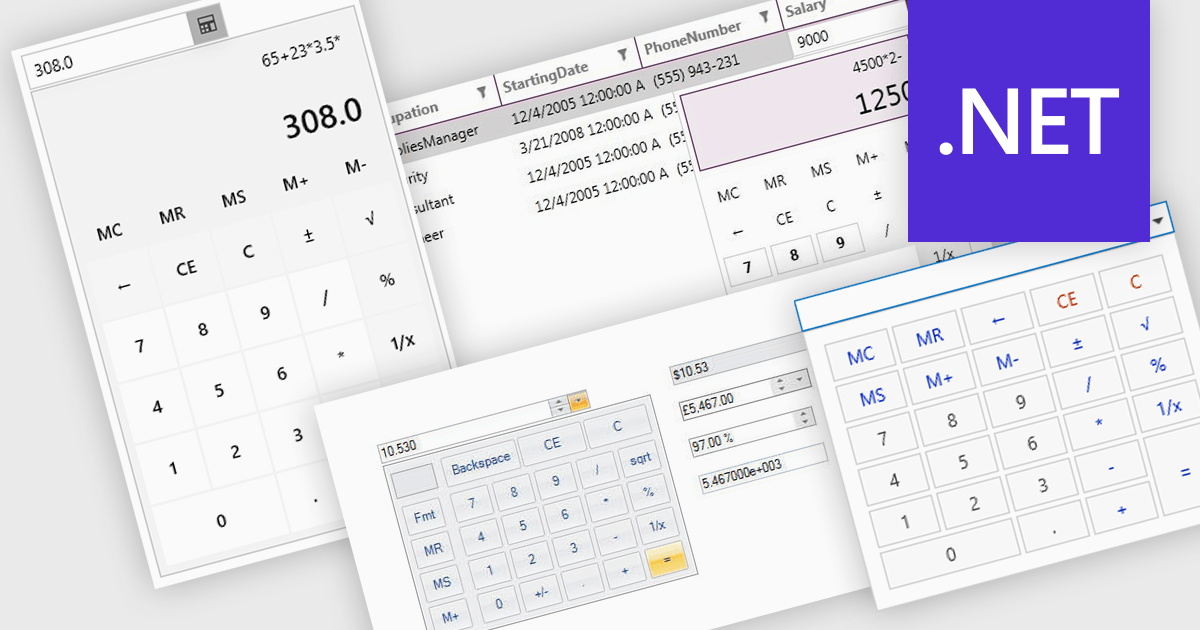
A dropdown calculator is a user interface element that allows users to quickly perform calculations. This streamlines the input process, making it more efficient and user-friendly, particularly in scenarios where options are predefined. By limiting the range of inputs, dropdown calculators minimize errors and provide more accurate results, while also improving the speed and ease with which users can interact with the tool. This approach is beneficial in environments where consistent, standardized inputs are required, such as in financial applications or forms.
Several .NET data editor collections provide dropdown calculator controls, including:
For an in-depth analysis of features and price, visit our comparison of .NET data editors.





Tél : (888) 850 9911
Fax : +1 770 250 6199


