








Fournisseur officiel
Comme nous somme les distributeurs officiels et autorisés, nous vous fournissons des licences légitimes directement à partir de 200+ éditeurs de logiciels.
Voyez toutes nos marques.
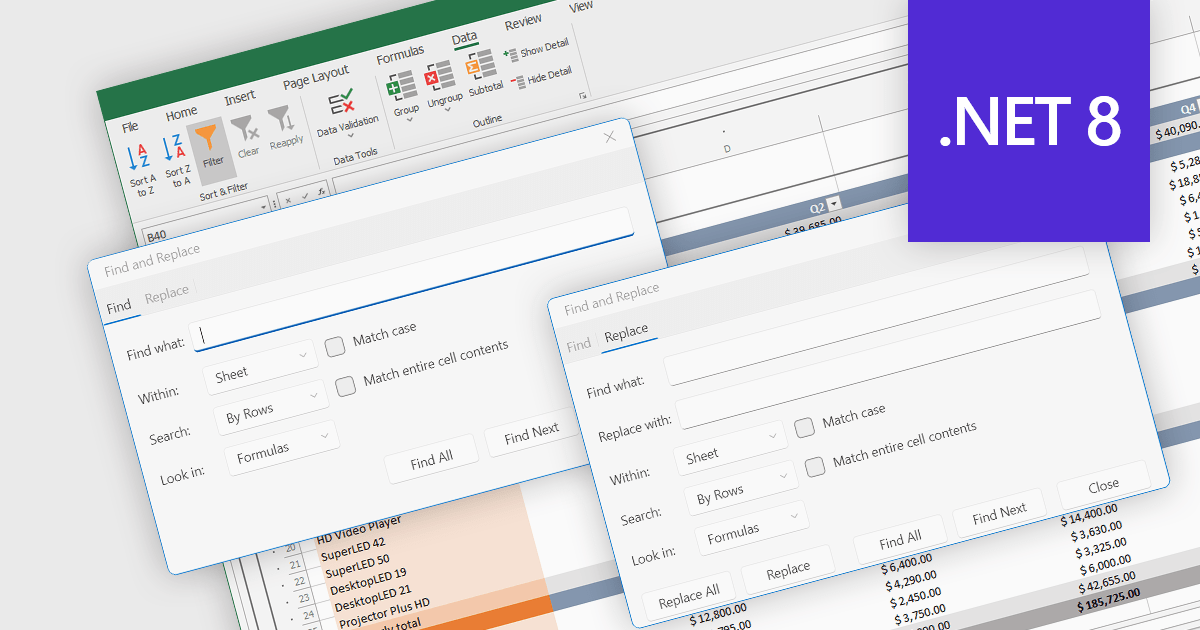
Find and replace is a useful feature found in spreadsheet applications that allows users to quickly locate specific values, i.e. text, numbers, or formulas, identifying all instances of that search term within a spreadsheet and then being able to replace them with a new value. By automating the process of manually searching for and modifying each occurrence individually, find and replace enhances productivity, reduces the likelihood of human error, and ensures consistency throughout the spreadsheet. This functionality is especially beneficial for tasks that involve managing large volumes of data, updating outdated information, correcting mistakes, or standardizing data formats.
Several .NET 8 spreadsheet components allow you to find and replace, including:
For an in-depth analysis of features and price, visit our comparison of .NET 8 spreadsheet components.
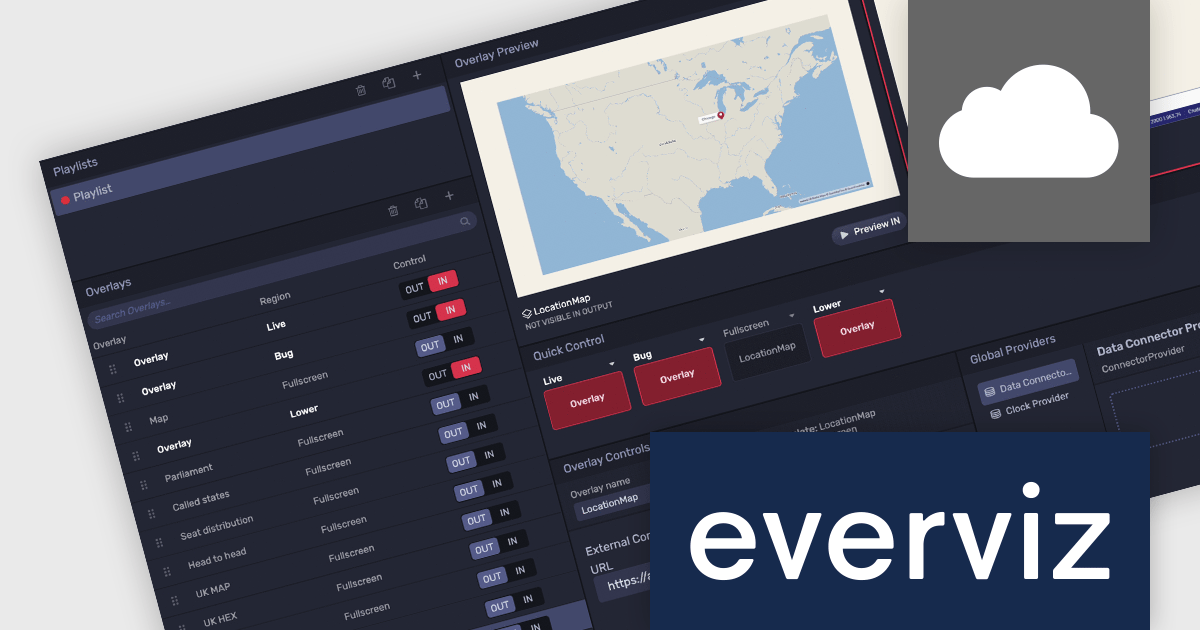
everviz is a cloud-based data visualization platform that empowers users to create visually appealing, interactive and customizable charts, maps, and other visuals. It provides a user-friendly interface that doesn't require any code or design skills, allowing users to quickly generate responsive visualizations with built-in support for accessibility. Whilst facilitating consistent branding and collaboration, the platform provides the flexibility to embed these visualizations into web applications, or share them directly, and enables users to effectively engage with viewers across devices.
The latest update of everviz officially launches the Location Maps feature. Now available in the Enterprise edition, this feature allows users to instantly create interactive maps that can be integrated across all platforms, for example, into video packages, live streams, online articles and social media posts. It comes with animation and map zooming effects to highlight specific areas, as well as customizable themes so that users can incorporate colors, fonts, and logos to match their brand aesthetics. This enables users to present geographic data in various media formats and without coding or design skills, making content more engaging and appealing.
To see a full list of what's new, see our release notes.
everviz is available in two editions: Pro and Enterprise, both of which are annual subscription licenses that include support. See our everviz licensing page for full details.
For more information, see our everviz product page.
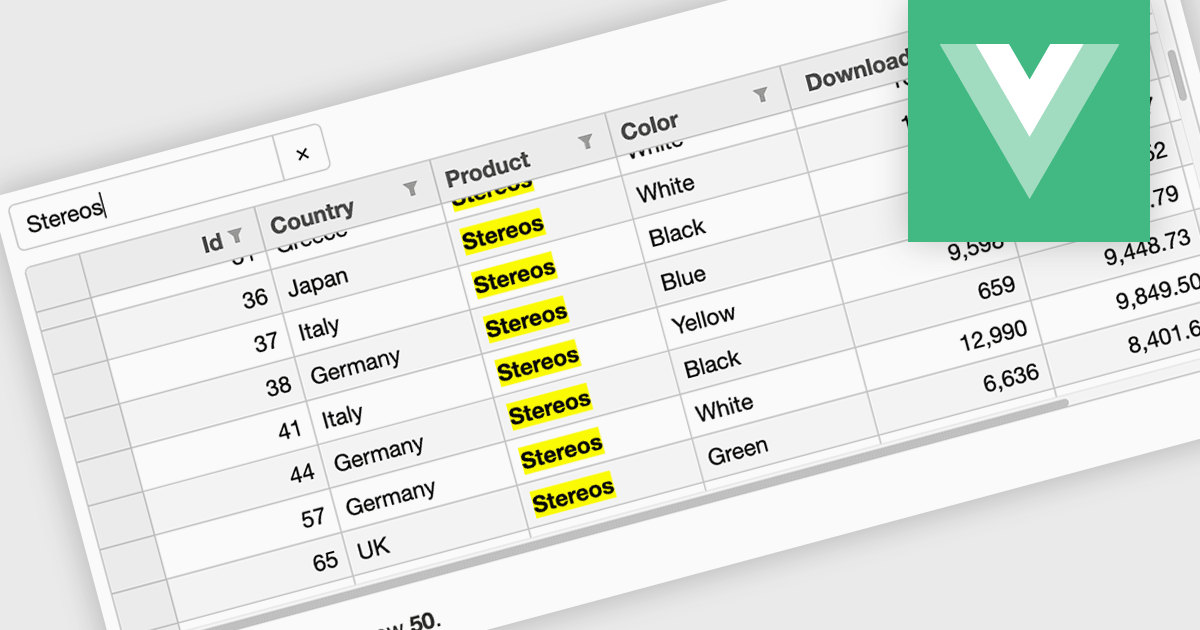
Searching in a grid component refers to the ability for users to quickly locate specific data within a table or grid-like structure. It involves filtering the displayed data based on user-defined criteria, such as text strings or numerical values. This functionality significantly enhances user experience by allowing users to efficiently find relevant information without having to manually scan through large datasets. By implementing search functionality, developers can improve the usability and overall effectiveness of their grid applications.
Several Vue.js grid controls offer searching functionality including:
For an in-depth analysis of features and price, visit our comparison of Vue.js grid controls.
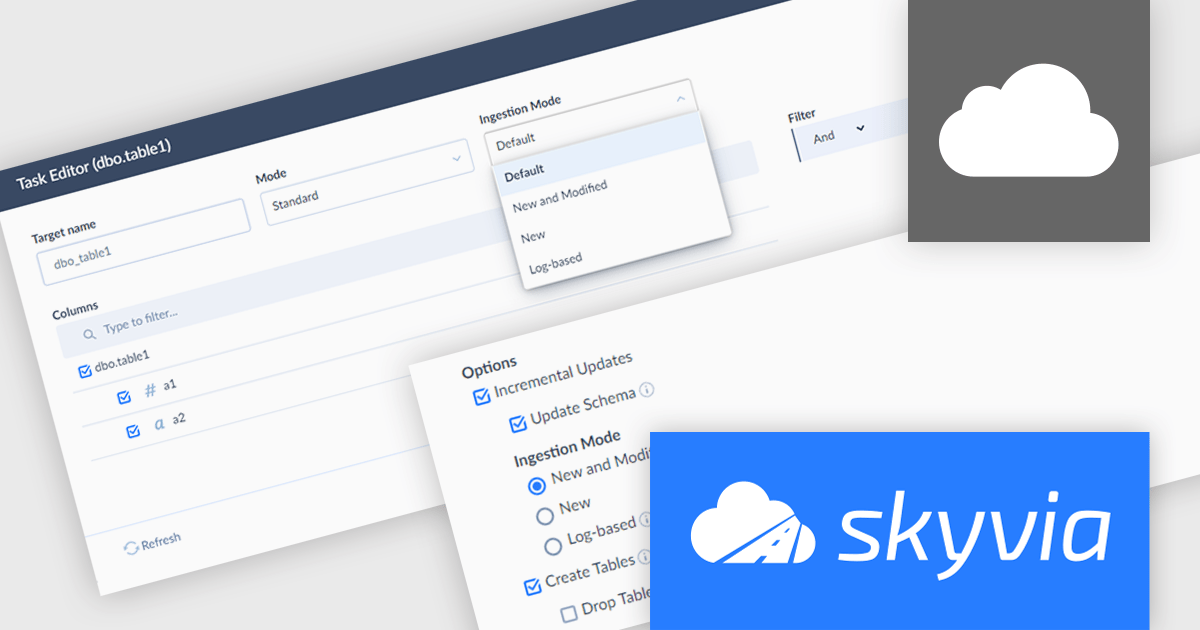
Skyvia Data Integration is a cloud-based platform that provides a unified environment for managing data pipelines, ETL processes, and data synchronization between various data sources and destinations. It offers a low-code interface for creating and configuring data integration workflows, automating routine tasks, and ensuring data consistency across different systems. The platform supports a wide range of data formats and protocols, including relational databases, MySQL databases, cloud storage, and APIs, making it a versatile tool for data professionals and developers.
The latest Skyvia Data Integration release offers robust replication capabilities from MySQL databases. This new feature allows users to replicate both recent changes (incremental replication) or the entire dataset (full resync) from MySQL tables to other supported destinations. This enhancement expands Skyvia's support for replication sources, providing greater flexibility and efficiency for data integration workflows involving MySQL databases.
To see a full list of what’s new, see our release notes.
Skyvia Data Integration is licensed based on the number of records processed per month and is available as an Annual License. See our Skyvia Data Integration licensing page for full details.
For more information, visit our Skyvia Data Integration product page.
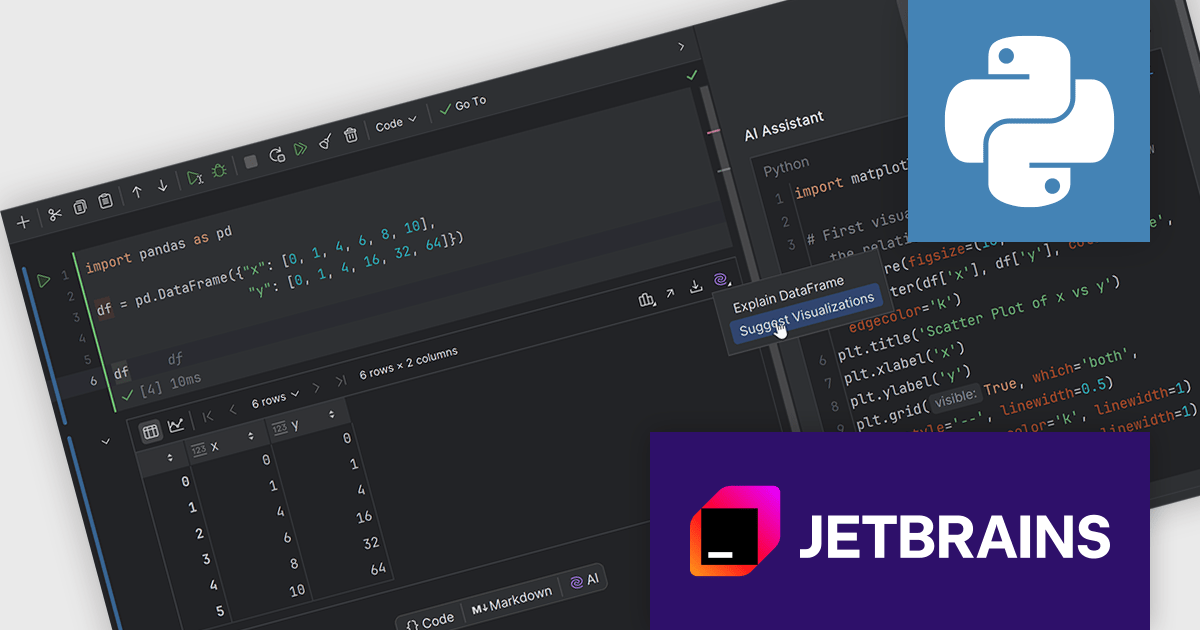
PyCharm by JetBrains is a comprehensive Integrated Development Environment (IDE) specifically designed for Python programming. It offers a range of features to enhance productivity, including code analysis for error detection, a visual debugger for troubleshooting, integrated unit testing for code verification, and support for version control systems to manage code changes. PyCharm also caters to web development using frameworks like Django, making it a powerful tool for both experienced developers and beginners in the Python world.
The PyCharm 2024.2 release includes new AI Assistant features that allow you to visualize your dataframes with unprecedented ease. With just a single click, you can generate insightful visualizations tailored to your specific dataset. The AI-driven technology analyzes your dataframe and suggests the most appropriate graphs or plots, saving you valuable time.
To see a full list of what's new in version 2024.2, see our release notes.
PyCharm is licensed per user, and is available as a commercial annual subscription license. We can supply new subscriptions, subscription renewals (including continuity discounts), lapsed renewals, and additional user licenses. See our PyCharm licensing page for full details.
PyCharm is available to buy in the following products:





Tél : (888) 850 9911
Fax : +1 770 250 6199


