








Fournisseur officiel
Comme nous somme les distributeurs officiels et autorisés, nous vous fournissons des licences légitimes directement à partir de 200+ éditeurs de logiciels.
Voyez toutes nos marques.
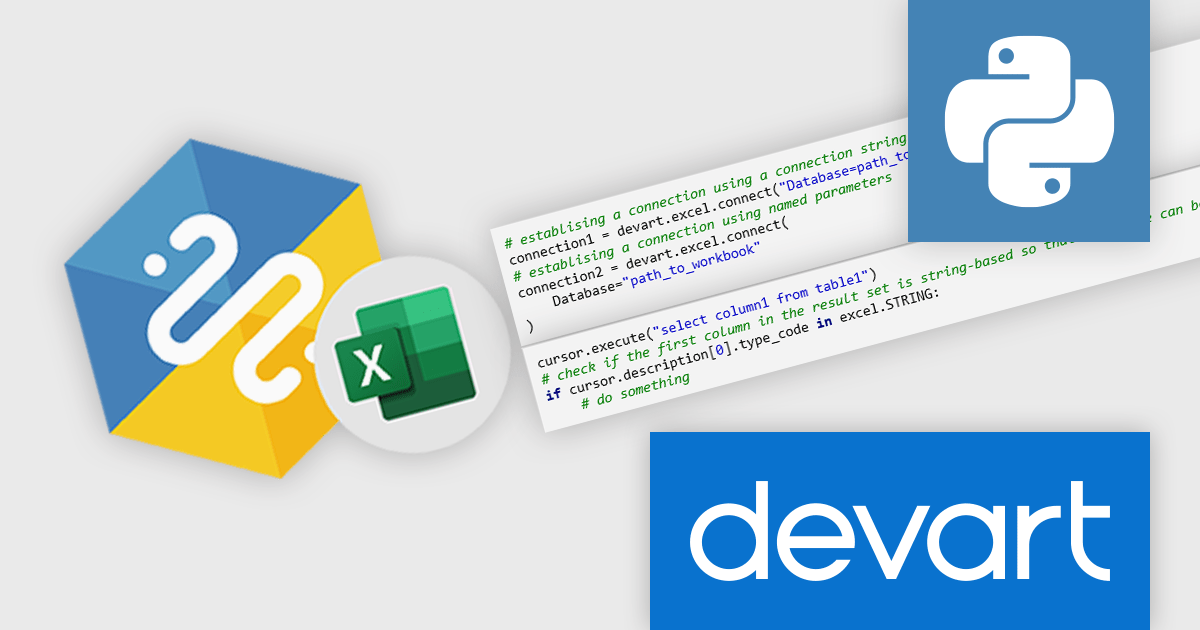
Devart's Python Connector for Microsoft Excel is a powerful tool designed to bridge the gap between Python and Microsoft Excel. This connector enables users to directly access and manipulate Excel data from within Python apps, automating tasks, and streamlining workflows. By providing a seamless integration between these two essential tools, the connector empowers developers and analysts to leverage the strengths of both Python and Excel for a variety of applications.
There are numerous benefits to using Python Connector for Microsoft Excel. Developers can automate repetitive Excel tasks, such as data cleaning, formatting, and analysis, saving time and effort. Data analysts can extract valuable insights from Excel data using Python's robust data science libraries, such as NumPy, Pandas, and Matplotlib. The connector can also be used to integrate Excel data into larger Python applications, enabling more complex data processing and visualization workflows. Python Connector for Microsoft Excel offers a versatile and efficient solution for anyone working with Python and Excel.
Python Connector for Microsoft Excel is licensed per developer and is available as a Perpetual License with a 12 month support and maintenance subscription. See our Python Connector for Microsoft Excel licensing page for full details.
Learn more on our Python Connector for Microsoft Excel product page.
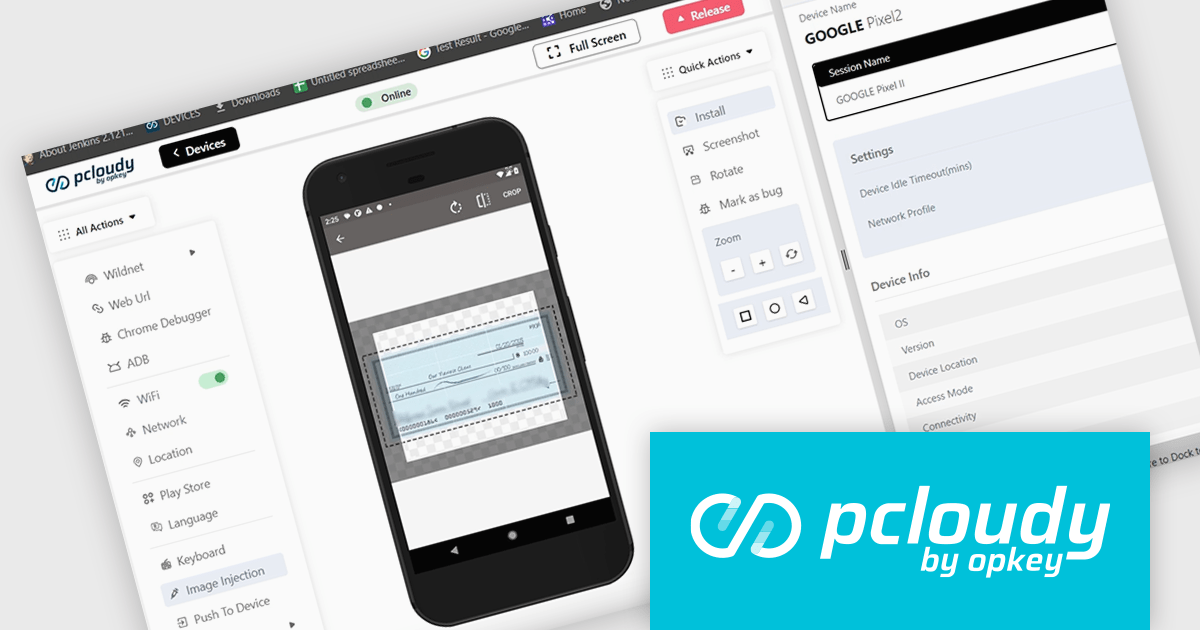
Pcloudy is a unified app testing platform that helps developers and testers ensure the quality and functionality of their applications across a wide range of devices and browsers. It provides a cloud-based infrastructure for manual and automated testing, offering access to thousands of real devices and browser combinations.
The Pcloudy 6.10 release introduces a new Optical Character Recognition (OCR) feature. This innovative tool empowers testers to effortlessly convert a wide range of documents, including PDFs and images, into editable and searchable data. By automating the process of extracting text from visual content, Pcloudy's OCR testing feature streamlines various functionalities within applications, leading to optimized performance and an enhanced user experience.
To see a full list of what's new in 6.10, see our release notes.
Pcloudy is offered as a 1 Year Subscription, licensed per user, per parallel session. Licenses are available for Manual or Automated Testing, for Web or Mobile. See our Pcloudy licensing page for full details.
For more information, visit our Pcloudy product page.
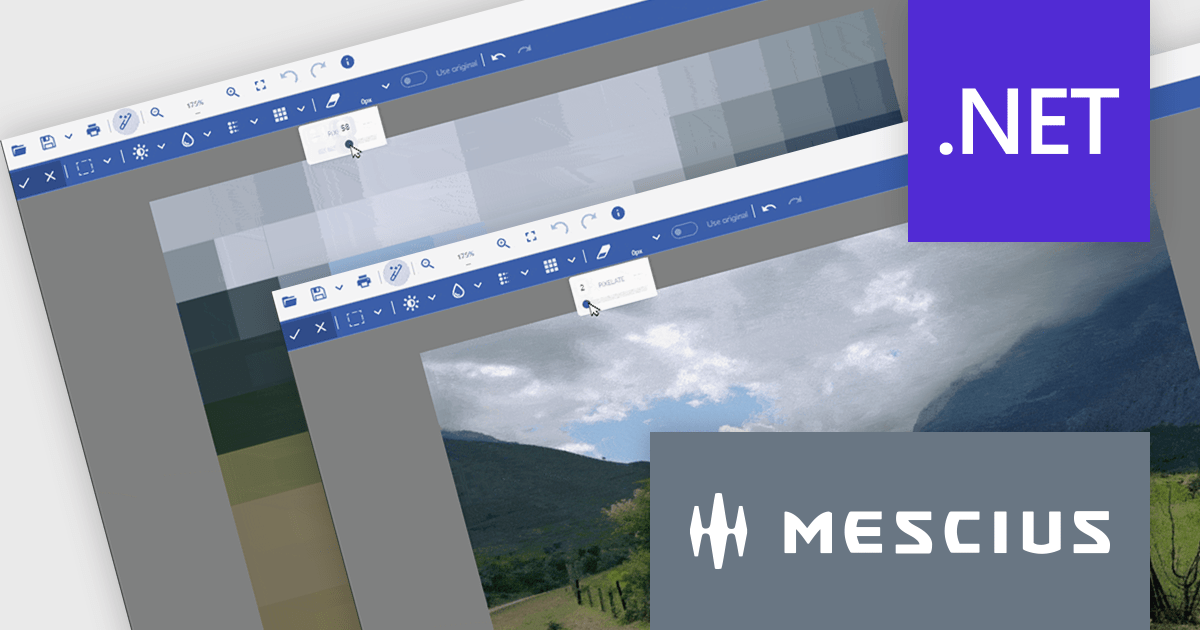
Document Solutions for Imaging by MESCIUS is a comprehensive software development toolkit designed to facilitate the manipulation and management of image files within various applications. It offers a robust API that provides developers with granular control over image properties, formats, and rendering, enabling the integration of image processing functionality into custom applications. Key features include support for a wide range of image formats, image editing operations, and optimization techniques for efficient image handling.
The Document Solutions for Imaging 7.2 release introduces enhanced image processing capabilities with the addition of new Blur and Pixelate functionality. These tools can be applied to selected areas, allowing developers to precisely control image manipulation and maintain the integrity of the remaining image content. This feature empowers developers to create visually appealing image-based applications.
To see a full list of what's new in version 7.2, see our release notes.
Document Solutions for Imaging is licensed per developer and is available in several license options for differing distribution needs. Team licenses are available for multiple developers within the same organization. Visit our Document Solutions for Imaging licensing page to see the full details.
Document Solutions for Imaging is available to buy in the following products:
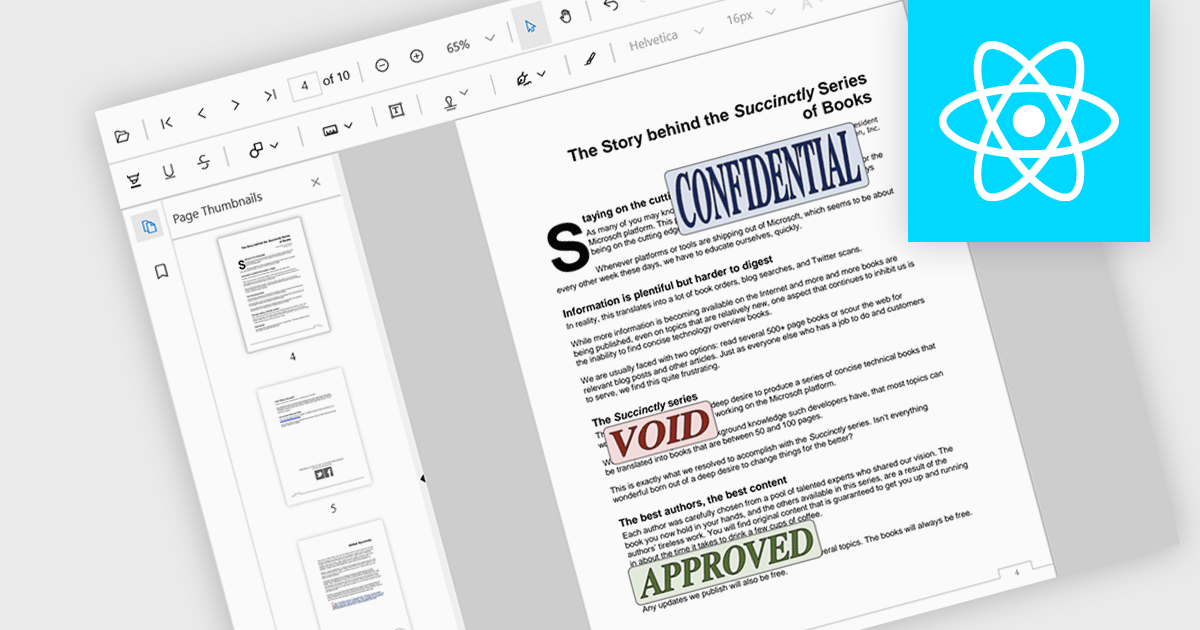
Stamp annotations are digital markers or labels that can be added to PDF documents to indicate various actions or statuses. They are commonly used in business processes, legal documents, and other contexts where tracking and verification are important.
Several React PDF viewer controls offer support for stamp annotations including:
For an in-depth analysis of features and price, visit our React PDF viewer controls comparison.
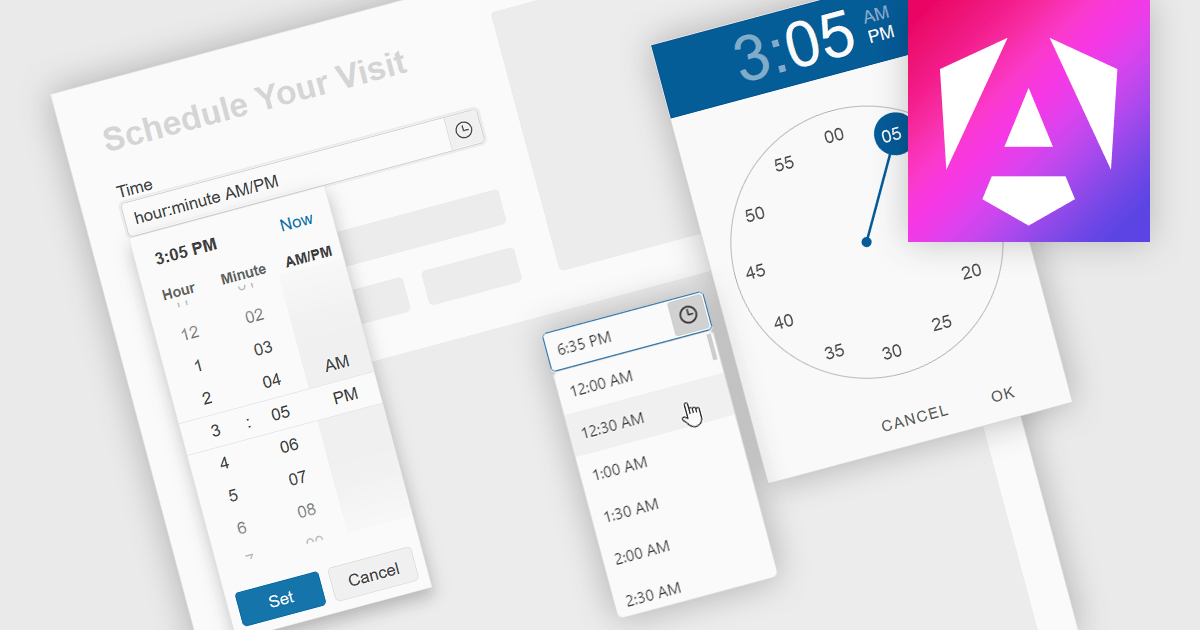
A time picker is an input component that provides users with the ability to edit or select a specific time value from a visual dropdown or input field, typically presented in the form of a clock face or a digital time display. This user interface element provides a standardized and intuitive method for capturing time input, ensuring that the data is consistent, accurate and correctly formatted. Particularly valuable in applications involving scheduling tools, booking systems or simply managing time-based data, it enhances the overall user experience and helps to ensure accurate and efficient data entry.
Several Angular data editor collections provide time picker components, including:
For an in-depth analysis of features and price, visit our comparison of Angular data editors.





Tél : (888) 850 9911
Fax : +1 770 250 6199


