








Fournisseur officiel
Comme nous somme les distributeurs officiels et autorisés, nous vous fournissons des licences légitimes directement à partir de 200+ éditeurs de logiciels.
Voyez toutes nos marques.
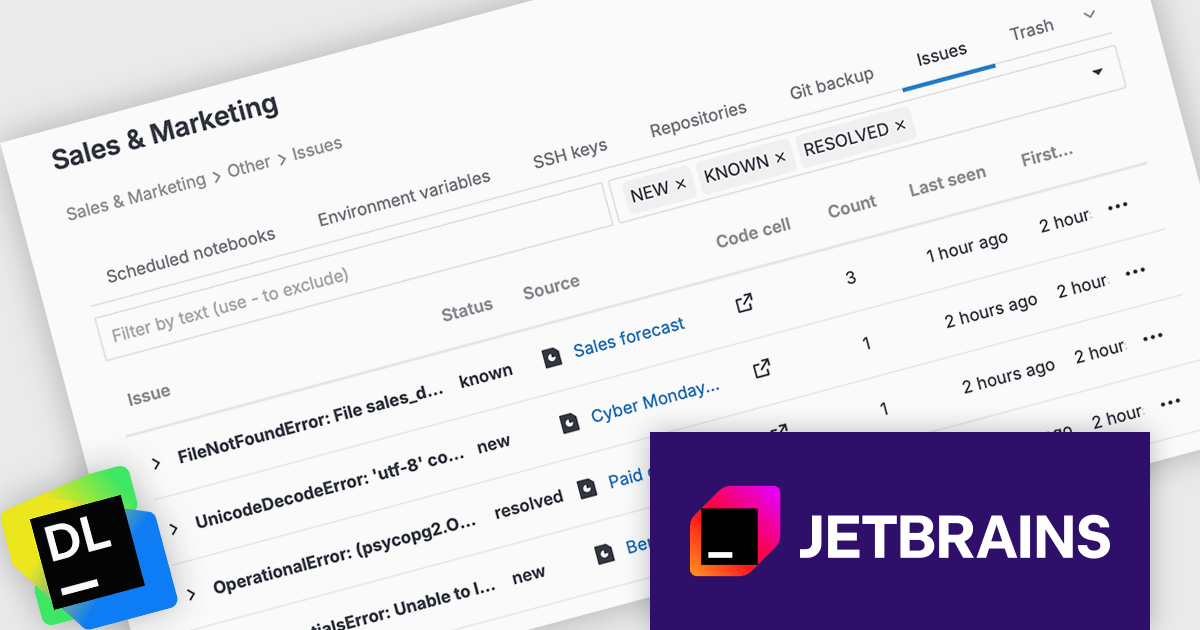
JetBrains Datalore is a collaborative data science platform that streamlines data exploration, analysis, and visualization through Jupyter-compatible notebooks. It empowers teams with features like automatic visualizations, pre-configured environments, interactive controls, and seamless collaboration functionalities. Datalore offers both cloud-based and self-hosted deployment options, catering to both individual and team-based data science workflows.
The Datalore 2025.6 update introduces the new Issue Center, a dedicated space for handling errors in published reports. Since reports run code in the background and keep technical details hidden from viewers, detecting and resolving issues has traditionally been a challenge. The Issue center addresses this by collecting all report errors across a workspace in one location, where they can be easily searched, filtered, and addressed. This update significantly improves visibility into report execution problems and simplifies ongoing maintenance for teams managing multiple published outputs.
To see a full list of what's new in version 2025.6, see our release notes.
Datalore is licensed per user, and is available as a commercial annual subscription license. See our Datalore licensing page for full details.
For more information, visit our Datalore product page.
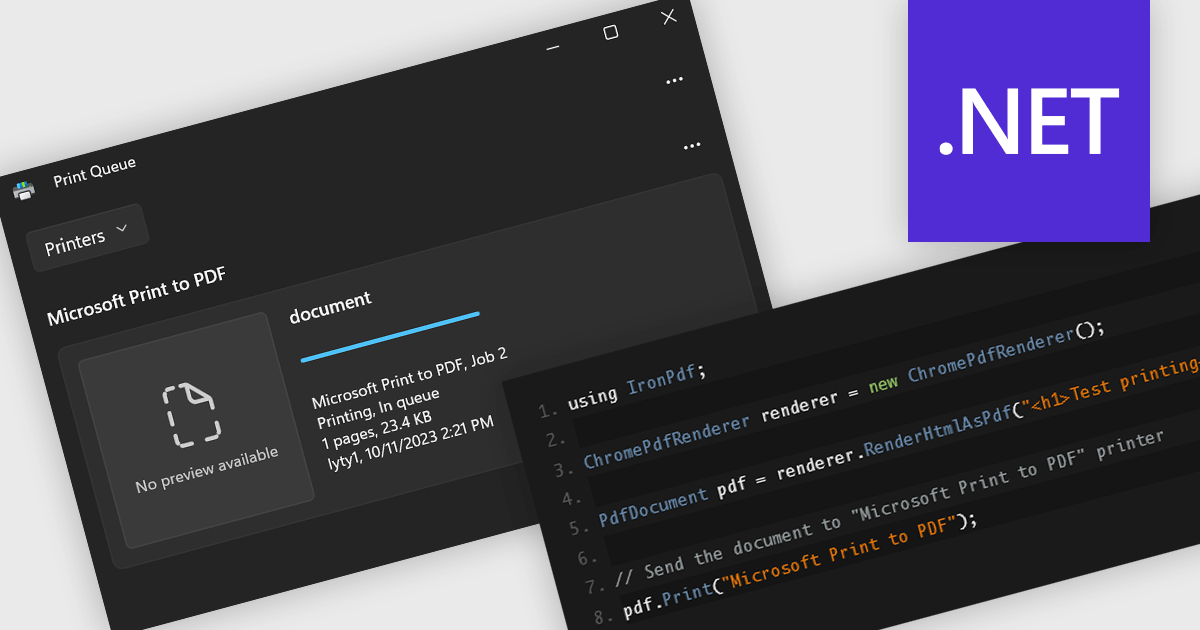
Printing support in a PDF component enables applications to send PDF documents directly to a printer or print preview interface without requiring user intervention or external tools. This functionality is especially useful in enterprise or reporting systems where automated or on-demand printing of invoices, forms, or reports is needed. By handling layout, pagination, and resolution scaling internally, it ensures consistent output across different devices and operating systems. For developers, it simplifies integration into processes that require reliable hard copies, reducing the need for custom print handling code or third-party dependencies.
Several .NET PDF components include support for printing, including:
For an in-depth analysis of features and price, visit our comparison of .NET PDF components.
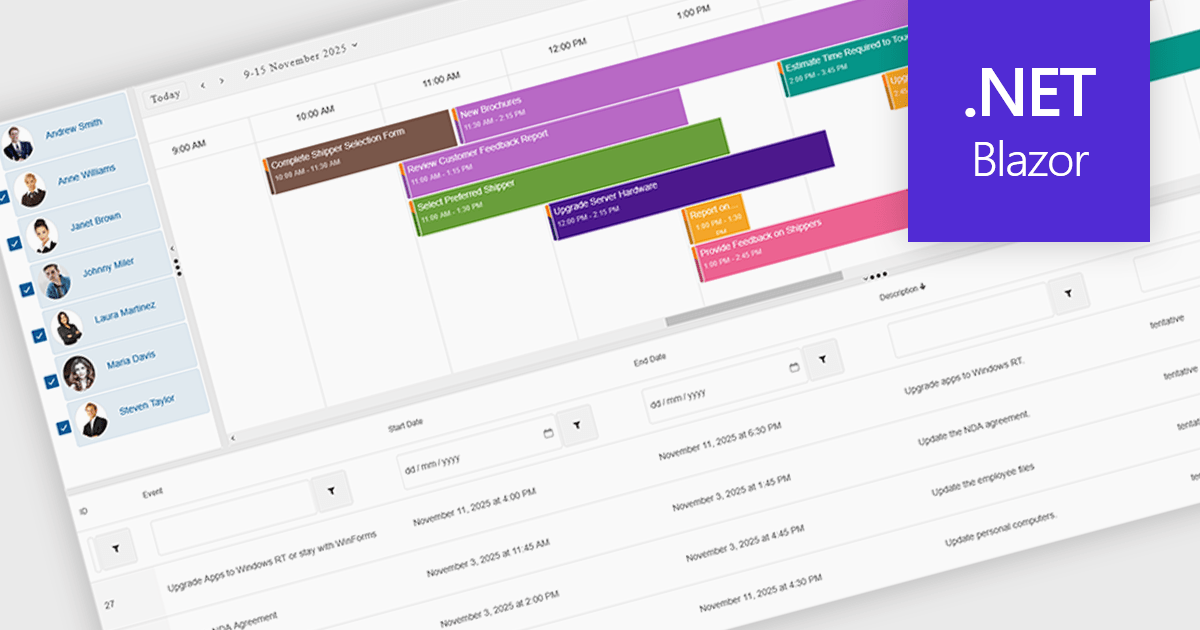
Scheduling components in UI suites provide a visual, interactive way to manage time-based data, with features such as multi-view calendars, drag-and-drop editing, recurrence rules, and group scheduling to simplify planning. They let organizations display daily, weekly, monthly, or timeline views, compare team availability, and tailor the interface to match branding or workflows. Integrated with backend data sources, scheduling components improve clarity, reduce conflicts, and save time across use cases like meeting booking, project management, staff coordination, and customer appointments.
Several .NET Blazor User Interface suites offer scheduling controls including:
For an in-depth analysis of features and price, visit our .NET Blazor UI suites comparison.
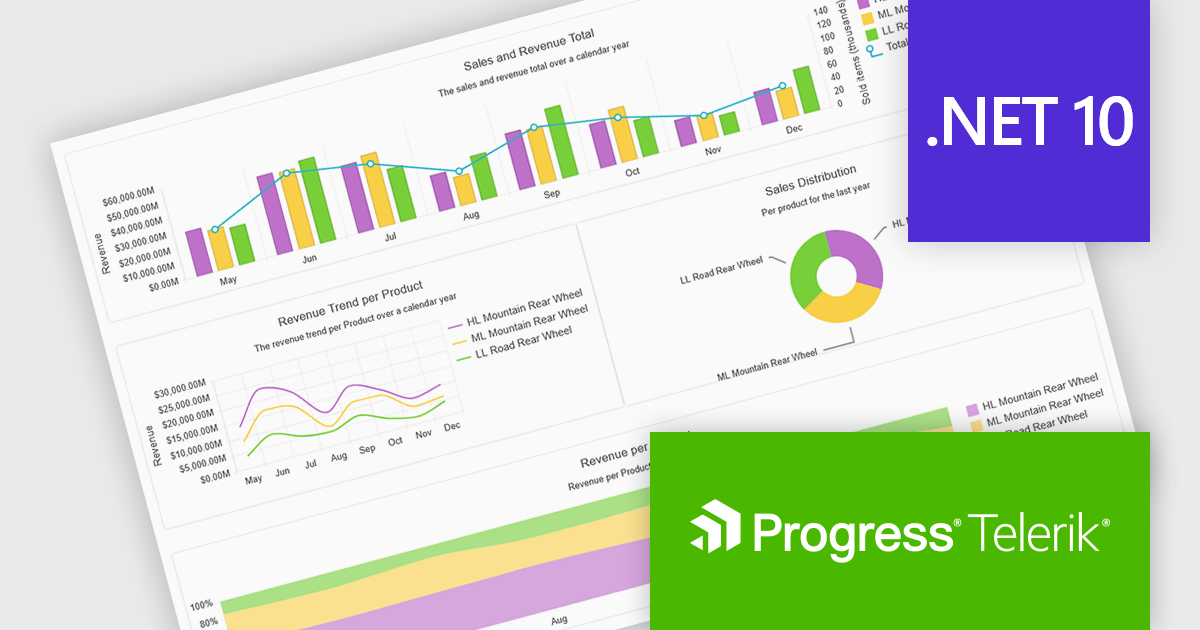
Progress Telerik is a leading provider of UI components, reporting software, and developer productivity tools. Its core Telerik UI product range provides a comprehensive set of libraries for building modern, high-performance and feature-rich applications. These suites are meticulously designed to integrate with .NET and facilitate rapid development across such platforms as ASP.NET Core/MVC/AJAX, Blazor, .NET MAUI, WPF, and WinForms.
Telerik’s .NET 10 support delivers full compatibility with .NET 10 across its .NET UI and developer tooling suites, meaning developers can immediately target the latest runtime and framework improvements. The commitment spans web, desktop and cross-platform stacks, including Blazor, ASP.NET Core, MAUI, WinForms and WPF, enabling teams to upgrade with confidence and leverage performance, security and tooling advancements baked into .NET 10.
Support for .NET 10 is available across the Telerik .NET product range:
Telerik DevCraft is licensed per developer and has two licensing models: an annual Subscription License and a Perpetual License. The Subscription license provides access to the latest product updates, technical support, and exclusive benefits for a flat annual fee, and must be renewed to continue using the software. The Perpetual license is a one-time purchase granting access to the current released version and includes a one-year subscription for product updates and technical support. After this initial period, users can choose to renew the subscription element to continue receiving updates and support; otherwise, they may continue using the installed version available during their active subscription term but will forgo future updates and support. See our Telerik DevCraft Ultimate licensing page for full details.
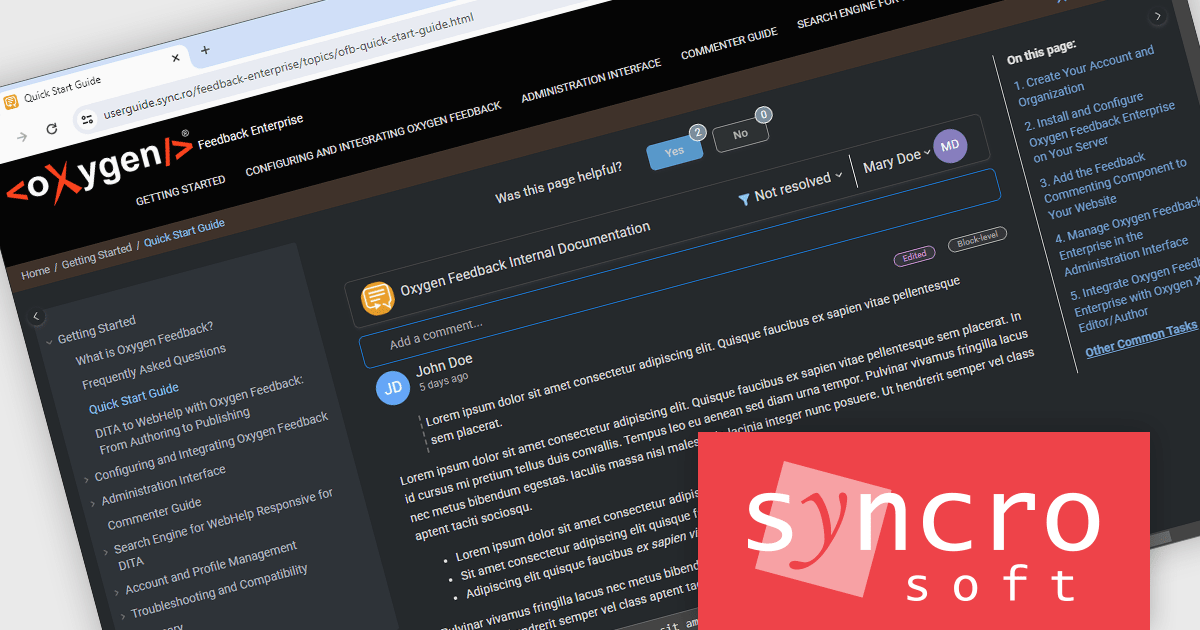
Oxygen Feedback by Syncro Soft is a modern feedback management platform designed for technical writers, software developers, and content managers seeking to streamline user interaction with documentation. It integrates seamlessly with Oxygen XML Editor and WebHelp, enabling teams to gather, manage, and act on user feedback directly within their documentation portals. Key features include intuitive comment tracking, real-time notifications, role-based moderation, and detailed analytics to monitor user engagement and content effectiveness. By simplifying collaboration and enhancing user-driven insights, Oxygen Feedback helps organizations improve documentation quality, increase user satisfaction, and foster stronger connections with their audience.
The Oxygen Feedback Enterprise (AI-ready) V5.3 release adds support for dark themes, allowing the interface to switch easily between light and dark modes, matching the host documentation site’s theme and reducing eye strain for late‑night or prolonged use. It also ensures better accessibility and visual consistency across devices, helping teams maintain brand alignment and deliver a more comfortable feedback workflow in low‑light environments.
To see a full list of what's new in V5.3, see our release notes.
Oxygen Feedback Enterprise (AI-ready) is licensed is licensed per site configuration and is available as a Timed Subscription license. Support & Maintenance Pack (SMP) is included for the duration of your subscription. See our Oxygen Feedback Enterprise (AI-ready) licensing page for full details.
Learn more on our Oxygen Feedback Enterprise (AI-ready) product page.





Tél : (888) 850 9911
Fax : +1 770 250 6199


