








Fornitore ufficiale
In qualità di distributori ufficiali e autorizzati, forniamo licenze software legittime direttamente da più di 200 autori di software.
Vedi tutte le nostre marche
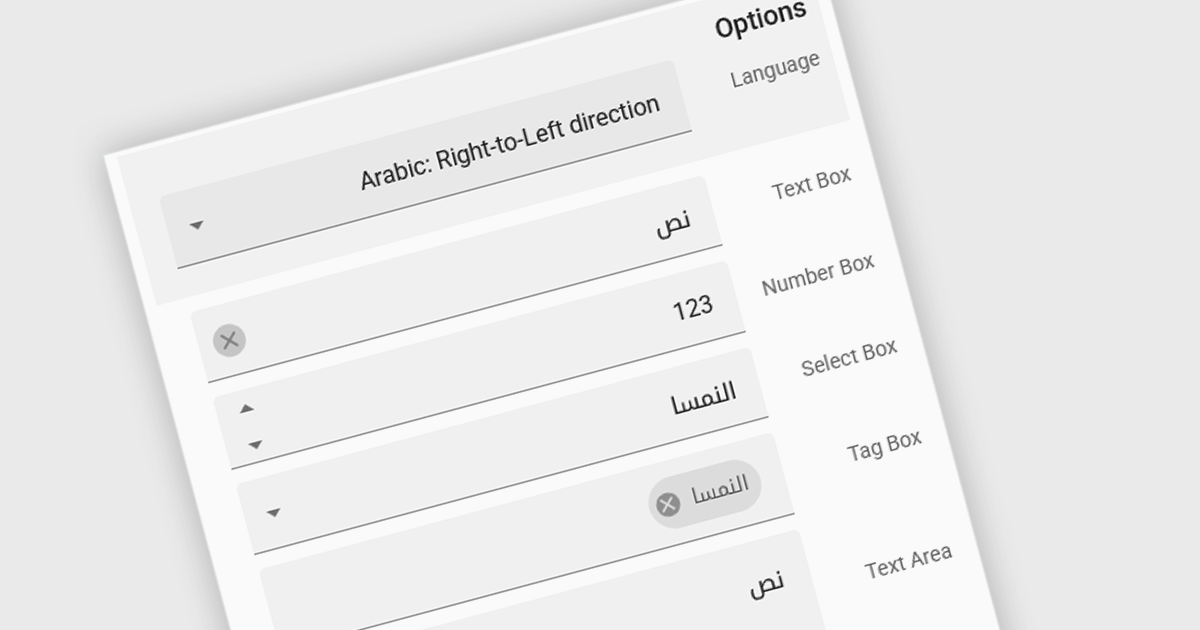
Right to Left (RTL) support in ASP.NET Core Data Editor controls ensures that text, layout, and user interface elements are properly aligned for languages that are read from right to left, such as Arabic, Hebrew, and Persian. This functionality automatically adjusts text direction, input fields, alignment, and other visual components to provide a seamless user experience for RTL users. By enabling RTL support, developers can create more inclusive web applications that cater to a global audience without requiring extensive customization. This improves usability, enhances accessibility, and ensures compliance with localization requirements for multilingual applications.
Several ASP.NET Core Assembly data editors offer right-to-left (RTL) support including:
For an in-depth analysis of features and price, visit our comparison of ASP.NET Core Assembly data editors.

ActiveReports.NET helps you deliver beautiful reports with intuitive Visual Studio integrated report designers and rich controls. It provides code-based cross-platform reporting, easy-to-use designers, and a flexible API, enabling you to design and deliver powerful reports with intuitive, reliable, and user-friendly report designers and controls.
In this blog post, MESCIUS Product Manager Alec Gall shows you how to use ActiveReports to drill through from one report to another in your .NET application. Steps include:
Detailed source code is completed and there is even a video that you can watch as you go through the steps.
Read the complete blog and begin providing a seamless way to navigate between related datasets in your .NET applications.
ActiveReports.NET is licensed per developer and is available with or without a 12 month support and maintenance subscription. See our ActiveReports.NET licensing page for full details.
Learn more on our ActiveReports.NET product page.
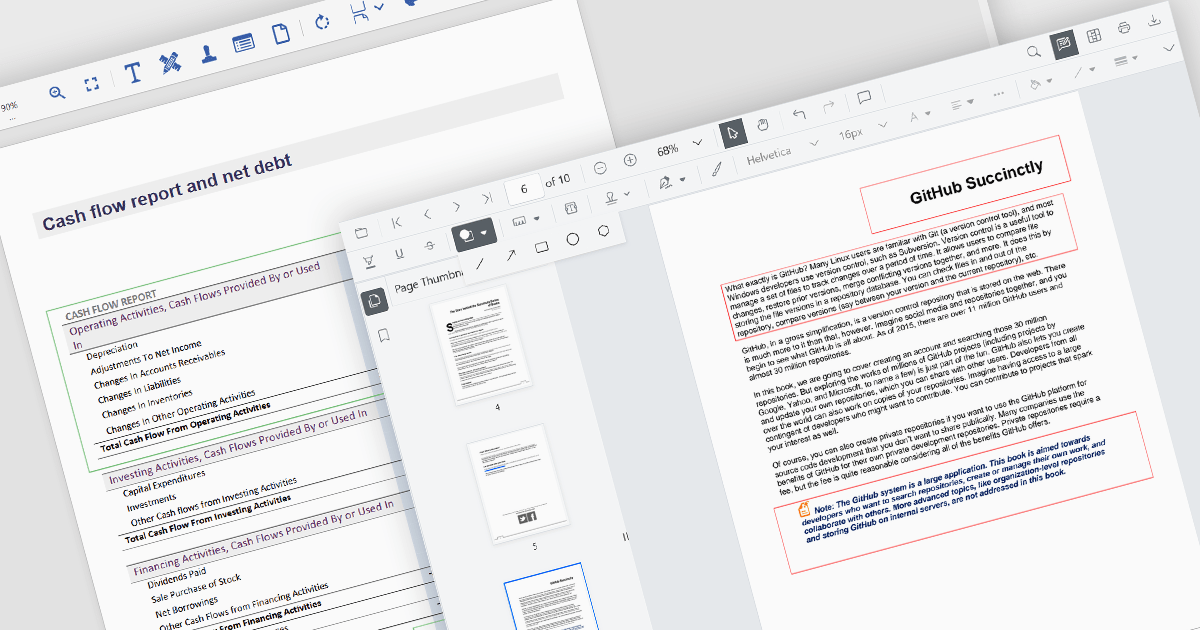
Rectangle annotations in PDF controls allow users to highlight specific areas within a document by drawing rectangular shapes. These annotations are useful for marking sections for review, redaction, or emphasis without altering the original document content. Typically, rectangle annotations support customization options such as border color, fill color, opacity, and line thickness, enabling users to tailor them to their needs. Many PDF viewer components also provide interactive features, such as the ability to move, resize, or delete annotations, ensuring flexibility in document review and collaboration workflows.
Several ASP.NET Core PDF viewer controls offer rectangle annotations including:
For an in-depth analysis of features and price, visit our ASP.NET Core PDF viewers comparison.
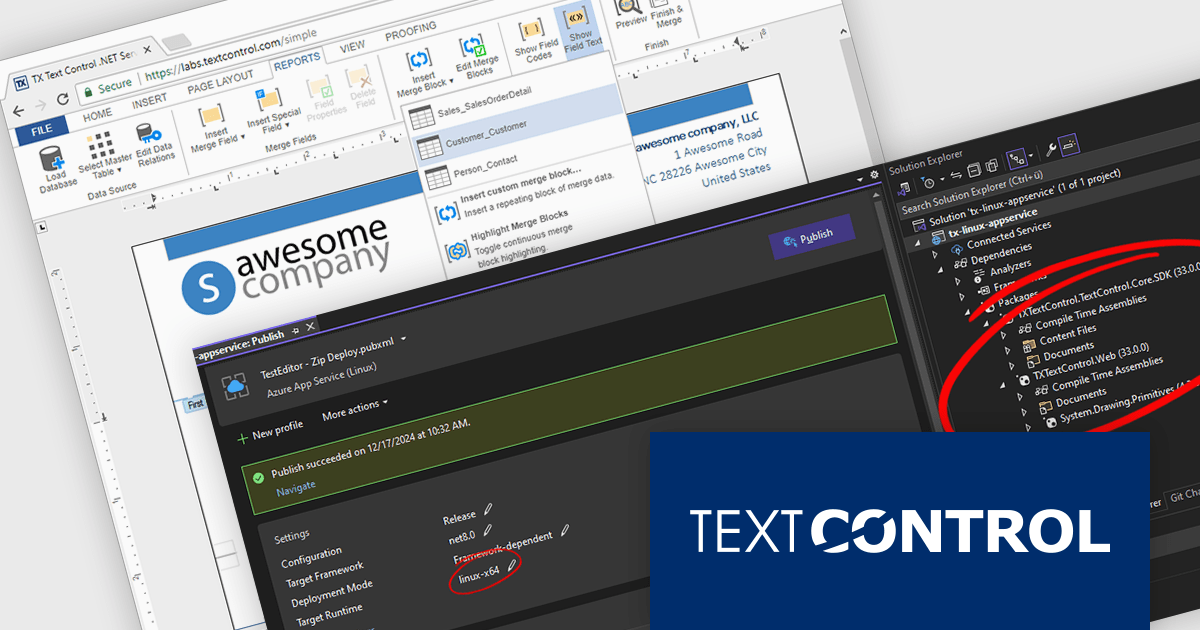
TX Text Control .NET Server for ASP.NET is a server-side component that equips your web applications with a powerful, Microsoft Word-compatible document editor. This allows you to develop applications that generate and edit various document formats (RTF, DOCX, PDF, etc.) on the fly, using data from databases or files. It also boasts features like PDF generation and a browser-based editor with a familiar MS Word-inspired interface, ultimately enhancing the document processing capabilities of your ASP.NET web applications.
The TX Text Control .NET Server for ASP.NET 33.0 release introduces powerful and flexible document processing capabilities for Linux, allowing developers to seamlessly integrate advanced editing, viewing, and processing features into their applications. With a focus on cross-platform compatibility, the software has been carefully optimized to deliver high-quality rendering, robust performance, and a smooth user experience on Linux systems. This new capability ensures a consistent and reliable workflow, making it easier than ever to build sophisticated, document-driven applications across diverse operating environments.
For a full list of changes in TX Text Control .NET Server for ASP.NET 33.0, see our release notes.
TX Text Control .NET Server for ASP.NET is licensed per developer and is available as a Perpetual License with a 12 month support and maintenance subscription. Run time licenses are required for the deployment to production servers. See our TX Text Control .NET Server for ASP.NET licensing page for full details.
For more information, visit our TX Text Control .NET Server for ASP.NET product page.
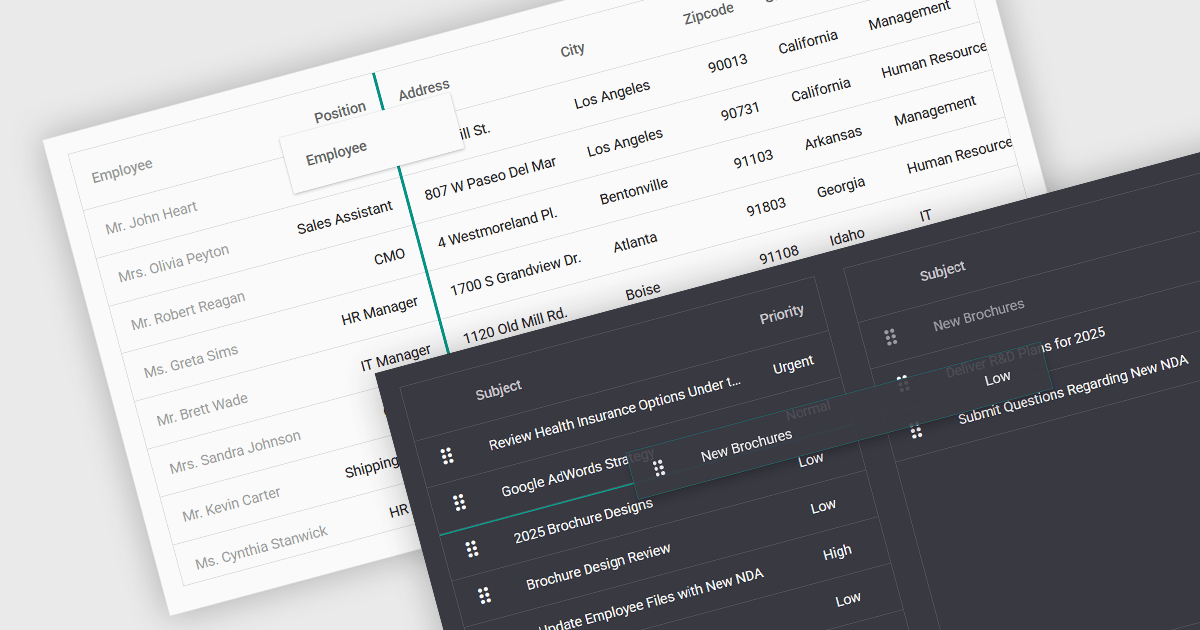
Drag-and-drop functionality in a data grid allows users to interactively move, reorder, or transfer data elements within the grid or between different grids using a simple click-and-drag motion. This feature provides an intuitive way to manipulate data without requiring complex commands or manual input, improving both efficiency and usability. It is particularly beneficial in applications that require frequent adjustments to data structures, such as dashboards, reporting tools, and data management systems. By enabling users to customize the grid layout dynamically, drag and drop functionality enhances productivity, and ensures greater flexibility when handling data.
Several ASP.NET Core grid controls support drag-and-drop functionality, including:
For an in-depth analysis of features and price, visit our ASP.NET Core grid controls comparison.





Tel: (888) 850 9911
Fax: +1 770 250 6199


