








Fornitore ufficiale
In qualità di distributori ufficiali e autorizzati, forniamo licenze software legittime direttamente da più di 200 autori di software.
Vedi tutte le nostre marche
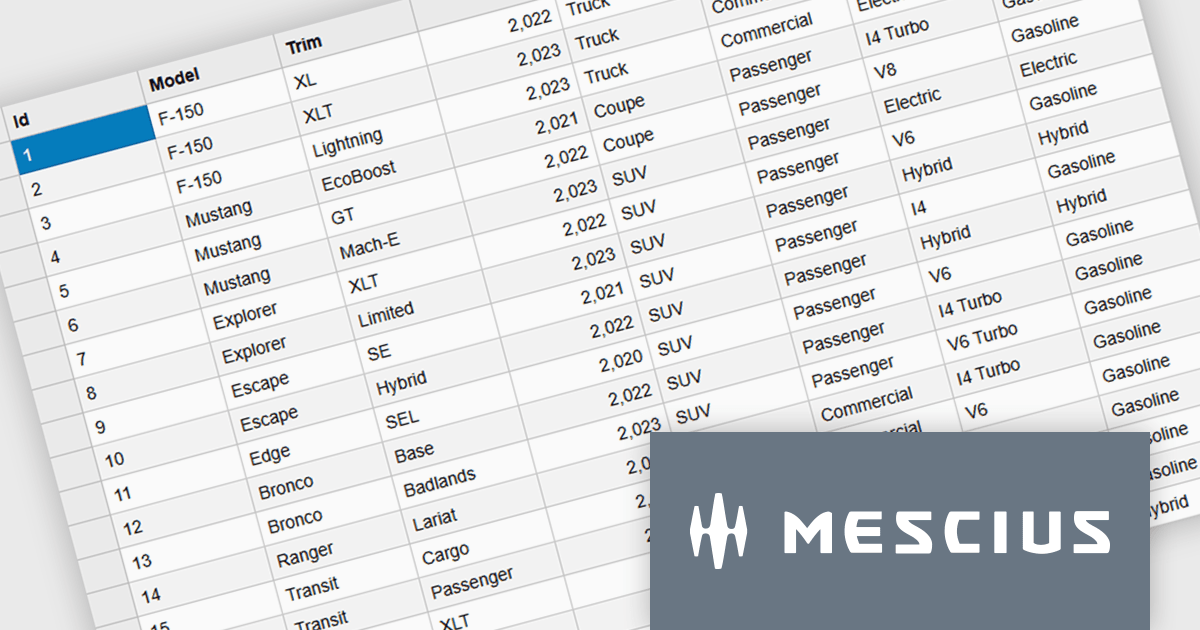
Wijmo is a cutting-edge collection of over 100 high-performance JavaScript UI controls designed for modern enterprise applications. Built for speed and flexibility, Wijmo empowers developers to deliver superior user experiences with fully responsive, touch-friendly, and accessible components.
In this blog post, MESCIUS Product Manager Joel Parks takes you through the process to Implement a PostgreSQL JavaScript workflow by capturing DataGrid state changes, issuing asynchronous POST requests, and processing updates through an Express API to reliably persist validated, row-level modifications in PostgreSQL. Steps include:
Detailed source code is included to help you get started.
Read the full blog now and get ready to build fully interactive, data-driven applications backed by PostgreSQL.
Wijmo is licensed per developer. Developer Licenses are perpetual and include 1 year Subscription which provides upgrades, including bug fixes and new features. See our Wijmo licensing page for full details.
Learn more on our Wijmo product page.
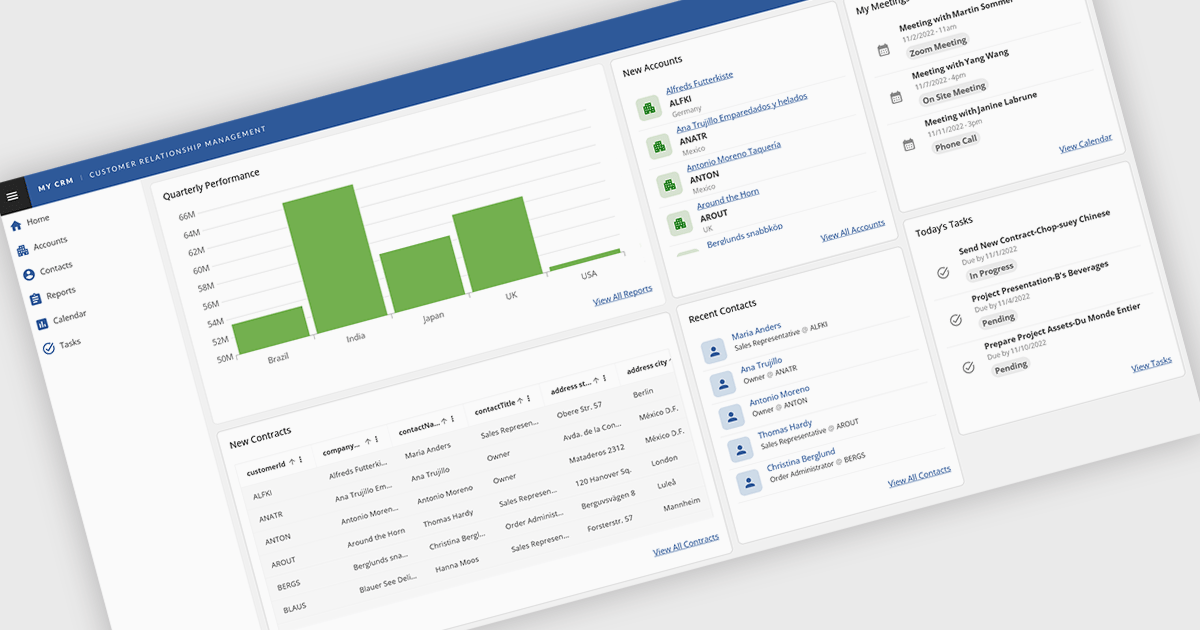
Layout components in UI suites provide structured systems for arranging and aligning interface elements, giving developers a consistent and efficient way to build user interfaces. By simplifying positioning and handling responsive behavior, they reduce development complexity while ensuring a cohesive design across screens and devices. This leads to faster development, improved maintainability, and a better user experience. Common use cases include creating responsive dashboards, organizing forms, structuring navigation, and building applications that need to adapt across multiple devices.
Several Angular UI suites offer layout components including:
For an in-depth analysis of features and price, visit our Angular UI suites comparison.
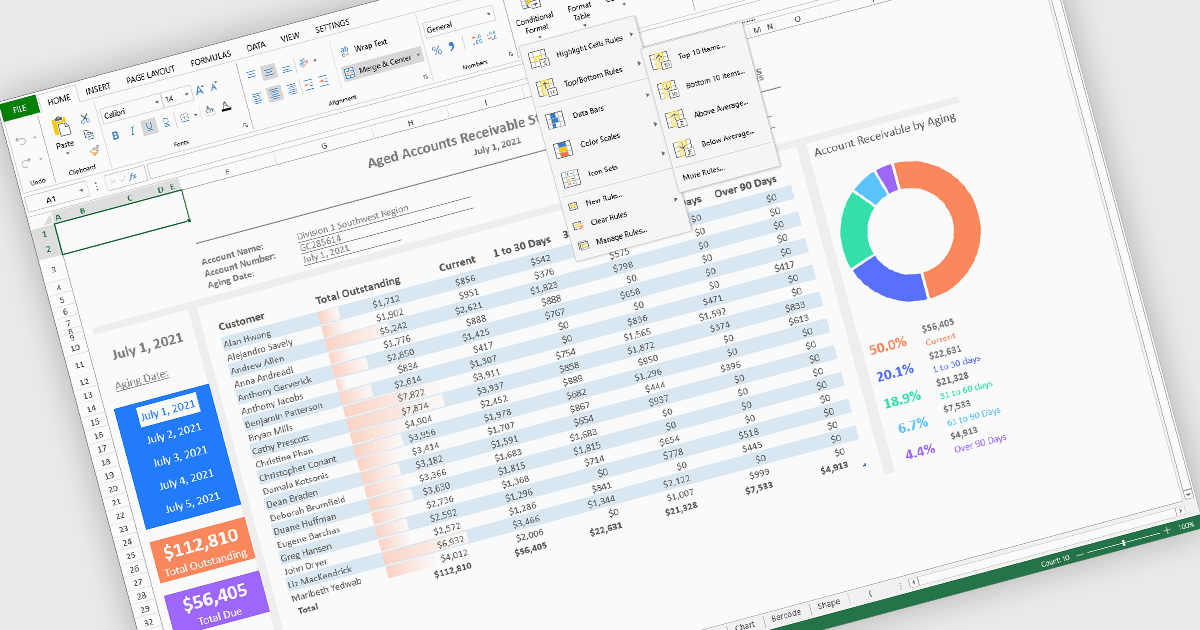
Conditional formatting in spreadsheet components allows developers to dynamically change the appearance of cells based on their values or defined rules. This feature helps highlight important data points, trends, and exceptions without requiring manual updates, making it easier for users to interpret large datasets at a glance. By applying visual cues such as colors, icons, and data bars, conditional formatting enhances readability and supports faster, more informed decision-making within spreadsheet-driven applications.
Several Angular spreadsheet controls offer support for conditional formatting including:
For an in-depth analysis of features and price, visit our Angular spreadsheet controls comparison.
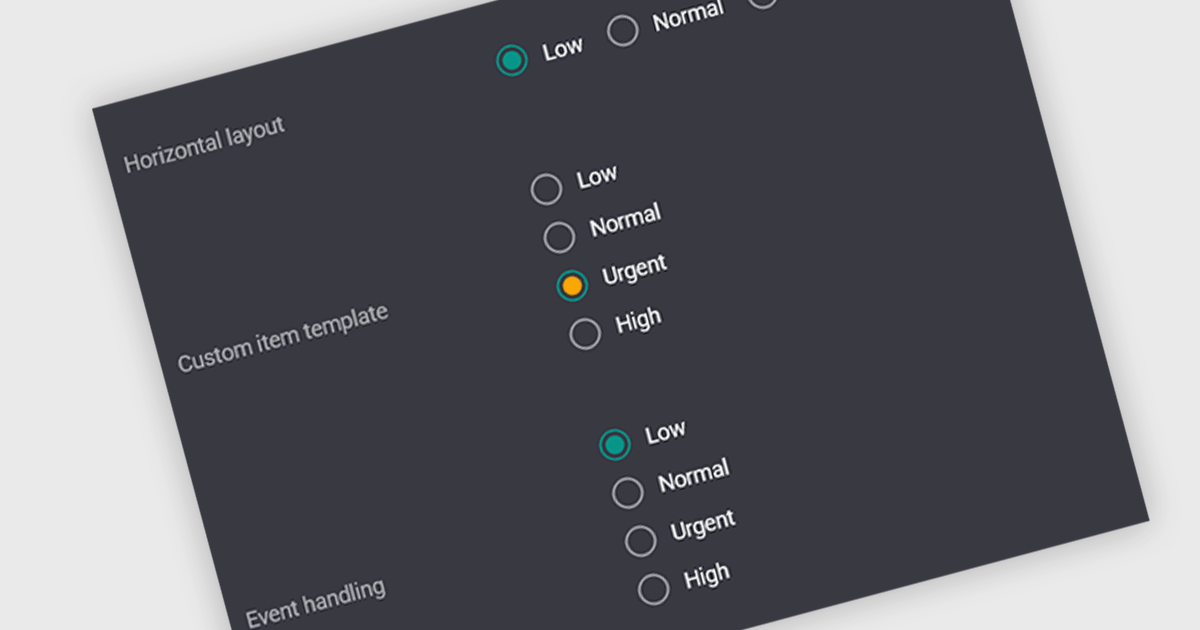
A radio group is a user interface element that presents a set of predefined options where only one value can be selected at a time for a particular field. It allows users to choose a single state, category, or configuration directly within the editing interface, with the selected option mapped to the underlying data value. This approach improves data consistency by preventing invalid combinations, simplifies validation logic by constraining input to known values, and accelerates data entry by replacing manual text input with clear, clickable choices that reduce ambiguity and input errors.
Several Vue.js data editor collections include radio group functionality, including:
For an in-depth analysis of features and price, visit our comparison of Vue.js data editor collections.

ComponentSource and Optimajet have built a strong partnership focused on helping developers create, manage, and render complex web forms. OptimaJet provides flexible, developer-friendly components designed to simplify business process management, enabling teams to build scalable, efficient applications while reducing development time and cost.
At the core of their offering is Optimajet FormEngine, which helps developers to rapidly design dynamic, customizable forms with minimal effort. It supports complex logic and data handling, and provides the flexibility needed to adapt forms to specific business requirements across a wide range of industries.
This collaboration enables ComponentSource to further differentiate its product portfolio by offering advanced form-building solutions that meet modern development demands. By distributing OptimaJet’s products globally, ComponentSource ensures developers worldwide can easily access, evaluate, and implement these tools, strengthening its position as a trusted source for high-quality development components.
Learn more about Optimajet.





Tel: (888) 850 9911
Fax: +1 770 250 6199


