








Fornitore ufficiale
In qualità di distributori ufficiali e autorizzati, forniamo licenze software legittime direttamente da più di 200 autori di software.
Vedi tutte le nostre marche
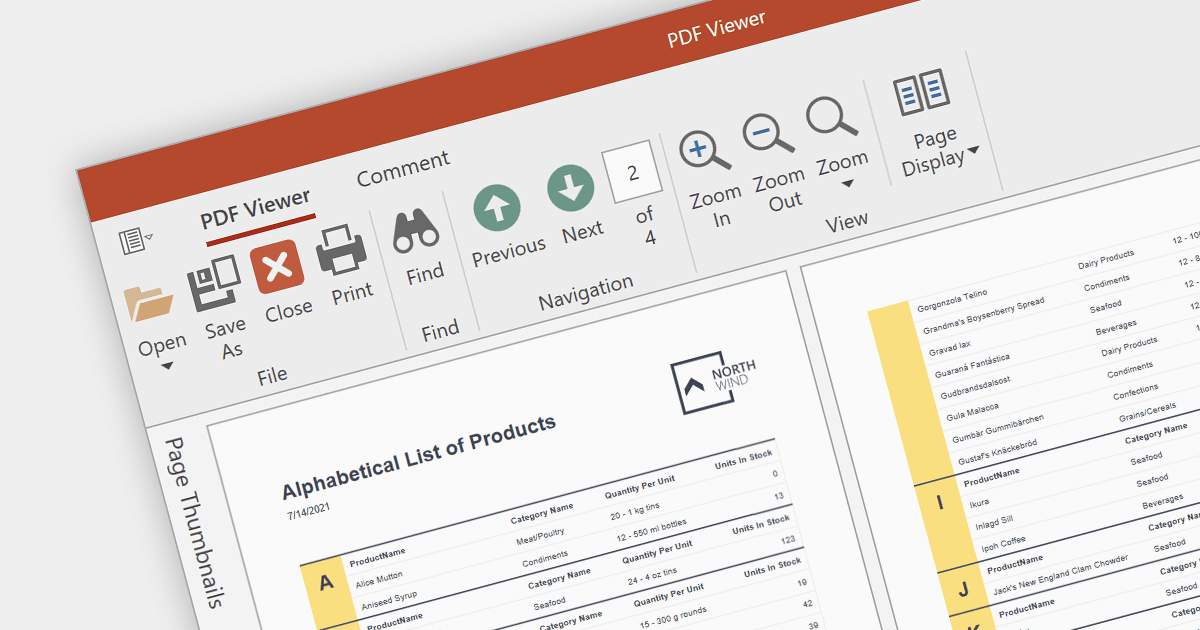
A PDF viewer allows users to seamlessly open, view and interact with PDF documents directly within a software application. This eliminates the need to switch between separate programs, enhancing user convenience and streamlining workflows.
Several WPF PDF viewer components provide viewing capabilities including:
For an in-depth analysis of features and price, visit our comparison of WPF PDF components.
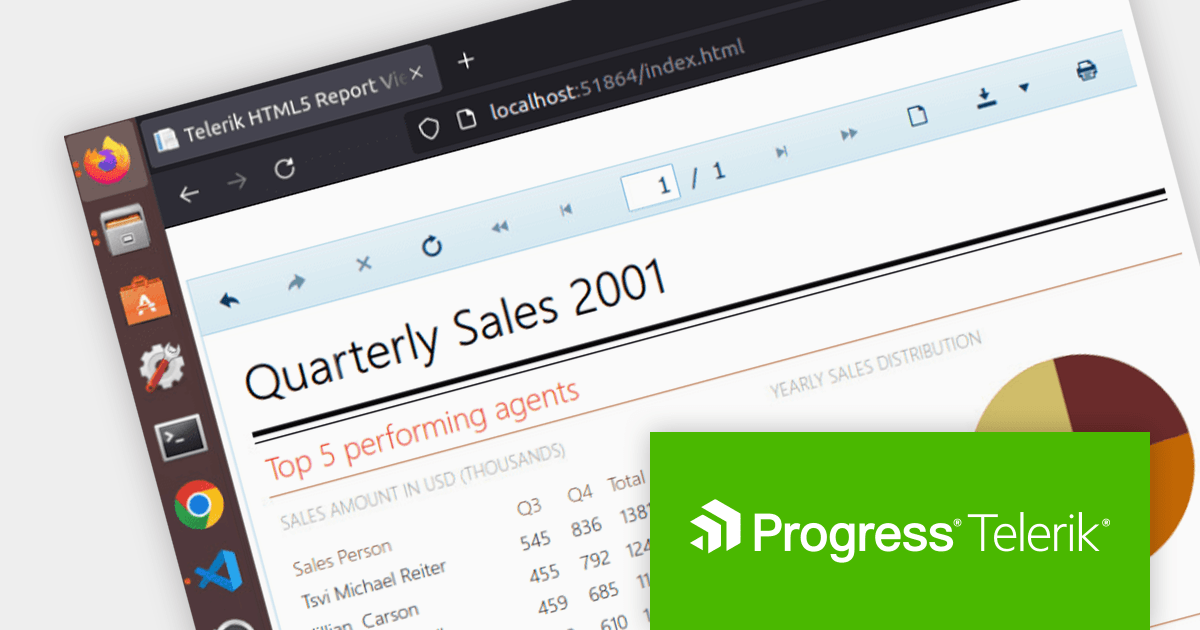
Telerik Reporting is a comprehensive and lightweight embedded reporting tool for .NET web and desktop applications. It enables developers and reporting users to create, design, and export visually appealing, interactive, and reusable reports to effectively present analytical and business data. It supports various technologies, including ASP.NET Core, Blazor, ASP.NET MVC, ASP.NET AJAX, HTML5/JS, Angular, WPF, WinForms, and WinUI.
Telerik Reporting R3 2023 SP1 introduces SkiaSharp-based rendering for Microsoft Word, Excel and PowerPoint documents. SkiaSharp is a 2D graphics API for .NET, based on Google's Skia Graphics Library. This cross-platform API means your rendered documents will look the same on all platforms that support it, such as Microsoft Windows, Apple macOS/iOS, Android, and Linux. SkiaSharp can leverage the hardware acceleration capabilities of modern devices so your reports will be rendered faster and more smoothly.
To see a full list of what's new in R3 2023 SP1, see our release notes.
Telerik Reporting is available to buy in the following products:
Progress Telerik is a leading software publisher that provides a range of tools and solutions to help developers build and deploy modern applications. Its product range include UI libraries, reporting tools and testing frameworks. Telerik products are used by millions of developers around the world to build a wide variety of applications.
The following Telerik products have been updated with support for .NET 8, allowing developers to build web, desktop, mobile and reporting apps in the latest version of Microsoft's popular framework:
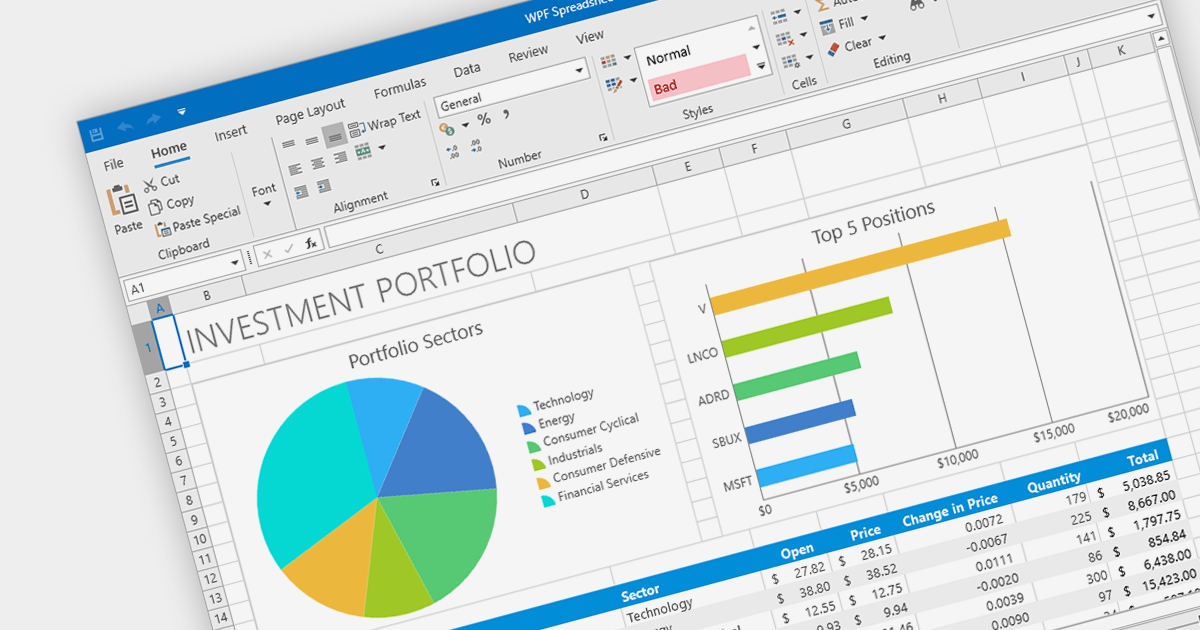
Charts are integral to spreadsheets, enabling users to transform data into visually compelling representations. These graphical formats, such as pie, line, bar, and area charts, effectively convey complex information by highlighting trends, patterns, and anomalies. Spreadsheet software with advanced charting capabilities empowers users to create dynamic charts that adapt seamlessly to data updates, making them invaluable tools for reporting, presentations, and data analysis.
Several .NET WPF spreadsheet components provide chart support including:
For an in-depth analysis of features and price, visit our comparison of .NET Spreadsheet components.
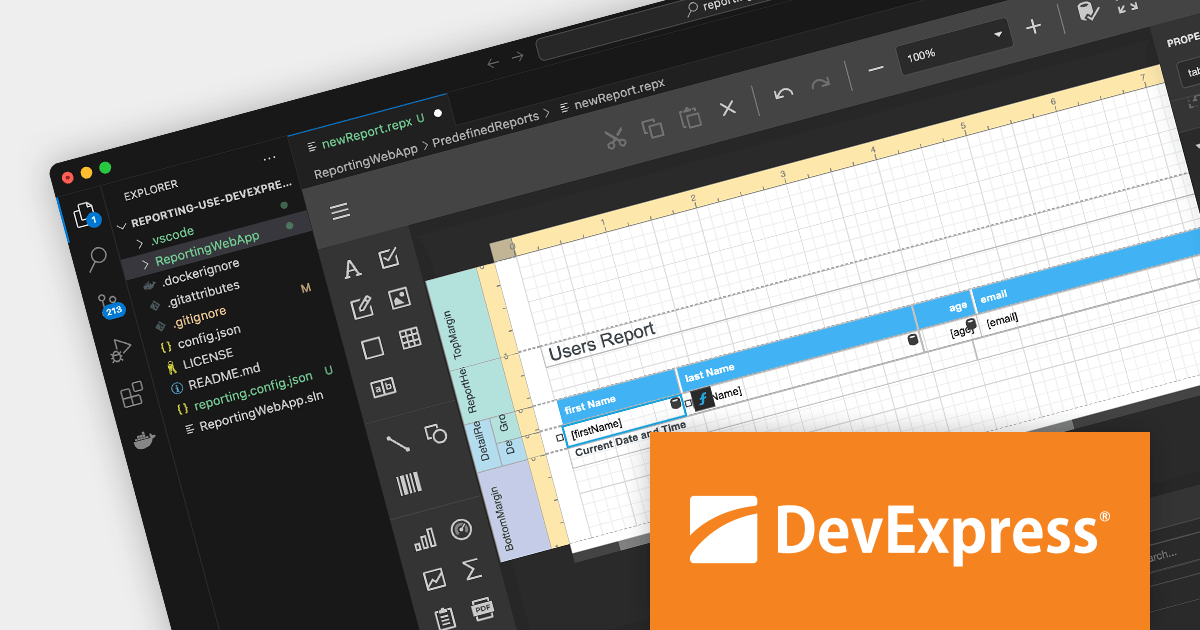
DevExpress Reporting is a powerful and flexible reporting solution for .NET developers. It allows you to create reports of any complexity, from simple data tables to complex dashboards and interactive visualizations. DevExpress Reporting supports a wide range of data sources, including SQL databases, Entity Framework, and custom objects. It also offers a variety of export options, including PDF, XLSX, HTML, and RTF.
DevExpress Reporting is also available as part DevExpress DXperience and DevExpress Universal, a suite of over 600 UI controls and libraries for building high-impact business solutions for Windows Forms, WPF, ASP.NET, Blazor and more.
Create and Modify DevExpress Reports in Visual Studio Code (VS Code) on macOS and Linux (CTP).
The DevExpress Visual Studio Code Report Designer Extension allows you to create and edit DevExpress Report documents within the Visual Studio Code IDE.
A recent blog post by the DevExpress Reporting Team guides you through the setup process on macOS and illustrates how you can leverage the extension's capabilities to develop and modify existing reports.
Read the full blog now to learn more about this powerful capability.





Tel: (888) 850 9911
Fax: +1 770 250 6199


