








Fornitore ufficiale
In qualità di distributori ufficiali e autorizzati, forniamo licenze software legittime direttamente da più di 200 autori di software.
Vedi tutte le nostre marche

Smart UI by Smart HTML Elements is an enterprise-grade UI library offering pre-built web components for developers in Angular, React, Vue, Blazor, and JavaScript. It boasts over 60 ready-to-use components including grids, charts, schedulers, and editors, all featuring two-way data binding, responsiveness, accessibility, and theming capabilities. This library helps developers rapidly build dynamic and modern web applications with consistent look-and-feel and rich functionalities, accelerating development time and ensuring professional quality.
The Smart UI v21.1.0 release adds full support for Microsoft .NET 9 in all Smart.Blazor components, enhancing compatibility with the latest Blazor features and ecosystem updates. This integration ensures that developers can leverage the most recent advancements in .NET 9, leading to improved performance and stability in their applications.
To see a full list of what's new in v21.1.0, see our release notes.
Smart UI (Smart HTML Elements) is licensed per developer and is available as a perpetual license with 1 year support and maintenance. It includes distribution to unlimited Web applications, SaaS projects, Intranets and Websites. Team, OEM and Enterprise licensing options are also available. See our Smart UI licensing page for full details.
Learn more on our Smart UI product page.
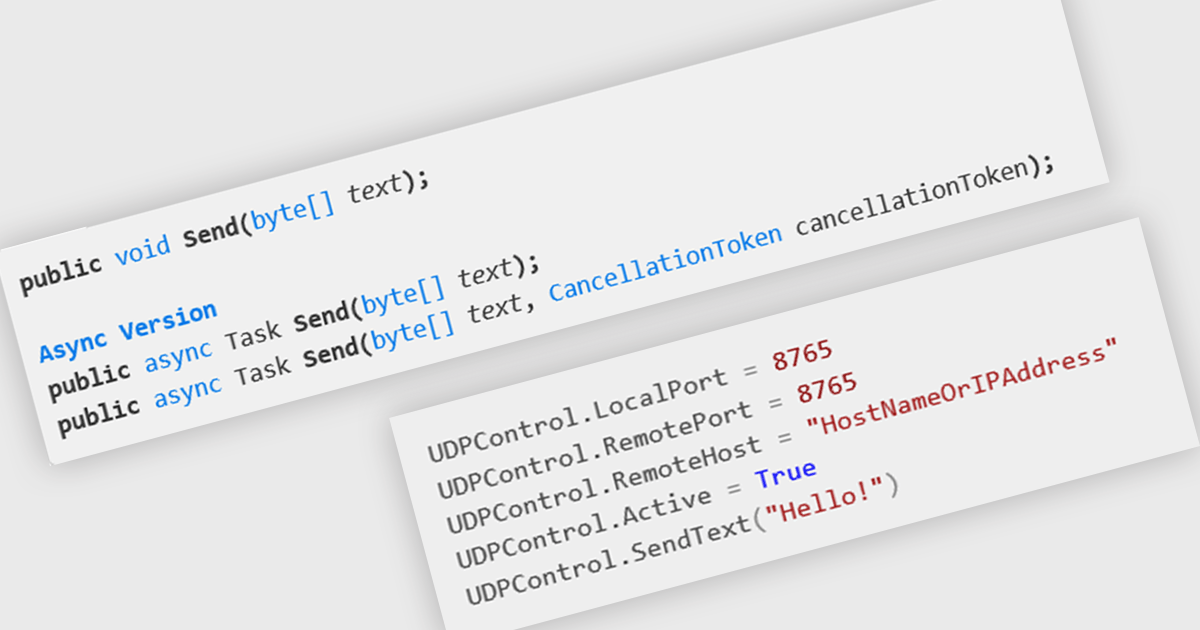
In internet communications, UDP (User Datagram Protocol) is a connectionless, message-oriented protocol that transmits data in the form of datagrams. It operates at the transport layer and prioritizes speed and efficiency over guaranteed delivery or ordered arrival of data. For .NET developers, UDP offers a lightweight alternative to TCP, enabling rapid data transfer for scenarios like streaming or real-time data feeds where performance is critical.
Several .NET communications and messaging components offer UDP features including:
For an in-depth analysis of features and price, visit our comparison of .NET communications & messaging components.
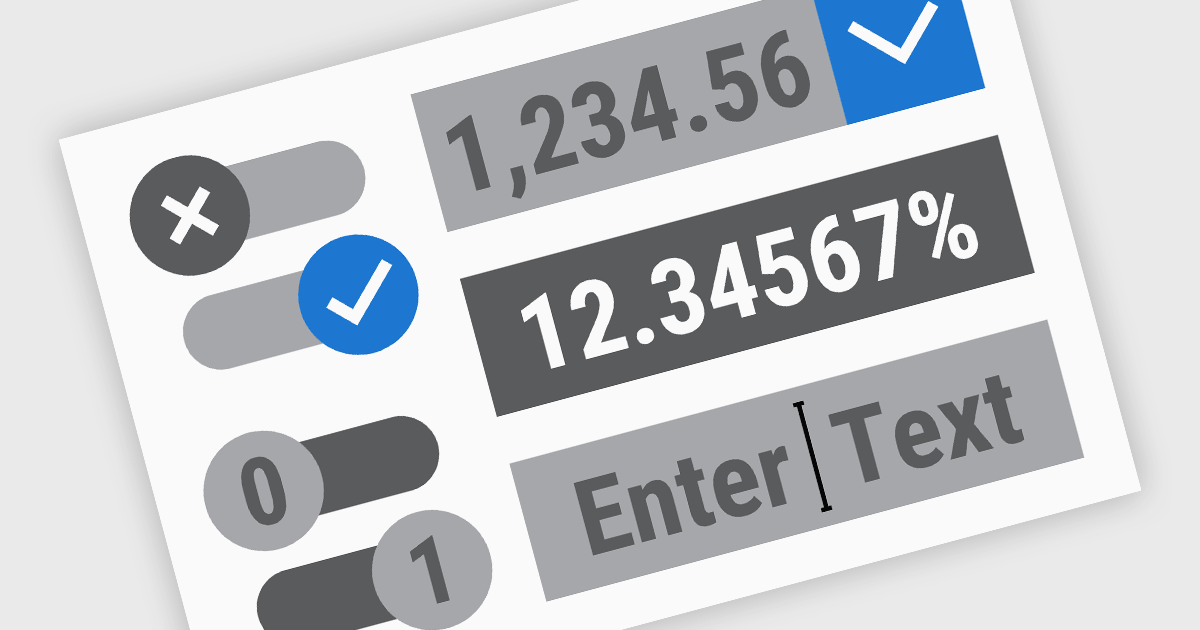
.NET Data Editor components provide a versatile set of tools for handling text, numeric, and Boolean data input within applications. These components enable developers to create user-friendly interfaces that accommodate various data entry needs, from simple text input to structured numeric formats and binary (true/false) selections. By integrating these editors, applications can ensure accuracy, enhance user experience, and streamline data validation. Whether used in forms, reports, or interactive dashboards, these components are essential for building efficient and responsive applications.
Common text, numeric and boolean data editor .NET controls include:
For an in-depth analysis of features and price, visit our .NET Data Editors comparison.
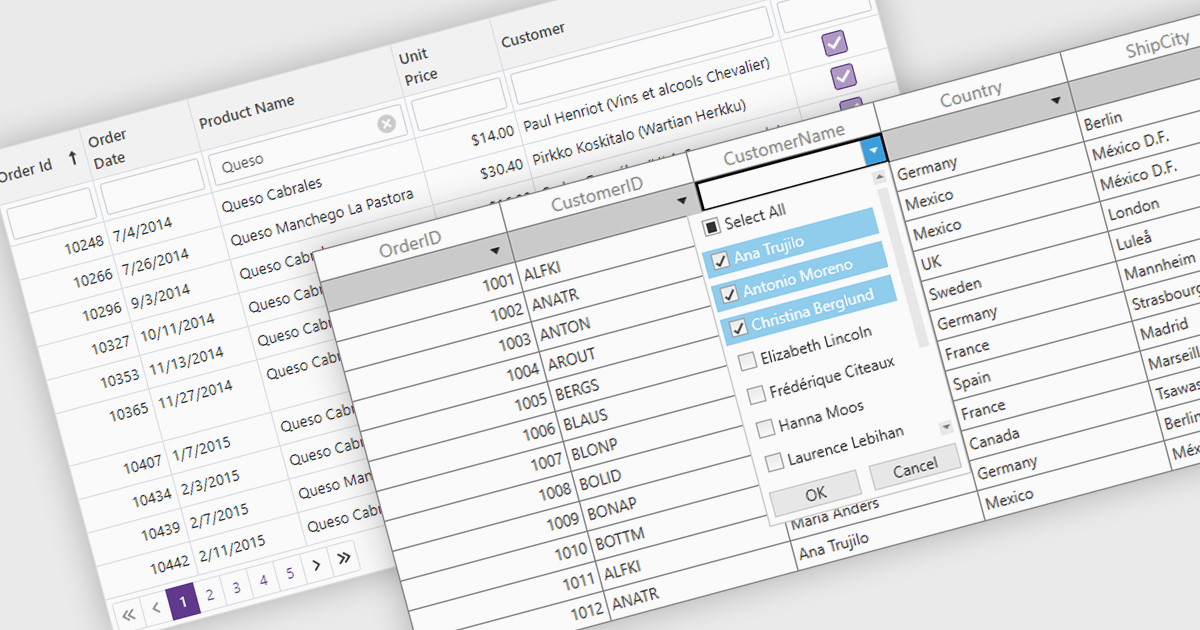
The Filter Rows feature in grids enables users to refine large datasets quickly with real-time filtering directly in the grid interface. It enhances productivity by reducing the need for manual searches, improves accuracy with precise filtering options, and streamlines workflows in .NET applications such as WinForms, WPF, and ASP.NET Core. By allowing users to filter data by text, numbers, dates, and boolean values, it simplifies data exploration and helps surface relevant information faster. This feature is especially useful in financial dashboards for transaction filtering, inventory management for quick product lookups, and CRM systems for refining customer records, making data handling more efficient and intuitive.
Several .NET grid controls offer filter row functionality including:
For an in-depth analysis of features and price, visit our comparison of .NET Grid Controls.

Telerik UI for ASP.NET Core is a robust library of over 110 UI components designed for modern web applications. It offers high performance, scalability, and extensive customization to meet diverse requirements in data handling, UX, design, and accessibility. Key components like the Grid, Scheduler, Chart, and Editor enable intuitive data visualization and manipulation, making it ideal for applications ranging from interactive dashboards to complex enterprise solutions. With Telerik UI for ASP.NET Core, developers can create feature-rich, professional-grade applications with ease.
The Telerik UI for ASP.NET Core 2025 Q1 update enhances the PDFViewer with built-in text highlighting and free text annotation capabilities, enabling users to integrate seamless document review and collaboration features into their applications. These enhancements provide users with a more efficient way to mark up PDFs without requiring third-party tools, ensuring a smoother workflow within web-based applications. The new annotation tools are fully customizable, allowing developers to tailor the experience to specific user needs while maintaining a consistent UI. With improved interaction and flexibility, this update simplifies document handling and enhances the overall usability of PDFViewer in modern applications.
To see a full list of what's new in 2025 Q1 (2025.1.211), see our release notes.
Telerik UI for ASP.NET Core is licensed per developer and has two licensing models: an annual Subscription License and a Perpetual License. The Subscription license provides access to the latest product updates, technical support, and exclusive benefits for a flat annual fee, and must be renewed to continue using the software. The Perpetual license is a one-time purchase granting access to the current released version and includes a one-year subscription for product updates and technical support. After this initial period, users can choose to renew the subscription element to continue receiving updates and support; otherwise, they may continue using the installed version available during their active subscription term but will forgo future updates and support. See our Telerik UI for ASP.NET Core licensing page for full details.
Telerik UI for ASP.NET Core is available individually or as part of the following products:





Tel: (888) 850 9911
Fax: +1 770 250 6199


