








Fornitore ufficiale
In qualità di distributori ufficiali e autorizzati, forniamo licenze software legittime direttamente da più di 200 autori di software.
Vedi tutte le nostre marche
Syncro Soft is a software company specializing in solutions for Extensible Markup Language (XML) technologies and single-source publishing. Its core product, Oxygen XML Editor, caters to both beginners and experts, offering tools for creating, editing, and publishing XML documents across various platforms. Syncro Soft's focus on XML and user experience positions it as a provider of innovative solutions for content creation and management. ComponentSource has been in partnership with Syncro Soft since 2008, helping to distribute its award-winning products to the global developer community.
Congratulations to Syncro Soft on winning a Top 5 Publisher Award in the annual ComponentSource Awards for 2025, along with eight Product Awards. We're pleased to recognize Syncro Soft's continued excellence in developing high-quality XML and single-source publishing tools.
Each year, the ComponentSource Awards leverage real global sales data to identify the top 100 bestselling software components and development tools. This recognition not only reflects real-world adoption by developers but also provides valuable insights into current market trends and preferred solutions, making it a trusted source for gauging developer preferences. For full details on this year's awards see:
JetBrains is a multinational software development company known for creating integrated development environments (IDEs) for various programming languages, including Java, Python, and JavaScript. Its core products, such as IntelliJ IDEA, PyCharm, and WebStorm, are widely regarded for their advanced code analysis capabilities and developer productivity tools. Additionally, JetBrains offers team collaboration tools like YouTrack and TeamCity, enhancing project management and continuous integration services for developers across the globe. These offerings make it a pivotal entity in the software development industry, catering to both individual programmers and large enterprises. ComponentSource has been in partnership with JetBrains since 2007, helping to distribute its award-winning products to the global developer community.
Congratulations to JetBrains on winning a Top 5 Publisher Award in the annual ComponentSource Awards for 2025, along with nine Product Awards. We're pleased to once again recognize JetBrains's continued excellence in developing high-quality IDEs and developer tools.
Each year, the ComponentSource Awards leverage real global sales data to identify the top 100 bestselling software components and development tools. This recognition not only reflects real-world adoption by developers but also provides valuable insights into current market trends and preferred solutions, making it a trusted source for gauging developer preferences. For full details on this year's awards see:
Aspose is a software development company specializing in file format manipulation. It offers a comprehensive suite of award-winning APIs (Application Programming Interfaces) that enable developers to create, edit, convert, and render a wide range of file types, including Office documents (Word, Excel, PowerPoint), PDFs, images, and many more. These APIs are compatible with various programming languages and platforms, allowing developers to seamlessly integrate Aspose's functionality into their applications without relying on external software. ComponentSource has been in partnership with Aspose since 2006, helping to distribute its award-winning products to the global developer community.
Congratulations to Aspose on winning the #3 Publisher Award in the annual ComponentSource Awards for 2025, along with nine Product Awards. We're pleased to once again recognize Aspose's continued excellence in developing high-quality file format APIs.
Each year, the ComponentSource Awards leverage real global sales data to identify the top 100 bestselling software components and development tools. This recognition not only reflects real-world adoption by developers but also provides valuable insights into current market trends and preferred solutions, making it a trusted source for gauging developer preferences. For full details on this year's awards see:
MESCIUS inc (formerly GrapeCity) is a software company with a focus on empowering developers. It provides a comprehensive toolkit for .NET and JavaScript development, including UI components and development tools. The company is best known for its popular ActiveReports, Spread, ComponentOne Studio, and Wijmo product lines. With this suite of products, MESCIUS inc. aims to enhance the development experience and streamline the creation of software applications. ComponentSource has been in partnership with MESCIUS (formerly GrapeCity and ComponentOne) since 1996, helping to distribute its award-winning products to the global developer community.
Congratulations to MESCIUS on winning the #2 Publisher in the annual ComponentSource Awards for 2025, along with 13 Product Awards. We're pleased to once again recognize MESCIUS's continued excellence in developing high-quality components and tools.
Each year, the ComponentSource Awards leverage real global sales data to identify the top 100 bestselling software components and development tools. This recognition not only reflects real-world adoption by developers but also provides valuable insights into current market trends and preferred solutions, making it a trusted source for gauging developer preferences. For full details on this year's awards see:
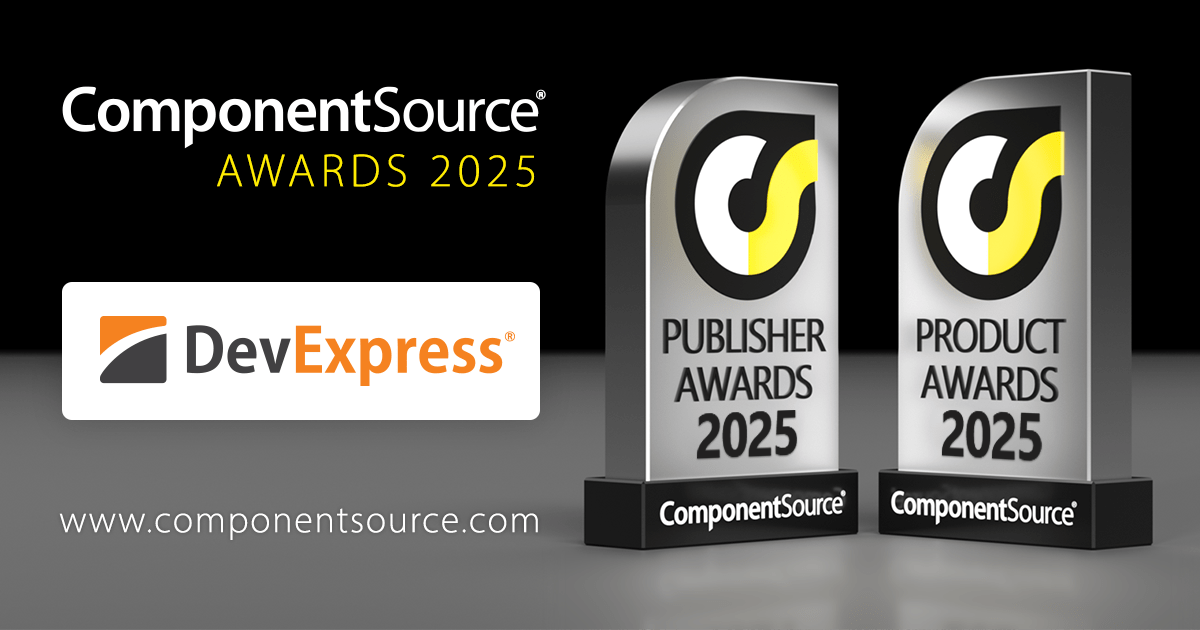
DevExpress, established in 1998, is a software development company that specializes in tools and components for desktop, web, and mobile application development. Primarily targeting Microsoft Visual Studio users, it offers extensive UI libraries, reporting tools, business intelligence dashboards, and cross-platform development frameworks. Recognized for its intuitive interface elements and feature-rich solutions, DevExpress empowers developers to build high-performance, visually appealing applications across numerous platforms. ComponentSource has been in partnership with DevExpress since 2001, helping to distribute its award-winning products to the global developer community.
Congratulations to DevExpress on winning the #1 Publisher and #1 Product Awards in the annual ComponentSource Awards for 2025, along with further Top 5, Top 10, Top 25, and Top 100 Product Awards. We're pleased to once again recognize DevExpress's continued excellence in developing high-quality components and tools.
Each year, the ComponentSource Awards leverage real global sales data to identify the top 100 bestselling software components and development tools. This recognition not only reflects real-world adoption by developers but also provides valuable insights into current market trends and preferred solutions, making it a trusted source for gauging developer preferences. For full details on this year's awards see:





Tel: (888) 850 9911
Fax: +1 770 250 6199


