








Fornitore ufficiale
In qualità di distributori ufficiali e autorizzati, forniamo licenze software legittime direttamente da più di 200 autori di software.
Vedi tutte le nostre marche
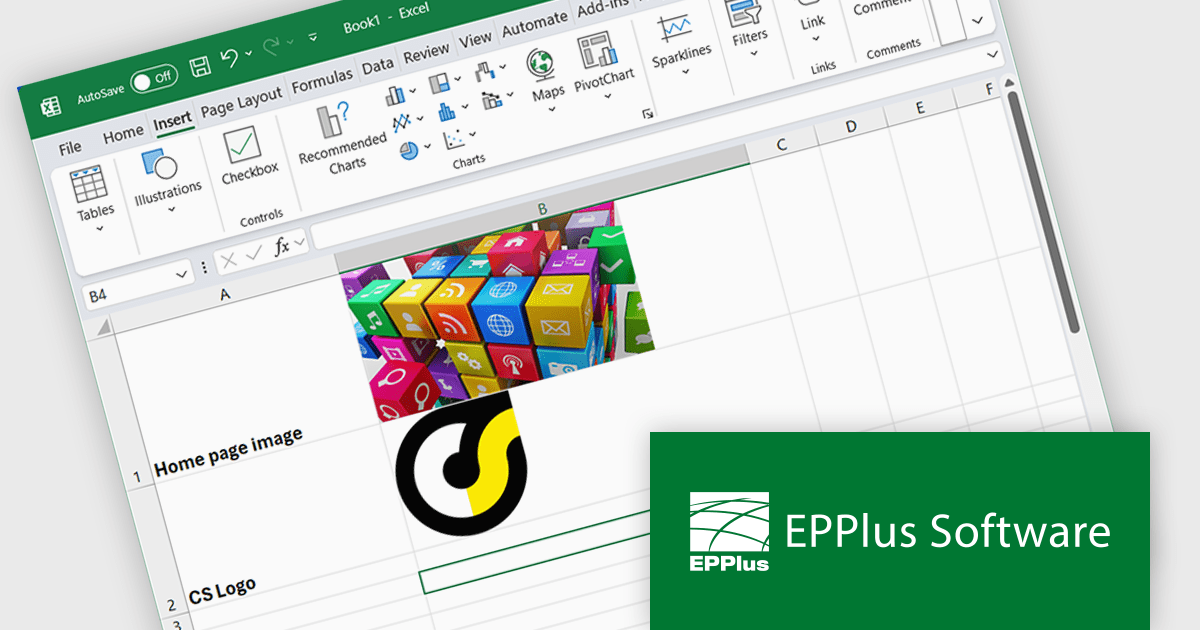
EPPlus is a powerful and versatile .NET library for managing and manipulating Microsoft Excel files using the Office Open XML (OOXML) format. It is a lightweight and efficient library that is easy to use and can be integrated into a wide range of applications. It allows developers to create, read and modify spreadsheets without dependencies on any other library. Features include pivot tables, styling, VBA/Form controls, conditional formatting, charts, tables, formula calculation, data validation, pictures/shapes, and more.
The EPPlus v8.0.1 update enhances the visualization of spreadsheet data by introducing the ability to insert images directly into individual worksheet cells. This feature is particularly beneficial for creating more informative and engaging spreadsheets, such as including product images in inventory lists or embedding charts alongside relevant data. The new functionality supports various image formats, such as PNG, JPG and GIF, and integrates with the IMAGE function, so you can add local images as well as download images from the web via URLs.
To see a full list of what's new in v8.0.1, see our release notes.
EPPlus is licensed per developer and is available as both perpetual licenses and subscription based licenses with periods of 1 year and 2 years, which include support and upgrades. See our EPPlus licensing page for full details.
For more information, see our EPPlus product page.
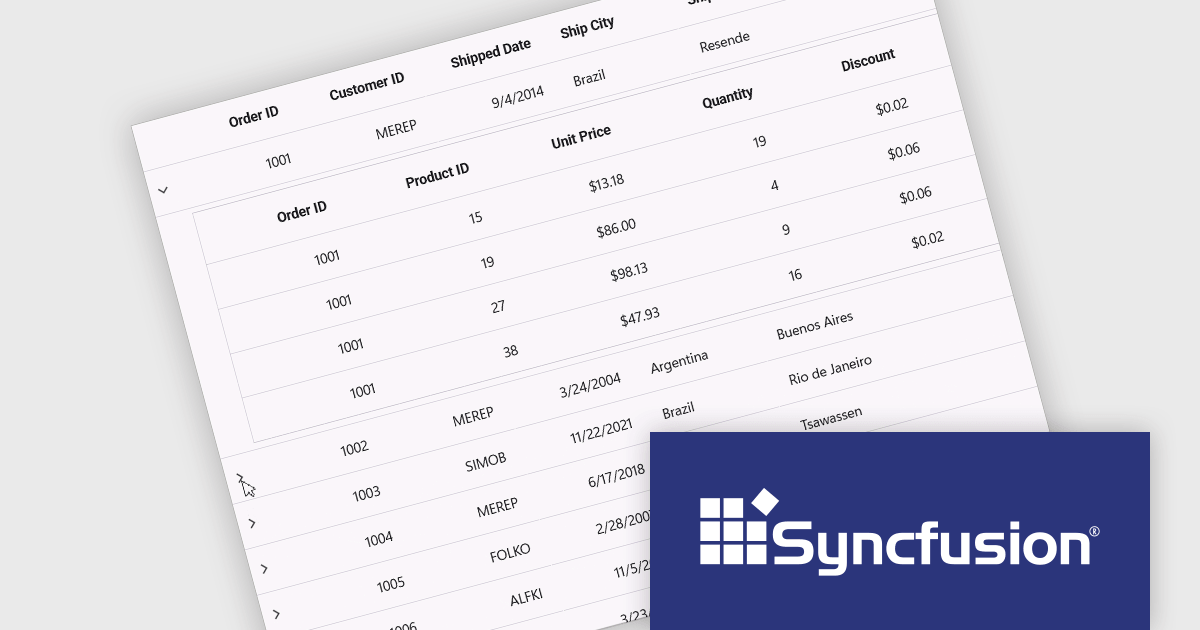
Syncfusion Essential Studio .NET MAUI (available as part of Syncfusion Essential Studio Enterprise) empowers developers with a comprehensive suite of native UI controls, data visualization tools, and performance optimizations for building modern, cross-platform mobile and desktop applications. This professional-grade toolkit leverages the power of C# and XAML, enabling rapid development of stunning and responsive experiences across diverse platforms.
The Syncfusion Essential Studio .NET MAUI 2025 Volume 1 release introduces a new Master-detail view in the DataGrid component. This feature allows users to expand individual rows to reveal additional contextual information, such as transaction history, customer profiles, or nested datasets, without navigating away from the primary grid. It significantly improves data readability and interaction efficiency, reducing the need for multiple views or pop-ups. For developers, it simplifies implementation of complex data relationships and contributes to a more seamless, user-friendly application design.
To see a full list of what's new in 2025 Volume 1, see our release notes.
Syncfusion Essential Studio .NET MAUI is available as part of Syncfusion Essential Studio Enterprise which is licensed per developer starting with a Team License of up to five developers. It is available as a 12 Month Timed Subscription License which includes support and maintenance. See our Syncfusion Essential Studio Enterprise licensing page for full details.
Learn more on our Syncfusion Essential Studio .NET MAUI product page.
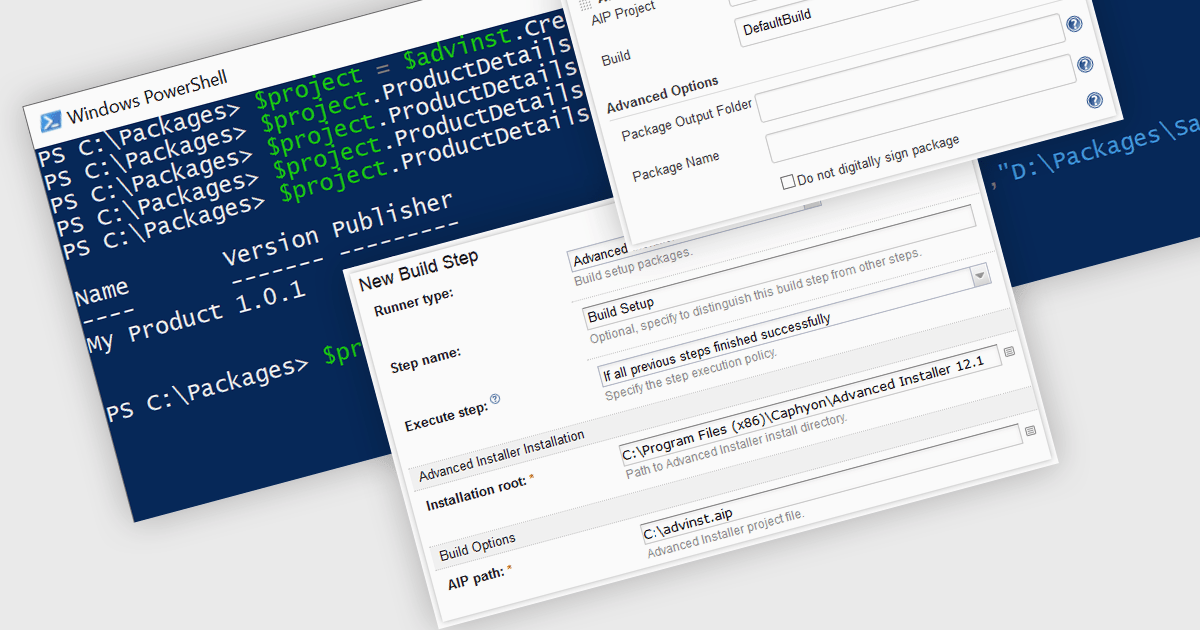
Continuous Integration (CI) in installation tools refers to the practice of automatically building, testing, and packaging software installations as part of a continuous integration pipeline, ensuring that setup processes are always in sync with code changes. It enables development teams to detect installation-related issues early by integrating tools like Azure DevOps, Jenkins, or TeamCity to automate the generation and validation of installers whenever the codebase is updated. This approach minimizes manual errors, accelerates release cycles, and maintains a consistent and reliable deployment process, aligning the installer with every version of the application throughout development.
Several Installation Tools offer Continuous Integration including:
For an in-depth analysis of features and price, visit our comparison of Installation Tools.
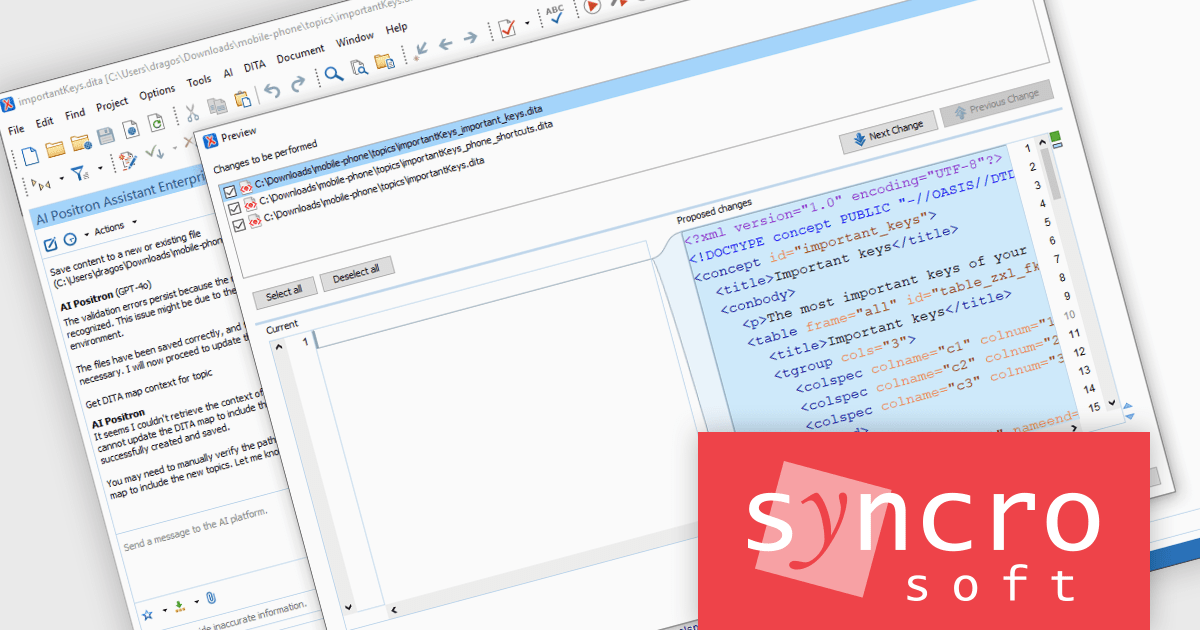
Oxygen JSON Editor is a specialized tool that simplifies working with JSON data. It provides multiple editing views: a text mode for familiar editing with features like content completion and validation, a grid mode for viewing JSON as nested tables for easy manipulation, and even an author mode that translates JSON into a visual XML structure. This flexibility, along with support for related formats like JSON Schema and YAML, makes Oxygen a powerful option for anyone who frequently edits or creates JSON data.
The Oxygen JSON Editor V27.1 release introduces the ability to preview all AI-proposed document changes. This enables users to maintain full control and oversight when AI is used to automate tasks such as restructuring data, correcting syntax, or generating new content based on contextual understanding. By allowing users to inspect, accept, or reject each modification before it is applied, this feature ensures transparency, increases trust in automated processes, and minimizes the risk of unwanted alterations. It enhances both the accuracy and confidence in AI-assisted editing, especially in collaborative or regulated environments where traceability and auditability are critical.
To see a full list of what's new in V27.1, see our release notes.
Oxygen JSON Editor is licensed per Named user and is available as a Timed License subscription. See our Oxygen JSON Editor licensing page for full details.
Learn more on our Oxygen JSON Editor product page.
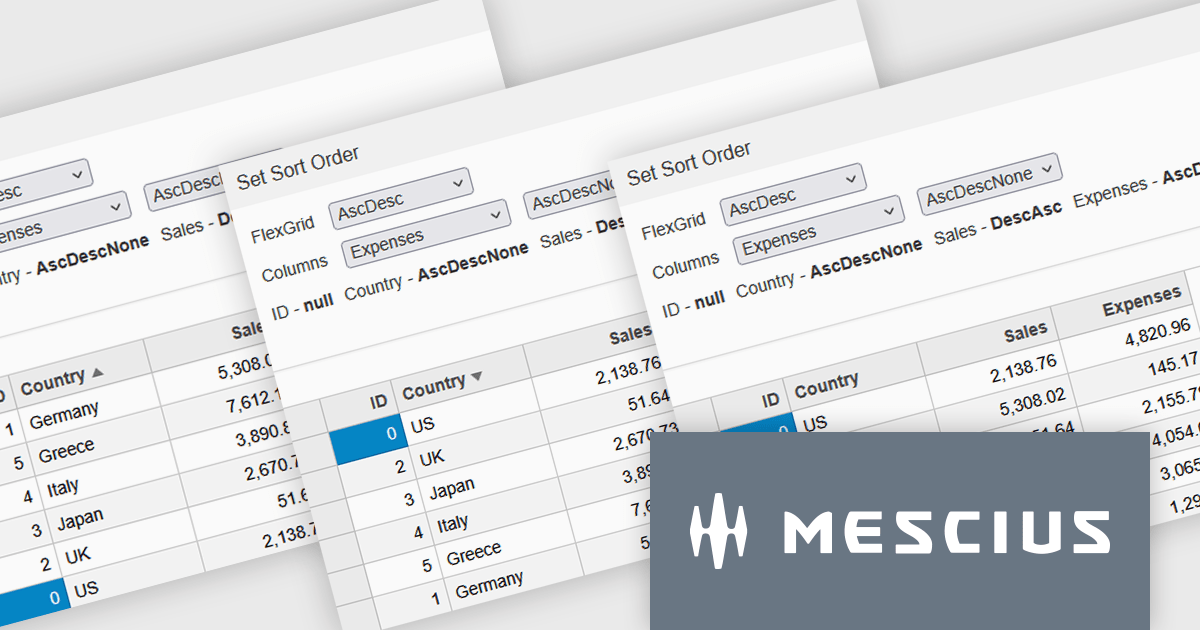
Wijmo by MESCIUS is a comprehensive JavaScript library offering a suite of high-performance UI components and data grids specifically designed to streamline the development of modern enterprise applications. It emphasizes reduced development time and improved maintainability, along with a focus on performance through its efficient design and small module size. Wijmo integrates seamlessly with popular JavaScript frameworks like Angular, React, and Vue.js, and supports cutting-edge technologies like TypeScript, making it a versatile solution for building complex web applications.
Wijmo introduces enhanced grid sorting functionality within the FlexGrid control, providing developers with the capability to implement tri-state column sorting. This allows users to cycle through ascending, descending, and unsorted states with successive clicks on column headers, offering more granular control over data arrangement. This refined sorting mechanism improves the user experience in data-intensive applications by enabling more flexible and intuitive data exploration, ultimately leading to more efficient data analysis and manipulation within the grid interface.
Wijmo is licensed per developer. Developer Licenses are perpetual and include 1 year Subscription which provides upgrades, including bug fixes and new features. See our Wijmo licensing page for full details.
Learn more on our Wijmo product page.





Tel: (888) 850 9911
Fax: +1 770 250 6199


