








Fornitore ufficiale
In qualità di distributori ufficiali e autorizzati, forniamo licenze software legittime direttamente da più di 200 autori di software.
Vedi tutte le nostre marche
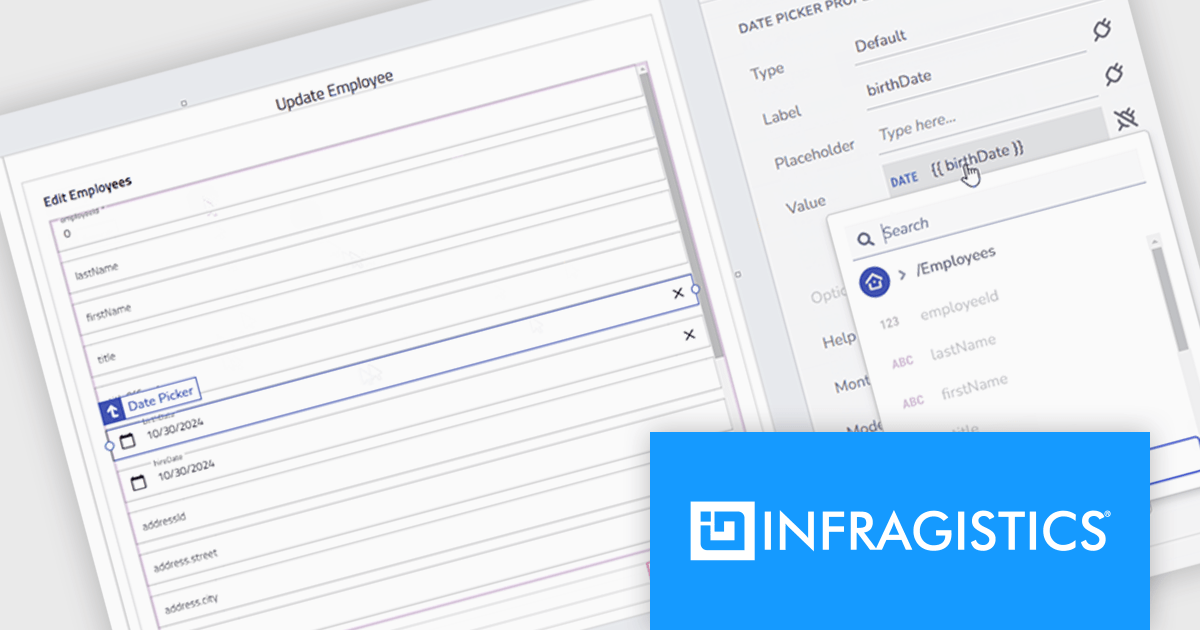
Infragistics App Builder is a cloud-based, WYSIWYG development tool that streamlines enterprise application creation through drag-and-drop functionality. Designed to accelerate development lifecycles, it empowers users to build business apps more quickly with features like pre-built templates, real-time code generation, and instant previews. This low-code approach is ideal for businesses seeking to improve development efficiency and shorten time-to-market for web applications.
The new App Builder release introduces a drag-and-drop Forms Builder, a powerful tool that enables developers to rapidly create complex HTML forms without manual coding. By directly integrating with API endpoints, the Forms Builder automates form structure generation, streamlining development and ensuring seamless data synchronization. It also includes robust error handling and notifications for a user-friendly experience. This feature significantly reduces development time, making it ideal for building data-driven applications, internal tools, and customer-facing interfaces where efficient form creation is crucial. With its intuitive interface and advanced functionality, the Forms Builder empowers developers and teams to focus on business logic rather than repetitive tasks.
To see a full list of what's new, see our release notes.
Infragistics App Builder is licensed per developer as an annual subscription. See our Infragistics App Builder licensing page for full details.
For more information, visit our Infragistics App Builder product page.
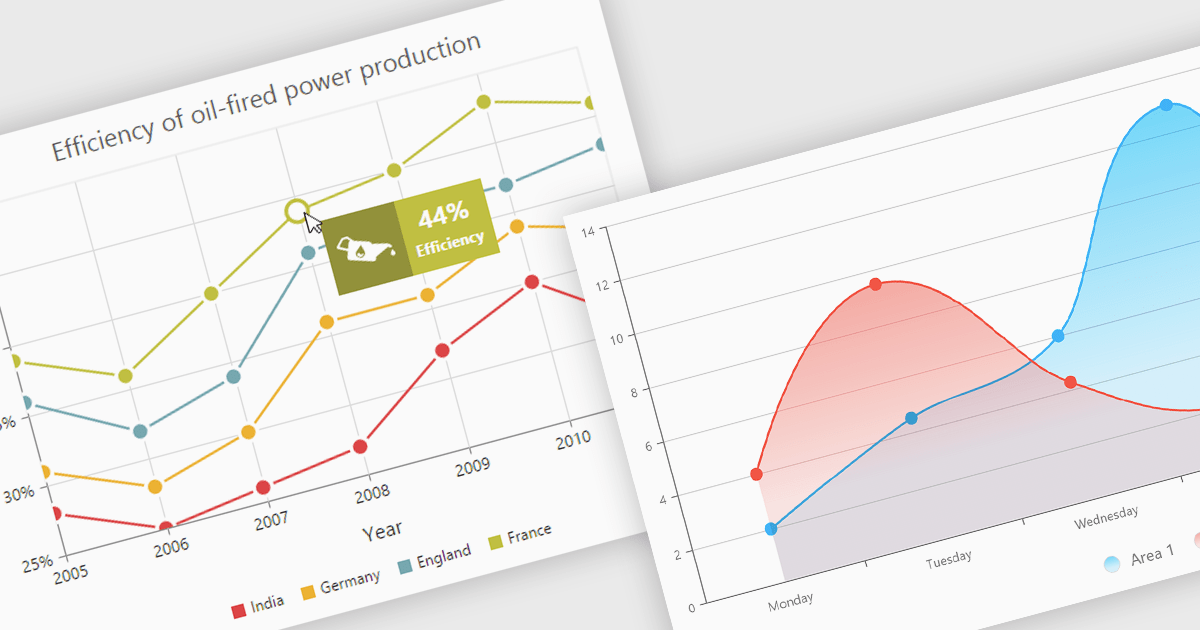
Chart tooltips provide interactive, on-demand insights by displaying detailed information about specific data points when users hover or click on them. They play a crucial role in improving data clarity, enhancing user engagement, and maintaining a clean, uncluttered chart layout. The benefits of tooltips include simplifying the exploration of complex datasets and offering customizable content, such as values, comparisons, or additional context. For example, tooltips can display product sales figures on a business dashboard or detailed stock breakdowns in financial reports. This functionality makes tooltips an indispensable feature for creating intuitive, data-driven applications that empower users to make informed decisions.
Several Angular chart controls offer tooltip support including:
For an in-depth analysis of features and price, visit our Angular chart controls comparison:
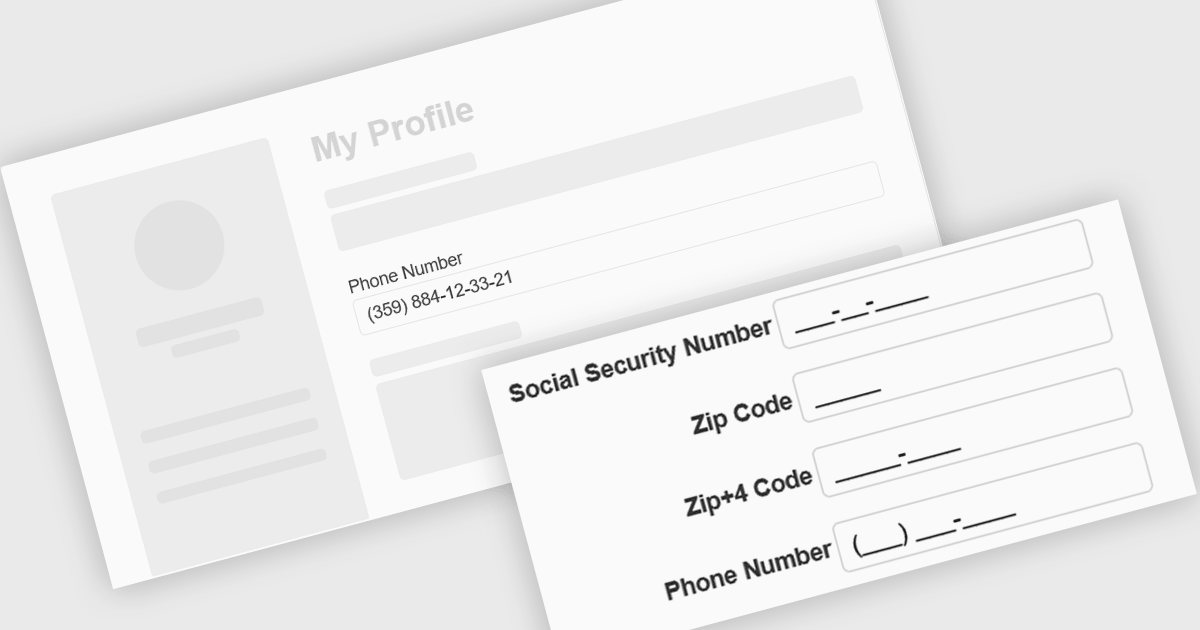
Input masking is a technique used in data editor components to format and restrict user input to specific patterns. By defining a predefined structure with placeholders, input masks guide users to enter data in a consistent and accurate manner. This approach significantly reduces data entry errors, improves data quality, and streamlines data processing. Input masks also enhance user experience by providing clear visual cues and automatically formatting input as it is typed, reducing the cognitive load on the user.
Several Angular data editors offer support for input masking including:
For an in-depth analysis of features and price, visit our Angular data editors comparison.
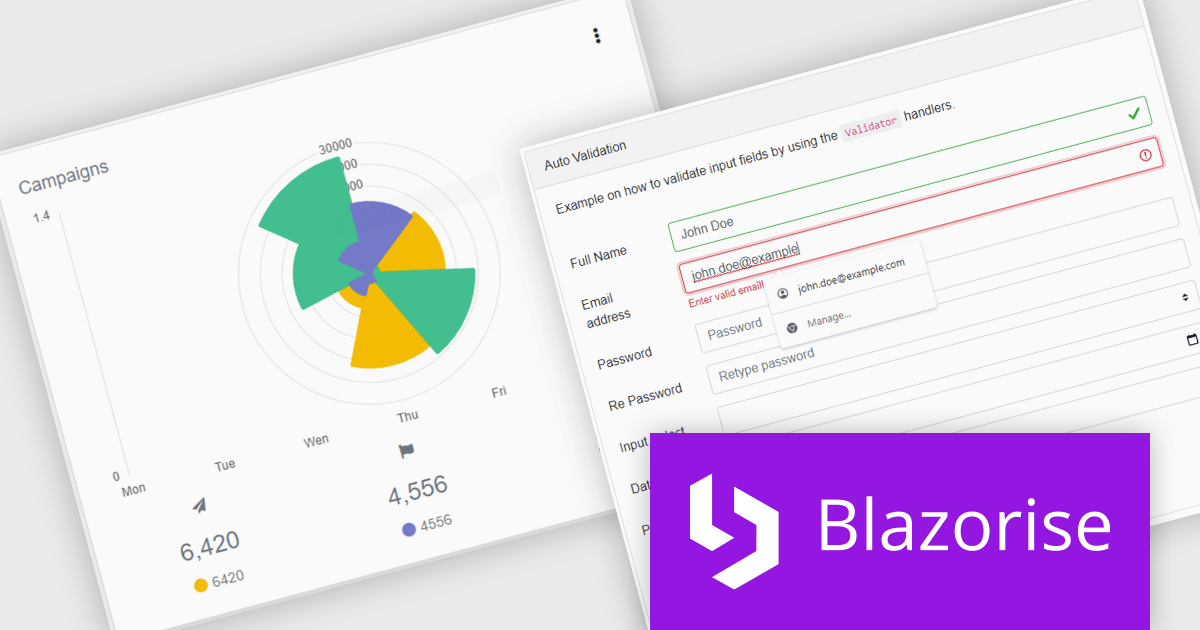
Blazorise is a versatile component library that empowers developers to build modern and feature-rich web applications using Blazor, a client-side web development framework from Microsoft. It offers a comprehensive collection of user interface components, including buttons, forms, charts, and navigation elements, all built with accessibility and responsiveness in mind.
The Blazorise 1.7 update brings full compatibility with .NET 9, providing software developers with access to the latest features and enhancements in the .NET ecosystem. This integration ensures improved application performance, streamlined workflows, and strengthened security measures, aligning with the latest industry standards. By leveraging .NET 9, developers can build more efficient, scalable, and secure web applications while ensuring long-term compatibility with modern frameworks and tools. This update underscores Blazorise's commitment to delivering cutting-edge solutions that enhance developer productivity and project outcomes.
To see a full list of what’s new in version 1.7, see our release notes.
Blazorise is licensed per developer and is runtime royalty free. Licenses include a 1 year subscription for updates and premium support. Professional, Enterprise, and Enterprise Plus editions are available, each offering tailored levels of support and service to meet varying business needs. See our Blazorise licensing page for full details.
For more information, visit our Blazorise product page.
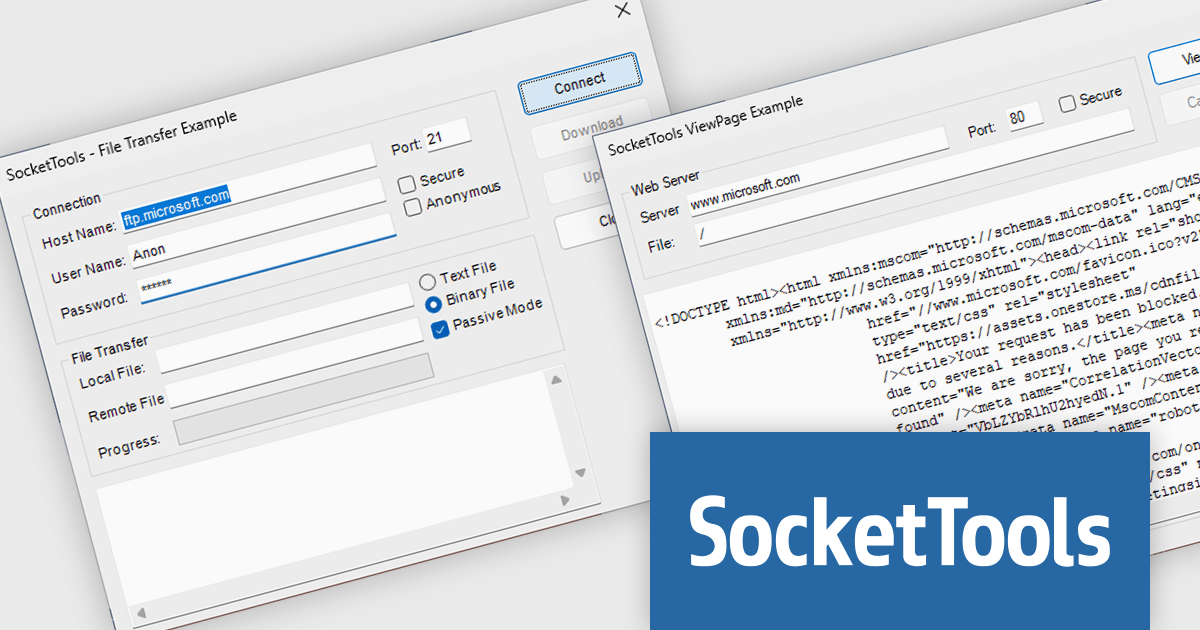
SocketTools .NET Edition by Catalyst Development Corp. is a development library designed to simplify adding internet functionality to your C# or Visual Basic applications. It provides managed .NET classes for tasks like file transfer, email communication, remote server management, and secure connections via TLS and SSH. The library offers private cloud storage and IP location lookup, eliminating the need for additional subscriptions or services.
The SocketTools .NET Version 11.0.2210.1824 update introduces .NET 9.0 compatibility, providing developers with access to the latest advancements in the .NET framework. This update enables seamless integration with Visual Studio 2022, allowing for the creation of modern, efficient, and secure network applications that leverage cutting-edge performance and functionality improvements. By aligning with .NET 9.0, developers can future-proof their applications while ensuring they adhere to the highest standards of software development. This compatibility also ensures greater flexibility for developers working in diverse environments, empowering them to build robust solutions optimized for all technological demands.
To see a full list of what's new in version 11.0.2210.1824, see our release notes.
SocketTools .NET Edition is licensed per developer and is available as a perpetual license with or without 1 year priority support subscription. See our SocketTools .NET Edition licensing page for full details.
SocketTools .NET Edition is available to buy in the following products:





Tel: (888) 850 9911
Fax: +1 770 250 6199


