








Fornitore ufficiale
In qualità di distributori ufficiali e autorizzati, forniamo licenze software legittime direttamente da più di 200 autori di software.
Vedi tutte le nostre marche
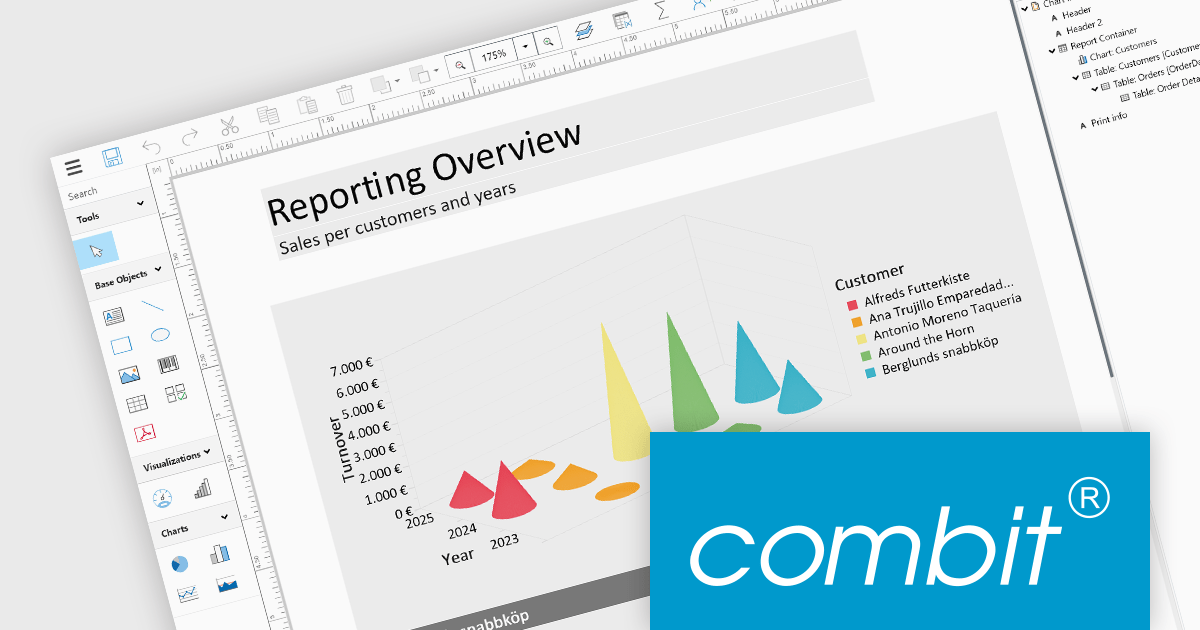
List & Label by combit is a software development toolkit that empowers developers to integrate comprehensive reporting functionalities into their desktop, web, and cloud applications. It offers features such as data binding, complex data visualization, and a user-friendly report designer, along with printing, exporting, and previewing capabilities. List & Label operates independently of programming languages and data sources, providing developers with the flexibility to design and deliver informative reports within their development environment.
The List & Label 29.003 service pack introduces multiple caching mechanisms to optimize performance during operations involving large data structures within the Web Designer. With these mechanisms, the system significantly reduces the frequency of resource-intensive web server requests, thereby decreasing the load on the server. This approach optimizes resource utilization by storing frequently accessed data in temporary storage, thus decreasing the need for repeated data retrieval from the server. The result is faster data processing and improved response times, which is especially beneficial when handling complex design scenarios that demand extensive data processing.
To see a full list of what's new in 29.003, see our release notes.
List & Label is licensed per developer and is available as a Perpetual License with a 12 month support and maintenance subscription. See our List & Label licensing page for full details.
List & Label is available in the following products:
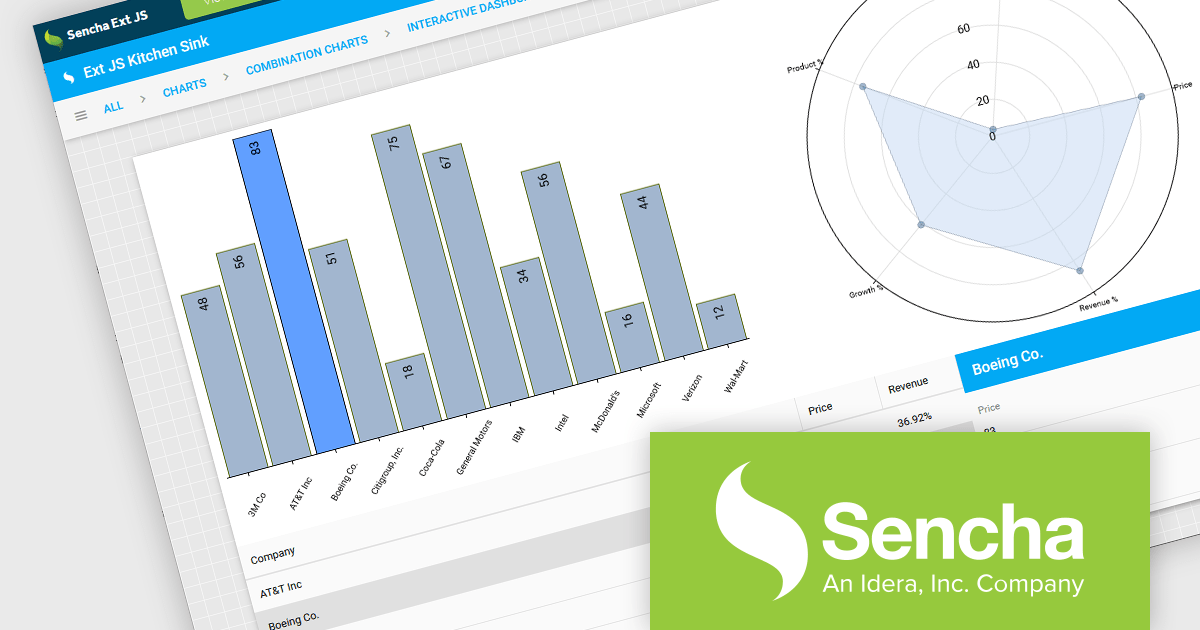
Sencha Ext JS is a comprehensive JavaScript framework for building robust, data-intensive web applications. It offers a rich library of pre-built UI components, advanced data management capabilities, and tools for efficient development and testing, enabling rapid creation of cross-platform applications with high performance and a polished user experience.
ReExt is a library that seamlessly integrates Sencha Ext JS high-performance UI components into React applications. It provides a bridge between the two frameworks, allowing developers to leverage the rich feature set of Ext JS for building complex user interfaces while maintaining a React-based development workflow, accelerating development and enhancing application capabilities. ReExt enables developers to build powerful, data-driven applications by combining the flexibility and simplicity of React with the robust, feature-rich components of Ext JS.
To utilize ReExt you will need a Sencha Ext JS License, available in Pro, Enterprise and Ultimate editions, as Annual Subscription or Perpetual Licenses. See our Sencha Ext JS licensing page for full details.
For more information, see our Sencha Ext JS product page.
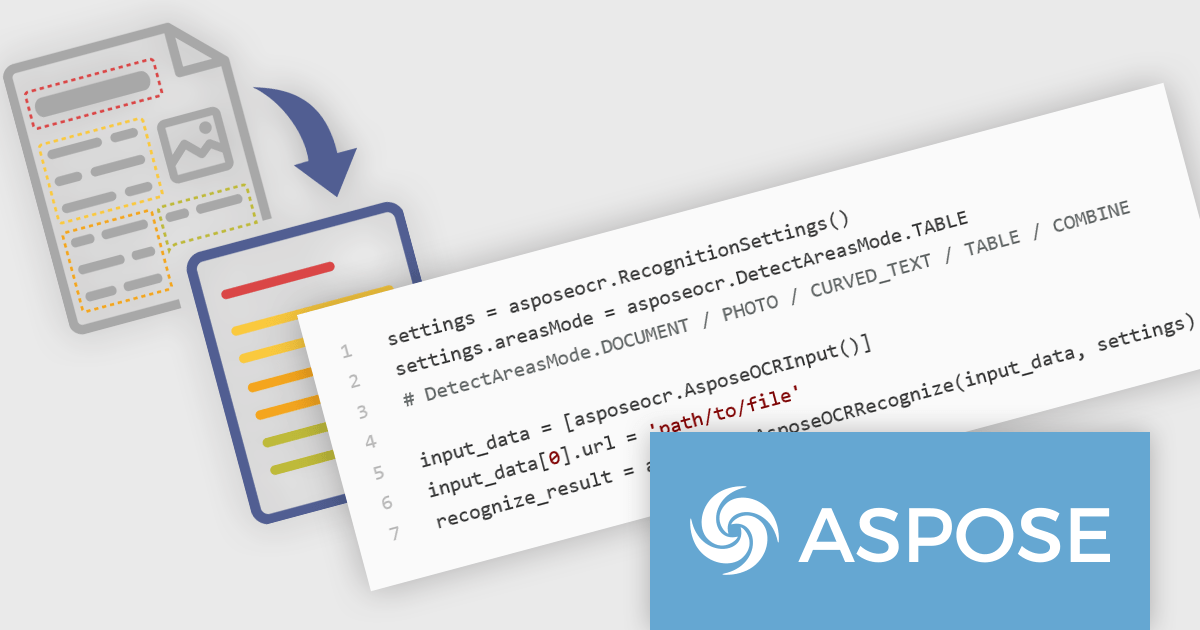
Aspose.OCR for Python via C++ is a powerful and versatile new library that empowers developers to seamlessly integrate Optical Character Recognition (OCR) capabilities into their Python applications. By leveraging the efficiency of C++ for core OCR processing, this library offers a high-performance solution for extracting text from images and documents. With its user-friendly Python interface, it simplifies complex OCR tasks, making it accessible to developers with varying levels of expertise.
This new release from Aspose boasts a rich feature set including support for multiple languages, image formats, and output options. Its advanced image preprocessing techniques enhance OCR accuracy, even with challenging image quality. Whether you are building document management systems, data extraction pipelines, or accessibility tools, this library provides the foundation for reliable and efficient text recognition. Key use cases span across various industries, including finance, healthcare, legal, and education, where extracting information from scanned documents is essential.
Aspose.OCR for Python via C++ is offered as Developer Small Business, Developer OEM, Developer SDK, Site Small Business, Site OEM, and Site SDK licenses catering to a range of business needs. Licenses are perpetual, and include 1 year of support and maintenance. Subscription renewals are also available. See our Aspose.OCR for Python via C++ licensing page for full details.
Aspose.OCR for Python via C++ is available in the following products:
Syncfusion Essential Studio Enterprise provides a comprehensive collection of UI components and frameworks for building modern cross-platform applications. It offers over 1,800 components compatible with .NET WinForms, WPF, ASP.NET Core & MVC, WinUI, MAUI, JavaScript, Xamarin, Blazor, and more, enabling seamless application development across diverse devices and operating systems.
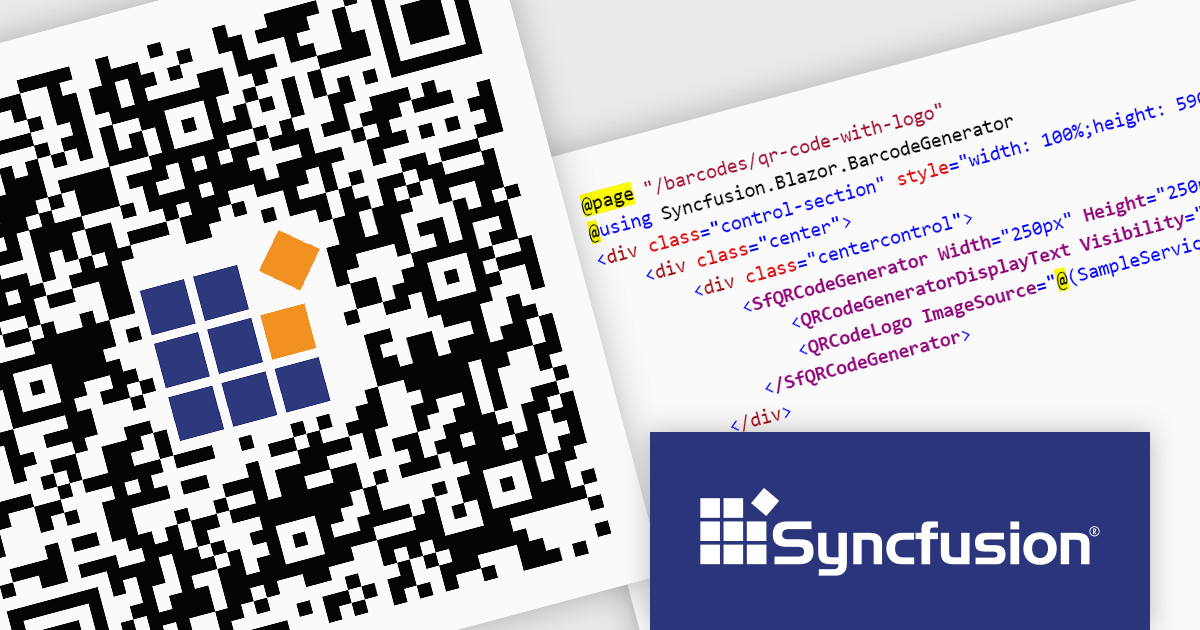
The Syncfusion Essential Studio Enterprise 2024 Volume 2 SP1 (26.2.4) release introduces the ability to embed a custom logo within generated QR codes, empowering businesses to enhance brand recognition and user engagement. By seamlessly integrating company branding into these ubiquitous codes, organizations can create a more distinctive and memorable user experience, fostering stronger brand recall and driving increased interaction with marketing materials and digital content.
To see a full list of what's new in 2024 Volume 2 SP1 (26.2.4), see our release notes for ASP.NET Core, ASP.NET MVC, Blazor, and JavaScript.
Syncfusion Essential Studio ASP.NET Core, ASP.NET MVC, Blazor and JavaScript are available as part of Syncfusion Essential Studio Enterprise which is licensed per developer starting with a Team License of up to five developers. It is available as a 12 Month Timed Subscription License which includes support and maintenance. See our Syncfusion Essential Studio Enterprise licensing page for full details.
Learn more on our ASP.NET Core, ASP.NET MVC, Blazor, and JavaScript product pages.
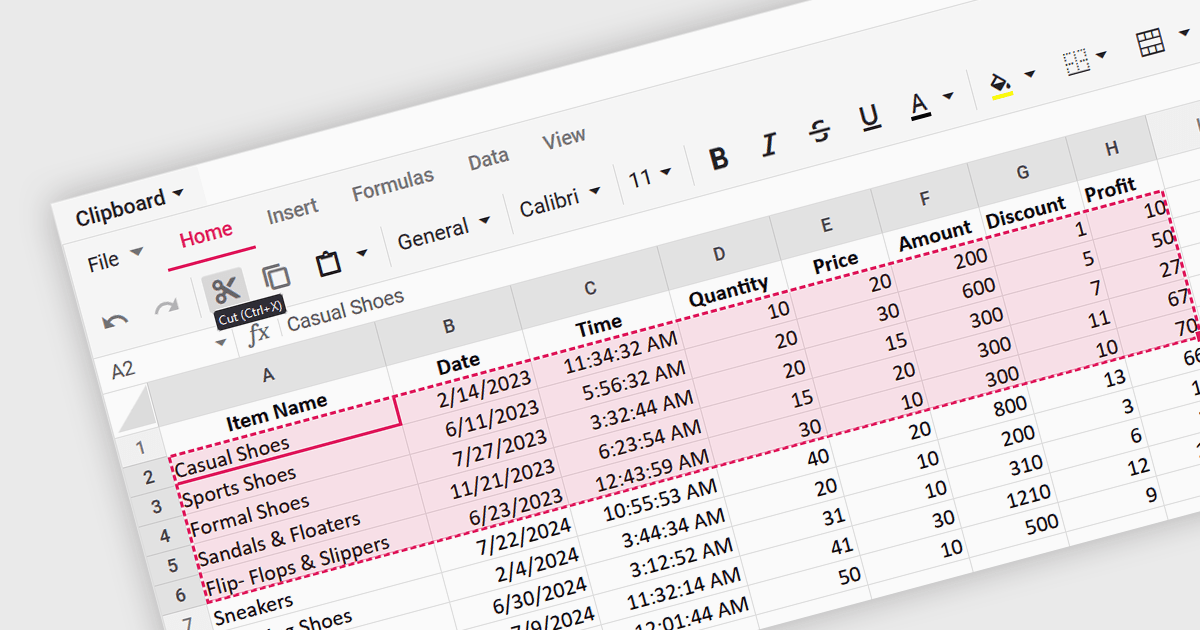
A spreadsheet control that supports clipboard operations gives users the ability to cut, copy and paste data within or between spreadsheets. These functions enable users to efficiently transfer, duplicate, or relocate information by temporarily storing selected cells or ranges in a system-wide clipboard. This functionality forms a key part of a spreadsheet application, saving time and increasing productivity by enabling quick duplication or relocation of data without the need to manually re-enter information. By reducing the risk of errors that might occur during manual data entry or reformatting, these operations help maintain data integrity and streamline data manipulation and management tasks.
Several Angular spreadsheet components support the use of clipboard operations, including:
For an in-depth analysis of features and price, visit our comparison of Angular spreadsheet controls.





Tel: (888) 850 9911
Fax: +1 770 250 6199


