








Fornitore ufficiale
In qualità di distributori ufficiali e autorizzati, forniamo licenze software legittime direttamente da più di 200 autori di software.
Vedi tutte le nostre marche
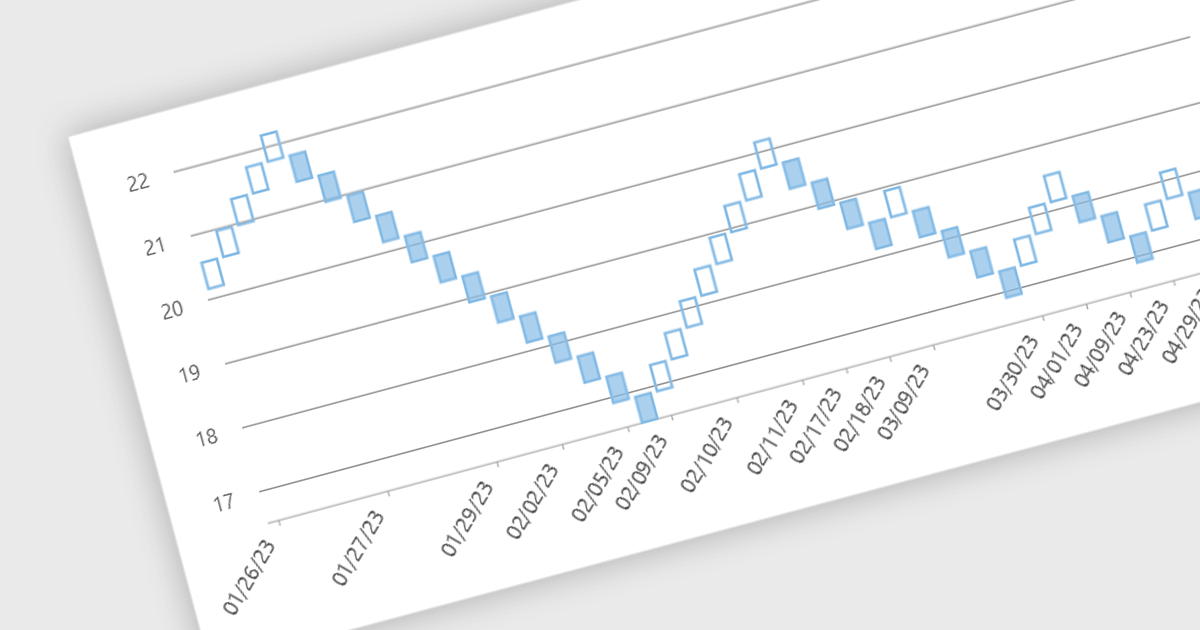
Renko charts are specialized financial charts that represent price movements with fixed-sized bricks, filtering out minor price fluctuations to highlight significant trends. These charts are particularly useful for identifying key support and resistance levels, making trend direction clearer by eliminating noise from the data. A primary benefit of Renko charts lies in their ability to simplify the visualization of market trends and price patterns, aiding developers in creating sophisticated financial applications that require precise and clear representation of market behavior. By using Renko charts, developers can enhance the analytical capabilities of their applications, providing users with powerful tools to make informed trading decisions.
Several .NET WinForms Chart controls offer a Renko chart including:
For an in-depth analysis of features and price, visit our comparison of .NET WinForms Chart controls.
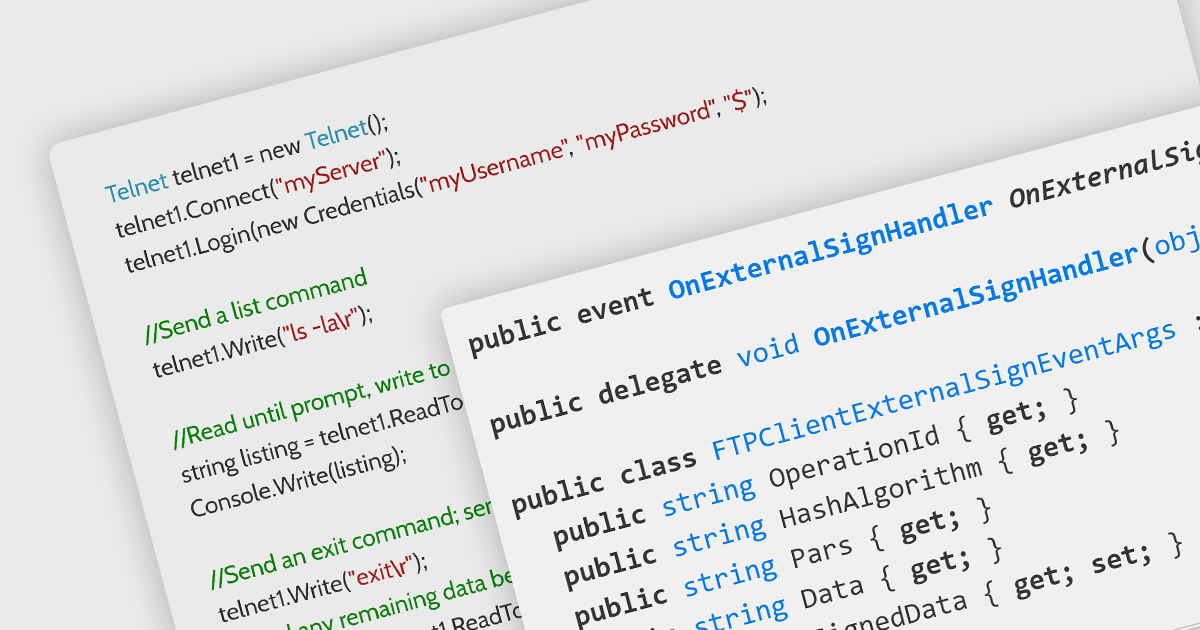
Microsoft Visual Studio 2022 is a powerful Integrated Development Environment (IDE) that empowers developers to build applications for various platforms like Windows, macOS, and Linux. It offers a comprehensive suite of tools including a code editor, compiler, debugger, tester, source control integration, deployment tools, and a profiler, streamlining the entire development lifecycle.
Several .NET comms and messaging components support Visual Studio 2022, including:
For an in-depth analysis of features and price, visit our comparison of .NET communications and messaging components.
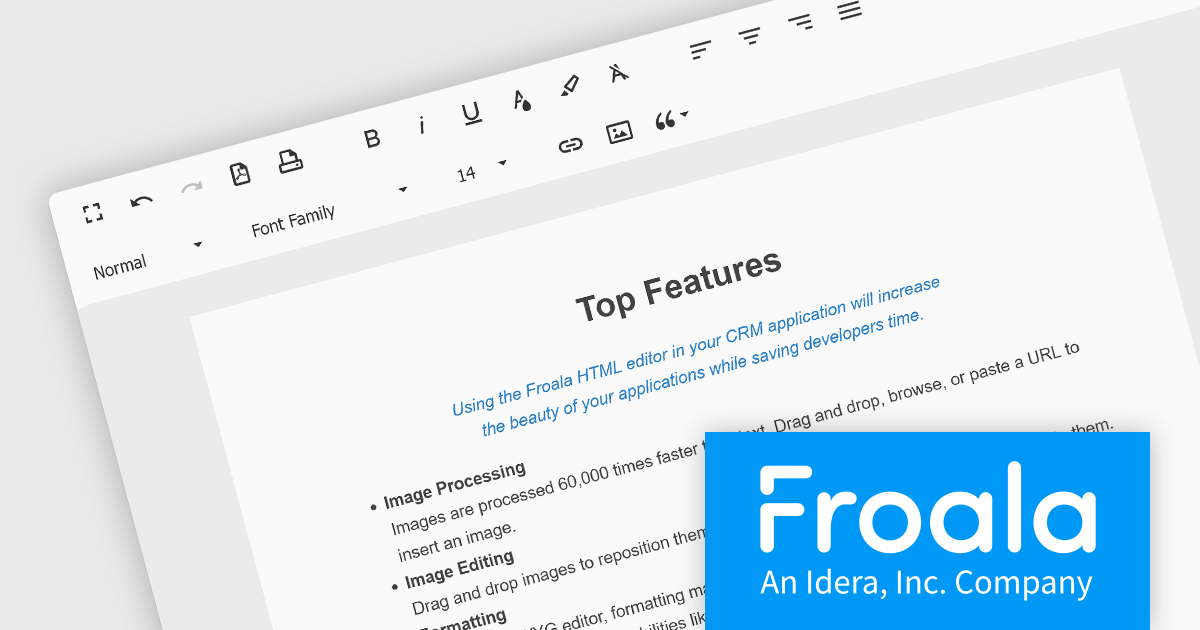
Froala Editor is a JavaScript-based WYSIWYG HTML editor that empowers developers to seamlessly integrate rich text editing functionalities into their applications. Despite its extensive feature set of over 100 options, Froala prioritizes user experience through a cleverly designed toolbar. Actions are categorized into four intuitive scopes, ensuring every feature is readily accessible while maintaining a clean and uncluttered interface. This balance of power and usability makes Froala Editor a versatile solution for a wide range of content creation scenarios.
Froala Editor's powerful features for creating dynamic page content include:
View the full blog post to learn more about this customizable editor for your business.
Froala Editor is licensed on an annual or perpetual basis, with annual licenses available for 1, 2, or 3 years. See our Froala Editor licensing page for full details.
For more information, see our Froala Editor product page.
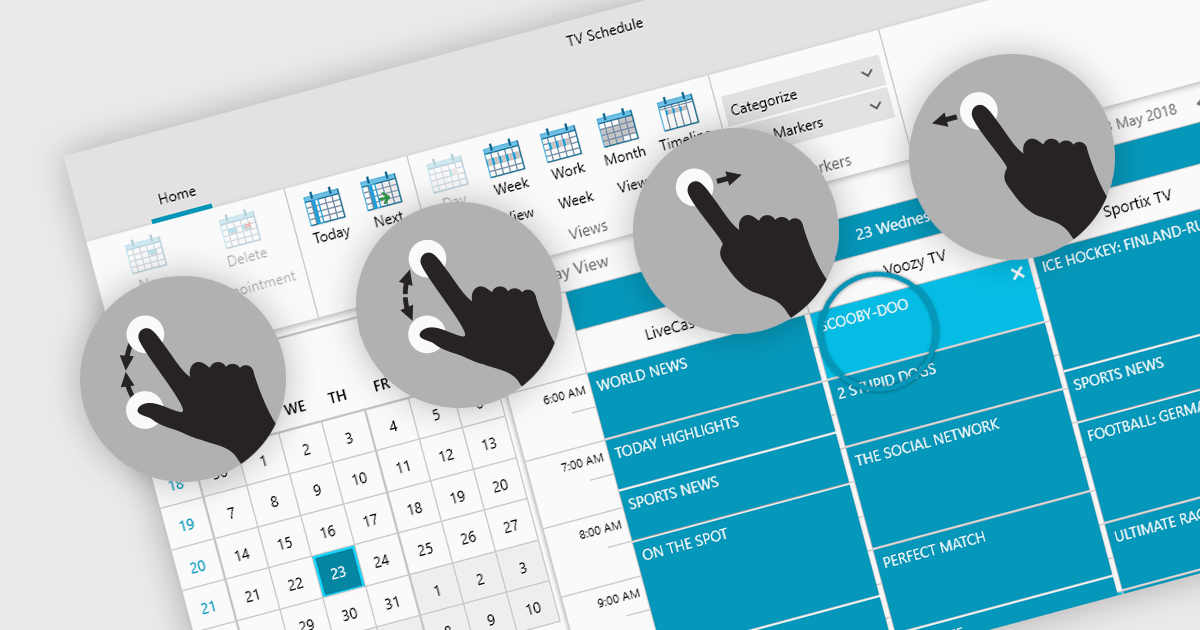
Data editors with touch support revolutionize user interaction by enabling intuitive gestures, taps, and swipes. This fosters a seamless experience, particularly on touchscreens found in smartphones, tablets, and even touch-enabled laptops. Developers can leverage this functionality to create applications with effortless navigation, data manipulation, and command execution through touch. This broader accessibility empowers a wider range of users, enhancing usability and fostering a more engaging and efficient interaction that capitalizes on the hardware capabilities of modern devices.
Many .NET 8 WPF collections contain Data Editors with Touch Support including:
For an in-depth analysis of features and price, visit our comparison of .NET 8 WPF Data Editors.
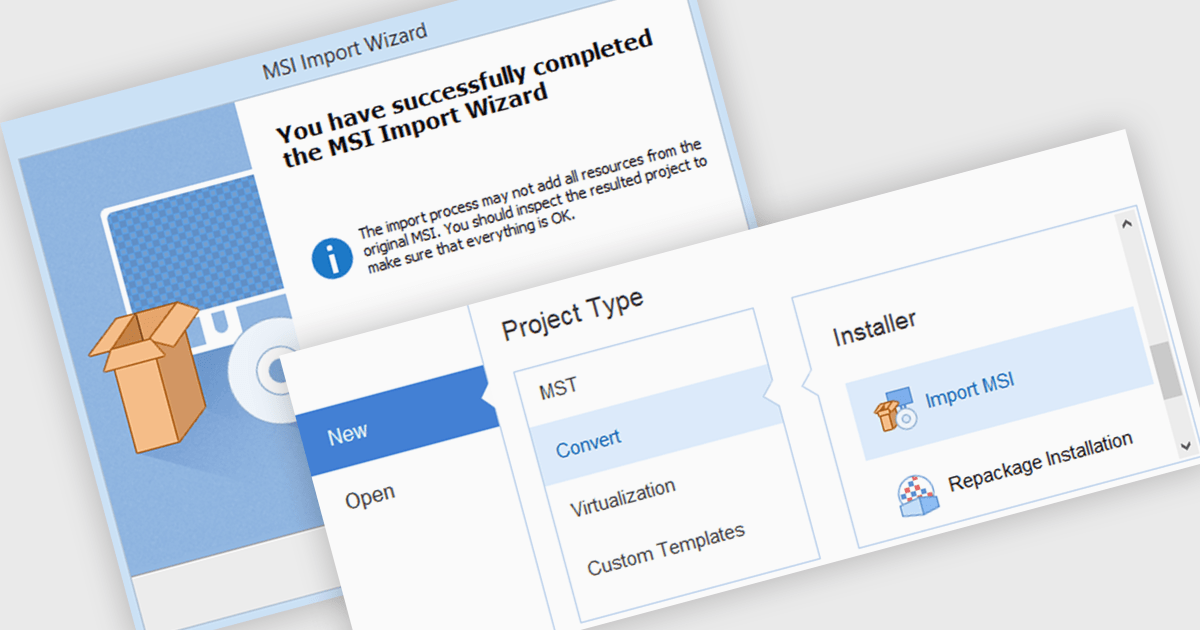
MSI import functionality allows software developers to leverage existing MSI packages within a new installer project. This functionality streamlines the development process by incorporating pre-built components and configurations, saving time and effort compared to manually recreating them within the new installer. This can be particularly beneficial when deploying applications that rely on external libraries or dependencies already distributed as MSIs.
Several installation tools offer MSI import including:
For an in-depth analysis of features and price, visit our comparison of Installation Tools.





Tel: (888) 850 9911
Fax: +1 770 250 6199


