Notizie su Grids

Esporta i dati della griglia in CSV per l'analisi e l'elaborazione

Maggio 1, 2024
Trasforma in modo efficiente i tuoi dati tabulari in informazioni utili con un controllo griglia che offre funzionalità di esportazione CSV senza interruzioni.

CSV export in grid components refers to the functionality that allows users to download data as a Comma-Separated Values (CSV) file. Exporting data to CSV format offers significant benefits, including compatibility with a wide range of applications, such as Microsoft Excel, Google Sheets, and other data analysis tools, facilitating easy sharing and processing. Use cases for CSV export are diverse, ranging from business analysts exporting reports for further analysis, to IT professionals extracting system data for audit and compliance purposes. Developers can leverage CSV export to provide users with a straightforward method to back up or transfer data between different systems or platforms, enhancing the utility and flexibility of applications that handle large datasets.

Several WPF grid controls offer export to CSV including:

  • DevExpress WPF Data Grid (part of DevExpress WPF) facilitates exporting data to CSV format directly from the grid component.
  • FlexGrid for WPF (part of ComponentOne Studio WPF by MESCIUS) empowers developers to easily export grid content to CSV files with customizable formatting options.
  • Telerik UI for WPF GridView (part of Telerik UI for WPF) enables seamless CSV export of grid data, integrating with various data binding scenarios.
  • Xceed DataGrid for WPF offers effortless CSV export functionality for WPF datagrids, ensuring data integrity during export.

For an in-depth analysis of features and price, visit our WPF Grid controls comparison.

Compare WPF Grid Controls

Naviga senza problemi tra le celle all'interno di selezioni

Aprile 26, 2024
Handsontable 14.3 consente agli utenti esperti della griglia di spostarsi rapidamente tra celle specifiche all'interno di una selezione utilizzando tasti rapidi di scelta.

Handsontable is a JavaScript library designed to help developers build interactive data grids into their web applications. Offering a familiar spreadsheet-like interface, it allows users to edit, sort, and filter data with ease. Highly customizable and compatible with popular frameworks like React and Angular, Handsontable empowers developers to build robust data manipulation features into their web applications.

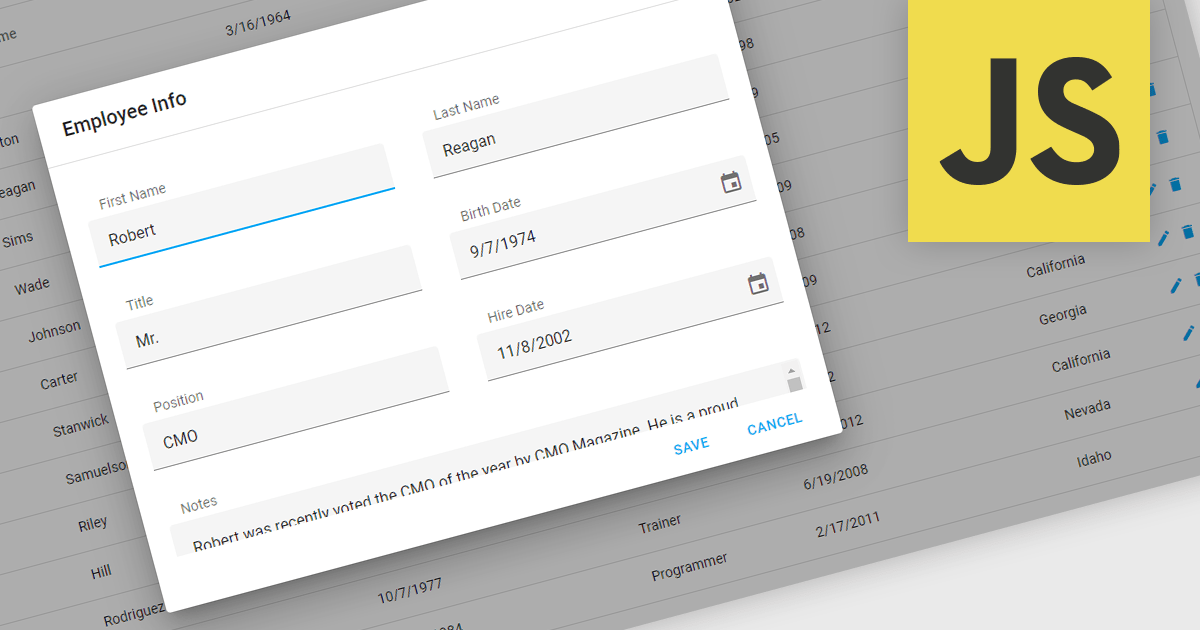
Handsontable 14.3 adds a new feature to streamline navigation within pre-selected cells. Power users and those accustomed to Tab navigation can now leverage arrow keys or the mouse for selection, then efficiently move between the chosen cells using Tab/Shift+Tab for horizontal movement and Enter/Shift+Enter for vertical movement. Editing remains intuitive, as typing any character initiates editing even within dropdown or date cells.

To see a full list of what's new in version 14.3.0, see our release notes.

Handsontable is licensed per developer and is available as an Annual or Perpetual license with 1 year support and maintenance. See our Handsontable licensing page for full details.

For more information, visit our Handsontable product page.

Riduci il disordine visivo nelle tue griglie

Aprile 24, 2024
Nascondere le colonne consente agli utenti di personalizzare la visualizzazione della griglia rimuovendo temporaneamente i dati irrilevanti, per un'analisi più efficiente.

Hiding columns in a grid allows for a more focused data display by selectively removing irrelevant or less important information from the user's view. This functionality improves data clarity, particularly for grids with a large number of columns. By hiding specific columns, users can concentrate on the most important data points, reducing clutter and improving overall user experience.

Several jQuery Grid controls offer the ability to hide columns including:

  • DevExtreme HTML5 JavaScript Data Grid (part of DevExtreme Complete by DevExpress) empowers users to selectively hide columns for a focused data view.
  • Kendo UI for jQuery Grid (part of Kendo UI by Telerik) enables column hiding to prioritize relevant information and minimize clutter.
  • Syncfusion Grid control for JavaScript (part of Syncfusion Essential Studio Enterprise) facilitates hiding columns to enhance clarity and user experience with large datasets.
  • Ignite UI jQuery Grid (part of Infragistics Ignite UI) allows you to customize the grid by hiding columns for a streamlined data presentation.

For an in-depth analysis of features and price, visit our jQuery Grid controls comparison.

Compare jQuery Grid Controls

Consenti agli utenti della griglia di inserire caratteri non latini

Aprile 17, 2024
I controlli griglia con supporto IME (Input Method Editor) consentono agli utenti di generare caratteri che non sono disponibili in modo nativo sui loro dispositivi di input.

An Input Method Editor (IME) facilitates the entry of complex characters and scripts not directly supported by standard keyboards, which is especially vital for languages with extensive character sets like Chinese, Japanese, and Korean. When integrated into a grid component, an IME enables users to input text directly into data cells using phonetic or syllabic methods that are converted into the desired characters. This integration streamlines the data entry process in applications requiring multi-language support, significantly enhancing usability and efficiency. It simplifies the development of applications targeting global markets by providing native language input support, thereby improving the user experience and reducing the need for external language input tools.

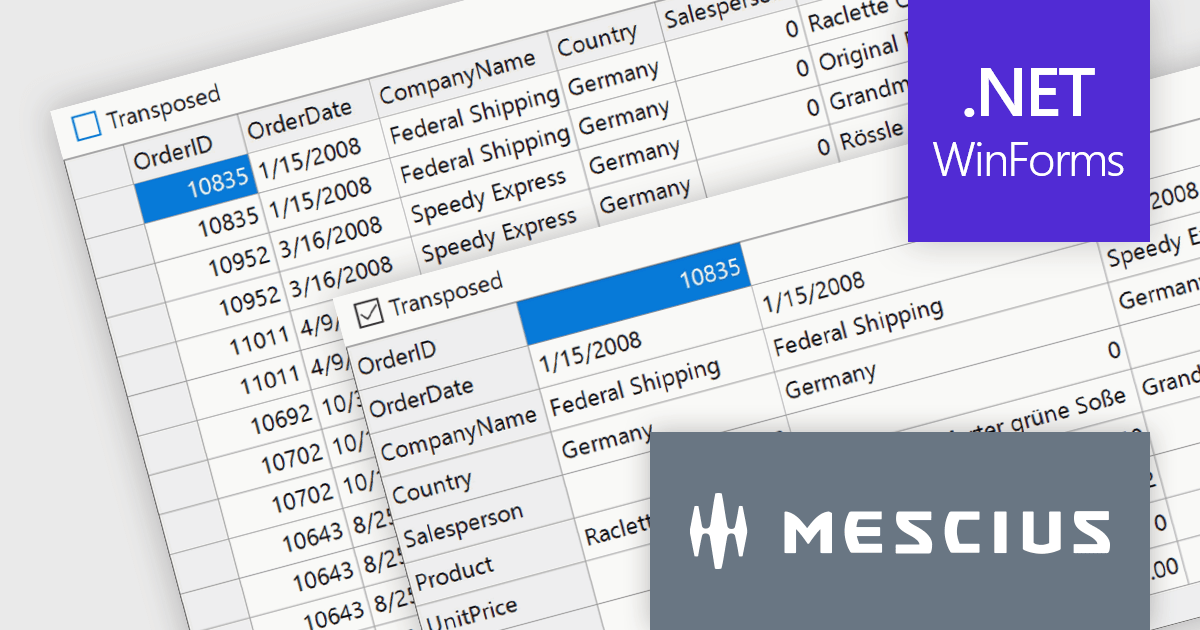
Several WinForms grid components offer Input Method Editor (IME) support, including:

  • DevExpress WinForms Data Grid (part of DevExpress WinForms) includes an IME which is enabled when an end-user switches the desktop key input to a supported language.
  • FlexGrid for WinForms (part of ComponentOne Studio WinForms by MESCIUS) offers built-in IME support, facilitating efficient entry of complex characters in diverse languages.
  • Telerik UI for WinForms GridView (part of Telerik UI for WinForms) integrates IME capabilities, enabling straightforward input of extensive multilingual character sets.
  • Infragistics WinDataGrid (part of Infragistics Ultimate UI for Windows Forms) also boasts input method editor support for effortless text input in globalized WinForms applications.

For an in-depth analysis of features and price, visit our comparison of WinForms grid components.

Compare WinForms Grid Components

Concentrati su sottoinsiemi di dati specifici per un'analisi più semplice

Aprile 11, 2024
La funzione di filtro consente agli utenti di una griglia di dati di ingrandire rapidamente i dati rilevanti per individuare le tendenze e scoprire approfondimenti.

Using a grid control with support for filters enables users to dynamically narrow the displayed data based on specific criteria. This functionality helps users focus on relevant subsets of information by filtering individual columns using operators, keywords, or pre-defined options. Filtering improves data exploration efficiency and reduces cognitive load by presenting only the data that aligns with the user's current analysis.

Several React grid controls offer filtering functionality including:

  • DevExtreme HTML5 JavaScript Data Grid (part of DevExtreme Complete by DevExpress) empowers users with versatile client-side filtering and remote filtering.
  • Handsontable by Handsoncode offers built-in filtering for columns, enabling you to search and filter data directly within the spreadsheet-like interface.
  • KendoReact Data Grid (part of KendoReact by Telerik) offers advanced features including case-insensitive filtering, custom filter operators, and Excel-like filter menus.
  • Wijmo FlexGrid (part of Wijmo by MESCIUS) allows you to filter data by columns using various operators and supports filtering based on hierarchical data structures.

For an in-depth analysis of features and price, visit our React Grid controls comparison.

Compare React Grid Controls