








Fornitore ufficiale
In qualità di distributori ufficiali e autorizzati, forniamo licenze software legittime direttamente da più di 200 autori di software.
Vedi tutte le nostre marche
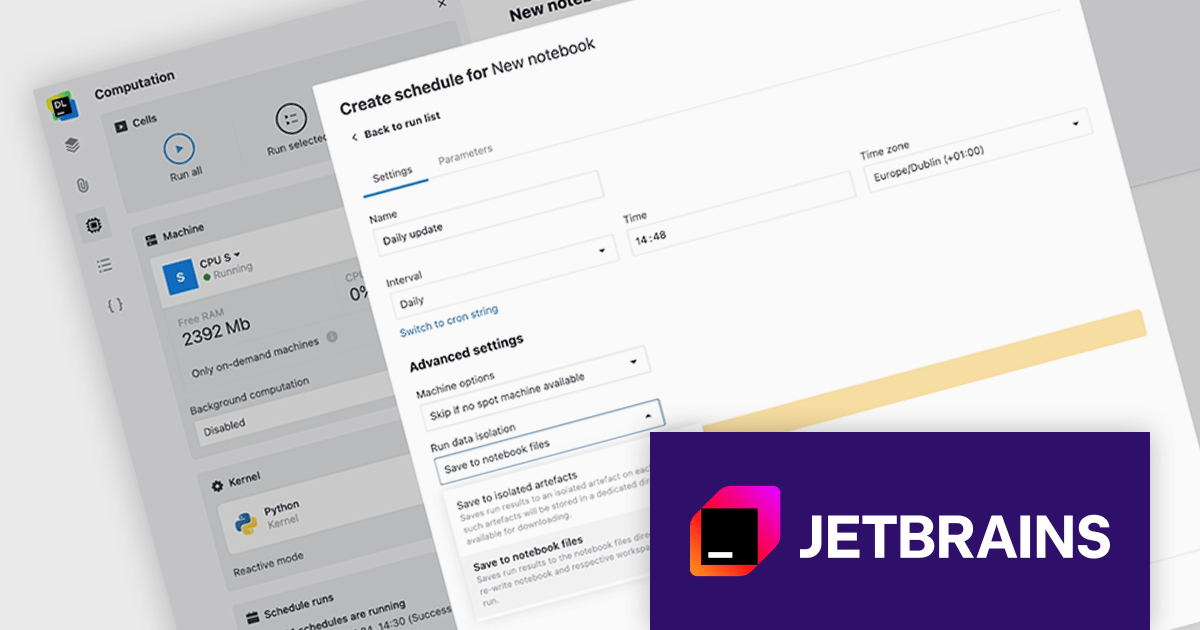
JetBrains Datalore is a collaborative data science platform that streamlines data exploration, analysis, and visualization through Jupyter-compatible notebooks. It empowers teams with features like automatic visualizations, pre-configured environments, interactive controls, and seamless collaboration functionalities. Datalore offers both cloud-based and self-hosted deployment options, catering to both individual and team-based data science workflows.
The Datalore 2024.3 update helps streamline your scheduled notebook runs with enhanced file handling. Now you can choose to save output files directly to a centralized location, mimicking the behavior of regular notebook sessions. This eliminates the need for manual file transfers and keeps all your scheduled run outputs organized in one place. It also offers the flexibility to overwrite existing files, ensuring you always have the latest data. The existing option for isolated artifacts remains available, giving you complete control over your scheduled workflow's file management.
To see a full list of what's new in version 2024.3, see our release notes.
Datalore is licensed per user, and is available as a commercial annual subscription license. See our Datalore licensing page for full details.
For more information, visit our Datalore product page.
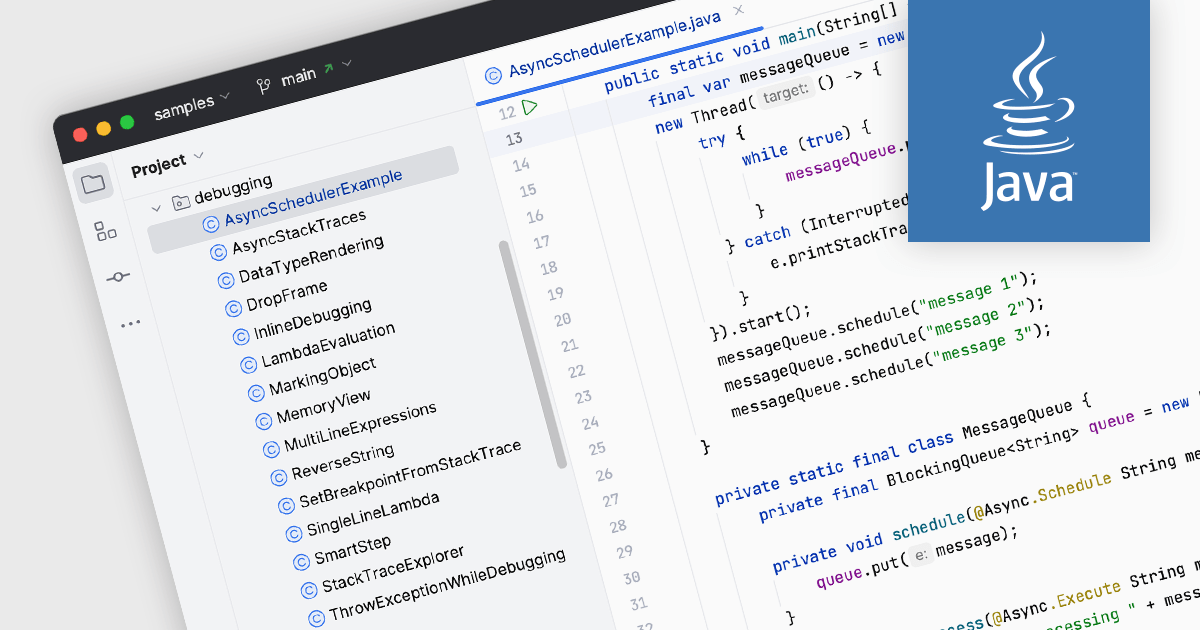
Java is a high-level, class-based, object-oriented programming language that is designed to have as few implementation dependencies as possible and can run on all platforms that support it, without needing to recompile. Support for Java in an integrated development environment (IDE) means that it has an array of built-in tools and features to facilitate the development of Java applications. This support often includes syntax highlighting for easy code readability, code completion to suggest code snippets as you type, and code debugging to test for errors and identify causes. Such functionality enhances productivity, improves code quality, and simplifies the development process for Java developers.
Several IDEs include support for Java, including:
For an in-depth analysis of features and price, visit our comparison of IDEs.

Grial UI Kit by UXDivers is a collection of pre-designed user interface components and templates specifically built for Xamarin.Forms and .NET MAUI app development. It offers a wide range of customizable XAML code snippets, custom controls, and helpers, allowing developers to rapidly build modern and visually appealing mobile applications for Android and iOS platforms while focusing on the core functionalities of the app.
The Grial UI Kit 4.2.115 release introduces the Swipeable Layout control, allowing you to create dynamic and engaging user experiences within your app. This versatile feature enables the creation of both swipeable card interfaces, perfect for showcasing product galleries or image carousels, and simple binary choice interfaces for actions like yes/no confirmations, all utilizing intuitive swipe gestures. This addition empowers developers to design a wider range of interactive elements, enhancing user immersion and simplifying common interactions within their applications.
To see a full list of what's new in 4.2.115.0, see our release notes.
Grial UI Kit is licensed per application and is available as an perpetual license. See our Grial UI Kit licensing page for full details.
For more information, see our Grial UI Kit product page.
PyCharm by JetBrains is a comprehensive Integrated Development Environment (IDE) specifically designed for Python programming. It offers a range of features to enhance productivity, including code analysis for error detection, a visual debugger for troubleshooting, integrated unit testing for code verification, and support for version control systems to manage code changes. PyCharm also caters to web development using frameworks like Django, making it a powerful tool for both experienced developers and beginners in the Python world.
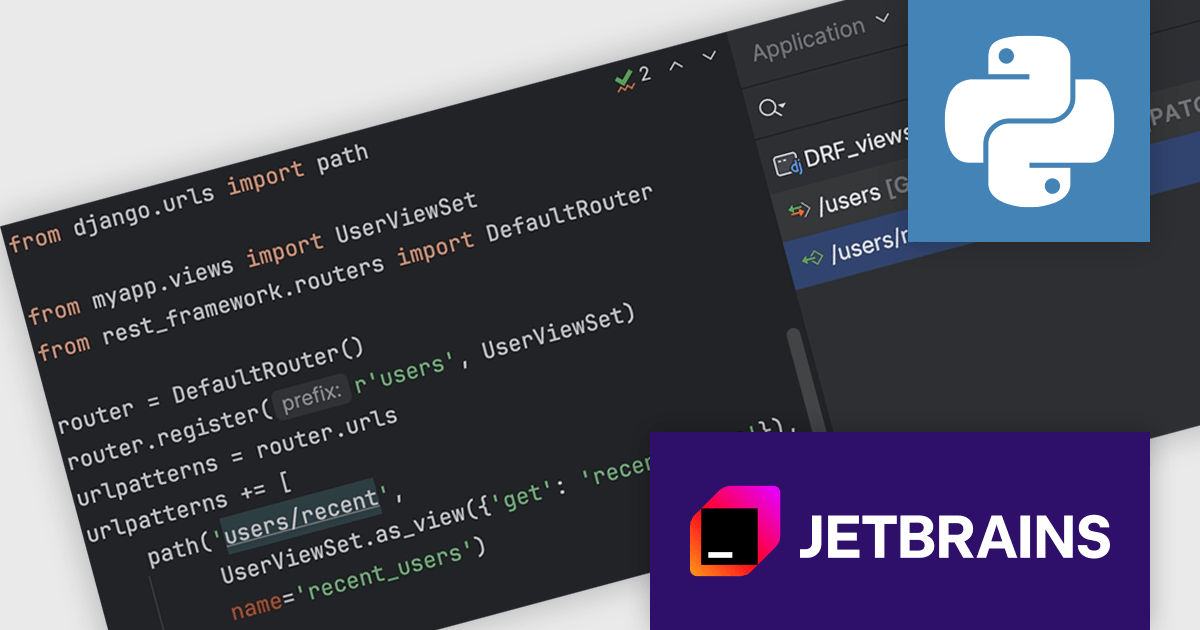
PyCharm 2024.1.2 offers enhanced support for Django REST Framework (DRF) viewsets and routers. Users can define not only function-based and class-based views in URL paths, but also leverage viewsets and view their corresponding actions within the tool window. This improved functionality extends to HTTP methods, allowing users to map them to viewset methods and see them displayed alongside the relevant routes, including custom methods not decorated with @actions. Additionally, routes without these decorators are now presented with their associated viewset methods for clarity.
To see a full list of what's new in version 2024.1.2, see our release notes.
PyCharm is licensed per user, and is available as a commercial annual subscription license. We can supply new subscriptions, subscription renewals (including continuity discounts), lapsed renewals, and additional user licenses. See our PyCharm licensing page for full details.
PyCharm is available to buy in the following products:
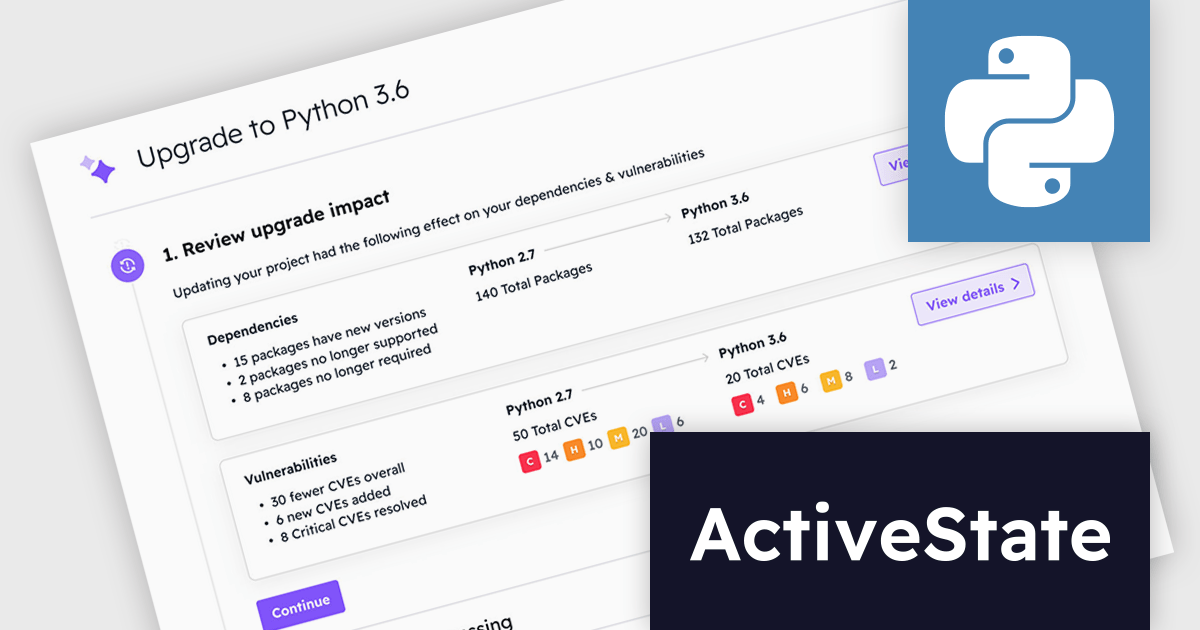
ActiveState Platform is a cloud-based solution that streamlines the secure development, management, and deployment of applications built on Python, Perl, and Tcl. It offers a curated catalog of open-source packages vetted for security and licensing, along with secure build services that create isolated and verifiable runtime environments. This empowers developers to ensure application integrity throughout the development process, from Dev environments to CI/CD pipelines. By simplifying dependency management and guaranteeing consistent environments, ActiveState Platform helps developers improve efficiency, reduce development time, and deliver reliable applications.
ActiveState Platform Enterprise now includes a groundbreaking solution for enterprises struggling to keep pace with the ever-evolving landscape of open-source software. Get Current, Stay Current (GCSC) is a continuous code refactoring service specifically designed to automate updates to Python libraries. This innovative service tackles the challenge of breaking changes, which often occur when libraries are updated and can render existing code inoperable. By automating the refactoring process, GCSC empowers organizations to seamlessly update their software dependencies without sacrificing developer productivity or introducing security vulnerabilities from outdated code.
ActiveState Platform is licensed per developer as an Annual license. See our ActiveState Platform licensing page for full details.
Learn more on our ActiveState Platform product page.





Tel: (888) 850 9911
Fax: +1 770 250 6199


