








Fornitore ufficiale
In qualità di distributori ufficiali e autorizzati, forniamo licenze software legittime direttamente da più di 200 autori di software.
Vedi tutte le nostre marche
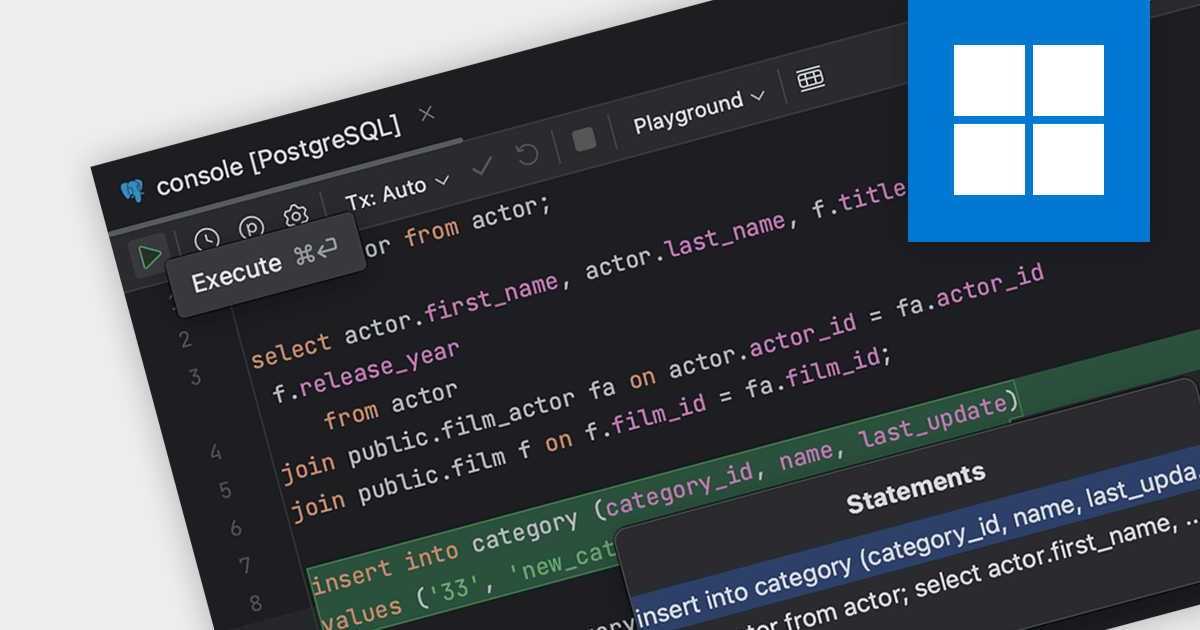
SQL capabilities allow IDE users to manage databases, execute queries and edit stored database procedures. IDEs with SQL support provide a seamless environment for database design, management, and maintenance, crucial for backend development and data analysis tasks.
Several IDEs support SQL features including:
For an in-depth analysis of features and price, visit our IDEs comparison.
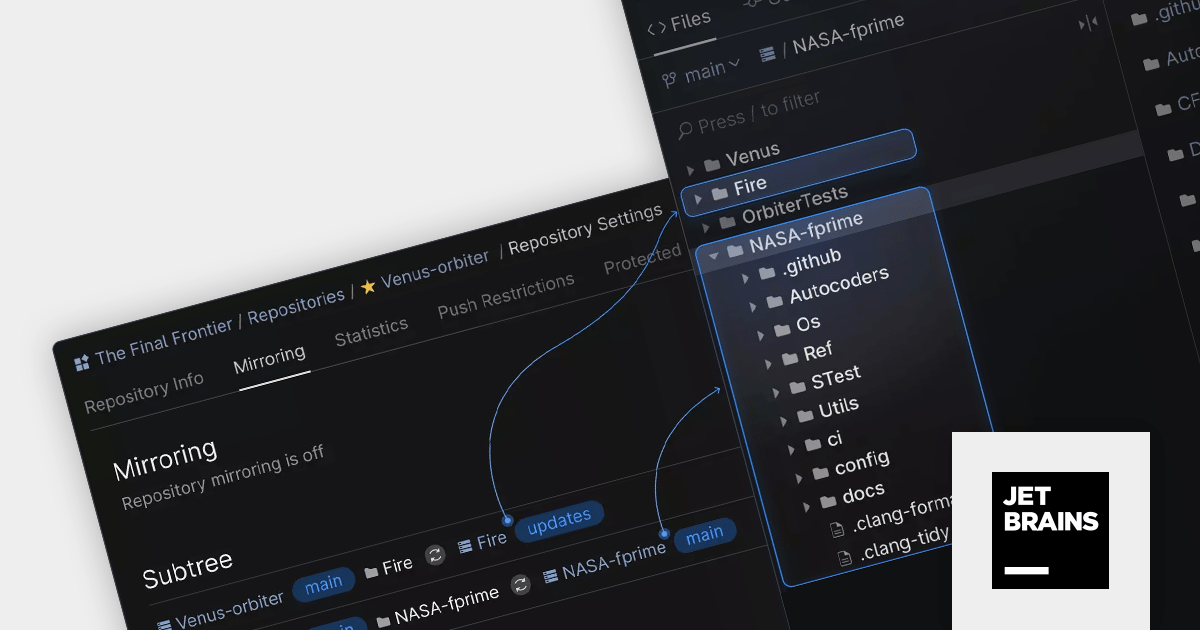
Space Cloud by JetBrains is a cloud-based platform for developing and managing software projects. It offers a suite of tools and features for collaborative development, including Git hosting, code reviews, issue tracking, CI/CD, and more. Space Cloud is hosted and maintained by JetBrains, so you don't have to worry about the infrastructure or maintenance of your development platform.
The new version adds support for Git Subtrees which help you embed and automatically maintain the contents of multiple Git repositories within a single Space repository. It features instant bidirectional server-side synchronization and complete automation, so that you can focus on actually coding instead of having to keep everything in sync manually.
To see a full list of what's new in the latest version, see our release notes.
For more information, visit our Space Cloud product page.
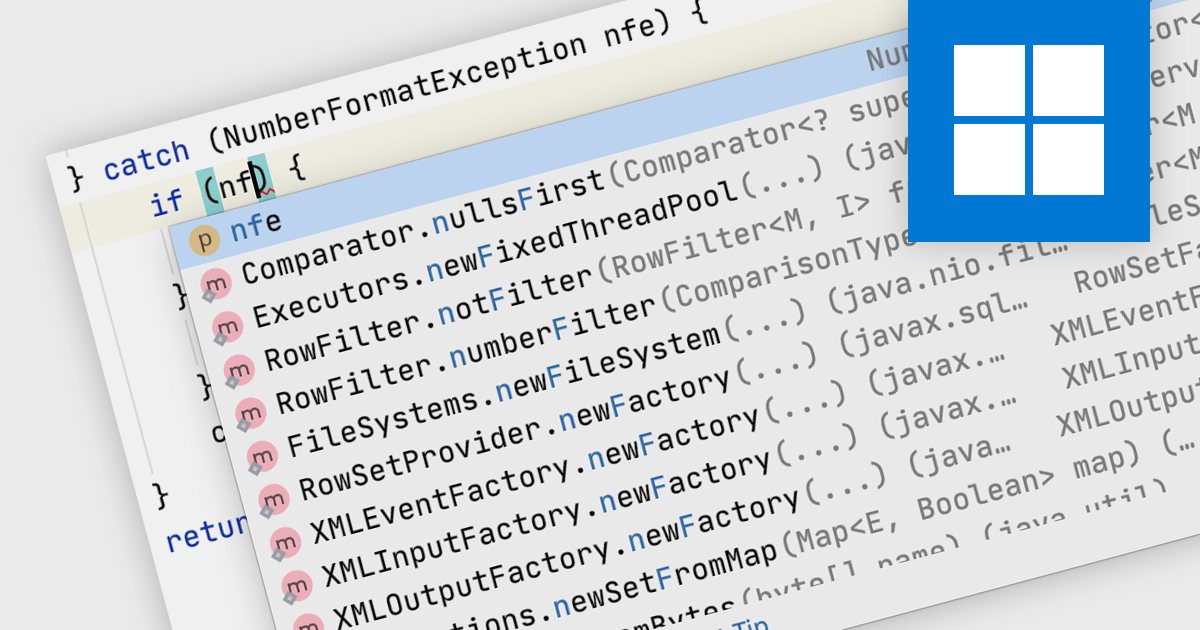
Code Completion is a feature in IDEs that predicts the code you're trying to write and offers suggestions to complete it. This accelerates the coding process, reduces typos, and enhances developer productivity by minimizing the amount of code that needs to be typed manually.
Several IDEs support code completion including:
For an in-depth analysis of features and price, visit our IDEs comparison.
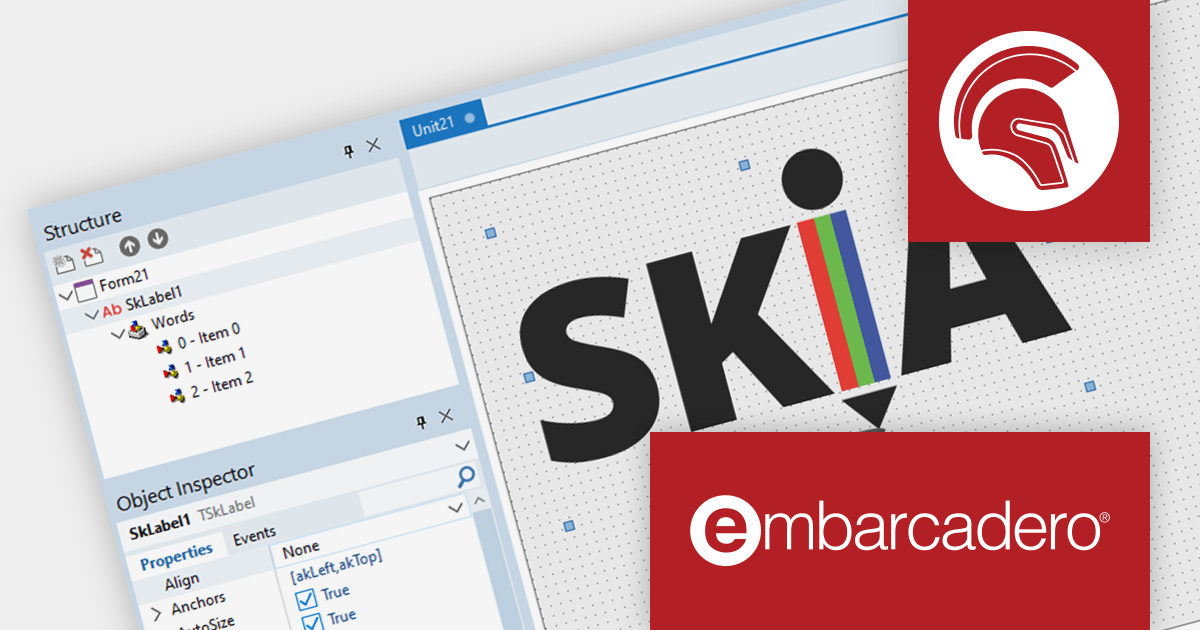
Delphi is an advanced Integrated Development Environment (IDE) for rapidly developing single-source, multi-platform, high-performance applications for Windows, macOS, Linux, and mobile.
The Delphi 12 Athens release adds integration with Skia - a popular 2D graphics library that provides a common set of APIs which work across a variety of hardware and software platforms. Skia is used as the graphics engine for many popular products including Google Chrome, ChromeOS, Android, Flutter, and Mozilla Firefox. Delphi developers now can leverage this functionality to improve the graphics quality and performance within their own apps.
To see a full list of what's new in version 12 Athens, see our release notes.
Delphi is available to buy in the following products:
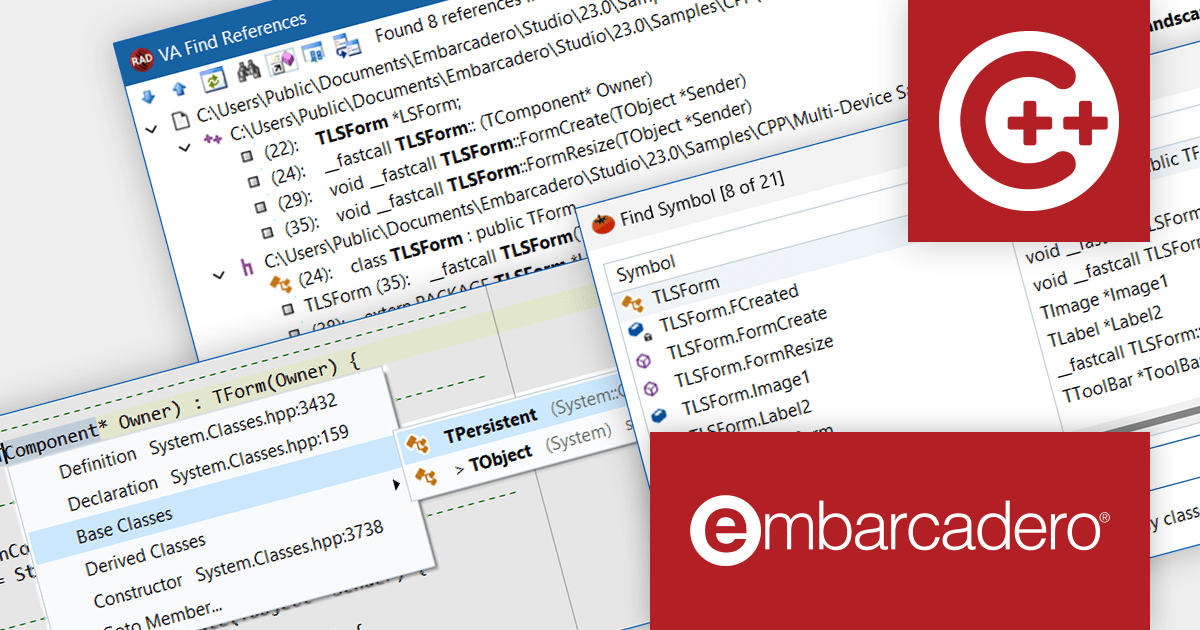
C++Builder by Embarcadero is an advanced integrated development environment (IDE) for modern C++. It provides a robust set of features for developing high-performance, native applications for Windows, iOS, macOS, and Android.
Version 12 (Athens) adds Visual Assist, a powerful new productivity tool that includes code completion, code navigation, refactoring, and tooltip insight. With Visual Assist integration, C++Builder empowers developers to write code faster, more efficiently, and with fewer errors.
To see a full list of what's new in C++Builder 12 Athens, see our release notes.
C++Builder is available to buy in the following products:





Tel: (888) 850 9911
Fax: +1 770 250 6199


