








Fornitore ufficiale
In qualità di distributori ufficiali e autorizzati, forniamo licenze software legittime direttamente da più di 200 autori di software.
Vedi tutte le nostre marche
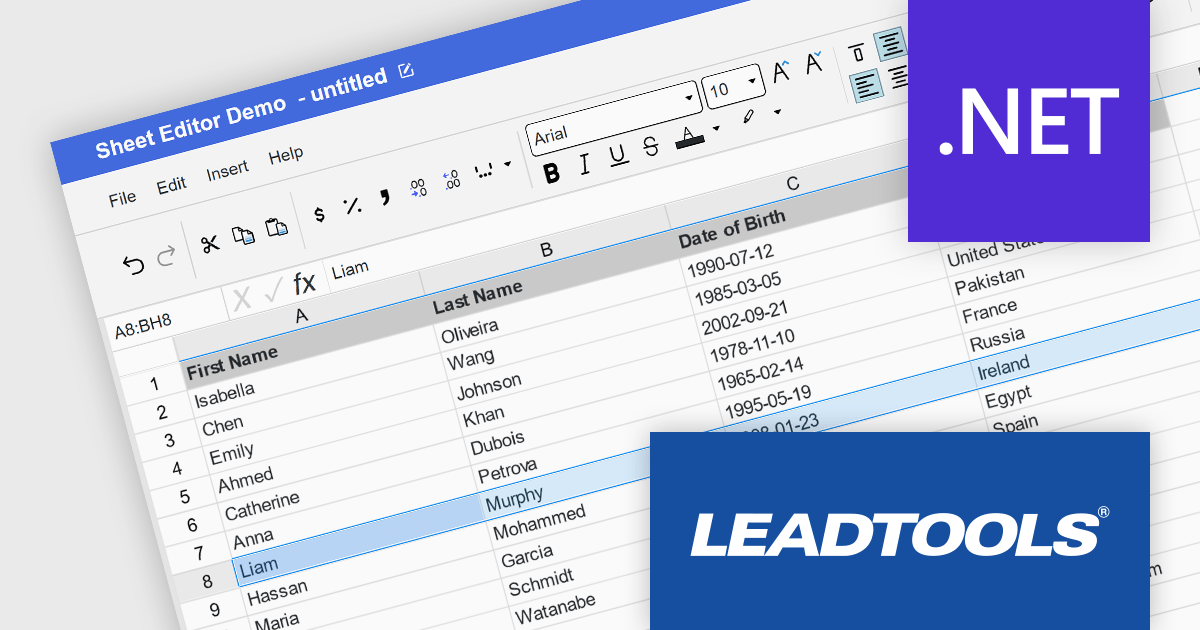
LEADTOOLS Document Suite is a comprehensive set of powerful document imaging SDKs designed to facilitate document processing and management tasks within software applications. It offers developers advanced capabilities for tasks such as OCR (Optical Character Recognition), barcode recognition, PDF manipulation, document conversion, annotation, and more. Leveraging this suite, developers can seamlessly integrate sophisticated document functionality into their software solutions, enabling efficient handling of various document formats and improving productivity in document-centric workflows.
The LEADTOOLS Document Suite SDK v23 update ushers in a new era of streamlined document management and enhanced productivity. The integration of the Excel API and Excel Web Editor empowers developers to seamlessly manipulate Microsoft Excel documents directly within their applications, regardless of platform. The Excel API offers programmatic control over Excel files, enabling efficient extraction, modification, and creation, while the Excel Web Editor fosters real-time collaborative editing within web applications. These powerful additions not only streamline document workflows but also equip developers with a comprehensive suite of Excel editing functionalities within the LEADTOOLS Document Suite ecosystem.
To see a full list of what's new in v23, see our release notes.
LEADTOOLS Document Suite SDK is licensed as Development Licenses, for developers to use the SDKs, and Deployment Licenses, for the right to distribute end user solutions. See our LEADTOOLS Document Suite SDK licensing page for full details.
Learn more on our LEADTOOLS Document Suite SDK product page.

Data validation is a crucial feature for maintaining the integrity of data within a spreadsheet. It restricts the type of data or the values that users can enter into a cell. For example, a cell can be configured to only accept dates or numbers within a certain range. This minimizes input errors and ensures that data adheres to specified parameters, which is particularly important in scenarios where spreadsheets are used for data entry by multiple users or when the data feeds into critical business processes.
Several .NET 8 spreadsheet products offer data validation, including:
For an in-depth analysis of features and price, visit our comparison of .NET 8 spreadsheet controls.
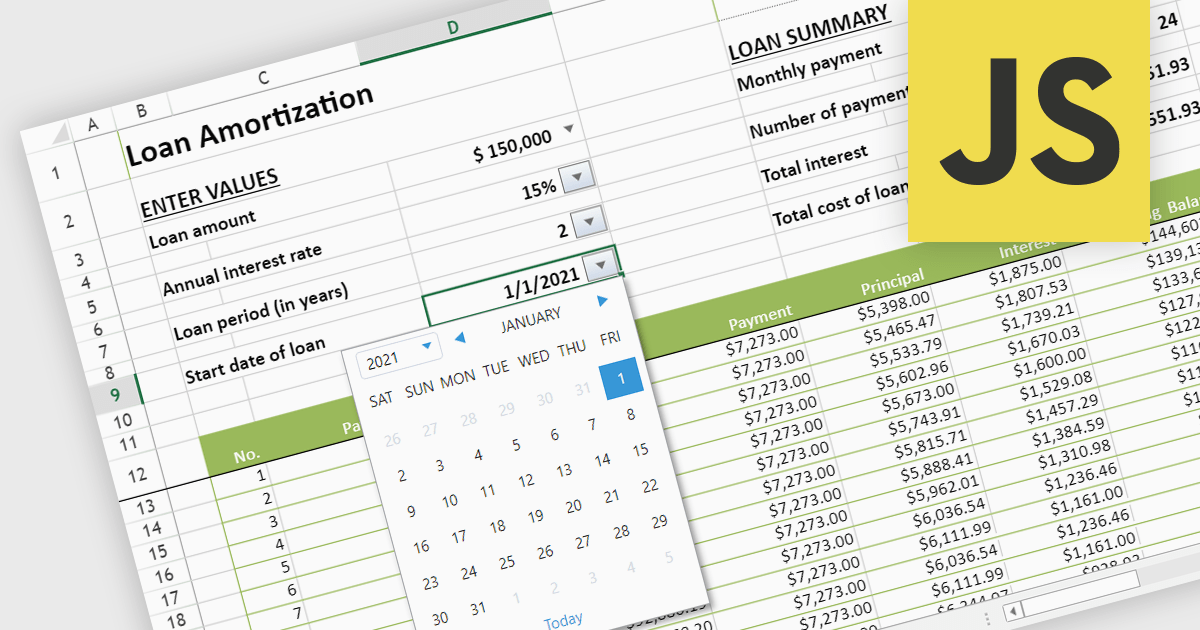
Using varied cell types in spreadsheets enhances organization, efficiency, and clarity. Text-based cells streamline labeling and categorization, while numeric cells enable calculations and analysis. Date and time cells simplify the tracking of schedules and deadlines. Formulas automate complex computations, and logical cells support conditional formatting and decision-making processes. This diversity in cell types optimizes data representation and manipulation, making your spreadsheets more powerful and versatile tools.
Several JavaScript spreadsheet controls offer support for different cell types, including:
For an in-depth analysis of features and price, visit our comparison of JavaScript Spreadsheet controls.
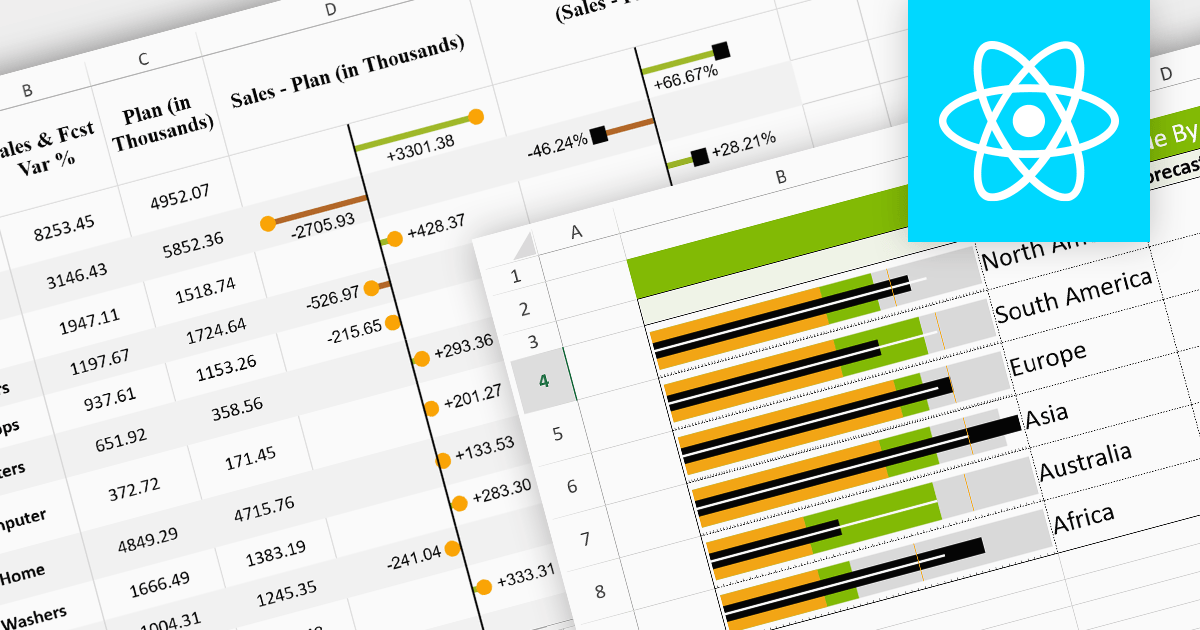
Sparklines are miniature charts embedded within the cells of a spreadsheet. Their compact size allows for dense visualizations, revealing trends and patterns in large datasets without sacrificing valuable screen space. Placed directly beside their corresponding data, they facilitate immediate comparisons and insights, enhancing understanding and communication. Their flexible nature allows for diverse chart types, from lines highlighting trends to columns showcasing comparisons, making them adaptable to various data presentations.
Here are some React spreadsheet controls that offer sparkline functionality:
For an in-depth analysis of features and price, visit our comparison of React spreadsheet controls.
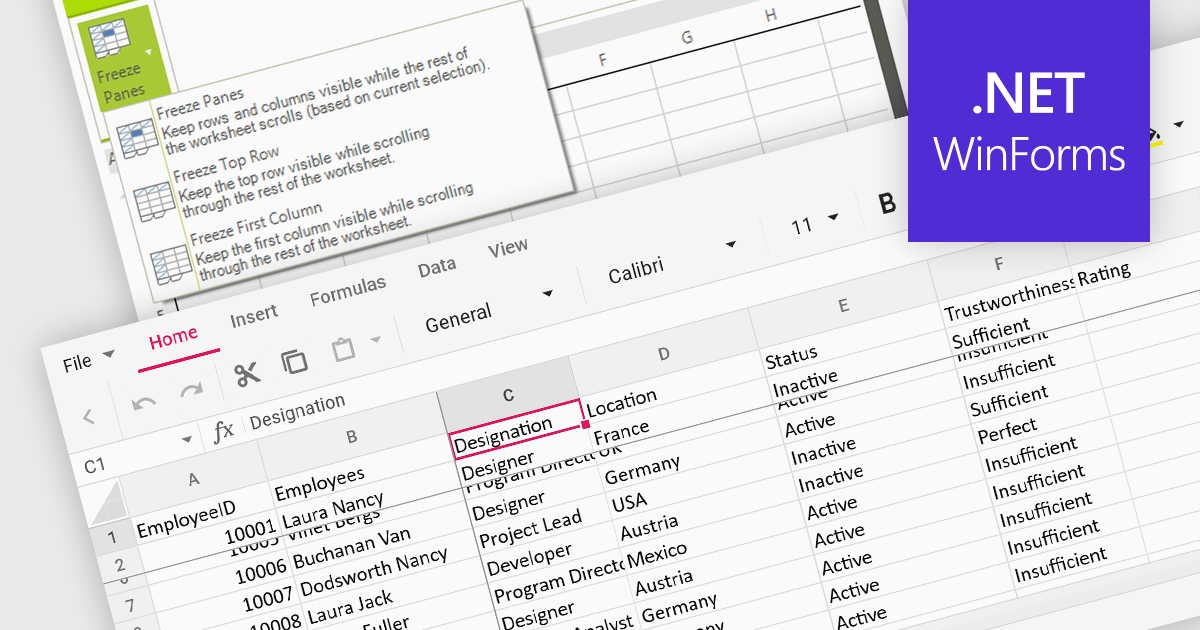
Freeze pane support allows you to fix specific rows or columns in place while scrolling through the rest of the data. This is particularly useful for large spreadsheets with header rows or key columns you need to reference constantly. By freezing panes, you ensure these crucial elements remain visible even as you navigate across vast datasets, improving readability and data analysis efficiency.
Several WinForms spreadsheet controls offer freeze pane support including:
For an in-depth analysis of features and price, visit our WinForms spreadsheet controls comparison.





Tel: (888) 850 9911
Fax: +1 770 250 6199


