Notizie su Spreadsheets

Modifica e perfeziona i dati dei fogli di calcolo con precisione

Agosto 12, 2025
Gli strumenti avanzati a livello di cella consentono agli utenti di inserire, formattare e regolare il contenuto del foglio di calcolo senza sforzo, combinando precisione e interazione intuitiva.

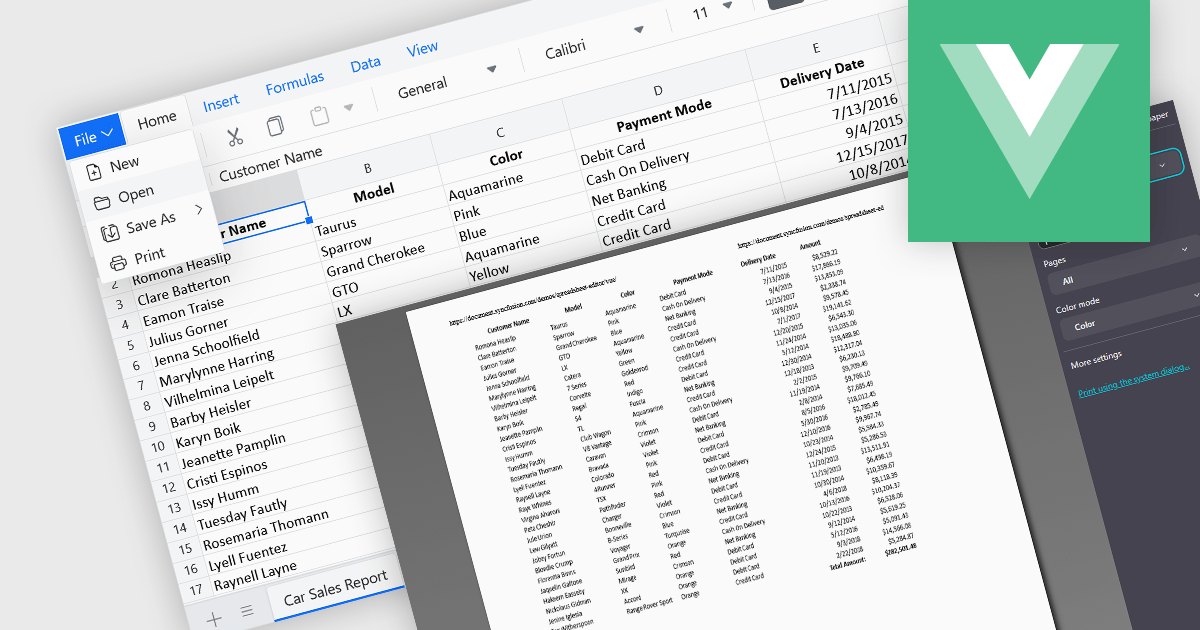
Cell-level editing and interaction features are essential components of any modern spreadsheet application, as they directly influence how users enter, modify, and manage data at the most granular level. These capabilities go beyond basic typing to provide enhanced flexibility, control, and context, enabling users to maintain accuracy while streamlining workflows. A well-designed set of cell-level tools supports both data integrity and user productivity, ensuring that spreadsheets can handle everything from quick updates to complex, structured datasets with efficiency and precision.

Common features include:

  • Cell Comments/Tooltips enable contextual notes or guidance to be attached to specific cells, aiding collaboration and documentation.
  • Cell Formatting provides options for adjusting fonts, colors, borders, and number formats, improving both readability and visual appeal.
  • Clipboard Operations such as cut, copy, and paste simplify moving or duplicating content while preserving formatting and formulas.
  • Find / Replace simplifies locating and updating values across large datasets.
  • In-cell Data Editing allows users to enter or update values directly within a cell for faster, more intuitive workflows.
  • Inserting Columns enables users to add new vertical sections to the spreadsheet, creating space for additional data fields or reorganizing existing content without overwriting adjacent information.
  • Inserting Images enables embedding of visual elements directly into the spreadsheet for richer presentations.
  • Inserting Rows allows the addition of new horizontal entries, supporting expansion of datasets, schedules, or tables while maintaining the integrity of surrounding data.
  • Merging Cells lets users combine multiple cells into one for clear headings or layout adjustments.

For an in-depth analysis of features and price, visit our Angular spreadsheet components comparison.

Explore Angular Spreadsheet Features

Perfeziona la progettazione dell'interfaccia utente con strumenti RibbonBar più intelligenti

Agosto 1, 2025
Spread.NET 18.2 migliora il layout della RibbonBar e la chiarezza delle icone per migliorare la precisione e l'adattabilità del design nelle applicazioni WinForms.

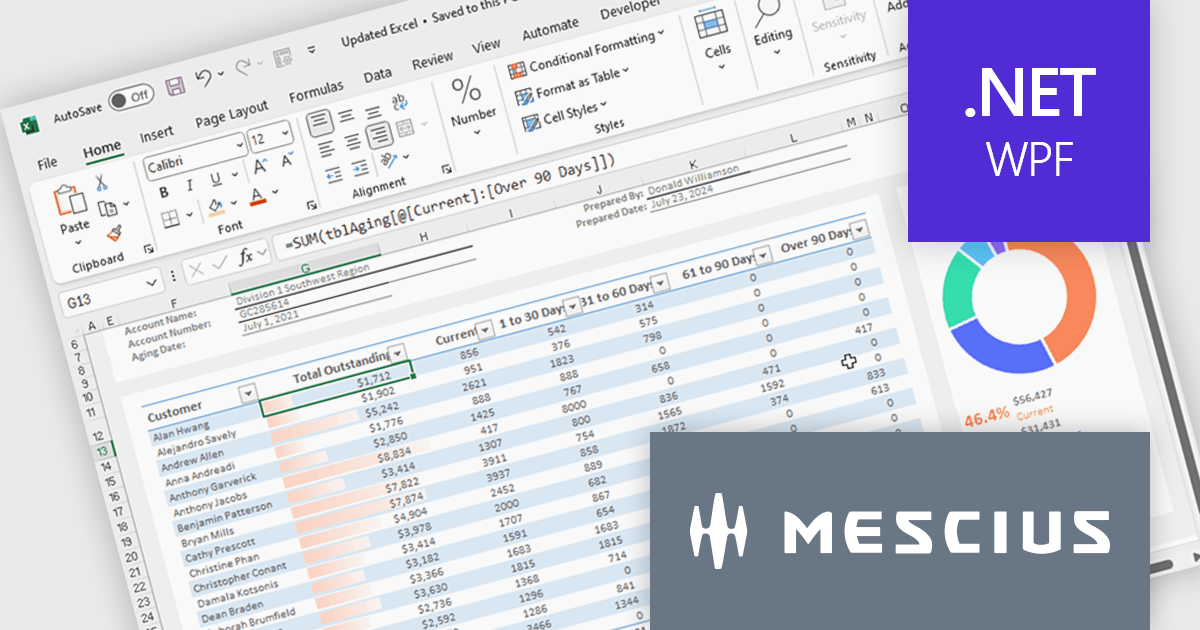
Spread.NET by MESCIUS is a powerful tool for building Excel-like applications in your .NET projects. It lets you create interactive spreadsheets, grids, dashboards, and even forms within WinForms, ASP.NET, and WPF applications. With its rich feature set, including a robust calculation engine, formula support, and Excel compatibility, Spread.NET empowers developers to build data analysis tools, budgeting apps, scientific dashboards, and more, all within the familiar .NET environment.

The Spread.NET 18.2 update refines the RibbonBar in WinForms to improve the efficiency and clarity of UI design during development. With expanded icon visibility, developers can more easily access and identify commands, reducing visual ambiguity and speeding up layout tasks. The addition of new layout options for the collapsed state offers greater control over how the RibbonBar adapts to different form sizes, enabling more responsive and space-efficient interface designs. These improvements help streamline the design-time experience, allowing developers to build cleaner, more functional applications with less manual configuration.

To see a full list of what's new in v18.2, see our release notes.

Spread.NET is licensed per developer and is available as a Perpetual License with a 12 month support and maintenance subscription. We can supply any Spread.NET license including new licenses, maintenance renewals, and upgrade licenses. See our Spread.NET licensing page for full details.

For more information, visit our Spread.NET product page.
Trasforma i dati dei fogli di calcolo con XML

Luglio 29, 2025
I controlli per i fogli di calcolo .NET WinForms possono esportare i dati in XML garantendo un formato coerente e portatile per uno scambio di dati affidabile.

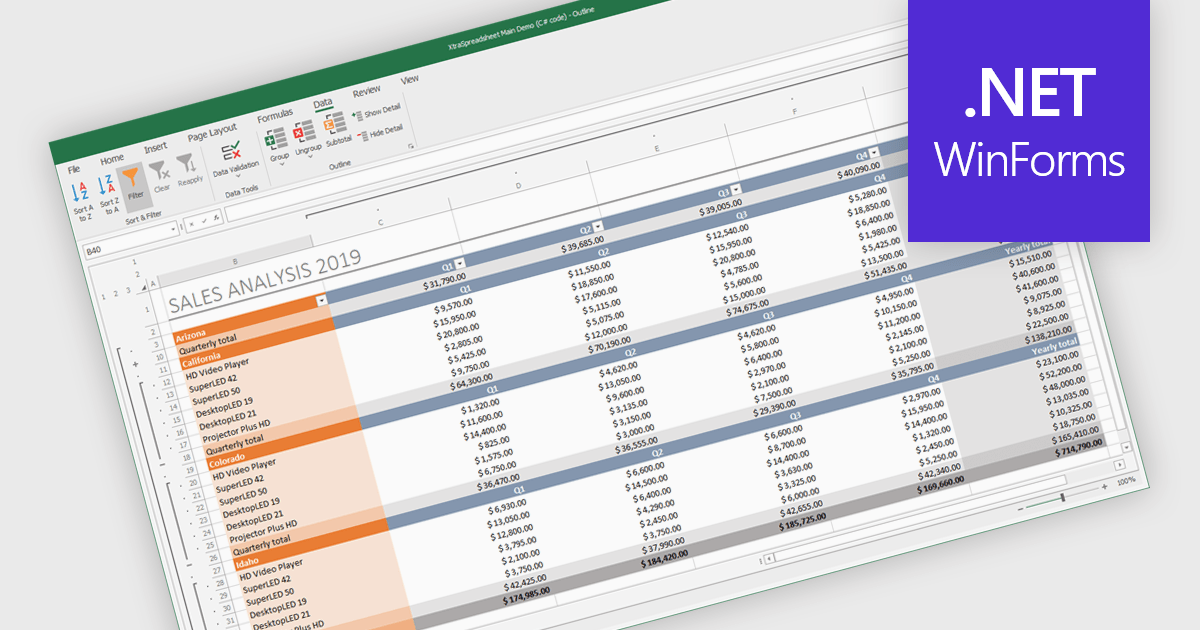
Export to XML in a .NET WinForms Spreadsheet control allows developers to convert and save spreadsheet data into an XML (Extensible Markup Language) format, preserving the structure, content, and metadata of the spreadsheet in a standardized and portable form. This capability is particularly useful for integrating spreadsheet data with other systems, enabling data exchange, storage, or transformation. By using XML, the exported data can be consumed by a wide range of applications and platforms, making it easier to support interoperability and maintain consistency across different environments.

Several .NET 9 WinForms Spreadsheet controls offer Export to XML including:

  • Spread.NET WinForms by MESCIUS facilitates XML export of worksheet data, enabling integration with XML-based systems and workflows in a structured format.
  • DevExpress WinForms Spreadsheet (part of DevExpress WinForms) allows you to export spreadsheet content to XML, preserving data structure, formatting, and cell-level metadata for reuse.
  • Aspose.Cells for .NET lets you save spreadsheets as XML with full fidelity, supporting formulas, styles, and complex layout configurations.

For an in-depth analysis of features and price, visit our comparison of .NET 9 WinForms Spreadsheet Controls.

Compare .NET 9 WinForms Spreadsheet Controls

Mantieni gli oggetti visivi allineati tra le pagine di Excel

Luglio 22, 2025
Document Solutions for Excel, .NET Edition supporta l'impaginazione di immagini e forme, mantenendo gli oggetti visivi ancorati alle celle per una migliore leggibilità.

Document Solutions for Excel, .NET Edition by MESCIUS is designed to enable developers to create and manipulate Microsoft Excel documents programmatically within .NET applications. It provides a robust API for interacting with Excel spreadsheets, allowing developers to automate tasks such as data extraction, formatting, and generation of reports. The framework offers comprehensive support for various Excel features, including formulas, charts, conditional formatting, and data validation. It also provides tools for handling large datasets and optimizing performance, making it suitable for both small-scale and enterprise-level applications.

Document Solutions for Excel, .NET Edition improves pagination by enabling images and shapes to stay anchored to their top-left cell, maintaining consistent positioning as content flows across pages. This enhancement ensures that visual elements such as charts, icons, and shapes are treated as part of the cell's content, allowing them to paginate along with the data they relate to. As a result, developers can generate dynamic, multi-page Excel documents with accurate and predictable layouts, without having to manually reposition or reformat visuals. This not only saves time during document generation but also improves the overall quality and reliability of exported reports, forms, and other structured content.

Document Solutions for Excel is licensed per developer and is available in several license options for differing distribution needs. Team licenses are also available for multiple developers within the same organization. See our Document Solutions for Excel, .NET Edition licensing page for full details.

Document Solutions for Excel, .NET Edition is available to buy in the following products:

Naviga facilmente con righe e colonne ancorate

Luglio 17, 2025
La funzione Blocca riquadri migliora la chiarezza dei fogli di calcolo mantenendo visibili le righe e le colonne chiave, facilitando la navigazione e l'analisi accurata dei dati.

Freeze Panes in spreadsheets is a feature that keeps selected rows or columns visible while you scroll through your data. This helps maintain context in large spreadsheets by keeping headers or labels in view, making it easier to read, analyze, and enter information accurately. Common use cases include freezing the top row in a budget sheet to keep month names visible, or locking the first column to see item names while reviewing data across many columns. It is especially valuable in financial reports, sales tracking, and project management tools where clarity and precision are essential.

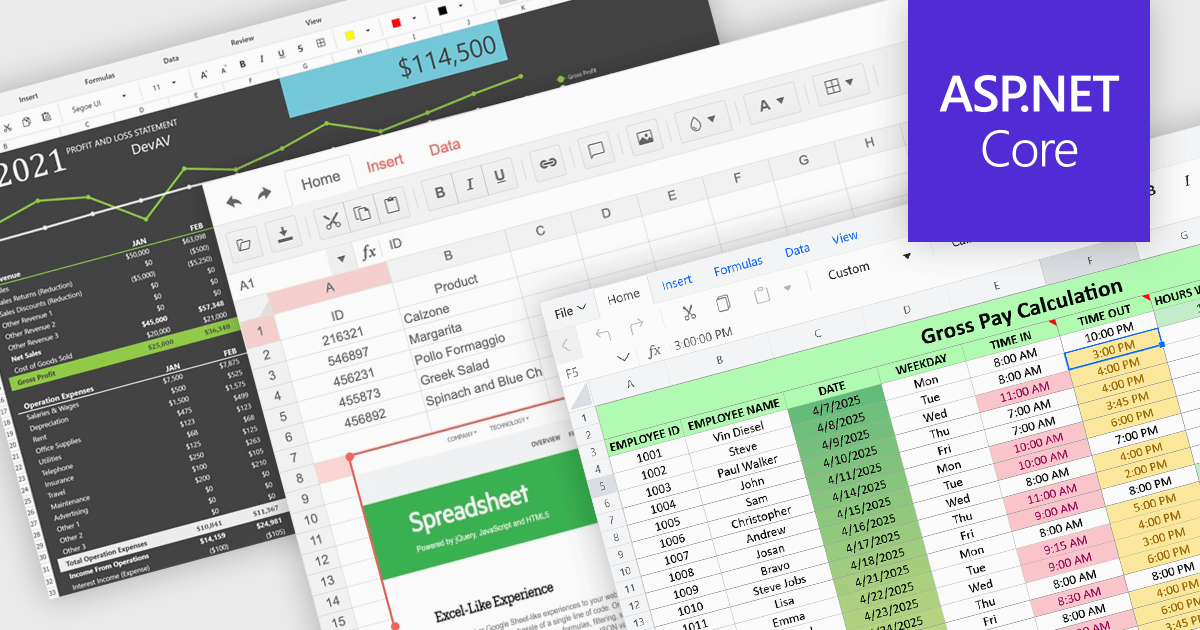
Several ASP.NET Core spreadsheet controls offer freeze pane support including:

  • Syncfusion ASP.NET Core Spreadsheet (part of Syncfusion Essential Studio Enterprise) allows you to lock headers in place with Freeze Panes, improving data readability.
  • Telerik ASP.NET Core Spreadsheet (part of Telerik UI for ASP.NET Core) facilitates Freeze Pane functionality, ensuring critical rows or columns remain visible.
  • Aspose.Cells for .NET lets you freeze rows and columns programmatically to keep headers visible while navigating large Excel files effortlessly.
  • DevExpress ASP.NET Core Spreadsheet (part of DevExpress ASP.NET and Blazor) enables developers to freeze rows or columns, maintaining context and improving usability.

For an in-depth analysis of features and price, visit our ASP.NET Core spreadsheet controls comparison.

Compare ASP.NET Core Spreadsheet Controls