








Fornitore ufficiale
In qualità di distributori ufficiali e autorizzati, forniamo licenze software legittime direttamente da più di 200 autori di software.
Vedi tutte le nostre marche
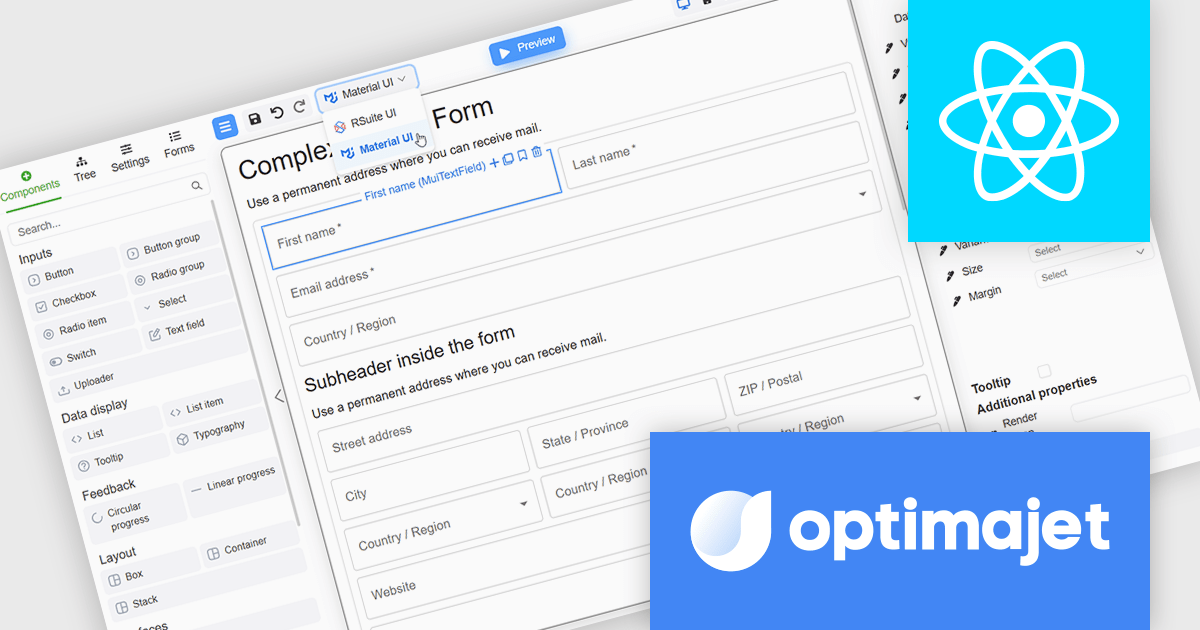
Optimajet FormEngine is a drag-and-drop React form builder that lets teams create, manage, and render complex web forms without writing frontend code. It allows developers and business users to visually design forms, store them as JSON, and render them at runtime. As a React JS library, it easily integrates into existing applications while giving developers full control over form logic, structure, and data flow, making it well suited for complex data collection.
The Optimajet FormEngine v7.10.0 update introduces integration with the Material UI components library, allowing developers to build and render React forms using a widely adopted and actively maintained UI framework. This integration improves form development by reducing reliance on custom components and manual styling, while promoting consistent layout, behavior, and accessibility across applications. By aligning FormEngine with Material UI design patterns, development teams can more easily integrate forms into existing React projects, improve maintainability, and deliver modern user experiences with less effort.
To see a full list of what's new in version v7.10.0, see our release notes.
Optimajet FormEngine is licensed based on usage type (internal commercial use, public web/SaaS, or OEM embedding), number of domains for the visual editor, and access to additional ready-made components. Licenses are perpetual and include 6 months or 1 year of updates and support. See our Optimajet FormEngine licensing page for full details.
For more information, visit our Optimajet FormEngine product page.

ComponentSource and SurveyJS have spent the past year working together to bring form building and survey automation tools to developers and organisations worldwide. SurveyJS is known for its flexible, client side JavaScript components that make it easy to create, customise, and manage forms and surveys across modern web applications, with support for frameworks such as Angular, React, and Vue. Built around a JSON based architecture, SurveyJS enables teams to integrate advanced form functionality into existing systems without backend restrictions or long term maintenance overhead.
At the heart of the SurveyJS product lineup is SurveyJS Creator, the flagship visual form builder available through ComponentSource. This highly configurable tool allows users to design complex forms and surveys through an intuitive interface, while retaining full control over appearance, behaviour, and data structure to meet precise project requirements.
Through this partnership, ComponentSource strengthens its portfolio of developer focused tools by offering a proven, highly customisable form solution that complements its wider range of UI and application development products. By working closely with SurveyJS, ComponentSource helps deliver these solutions to a global audience, providing licensing, support, and reach that enable the SurveyJS brand to scale internationally while giving customers access to trusted, best in class technology.
Learn more about SurveyJS.
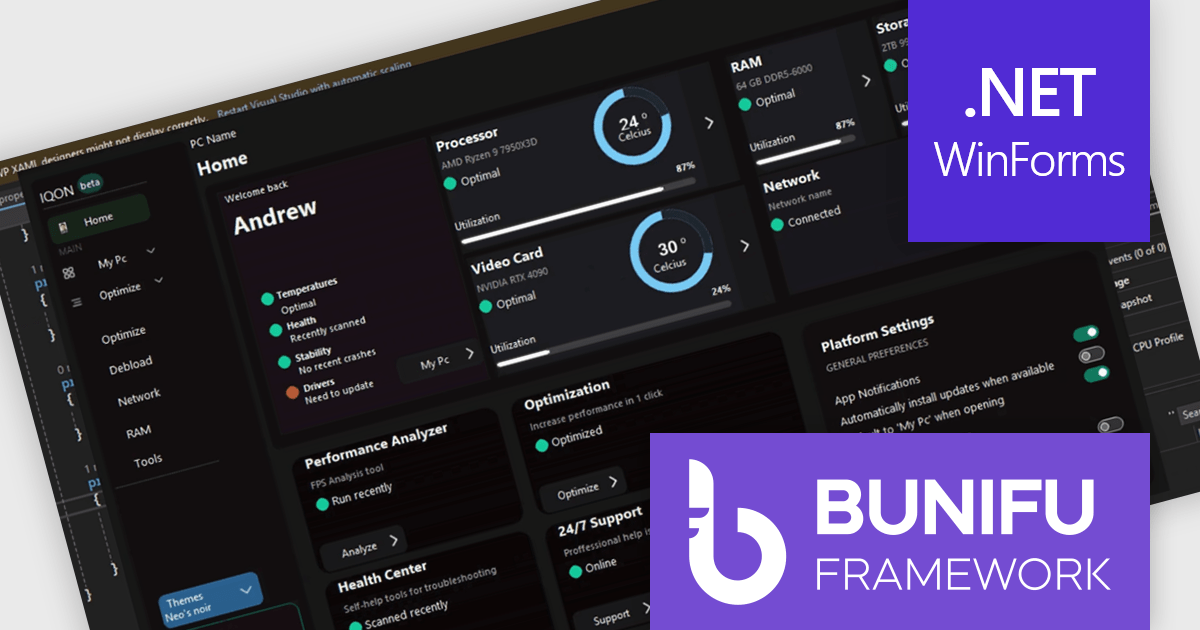
Bunifu UI WinForms is a user interface (UI) framework designed to improve the development of modern and visually appealing desktop applications using Microsoft's WinForms platform. It provides a wide array of pre-built, customizable UI components, such as charts, a data grid, gradient panel, and slider, that emphasize a minimalist aesthetic while maintaining performance efficiency. With it developers can significantly enhance the UI development process, allowing them to drag-and-drop elements and leverage extensive design properties to create professional-looking applications in less time.
Designing a system performance monitor UI using Bunifu UI WinForms allows software developers to create modern, visually clear, and responsive monitoring interfaces while continuing to work within the familiar WinForms framework. The framework provides ready-made, highly customizable controls and smooth interaction behaviors that simplify building professional dashboards for real-time system metrics, reduce reliance on custom UI rendering and styling code.
Bunifu UI WinForms is licensed per developer and are available in four plans, three of which are annual licenses while the other is perpetual. All plans come with free version updates and Premium support for the active license period. See our Bunifu UI WinForms licensing page for full details.
Bunifu UI WinForms is available in the following products:
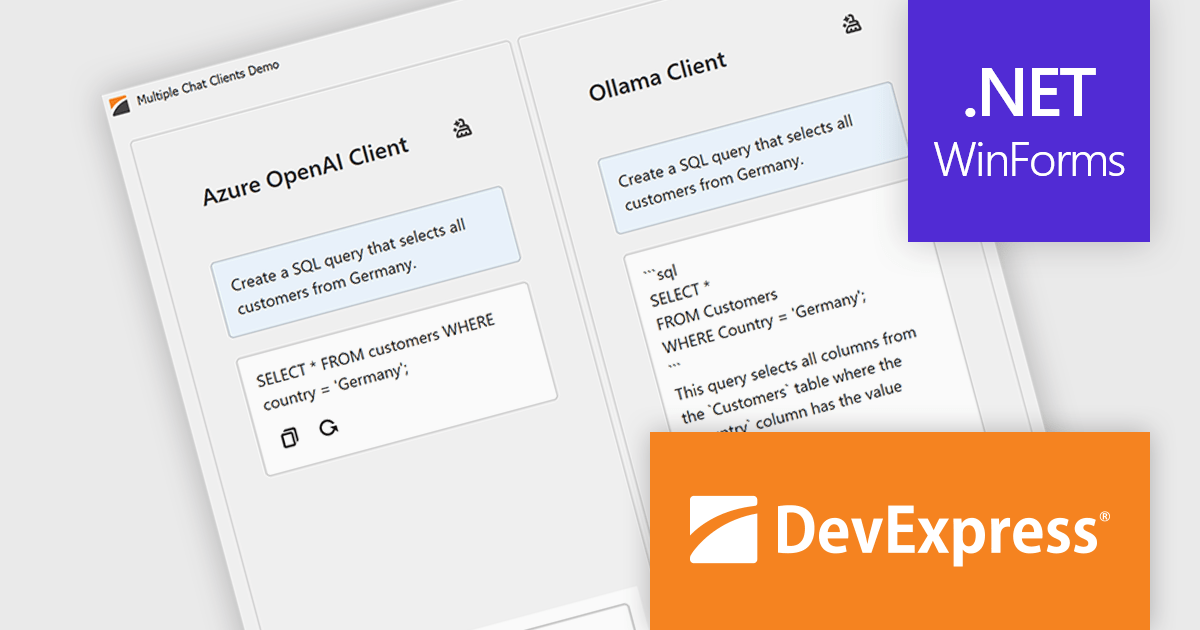
DevExpress WinForms is a comprehensive suite of 190+ UI controls and development tools designed for building high-performance desktop applications. It offers a broad array of customizable controls, from data grids and ribbon interfaces to advanced charts, maps, and diagramming components. This empowers developers to rapidly create functionally rich applications, while adhering to accessibility guidelines and touch-enabled technology for modern Windows environments.
The DevExpress WinForms 25.2 update introduces multi-provider support in the AI Chat Control, allowing developers to integrate several AI services into one application. This enables advanced use cases such as side-by-side comparison of responses from different AI models, concurrent sessions with independent chat histories, and dynamic switching between providers during runtime. It’s especially useful in environments where evaluating model performance or offering user choice is essential, such as customer support tools, research platforms, or development sandboxes.
To see a full list of what's new in version 25.2, see our release notes.
DevExpress WinForms is licensed per developer and is available as a Perpetual License with a 12 month support and maintenance subscription. See our DevExpress WinForms licensing page for full details.
DevExpress WinForms is available individually or in the following products:
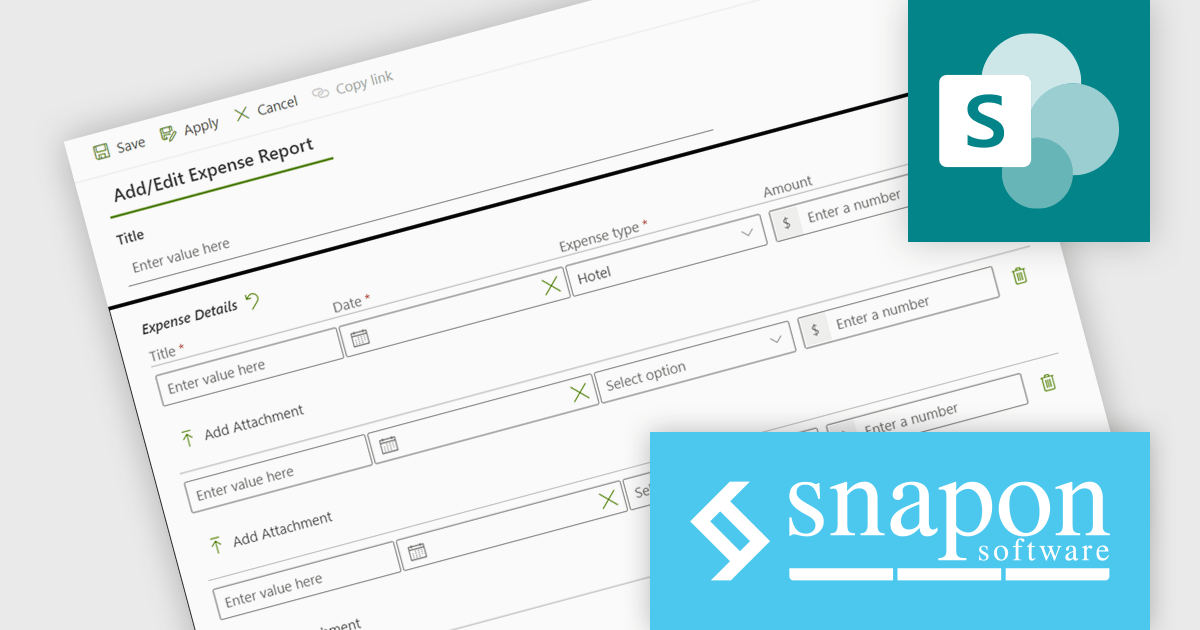
KWIZ Forms Enterprise enables SharePoint users to transform standard list forms into dynamic, feature-rich web tools without requiring coding skills. Built on familiar SharePoint interfaces, it eliminates the need to learn new systems while offering advanced functionality and intuitive design capabilities. Users can create intelligent, versatile forms that enhance productivity, all within the Microsoft 365 ecosystem. Ideal for businesses seeking efficient form management, KWIZ Forms Enterprise saves time, boosts efficiency, and ensures integration with SharePoint's native features.
The KWIZ Forms Enterprise latest release improves document handling by enabling users to upload multiple files per document type through repeating rows, while the system automatically creates the required subfolder structure and renames files using form properties, document type, and document count. For developers, this provides a predictable, rules driven approach to storage that reduces steps like folder creation, file moves, and renaming, and helps prevent common issues such as inconsistent naming, misfiled documents, or missing sequence numbers. The result is cleaner processing for integrations and approvals, more reliable traceability for audits and support, and a scalable pattern that holds up as submission volume and document complexity increase.
KWIZ Forms Enterprise is licensed on an annual basis, requiring each user in your organization to be covered by an Annual Subscription license. See our KWIZ Forms Enterprise licensing page for full details.
For more information, visit our KWIZ Forms Enterprise product page.





Tel: (888) 850 9911
Fax: +1 770 250 6199


