








Fornitore ufficiale
In qualità di distributori ufficiali e autorizzati, forniamo licenze software legittime direttamente da più di 200 autori di software.
Vedi tutte le nostre marche
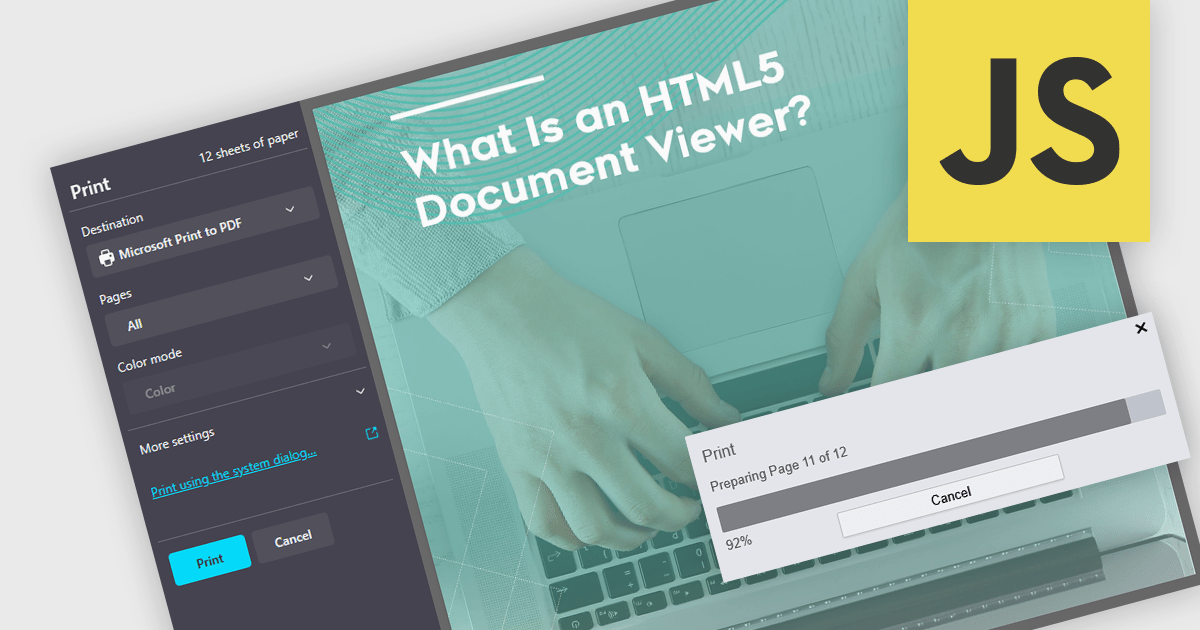
Printing to PDF allows users to save an existing document, webpage, or file as a PDF by using a virtual printer. It captures the document exactly as it would appear if printed, preserving the formatting, layout, and styling. The resulting document is typically static and cannot be edited, ideal for archiving or sharing finalized versions of a document. This feature is particularly useful for standardizing outputs across different software, ensuring consistent presentation, and providing an easy way to generate PDFs from files that do not natively support the format. By integrating PDF viewers with this functionality, developers can streamline the creation of high-quality, portable documents directly from a wide range of applications.
Several JavaScript PDF viewers allow users to print to PDF, including:
For an in-depth analysis of features and price, visit our comparison of JavaScript PDF viewers.
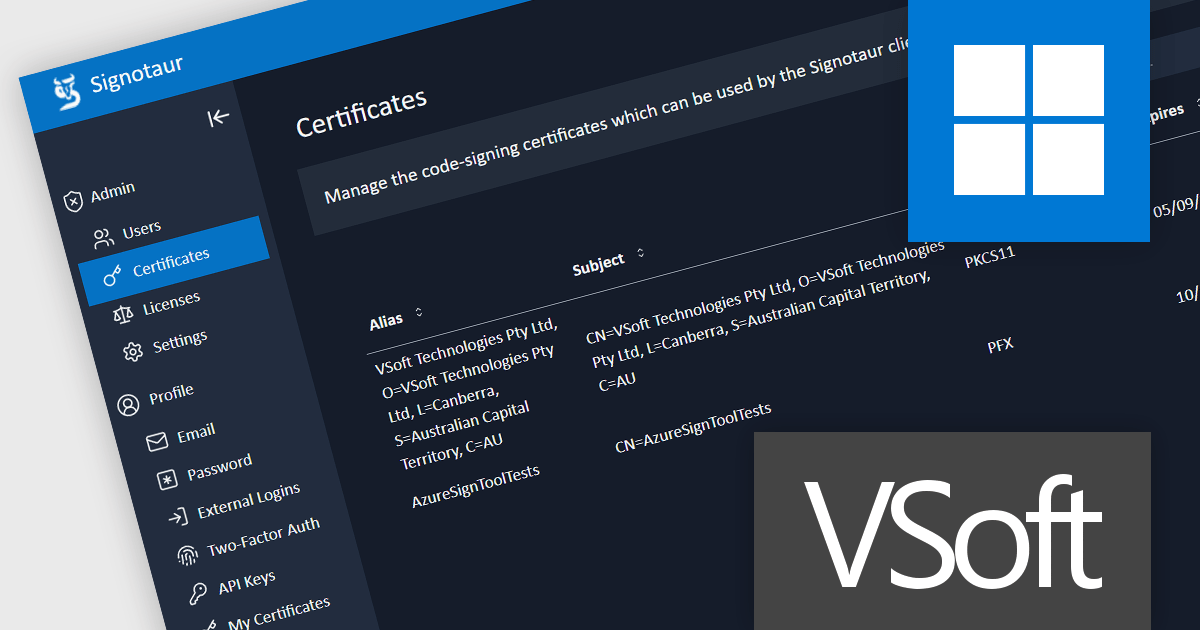
Signotaur is a robust and secure code-signing solution from VSoft Technologies designed to streamline the process of digitally signing software. It provides organizations with a centralized platform to sign code and software binaries while ensuring compliance with security standards. Signotaur manages digital certificates, safeguards private keys within a secure environment, and enables automated or manual signing workflows, reducing the risk of unauthorized access or tampering. With its focus on efficiency, scalability, and strong audit capabilities, Signotaur is tailored for enterprises that require secure, traceable, and consistent code-signing processes to build trust in their software.
Signotaur's key features include:
Code signing has evolved significantly in recent years, driven by heightened security demands and the need for more robust key management solutions. With the demand to secure private keys, many developers have encountered challenges with USB tokens, as well as limits and costs connected with cloud-based signature systems. Read more about the challenges of using USB tokens and how Signotaur offers an effective and secure alternative: Code Signing with USB Tokens - VSoft Technologies Blog.
Signotaur is licensed per server (physical or virtual). The initial license includes a 1 year support and updates subscription which can be optionally renewed each year. See our Signotaur licensing page for full details.
Learn more on our Signotaur product page.
Telerik UI for .NET MAUI is a robust suite of user interface components designed to simplify the creation of cross-platform applications using .NET Multi-platform App UI (MAUI). It offers a wide range of pre-built controls, including charts, grids, and navigation elements, enabling developers to build visually appealing, high-performance apps for Android, iOS, Windows, and macOS from a shared codebase. By ensuring a consistent user experience across platforms, it accelerates development and allows a focus on functionality, making it ideal for business applications, dashboards, and data-driven projects.
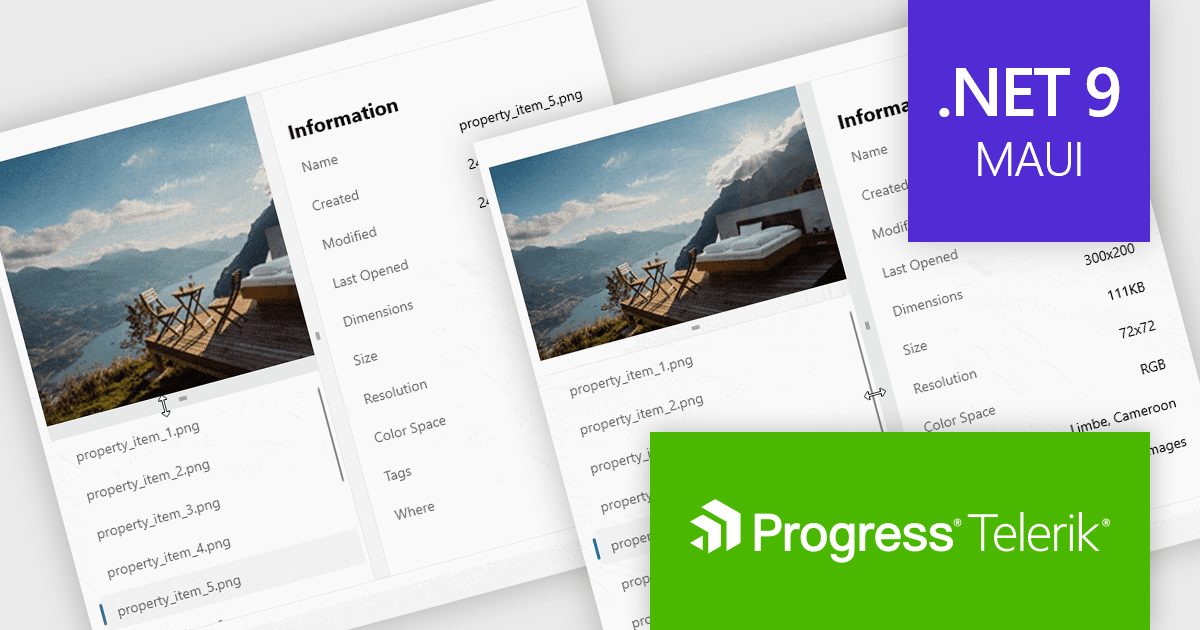
Telerik UI for .NET MAUI v8.0.0 (part of the 2024 Q4 release) introduces the GridSplitter control which enables developers to dynamically resize grid columns or rows with precision and control. Supporting customizable resizing behavior, directional adjustments, and visual state management, the GridSplitter ensures intuitive user interactions and seamless layout adaptability. Its styling API allows for tailored aesthetics, making it easy to integrate into any application design while enhancing layout flexibility and responsiveness.
To see a full list of what's new in 2024 Q4 (v8.0.0), see our release notes.
Telerik UI for .NET MAUI is licensed per developer and is available as a perpetual license with a one year support subscription, which is available in three tiers: Lite, Priority or Ultimate. See our Telerik UI for .NET MAUI licensing page for full details.
Telerik UI for .NET MAUI is available individually or as part of the following products:
Document Solutions for PDF (DsPdf) by MESCIUS is a powerful .NET library for creating, managing, and manipulating PDF documents within applications. It supports advanced text and font management, multilingual capabilities, annotations, form fields, and the integration of graphics, images, and multimedia elements. With features such as document merging, content redaction, file compression, and digital signatures using X.509 certificates, DsPdf offers a comprehensive toolkit for modern PDF workflows. Compatible across Windows, macOS, and Linux, it also includes a JavaScript PDF Viewer for seamless viewing and editing within web applications, ensuring flexibility and performance for diverse use cases.
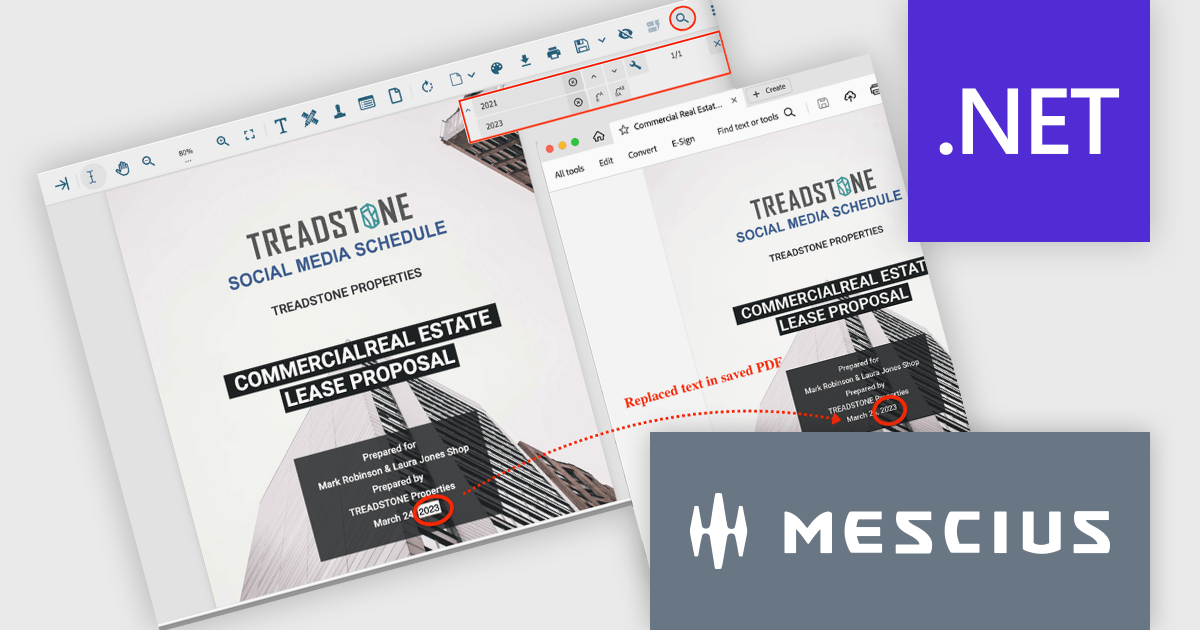
The Document Solutions for PDF 8.0.0 update brings advanced tools for the PDF viewer (DsPdfViewer) that greatly improve text management in PDF documents. Developers can now perform streamlined text replacement directly through the enhanced Search bar, offering precise control for individual or bulk edits. A new keyboard shortcut (Ctrl+H) enables quick access to replacement mode, further boosting efficiency. Powered by SupportApi, these features deliver robust editing capabilities, ensuring a smooth and productive development process while minimizing reliance on external tools.
To see a full list of what's new in version 8.0.0, see our release notes.
Document Solutions for PDF is licensed per developer and is available in several license options for differing distribution needs. Team licenses are also available for multiple developers within the same organization. See our Document Solutions for PDF licensing page for full details.
Document Solutions for PDF is available individually or as part of Document Solutions .NET Bundle.
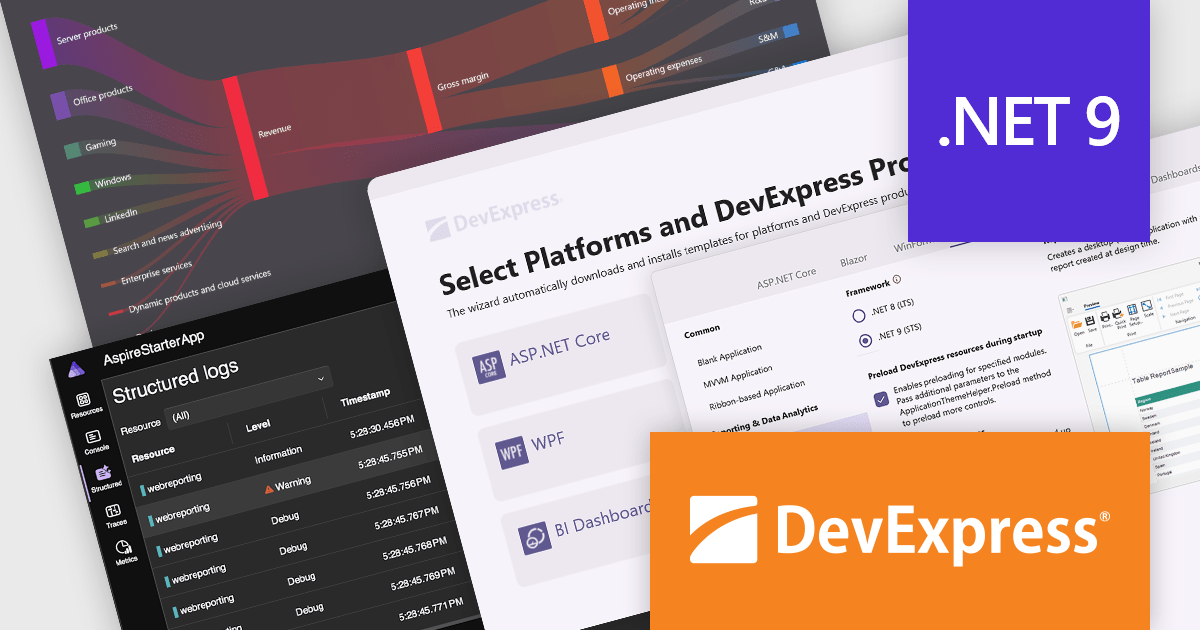
DevExpress provides modern .NET tools with a wide range of features, including powerful UI components such as data grids, charts, and forms, as well as tools for reporting, data visualization, and analytics. Built for platforms such as ASP.NET Core, Blazor, WinForms, and WPF, these tools make it easy to create responsive web apps, cross-platform mobile solutions, and desktop applications. Using DevExpress simplifies development, improves application performance, and helps deliver a seamless user experience. With support for complex needs like real-time data and customizable interfaces, DevExpress gives .NET developers the tools they need to build scalable, modern applications quickly and effectively.
The DevExpress 24.2 release introduces full support for .NET 9, the latest version of Microsoft's widely adopted framework. Developers can now leverage the improved performance and new features of .NET 9 while taking advantage of the powerful capabilities offered by DevExpress. All DevExpress .NET products, including Blazor, WinForms, WPF, ASP.NET Core, Reporting, BI Dashboard, and the Office File API, are now fully compatible with .NET 9. This update guarantees a smooth and consistent development experience across a wide range of modern platforms and technologies.
To see a full list of what's new in version 24.2, see our release notes.
DevExpress products are offered as perpetual licenses with a 12 month subscription for minor and major updates. Subscription renewals are also available. See our DevExpress Universal licensing page for full details.
For more information, visit our DevExpress product pages:





Tel: (888) 850 9911
Fax: +1 770 250 6199


