








Fornitore ufficiale
In qualità di distributori ufficiali e autorizzati, forniamo licenze software legittime direttamente da più di 200 autori di software.
Vedi tutte le nostre marche
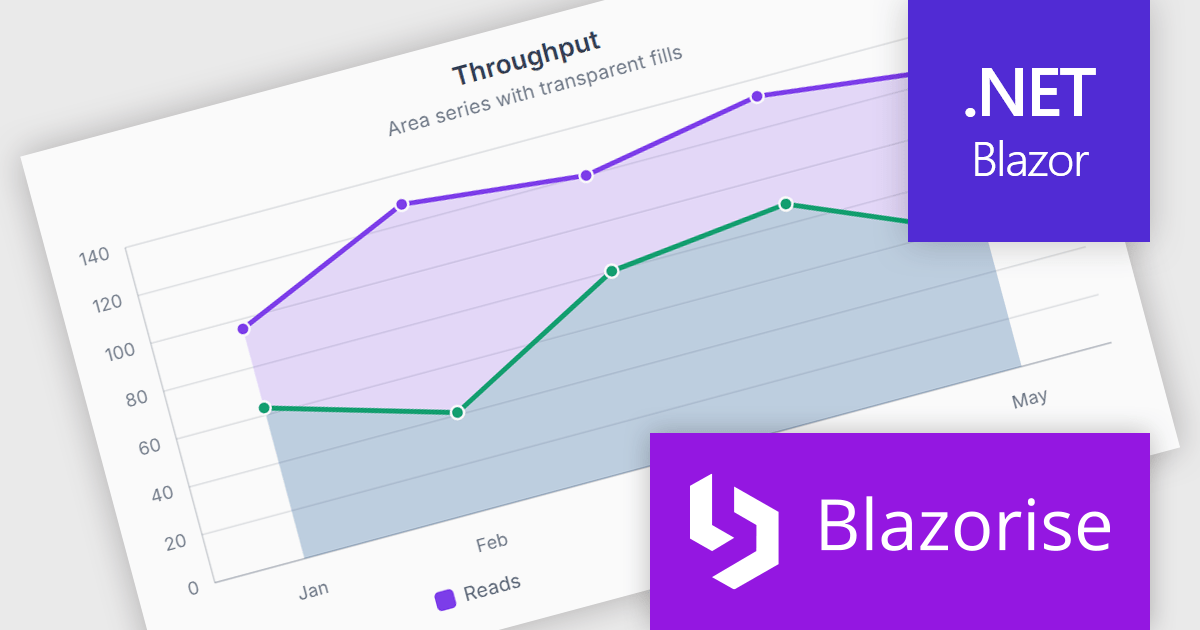
Blazorise is a versatile component library that empowers developers to build modern and feature-rich web applications using Blazor, a client-side web development framework from Microsoft. It offers a comprehensive collection of user interface components, including buttons, forms, charts, and navigation elements, all built with accessibility and responsiveness in mind.
The Blazorise 2.2 update introduces SVG Charts, a native charting engine built with C# and Blazor that simplifies the development of dashboards, reports, and other data driven applications. By eliminating the need for external JavaScript charting libraries, it reduces development complexity and allows developers to create interactive visualizations using familiar Blazor patterns.
To see a full list of what’s new in version 2.2, see our release notes.
Blazorise is licensed per developer and includes a 1 year subscription for updates and support. Professional, Enterprise, and Enterprise Plus editions are available, each offering tailored levels of support and service to meet varying business needs. See our Blazorise licensing page for full details.
For more information, visit our Blazorise product page.
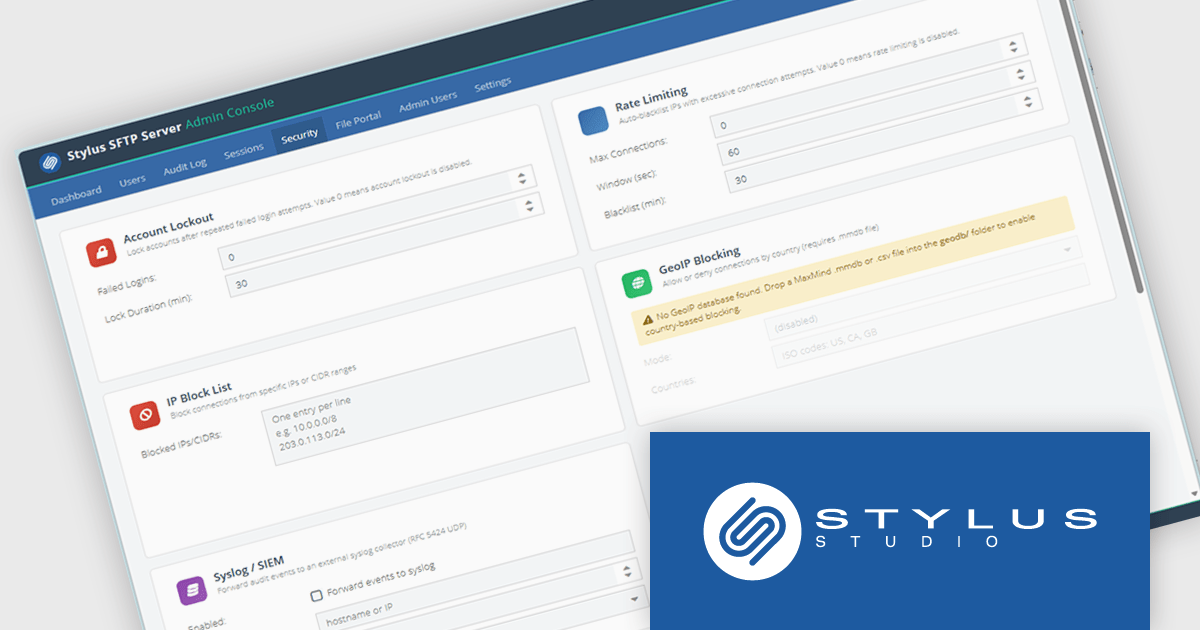
Stylus SFTP Server is a self-hosted file transfer server that provides SFTP alongside FTP, FTPS, WebDAV, and a browser-based file portal from a single service. It is designed for organizations that need to manage file exchange internally rather than relying on a cloud service. The server supports integration with Active Directory, LDAP, and SQL databases for authentication, and includes features such as SSH public-key authentication, Time-based One-Time Password (TOTP) multi-factor authentication, per-user quotas, audit logging, and role-based access controls.
From a developer and systems perspective, one of its more unusual features is a database-backed filesystem, where files can be stored directly in databases such as PostgreSQL, MySQL, SQL Server, or the bundled H2 database instead of on disk. The product also exposes REST APIs, webhooks, syslog integration, and command-line administration tools, making it suitable for automation and integration with existing operational processes. It runs on both Windows and Linux, ships with a bundled Java runtime, and is intended to provide a centralized platform for secure file transfer, auditing, and compliance requirements.
Stylus SFTP Server is licensed per server on a 1 year subscription basis. Subscription licenses require that you renew your license each year to continue to use the software. See our Stylus SFTP Server licensing page for full details.
For more information, see our Stylus SFTP Server product page.
ComponentOne Studio WinForms by MESCIUS is a comprehensive toolkit offering over 120 advanced UI components to improve Windows Forms application development. It helps you to build visually appealing and feature-rich applications with functionalities like data visualization through charts and reports, intuitive data editing with performant grids, and modern UI elements including ribbons and docking for a user-friendly experience.
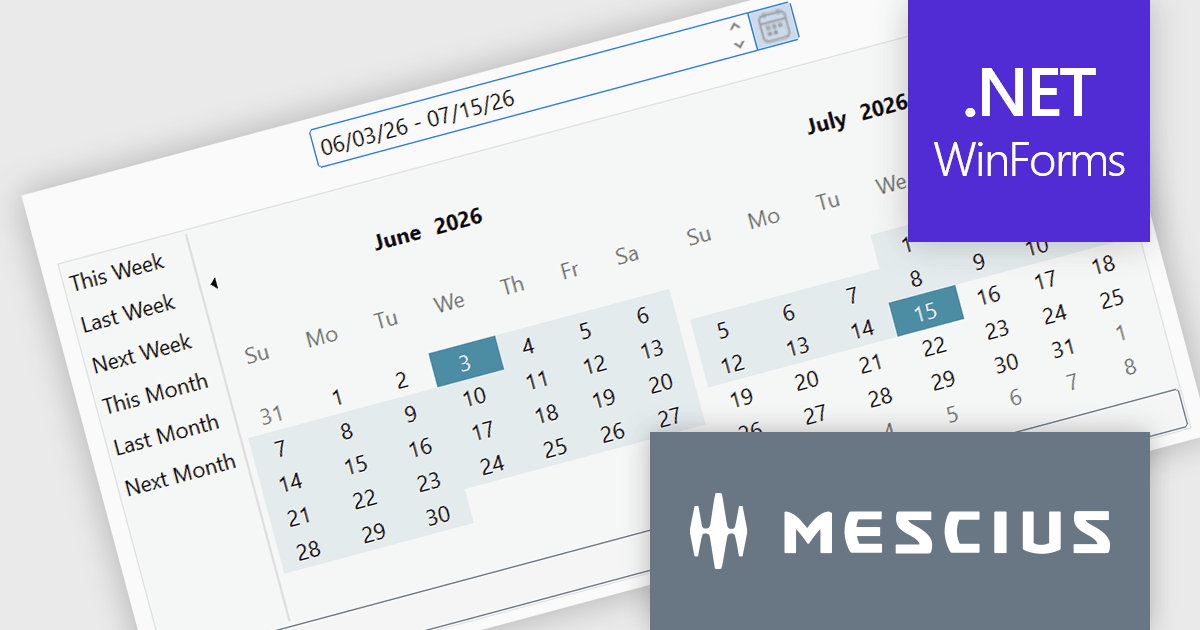
The ComponentOne Studio WinForms 2026 v1 update introduces the DateRangeEdit control, helping developers improve date-based workflows with an intuitive range selection experience that supports common preset periods such as This Week, Last Week, This Month, and Next Month. With built-in multi-cultural support and flexible customization options for both preset ranges and calendar layouts, developers can create applications that are easier to use, better aligned with business requirements, and accessible to global audiences, while reducing the need for custom date selection implementations.
To see a full list of what's new in 2026 v1, see our release notes.
Dependent on geographic location, ComponentOne Studio WinForms licenses may be available as an Annual (Timed) Subscription License or as a Perpetual License with a 1 Year Support and Update Subscription. See our ComponentOne Studio WinForms licensing page for full details.
ComponentOne Studio WinForms is available individually or as part of ComponentOne Studio Enterprise.
TX Text Control .NET Server for ASP.NET is a server side component for Web applications, or services. It is a fully programmable ASP.NET word processor engine that offers an extensive palette of word processing features. Using TX Text Control .NET Server, programmers can develop server side, end user applications that generate documents on-the-fly, using data from databases, binary files (Microsoft Word DOC and DOCX), ASCII files (XML, RTF, HTML) and image data (JPG, PNG, BMP, TIF, GIF, WMF). Documents can be created, modified and edited in a browser or printed in batch processes.
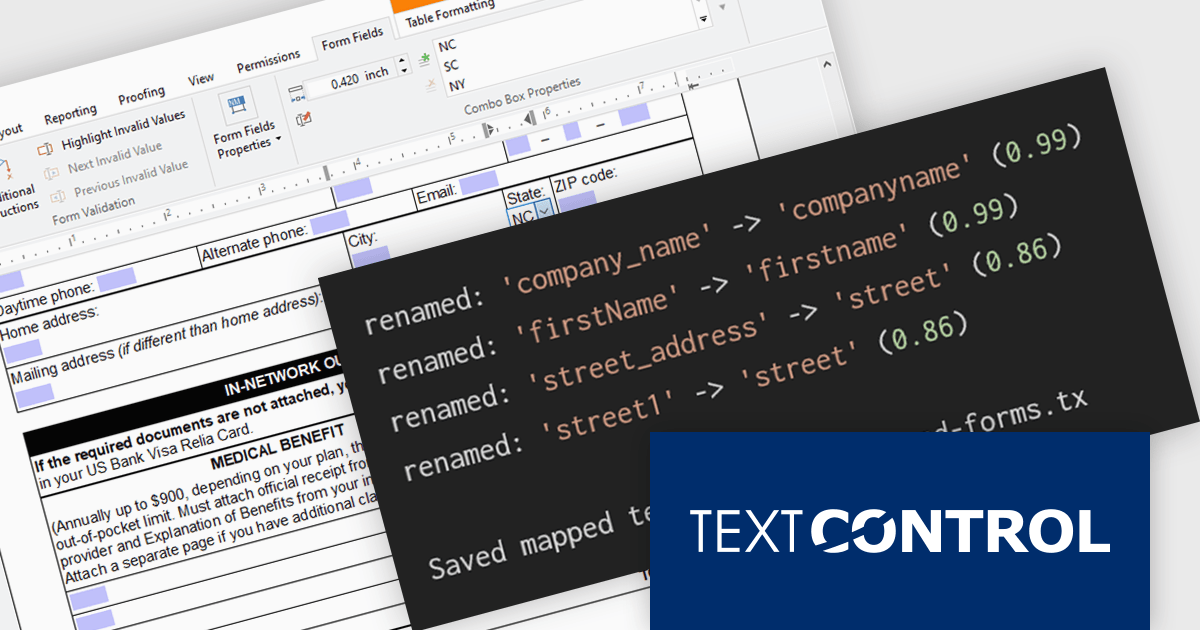
In this blog post from Text Control, Bjoern Meyer demonstrates how to automatically map TX Text Control form fields to JSON data in a .NET C# application, even when the names are not an exact match. It uses fuzzy matching and is especially useful in cases where templates and data sources evolve independently. The included sample project takes you through the following steps:
Read the complete blog and learn how to automatically prepare templates for JSOPN-based document workflows.
TX Text Control .NET Server for ASP.NET is licensed per developer and is available as a Perpetual License with a 12 month support and maintenance subscription. Run time licenses are required for the deployment to production servers. See our TX Text Control .NET Server for ASP.NET licensing page for full details.
For more information, visit our TX Text Control .NET Server for ASP.NET product page.
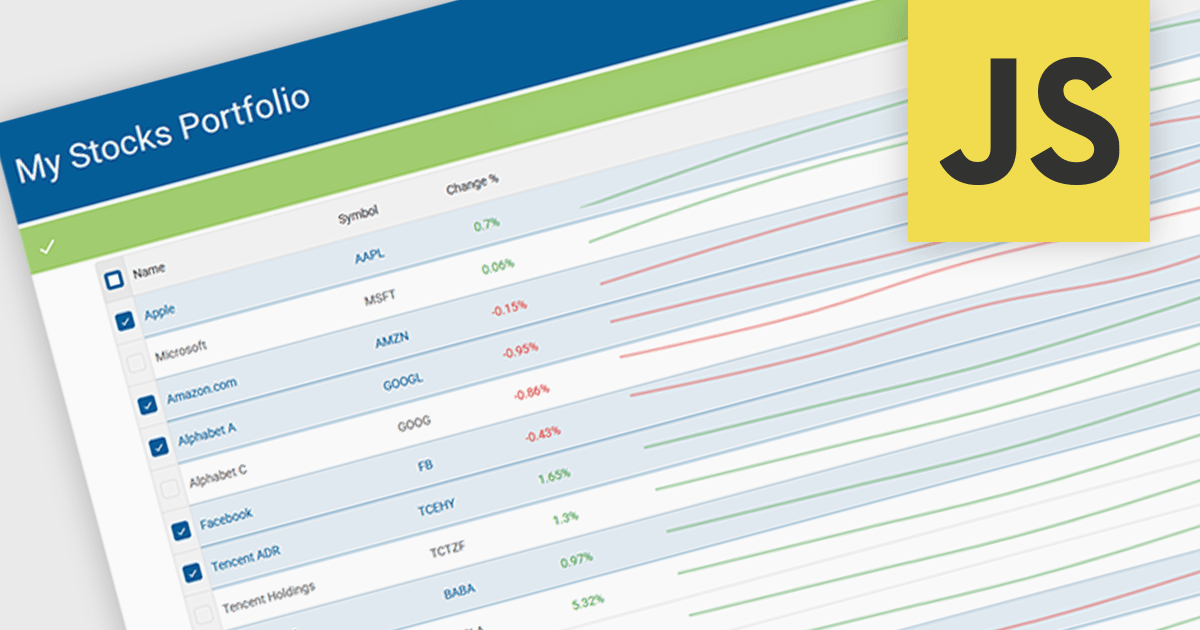
Sparklines in grids display compact visual charts directly inside grid cells, making it easier to identify trends, patterns, and performance without leaving the table view. By transforming raw data into clear visual insights, they help users analyze information faster, reduce dashboard clutter, and make more informed decisions. Common use cases include tracking stock performance in financial applications, monitoring sales and revenue trends in business dashboards, and highlighting operational KPIs in enterprise reporting systems.
Several JavaScript grid controls offer support for sparklines including:
For an in-depth analysis of features and price, visit our JavaScript Grid controls comparison.





Tel: (888) 850 9911
Fax: +1 770 250 6199


