








Fornitore ufficiale
In qualità di distributori ufficiali e autorizzati, forniamo licenze software legittime direttamente da più di 200 autori di software.
Vedi tutte le nostre marche
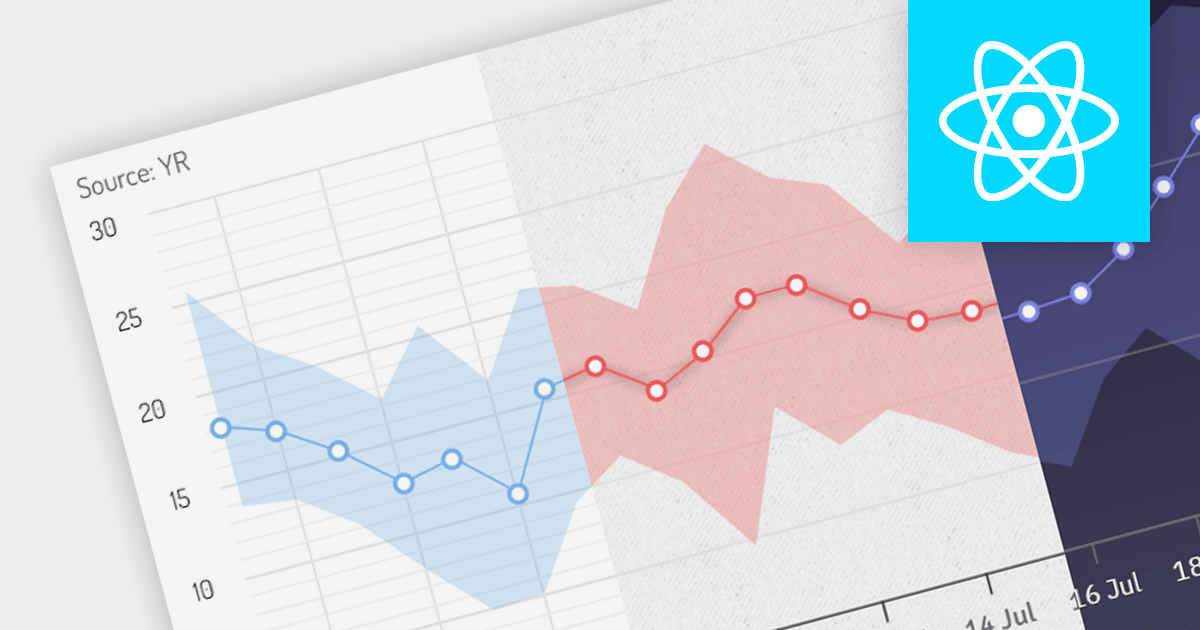
Theming gives users the ability to change the appearance of chart controls to match the overall look and feel of your application. This can include changing the colors, fonts, and styles of chart elements. Themes help to ensure that your charts have a consistent style, making your application more visually appealing.
Several React charting components offer the ability to add themes, here are some notable options:
Additionally, there are charting components available as part of larger component suites:
For an in-depth analysis of features and price, visit our comparison of React charts.
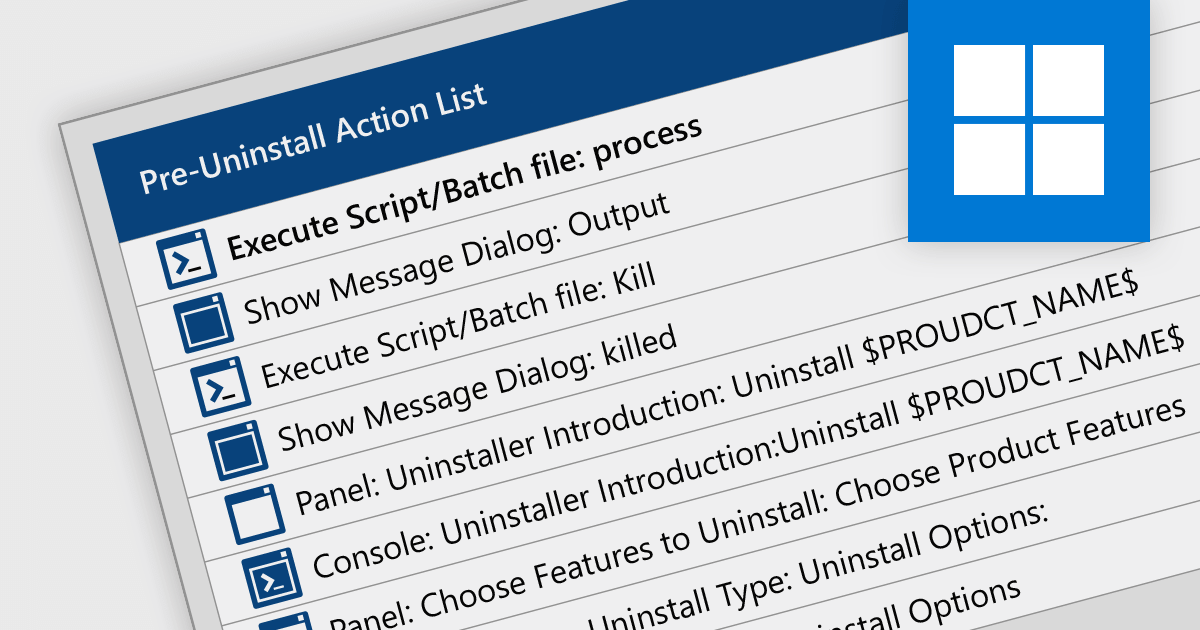
Scripting uninstallations allows you to automate the software uninstallation process using scripts or command-line instructions. Instead of manually removing software, it allows for the creation and execution of scripts that can uninstall applications in a predictable and reliable manner. This approach enables system administrators or users to streamline the uninstallation process, saving time and effort, particularly in enterprise environments where multiple software installations need to be managed.
The following installation tools support scriptable uninstallation:
For an in-depth analysis of features and price, visit our comparison of installation tools.
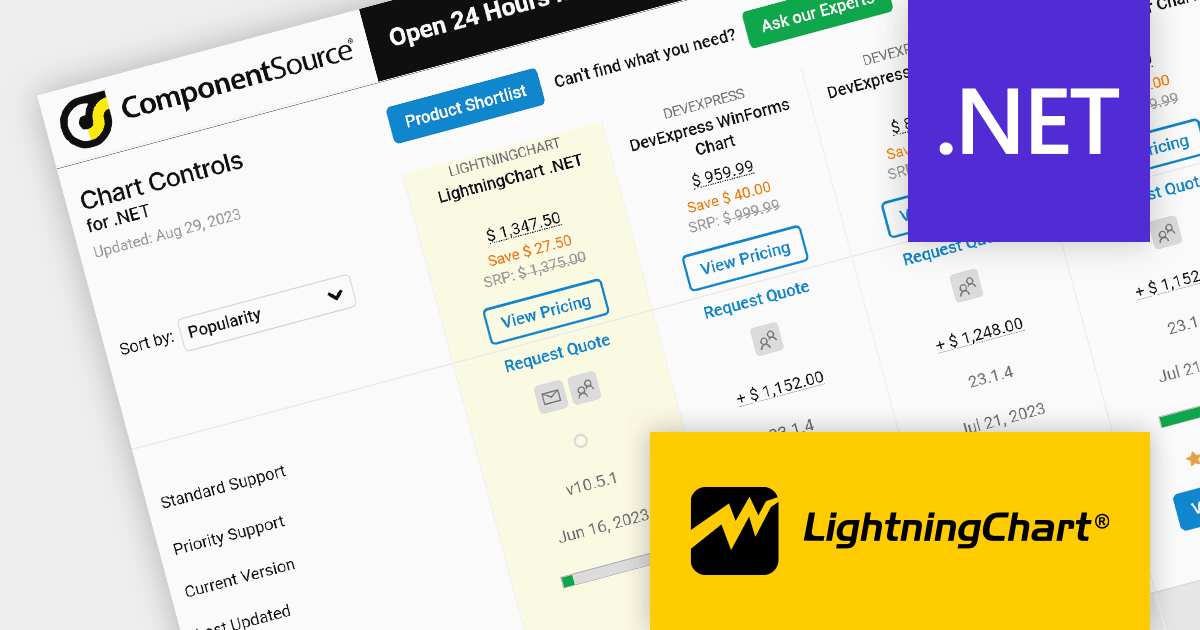
As the premier marketplace for software components and development tools, we are pleased to announce the addition of LightningChart by Arction Ltd to our .NET Charts Comparison. This latest inclusion further enriches the comparison tool's offerings, providing developers with a wider selection of high-performance charting components for their .NET projects.
LightningChart is renowned for its cutting-edge visualization capabilities, empowering developers to create stunning interactive charts, graphs, and dashboards with exceptional speed and responsiveness. With its extensive range of chart types, customization options, and real-time data streaming support, LightningChart offers flexibility and performance for data visualization in .NET applications.
Our updated .NET Charts Comparison enables developers to evaluate LightningChart with over 70 other popular charting components. It provides an in-depth analysis of each control's features, including supported chart types, data binding options, interactivity, styling, and .NET framework support, as well as pricing and community reviews. With extensive sorting and filtering options, our comparison makes it easy to shortlist products and find the best solutions for your specific needs.
By incorporating LightningChart into the comparison, we continue to ensure that developers have access to a comprehensive overview of the top charting components available in the market. This empowers developers to make informed decisions based on their specific requirements, ultimately saving time and effort in the selection process.
For an in-depth analysis of features and price, visit our comparison of .NET 7 charts.
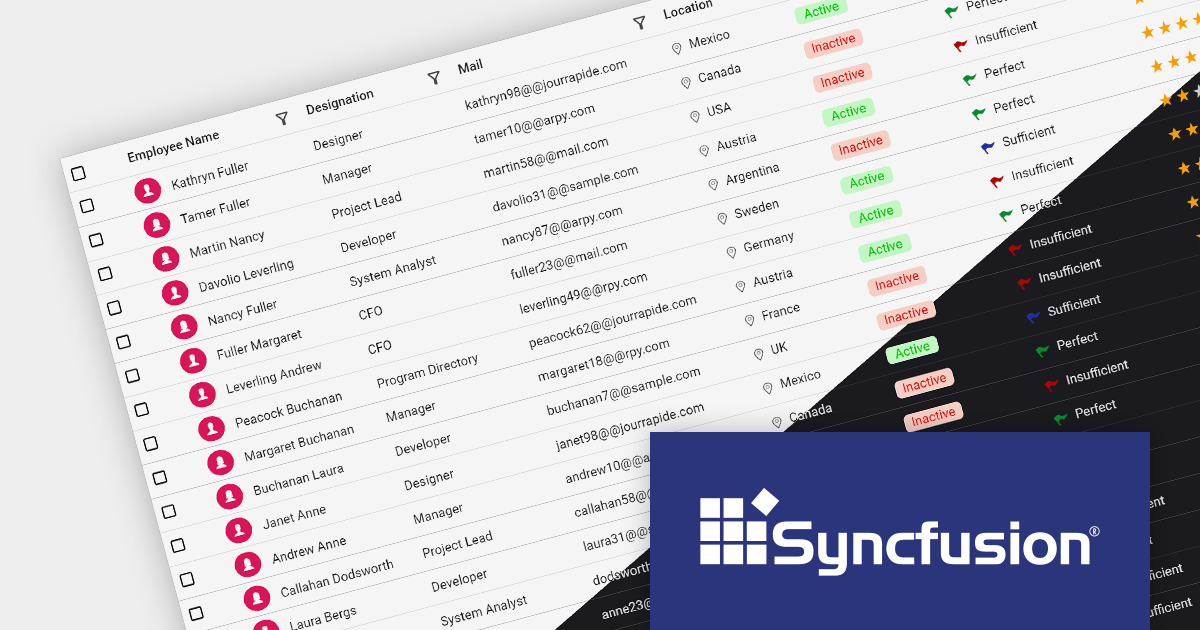
Material 3 is Google's most recent design system. Built to provide a consistent and cohesive user experience across different platforms and devices, it aims to make applications more usable on phones, tablets, and computers.
Syncfusion Essential Studio Enterprise is a comprehensive suite of powerful UI controls, frameworks, and libraries, which empowers developers to easily build feature-rich applications for a range of platforms.
Now available from ComponentSource, Syncfusion Essential Studio Enterprise 2023 Volume 2 includes a Material 3 theme with both dark and light modes. This theme can be applied across various Syncfusion controls, providing a modern, visually appealing UI throughout your applications.
Explore the Syncfusion product range.
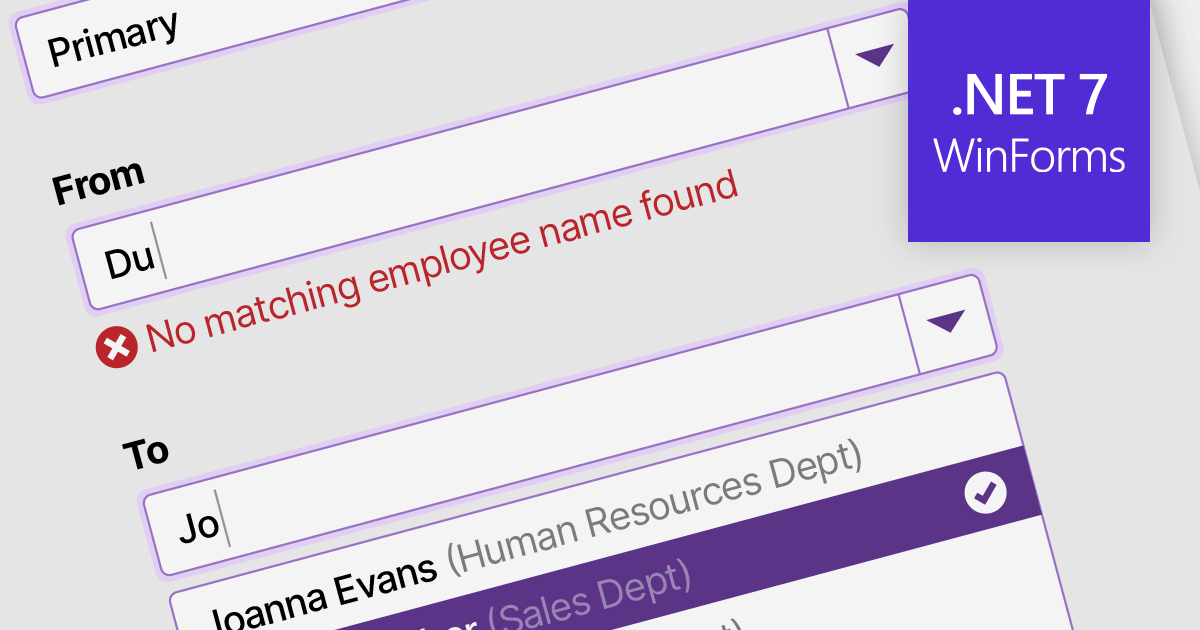
Data validation in ComboBox controls ensures the selected value meets specific criteria or constraints. It involves validating user input against predefined rules such as required selection, range checks, or custom validation logic. By validating the data, ComboBox editors help maintain data integrity and enhance the accuracy and reliability of user input.
Here are some examples of .NET 7 WinForms data editors collections that support data validation in combo boxes:
For an in-depth analysis of features and price, visit our comparison of .NET 7 WinForms data editors.





Tel: (888) 850 9911
Fax: +1 770 250 6199


