








Fornitore ufficiale
In qualità di distributori ufficiali e autorizzati, forniamo licenze software legittime direttamente da più di 200 autori di software.
Vedi tutte le nostre marche
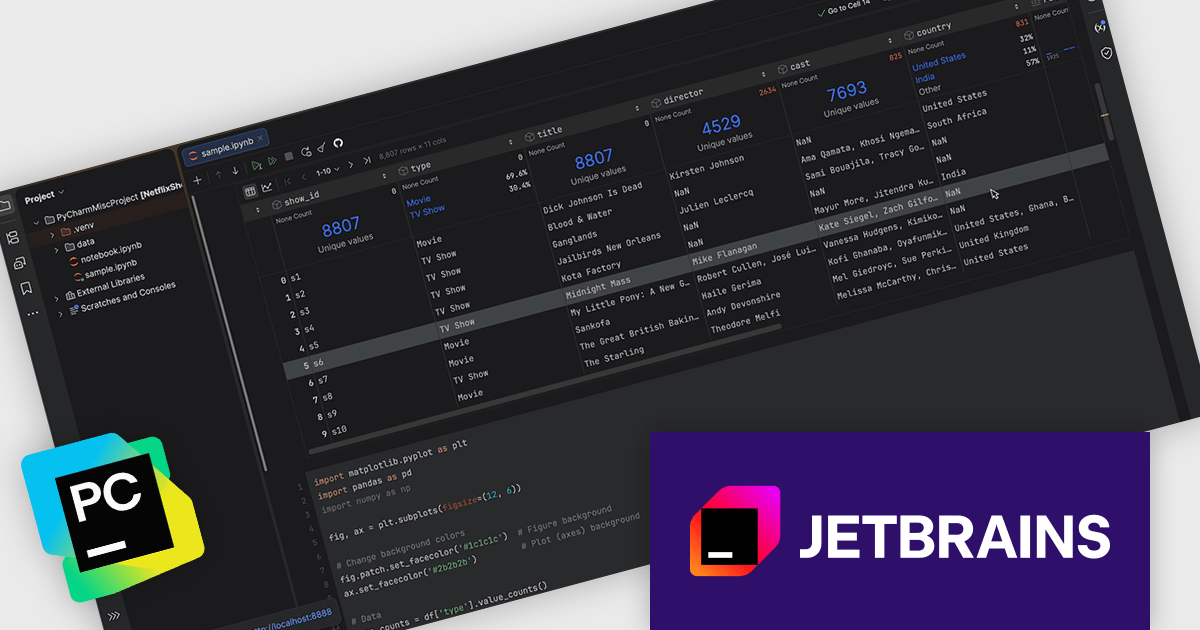
PyCharm by JetBrains is a comprehensive Integrated Development Environment (IDE) specifically designed for Python programming. It offers a range of features to enhance productivity, including code analysis for error detection, a visual debugger for troubleshooting, integrated unit testing for code verification, and support for version control systems to manage code changes. PyCharm also caters to web development using frameworks like Django, making it a powerful tool for both experienced developers and beginners in the Python world.
The PyCharm 2025.3 update enhances remote development by providing full support for Jupyter Notebooks running on remote machines, so developers can work directly where their code and data reside without transferring files locally. It maintains a consistent IDE experience by preserving the same editor intelligence, refactorings, shortcuts, and debugging capabilities available in local notebooks, while rendering interactive outputs such as tables, plots, and widgets directly in the IDE. Developers can also create and manage remote Python environments with the same level of control as local ones, and explore large datasets efficiently using interactive tables or the Data View tool window, reducing friction in data driven and compute intensive workflows.
To see a full list of what's new in version 2025.3, see our release notes.
PyCharm is licensed per user, and is available as a commercial annual subscription license. We can supply new subscriptions, subscription renewals, lapsed renewals, and additional user licenses. See our PyCharm licensing page for full details.
PyCharm is available to buy in the following products:
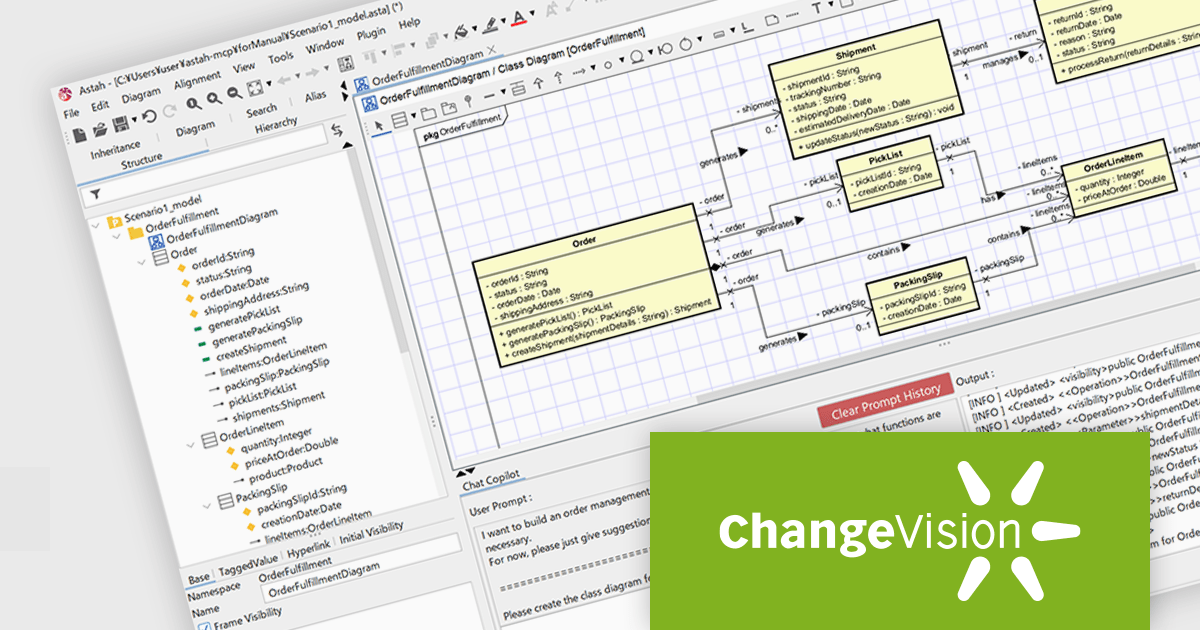
Astah Professional is a powerful diagramming and modeling solution that caters to a wide range of users, from students to enterprise teams. It allows users to create visual representations of ideas and software designs, including UML diagrams, mind maps, and flowcharts. Astah Professional goes beyond simple diagramming by enabling model conversion and relationship management, facilitating clear communication and traceability within your projects.
The Astah Professional v11.0 release introduces powerful AI-assisted modeling features that transform how users design and understand systems. With AI Chat Copilot, you can interact with your model using natural language inside Astah, getting design suggestions and help while editing diagrams. The new MCP Server lets external AI tools connect to Astah models, enabling custom AI integrations and using external documents in modeling workflows. AI Code Reverse enhances reverse engineering by using AI to convert source code into Class and Sequence diagrams, supporting multiple languages and speeding up implementation analysis. These features help model faster, improve quality, and bridge design with implementation.
To see a full list of what's new in v11, see our release notes.
Astah offers numerous licensing options for individuals and organizations. Perpetual licenses provide permanent access with an initial year of support and upgrades. Annual licenses grant access and support for one year, with options for individuals, small teams, and large organizations (with floating licenses). Educational institutions can purchase licenses for individual students or entire faculties. See our Astah Professional licensing page for full details.
Learn more on our Astah Professional product page.
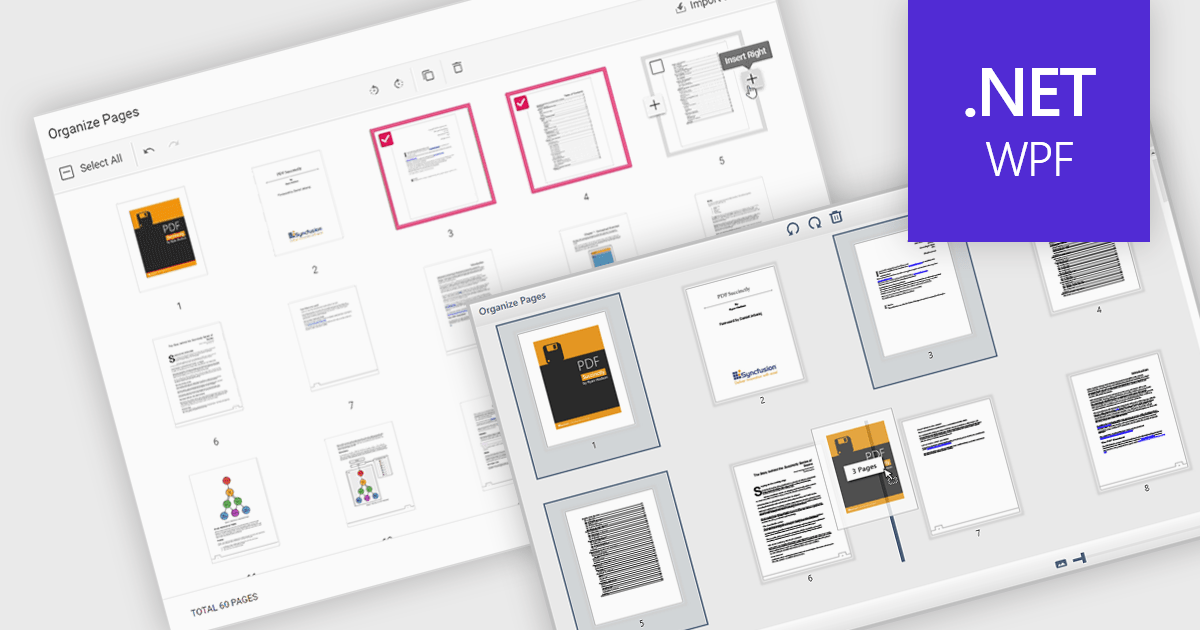
Moving pages in a PDF file refers to the ability to change the order of individual pages within the document. This is typically done by dragging and dropping pages into a new sequence or by specifying where a page should be relocated. The main benefit of this feature is improved document organization, especially in cases where content needs to be restructured for clarity, relevance, or compliance with formatting requirements. It also simplifies tasks such as compiling reports, merging multiple sources, or preparing documents for printing and distribution, making it easier to manage large or complex PDF files efficiently.
Several WPF PDF components allow you to move pages in a PDF, including:
For an in-depth analysis of features and price, visit our comparison of WPF PDF components.
Syncfusion Essential Studio Spreadsheet Editor SDK is a library that lets developers embed spreadsheet functionality into web and desktop applications without requiring Microsoft Excel. It supports editing, formatting, and data analysis features such as cross sheet formula calculation, data binding to local and remote sources including JSON and REST, conditional cell styling, charts, data validation, worksheet protection, and workbook permissions. Available across frameworks including Blazor, React, Angular, Vue, JavaScript, ASP.NET Core and MVC, WPF, WinForms, and UWP, it helps teams deliver a familiar spreadsheet experience for use cases like reporting, budgeting, forecasting, and operational data entry directly within their applications.
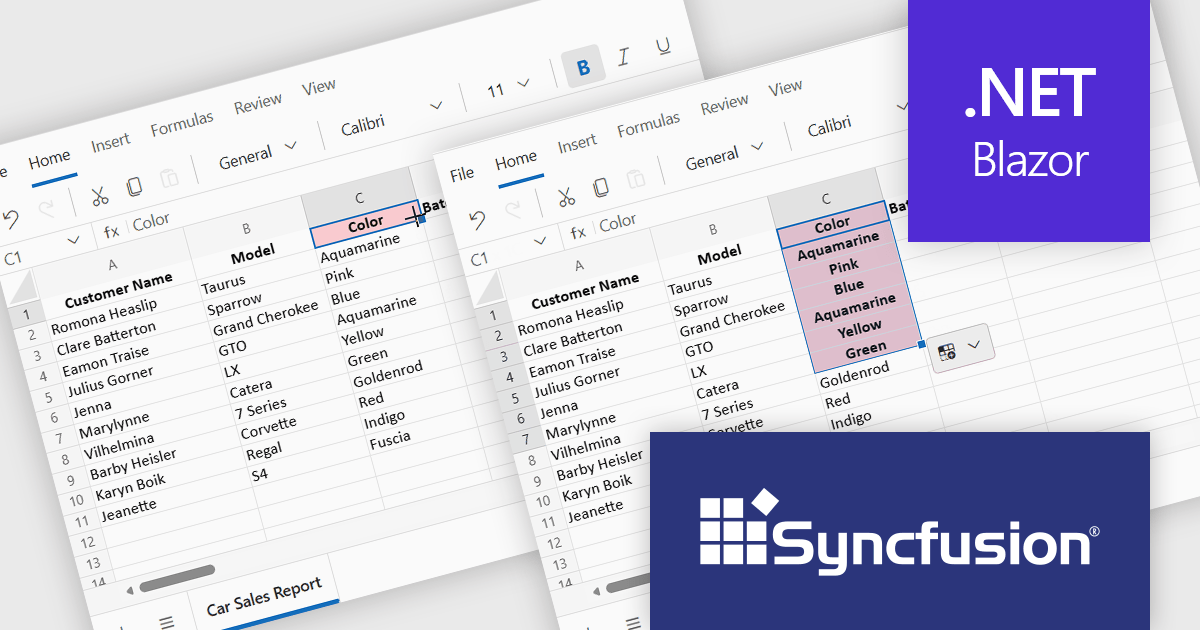
The Syncfusion Essential Studio Spreadsheet Editor SDK 2025 Volume 4 update adds Blazor Autofill series support, allowing users to quickly extend numeric, date-based, and custom list patterns across cells in a predictable manner. This capability preserves existing cell formatting where applicable and provides flexible behavior for copying values versus generating sequences, reducing the need for custom implementation logic. As a result, developers can deliver more intuitive, Excel-like spreadsheet experiences with improved data consistency, reduced input errors, and faster interaction for end users.
To see a full list of what's new in Syncfusion Essential Studio Spreadsheet Editor SDK 2025 Volume 4 (32.1.19), see our release notes.
Syncfusion Essential Studio Spreadsheet Editor SDK is licensed per developer on a one year timed subscription basis, with runtime royalty free redistribution included when the subscription is current, and includes one year of unlimited technical support and updates. See our Syncfusion Essential Studio Spreadsheet Editor SDK licensing page for full details.
Learn more on our Syncfusion Essential Studio Spreadsheet Editor SDK product page.
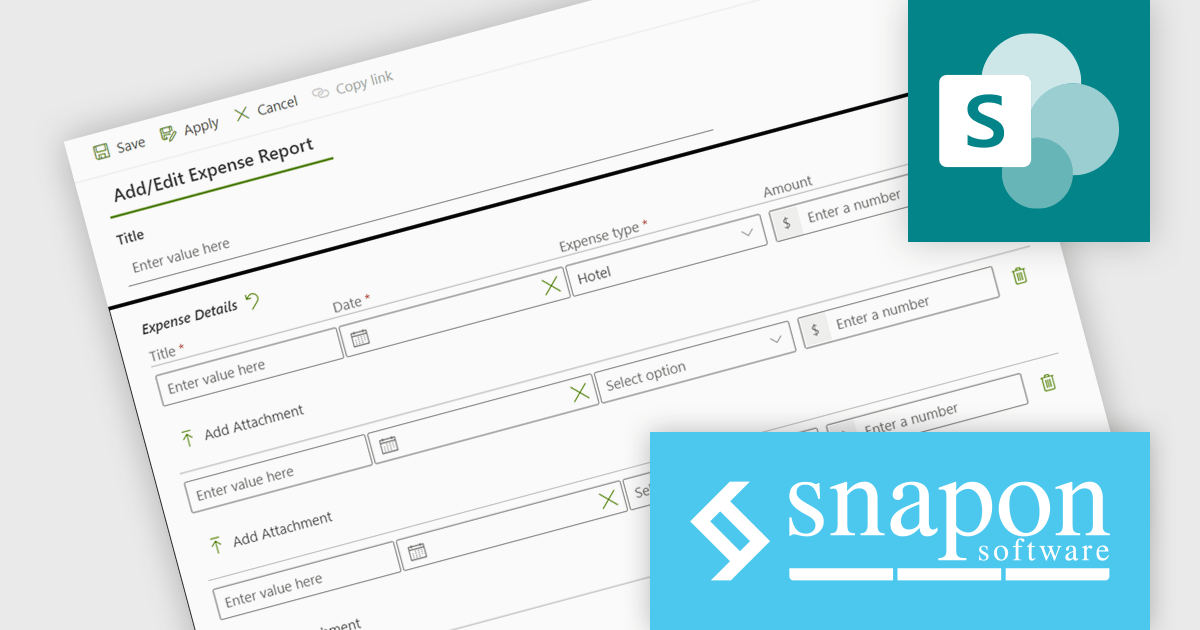
KWIZ Forms Enterprise enables SharePoint users to transform standard list forms into dynamic, feature-rich web tools without requiring coding skills. Built on familiar SharePoint interfaces, it eliminates the need to learn new systems while offering advanced functionality and intuitive design capabilities. Users can create intelligent, versatile forms that enhance productivity, all within the Microsoft 365 ecosystem. Ideal for businesses seeking efficient form management, KWIZ Forms Enterprise saves time, boosts efficiency, and ensures integration with SharePoint's native features.
The KWIZ Forms Enterprise latest release improves document handling by enabling users to upload multiple files per document type through repeating rows, while the system automatically creates the required subfolder structure and renames files using form properties, document type, and document count. For developers, this provides a predictable, rules driven approach to storage that reduces steps like folder creation, file moves, and renaming, and helps prevent common issues such as inconsistent naming, misfiled documents, or missing sequence numbers. The result is cleaner processing for integrations and approvals, more reliable traceability for audits and support, and a scalable pattern that holds up as submission volume and document complexity increase.
KWIZ Forms Enterprise is licensed on an annual basis, requiring each user in your organization to be covered by an Annual Subscription license. See our KWIZ Forms Enterprise licensing page for full details.
For more information, visit our KWIZ Forms Enterprise product page.





Tel: (888) 850 9911
Fax: +1 770 250 6199


