








Fornitore ufficiale
In qualità di distributori ufficiali e autorizzati, forniamo licenze software legittime direttamente da più di 200 autori di software.
Vedi tutte le nostre marche
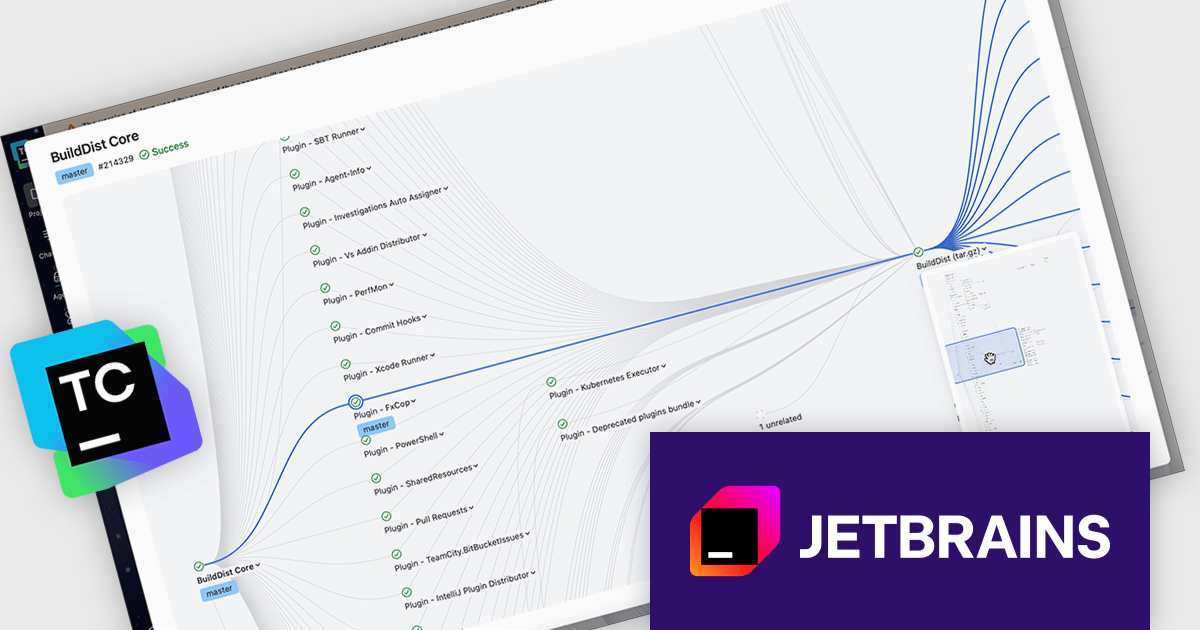
TeamCity by JetBrains is a robust continuous integration and deployment (CI/CD) server that simplifies building, testing, and deploying software. It supports diverse workflows with features like real-time build monitoring, customizable pipelines, and integrations with tools like Git and Mercurial. TeamCity’s intelligent build management, including parallel builds and automated testing, optimizes resources and accelerates delivery. With its user-friendly interface and extensive language and framework support, TeamCity is ideal for teams aiming to improve development and maintain high-quality code efficiently.
The TeamCity 2025.11 release offers an interactive viewer for pipelines and build chains, making it easier to navigate complex pipelines. This upgraded visual interface introduces zooming, drag-and-drop navigation, and a minimap to help teams work more effectively with large and layered CI/CD processes. Whether you’re troubleshooting a failed step or reviewing an entire build chain, the viewer provides a clearer and more interactive way to understand how your configurations connect and execute.
To see a full list of what's new in version 2025.11, see our release notes.
TeamCity On-Premises is licensed per server and per build agent, and is available as a commercial perpetual license. See our TeamCity On-Premises licensing page for full details.
For more information, visit our TeamCity On-Premises product page.
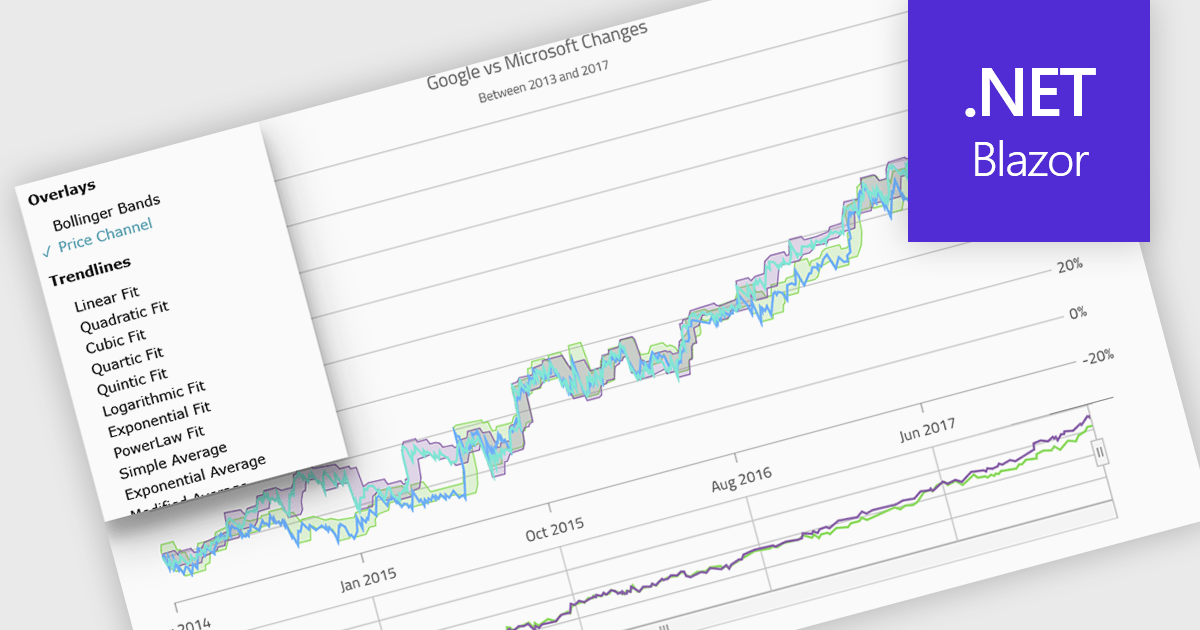
Indicators in a chart component are visual tools used to represent specific statistical or mathematical calculations directly on the chart, often to highlight trends, patterns, or key thresholds within the underlying data. Common in financial and analytical applications, indicators can include elements like moving averages, Bollinger Bands, or threshold lines. For software developers, implementing indicators provides a powerful way to enhance data interpretation by allowing users to see meaningful context and actionable insights without needing to leave the chart interface. This improves decision-making and supports more interactive and informative visualizations across a wide range of use cases.
Several .NET Blazor charting controls support indicators including:
For an in-depth analysis of features and price, visit our comparison of .NET Blazor Chart Controls.
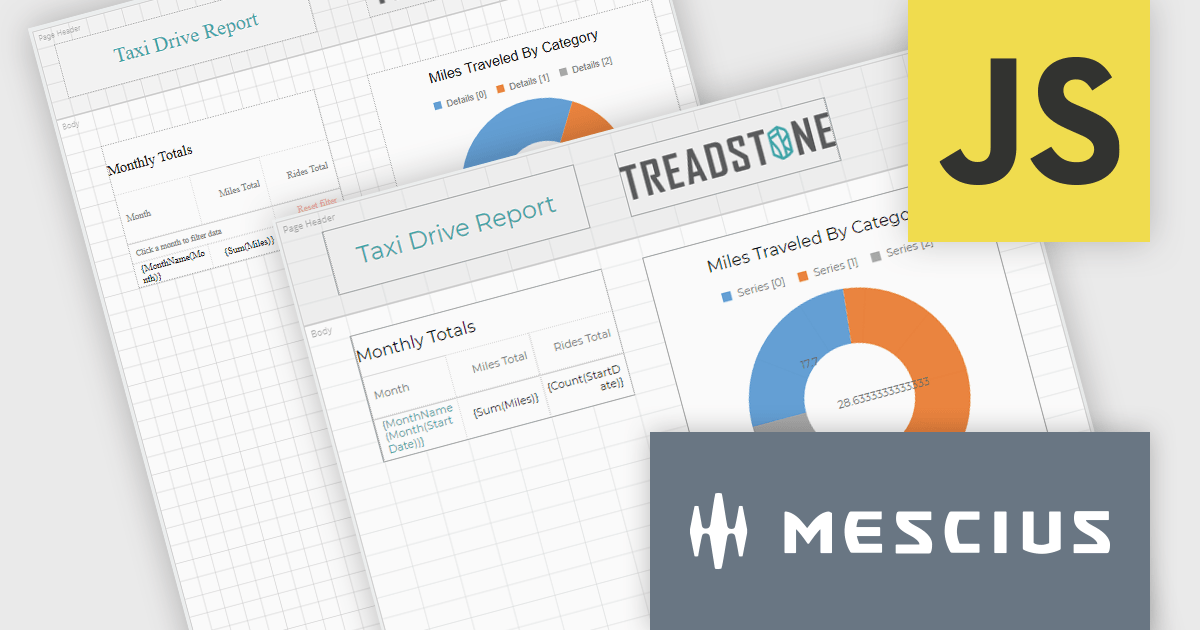
ActiveReportsJS by MESCIUS is a JavaScript reporting toolkit that allows developers to design and embed interactive reports within web applications. It includes a standalone report designer for building reports visually and a JavaScript report viewer component that integrates with web frameworks such as React or vanilla JavaScript. The toolkit supports a range of data visualization options and export formats, helping developers deliver rich, interactive reporting capabilities in the browser.
The ActiveReportsJS v6.0 update introduces a new cell-based layout mode that provides precise control over the alignment and structure of report elements using a grid of cells. This layout mirrors the structure of spreadsheets, making it particularly effective for generating reports intended for export to Microsoft Excel. It helps minimize layout inconsistencies and fragmented cells, ensuring a clean and predictable structure for exported files. Developers benefit from a more consistent and data-oriented layout approach, especially in scenarios where structural accuracy is critical.
To see a full list of what's new in 6.0, see our release notes.
ActiveReportsJS is licensed on an annual subscription or perpetual basis and is available as a Single Deployment License for non-commercial use, and as a Single Domain License or Unlimited Domain License for commercial and/or SaaS use. See our ActiveReportsJS licensing page for full details.
Learn more on our ActiveReportsJS product page.
ONLYOFFICE Docs is a comprehensive online editor, allowing users to create text documents, spreadsheets, presentations, and forms. It enables your users to edit, share, and collaborate on documents online in their preferred browser, within your own application. It is fully compatible with OOXML (Office Open XML) formats and supports popular Microsoft Office and other document formats such as CSV, DOC, DOCX, EPUB, HTML, ODP, ODS, ODT, PDF, PPT, PPTX, RTF, TXT, XLS, and XLSX.
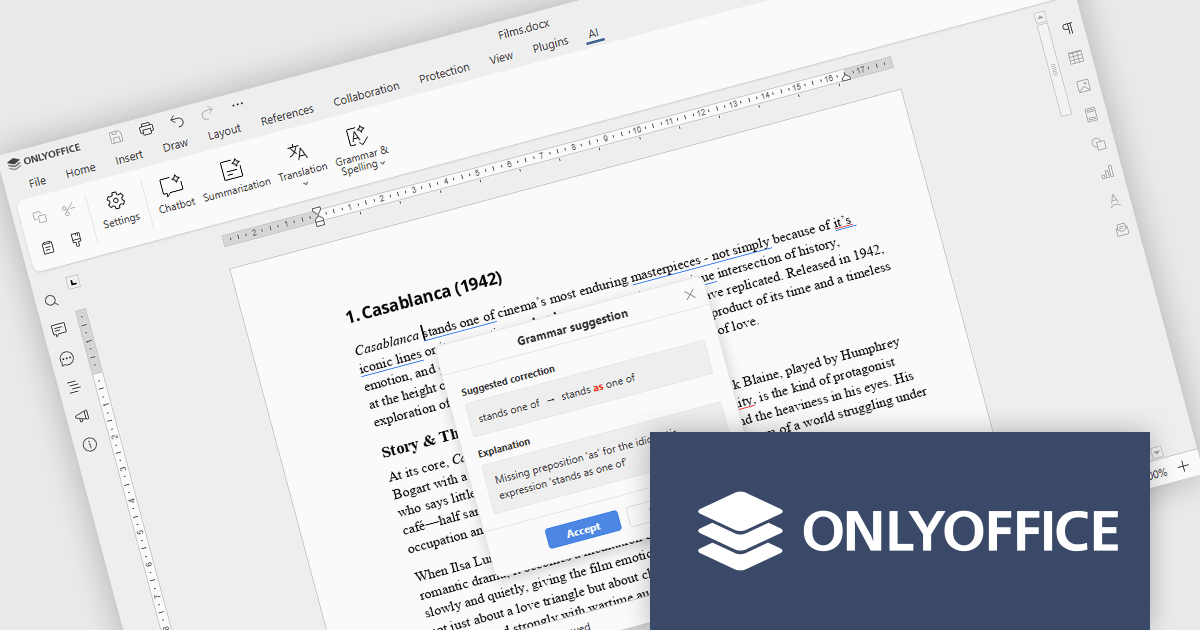
The ONLYOFFICE Docs v9.2 update integrates AI-powered spell and grammar checking, now available directly through the AI plugin, so developers can review and refine documentation without leaving their editing environment. This reduces the time spent on proofreading and eliminates the need to rely on separate tools or browser extensions for basic language quality checks. As a result, development teams can keep their documentation professional and easy to understand while staying focused on implementation, code quality, and delivery timelines.
To see a full list of what's new in v9.2.0, see our release notes.
ONLYOFFICE Docs Developer Edition is licensed by the number of simultaneous document connections and is available as an annual license with 1 year support and upgrades. See our ONLYOFFICE Docs Developer Edition licensing page for full details.
For more information, see our ONLYOFFICE Docs Developer Edition product page.
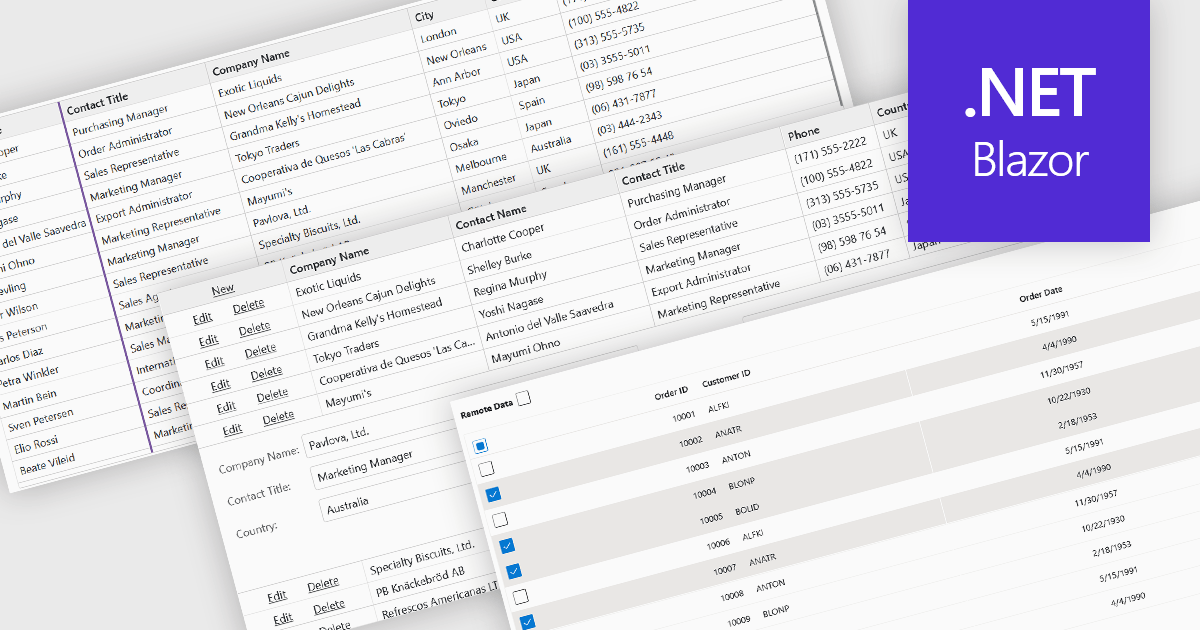
Row and column features form the core of modern grid components, enabling users to view, navigate, and manipulate tabular data efficiently. These capabilities improve usability and help developers present information in a structured, interactive format suited to many types of applications. By offering clear ways to organise, edit, and inspect information, row and column features allow users to work more effectively while maintaining control over how content is displayed.
Common features include:
For an in-depth analysis of features and price, visit our Blazor grid components comparison.





Tel: (888) 850 9911
Fax: +1 770 250 6199


