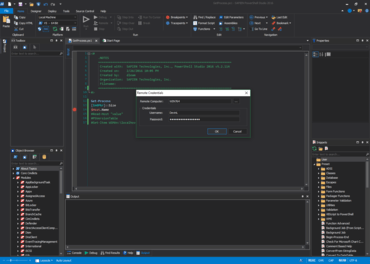
PowerShell Studio 2016 (5.2.124)

Adds high DPI support and scaling.
7월 13, 2016
신규 버전

기능

  • High DPI support
  • High DPI Layout support. The application will auto load the high DPI version of a layout (.HighDPI.layout) depending on the current DPI.
  • Option to enable/disable the document selector window when cycling through document tabs.
  • Generated GUI scripts now scale properly in high DPI environments
  • Control Sets now support high DPI scaling.
  • Label AutoSize property is now enabled by default when the control is added in the designer.

수정사항

  • Productivity Pack applications failed to open when launched from the Ribbon->Tools tab.
  • Installer cropped the product name.
  • Triggering the Custom PrimalSense while the caret is at the beginning of the document causes an exception.
  • PrimalSense was not displaying Workflow parameters.
PowerShell Studio

PowerShell Studio

Scripting Environment를 인터그레이션 하였습니다.

PowerShell Studio 도 구매할 수 있습니다:

궁금한 점이 있으세요?

SAPIEN Technologies 사 제품 라이선스 담당자와 라이브 채팅