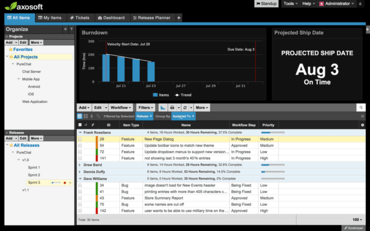
Microsoft Azure AD 로그인을 추가하고 모든 목록 필드를 검색할 수 있도록 합니다.
9월 12, 2016
신규 버전
기능
Microsoft Azure AD login - This is a new “External Login” extension, allowing your team members to login to Axosoft using your company’s Microsoft Azure AD credentials. This saves you the hassle of creating credentials for each individual team member.
Search - All list fields (including multi-select lists) as well as customer and contact fields are now searchable
Source Control Details - Now show commit date, in addition to the time, author, message and file change info.
Quick-add a Sub-project - You can now right click a project and click “Add” to (surprise!) add a sub-project.
수정사항
Non-administrator users editing field templates can now select any user (including placeholders) as the default user.
Fixed an issue where renamed workflow step names wouldn’t display correctly in audit trails.
When searching, the search field properly defaults to ID and Title if the actual selected field doesn’t exist.
When adding a custom text field, the field size defaults to 50.
Search no longer highlights ‘stop words’ (e.g. “and,” “or,” “not”).