Control Helper 기능을 업데이트 하고, PrimalSense 응답 시간을 향상 하였으며, 새로운 Microsoft Office Themes를 제공합니다.
1월 24, 2017
신규 버전
기능
Updated Control Helper Functions - The control helper functions are now PSScriptAnalyzer complaint. To comply with PSScriptAnalyzer’s best practices, the helper functions’ unapproved Load verb has been replaced with the approved Update verb. A number of form templates and control sets have also been updated to reflect these changes.
Updated Editor Font and Coloring Settings Dialog - Added a language selection to the Editor Font and Coloring Settings dialog. The dialog now distinguishes the syntax coloring for a plain text file from a PowerShell file. Now when you save a preset, it will include the settings for all the languages.
New Microsoft Office 2016 Themes - Two new application themes have been added to PowerShell Studio:
Microsoft Office 2016 Colorful
Microsoft Office 2016 Dark
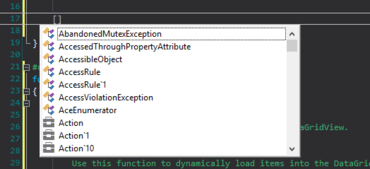
PrimalSense Performance Improvement - The PowerShell Studio’s PrimalSense response time has been improved. You may notice the improvement when triggering PrimalSense for .NET Types or when using general code completion.